
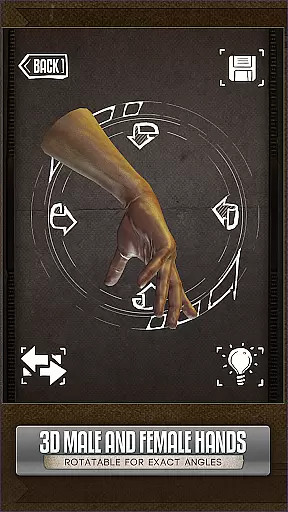
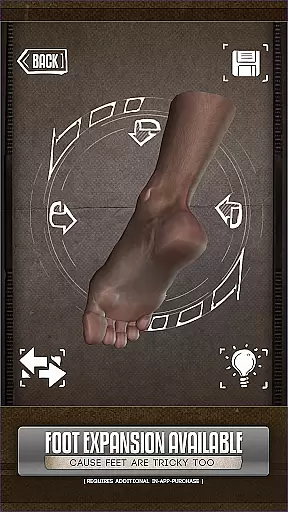
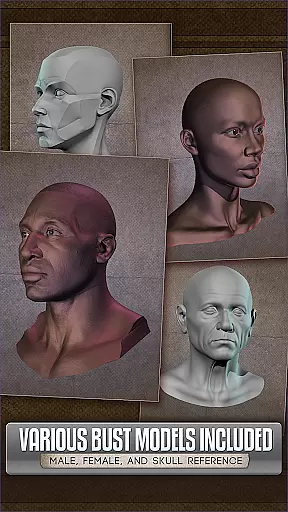
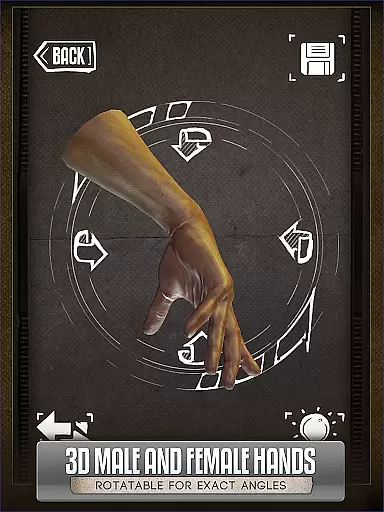
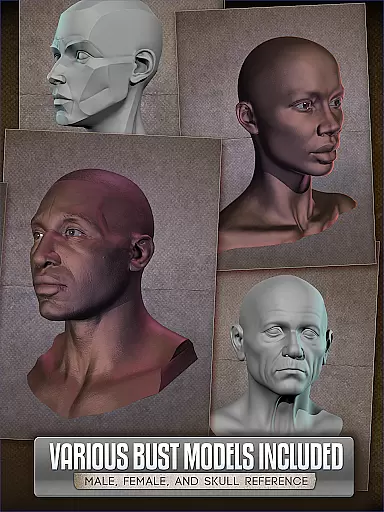
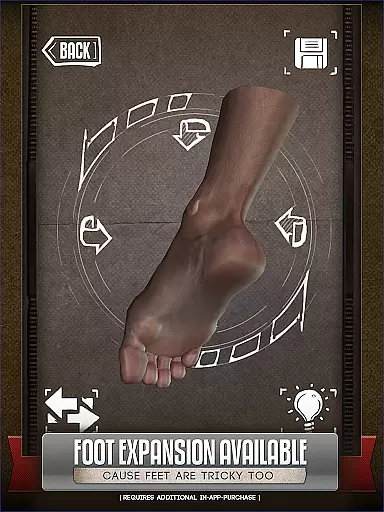
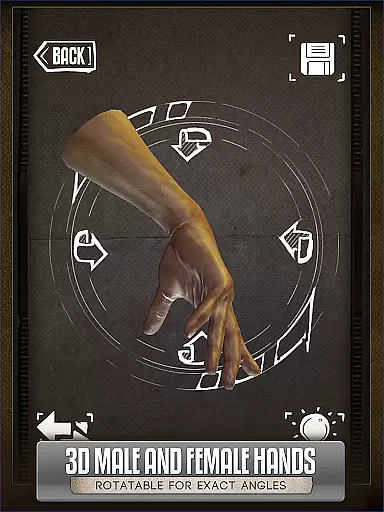
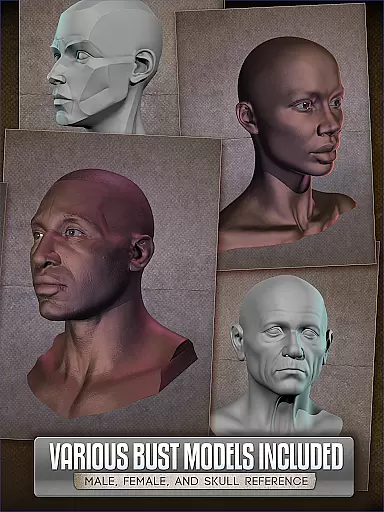
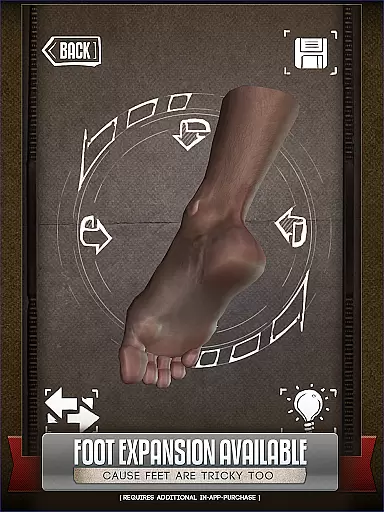
Handy Art Reference Tool is an innovative 3D reference app designed specifically for artists seeking quick and accurate drawing references. The application provides rotatable 3D models of hands, feet, skulls, and animal skulls, making it easier to draw complex poses without needing physical references.
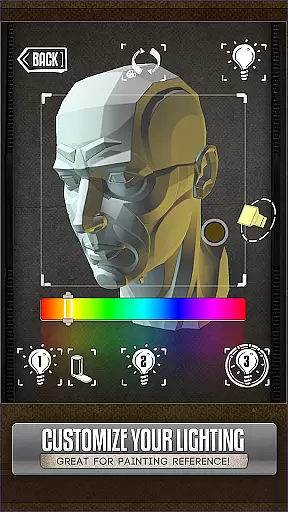
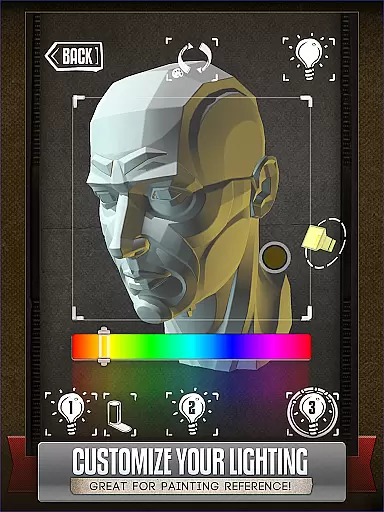
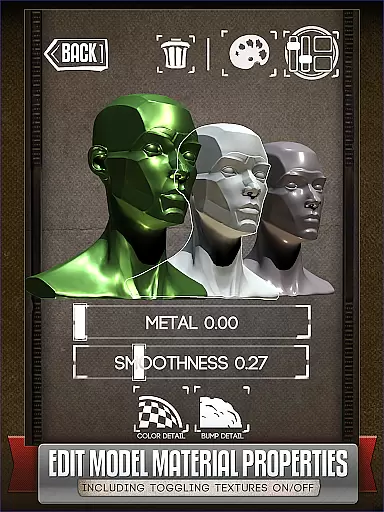
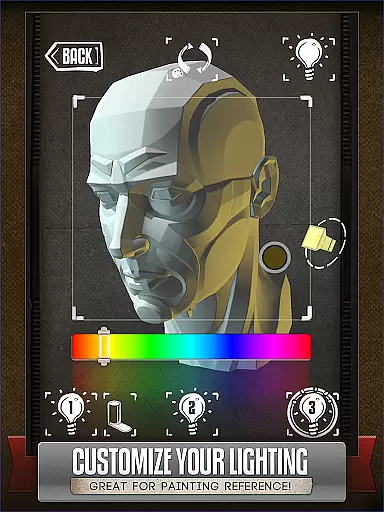
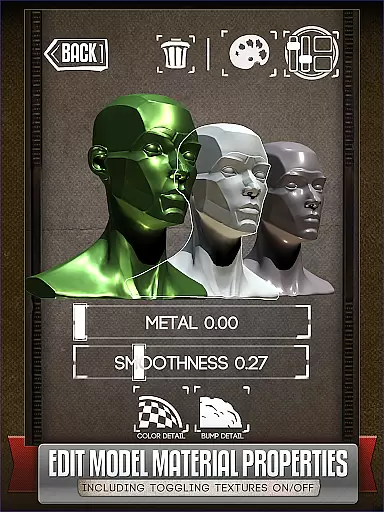
The app stands out with its fully adjustable 3-point lighting system, allowing users to experiment with realistic shadows and lighting angles. With over 10 included head busts and customizable model materials, Handy is perfect for comic book artists, painters, and casual sketchers who need detailed anatomical references for their artwork.
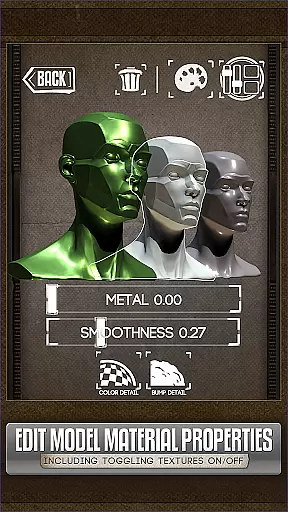
Whether you're working on character design or detailed portraits, this tool offers the flexibility to adjust textures, specularity, and colors of the 3D models. This makes Handy an essential app for artists who want to elevate their creative process while maintaining accuracy in their work.
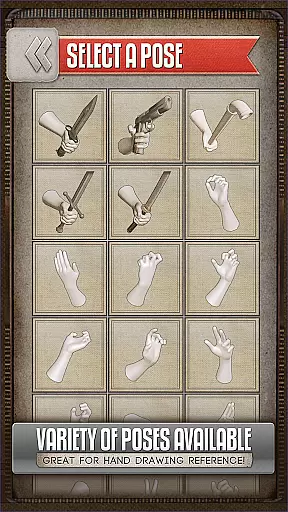
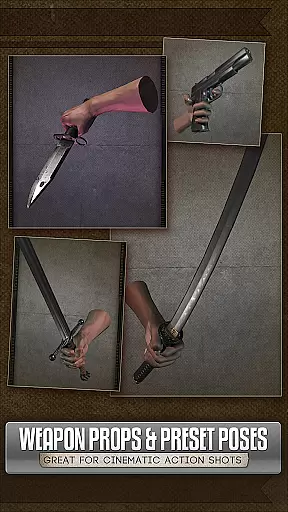
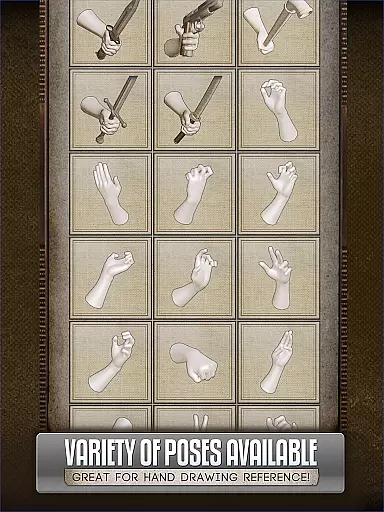
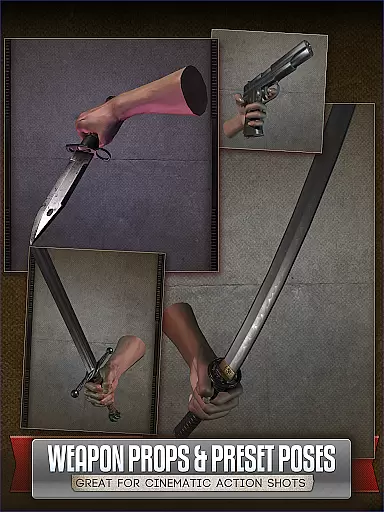
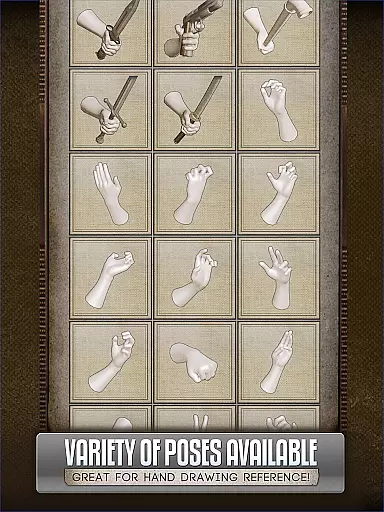
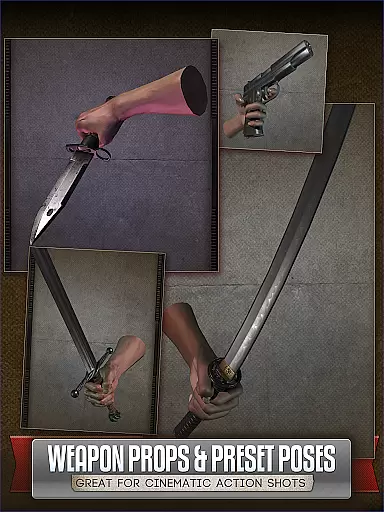
Handy Art Reference Tool offers a comprehensive set of features tailored for artists. One of its standout capabilities is the ability to rotate and customize 3D models of hands, feet, and skulls, providing endless pose possibilities for drawing references. Users can also create and save their custom poses, ensuring they always have access to their preferred positions.
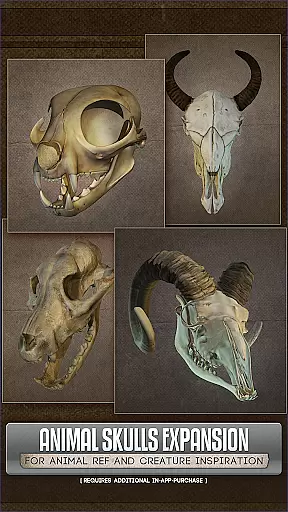
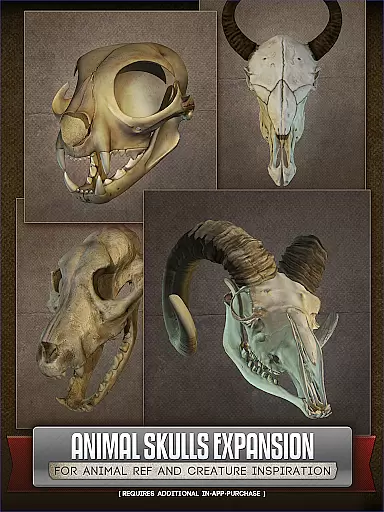
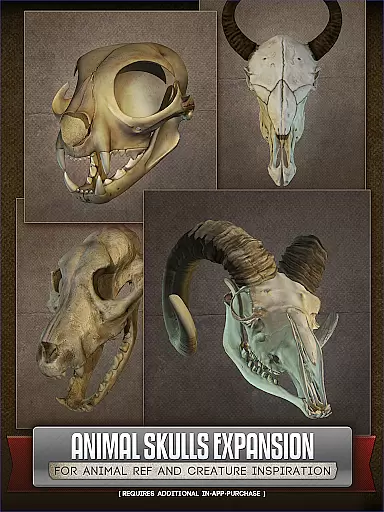
The app includes an advanced 3-point lighting system that allows users to manipulate light sources dynamically. This feature is particularly useful when painting portraits or designing characters, as it helps visualize how shadows fall from different angles. Additionally, the Animal Skulls pack (available via in-app purchase) expands the reference library with over 10 unique species, ideal for creature design and anatomical studies.
With the latest update, Handy v5 now lets users edit model materials by adjusting textures, specularity, and colors. These customization options ensure that artists can tailor the reference material precisely to their project needs, whether they are working on digital art, comics, or traditional sketches.
When it comes to comic creation, having a diverse and extensive library is essential. The Handy Art Reference Tool offers a rich collection of 3D models that serve as references for artists. With over 10 different animal species in the Animal Skulls pack and multiple human limb poses, this app provides a wide array of options.
The application includes several rotatable 3D limbs with various poses useful for drawing hands, feet, and skulls. Artists can also customize and edit their own poses, ensuring that they have unique references for their work. This flexibility allows users to explore different artistic styles and techniques.
Moreover, the app's adjustable 3-point lighting system enables artists to experiment with shadows and highlights. This feature is particularly beneficial when painting or sketching heads from specific angles. By offering these comprehensive tools, Handy supports both realistic and imaginative artwork creation.
Authenticity and proper licensing are crucial factors for any content used in art. The Handy Art Reference Tool ensures that all its 3D models are properly licensed and suitable for artistic use. This assurance allows artists to focus on their creative process without worrying about copyright issues.
Included in the app are more than 10 head busts and numerous limb poses, each carefully crafted and authenticated. These resources provide reliable references for artists who need accurate anatomical details. Additionally, the optional Animal Skulls pack expands the library with legally obtained models from various animal species.
Furthermore, Handy v5 introduces material editing capabilities, allowing users to modify model textures and colors while maintaining content integrity. This enhancement not only adds versatility but also guarantees that all modifications remain within legal usage boundaries. Artists can confidently utilize these features knowing they are working with legitimate and authorized content.
User-friendly interface
Customizable 3D models
Dynamic lighting options
Wide range of poses
Ideal for various art styles
Limited free content
Additional in-app purchases
Steep learning curve
Occasional bugs
High system requirements

Scan comics instantly! Find comic value, price, and key collector details fast.
 4.50
4.50
Dive into creative online comics, short video, graphic novels and web novels!
4.60
Draw the comics with glow brushes! Easy and relax!
4.40
Webtoons, comics, web novels, and e-books are all here! RIDI, my own space to enjoy stories
4.30
Comic Scanner - Book Value - Identify and sell your comic collection with AI.
3.80
Read your favorite mangas for free
4.50
Manga Reader for Comics, Webtoons & Manhwa. Read Mangas, Chat Stories and Novel.
4.30
from HipComic: Value Your Comic Book Collection with Just the Snap of a Photo.
3.80
Crunchyroll Manga—unlimited, uninterrupted reading with offline access & more!
4.50
This application will enable donated users only function in Perfect Viewer.
4.90
The most popular comic book reader.
4.80
Official from Japan
4.80
Find free mangas in Spanish
4.70
Free Comic Book Collection Management & Price Guide
4.60
100k comics, manga & webcomics, including Batman, Invincible, Hellboy & more
4.60
A gathering place for a massive collection of genuine comics.
4.50
The anime tv for fans Sud and Dub
4.20
Read official webcomics, webtoons, Korean manga & webnovels
3.70
Welcome to SnapSaga - your ultimate manga and novel destination!
4.0


User Reviews