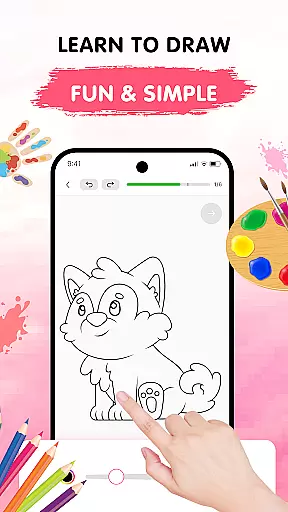
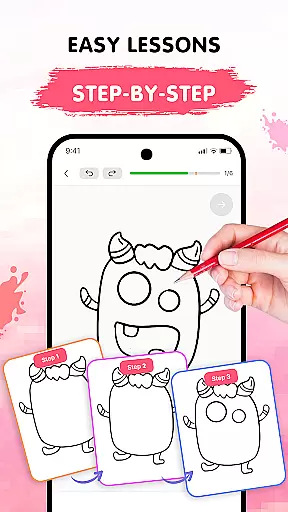
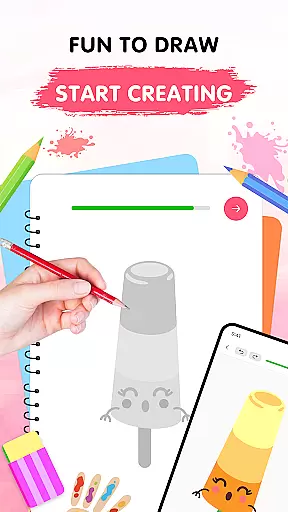
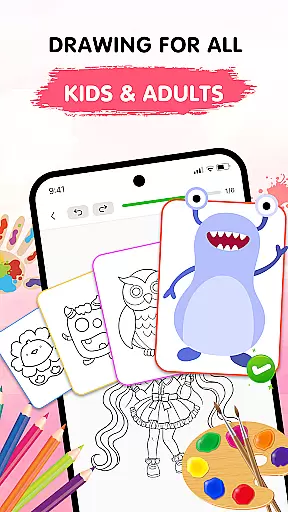
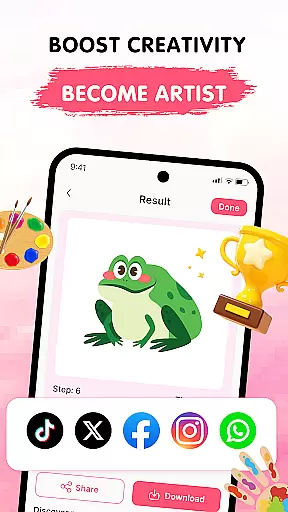
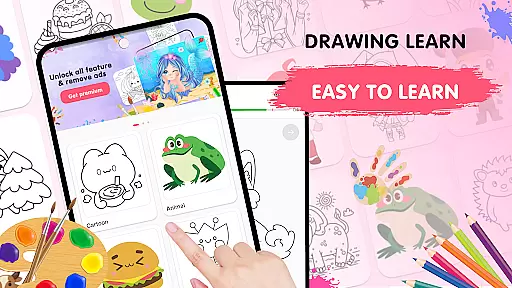
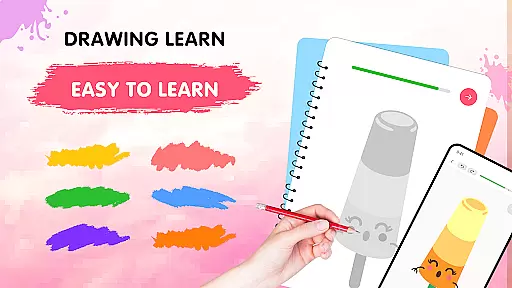
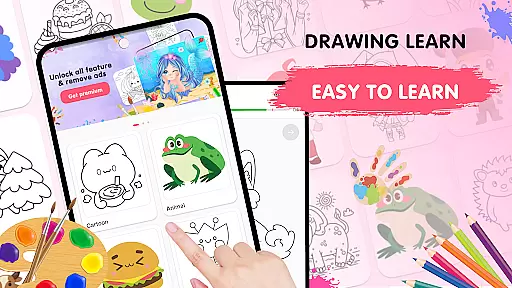
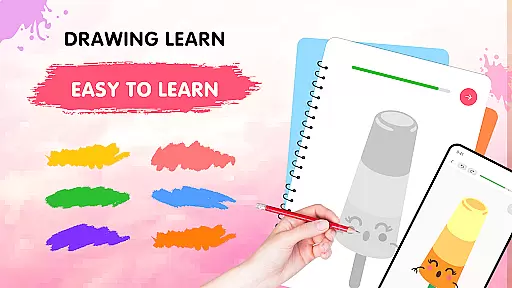
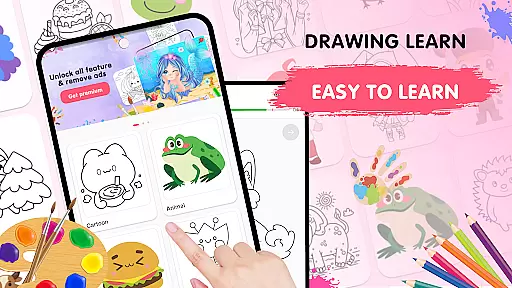
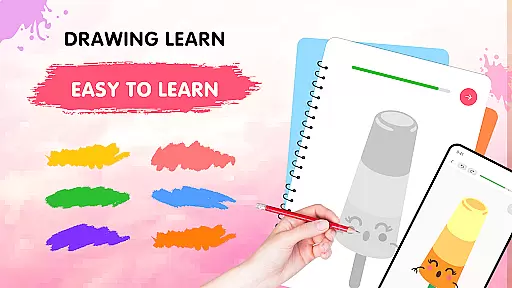
Easy Draw: Learn How to Draw is an innovative educational app designed to help users develop their artistic skills through guided drawing lessons. This comprehensive art tutor offers a step-by-step learning experience suitable for both beginners and experienced artists looking to refine their techniques.
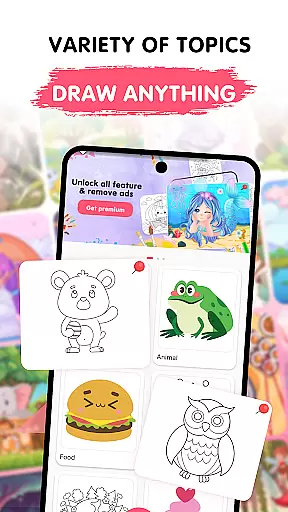
The application features an intuitive interface with clear instructions, making the drawing process both accessible and enjoyable. Users can explore various themes including animals, cartoons, food, and nature while utilizing professional-grade drawing tools. The app's adjustable brush settings, vibrant color palette, and easy-to-use editing functions create an optimal environment for artistic expression and skill development.
Whether you're sketching for relaxation or working to improve your technical abilities, Easy Draw provides a structured yet flexible learning environment that adapts to different skill levels and artistic styles.
Easy Draw distinguishes itself through its comprehensive set of features designed to enhance the learning experience. The app offers a diverse library of drawing tutorials covering multiple themes, each broken down into manageable steps that cater to learners at all levels.
A key strength lies in its sophisticated drawing tools. Users can take advantage of precise brush and eraser size adjustments, unlimited undo/redo capabilities, and a rich color palette for detailed artwork. These professional features are presented in an intuitive interface that maintains simplicity without compromising functionality.
The app's ability to save and export creations adds practical value, allowing artists to build their portfolios and share their progress with others. This combination of structured learning, powerful tools, and sharing capabilities makes Easy Draw a complete solution for artistic development.
In the realm of digital learning, content accuracy is paramount, especially for an educational app like Easy Draw: Learn How to Draw. This application ensures that each drawing lesson is crafted with precision and care, adhering to authentic artistic techniques and principles.
Easy Draw employs a team of experienced artists and educators who meticulously design every tutorial. They break down complex drawing processes into manageable steps, ensuring that users receive clear and accurate guidance throughout their creative journey.
The authority of Easy Draw's content is further reinforced by its structured curriculum, which aligns with established art education standards. Users can trust that they are learning skills that are recognized and valued in both academic and professional art communities.
By prioritizing content accuracy and authority, Easy Draw not only teaches users how to draw but also instills confidence in their artistic abilities, knowing they are learning from reliable and expert sources.
One of the standout features of Easy Draw: Learn How to Draw is its commitment to personalized learning paths, catering to individual preferences and skill levels. The app recognizes that each user has unique interests and starting points, offering a customizable experience that adapts to these needs.
Through a diverse library of themes ranging from animals to environments, users can select lessons that resonate with their personal interests. This variety ensures that learners remain engaged and motivated as they explore subjects that inspire them.
Easy Draw also supports self-paced progression, allowing users to advance through tutorials at a speed that suits their comfort level. With adjustable brush settings and an expressive color palette, learners can fine-tune their tools to match their evolving style and technique.
This tailored approach fosters a deeper connection with the material, empowering users to develop their own artistic voice while building foundational skills. Personalized learning paths in Easy Draw ensure that every user's journey is as unique as their creations.
User-friendly interface
Comprehensive tutorial library
Adjustable drawing tools
Vibrant color options
Free export features
Limited advanced tools
Occasional performance lags
In-app purchases required
Basic sharing options
Learning curve present

Dinosaurs coloring book game. Drawing and painting dinos.
 4.50
4.50
AI Language tutor: Speak fluently with Lucy’s personalized coaching
4.70
Age-Related Child Developmental Milestones
4.80
Practice Casino Roulette Payouts for Table Game Dealers and Croupiers
4.40
Explore the City of the Sun in Augmented Reality
3.70
Prepare for the BCBA / BCaBA exam. Study ABA with the ABA Wizard app.
4.60
Our most popular app series returns, better than ever!
3.90
An aviator’s preparation, study and test tool for FAA Knowledge Exams.
3.80
Reading for kids has never been easier. Learn phonics, letter tracing & more!
4.70
Experience the sky, planet earth and the solar system like never before
4.90
Intuitive Transformer Lab - By a Lineman, For Linemen & Apprentices
4.50
The Fighter Verses Bible memory system helps you memorize God's Word.
4.50
Stack the Countries makes learning world geography fun!
4.50
One of the most engaging and innovative ABC apps on the market.
4.30
Monkey Preschool Lunchbox: 7 exciting educational games for your preschooler.
4.30
Explore numbers the Starfall way!
4.00
An animated storybook app to help ease your child through toilet training.
3.70
Learn and joke with the Silly Turkey!
4.2
Pickleball guide complete with illustrated Pickleball drills and helpful info
4.1


User Reviews