
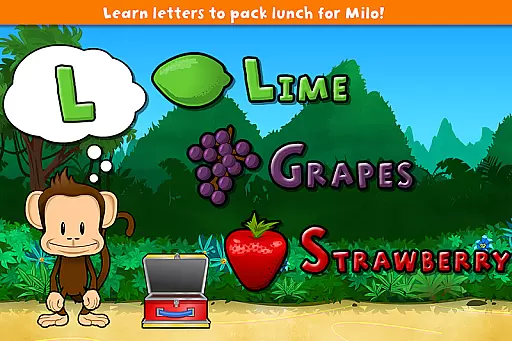
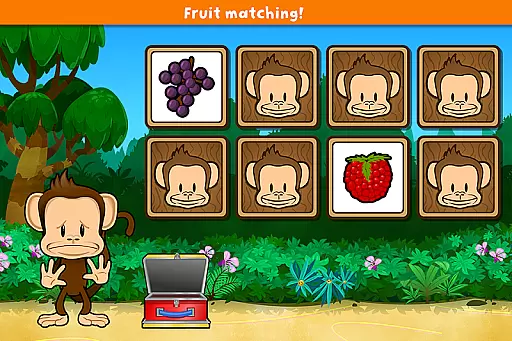
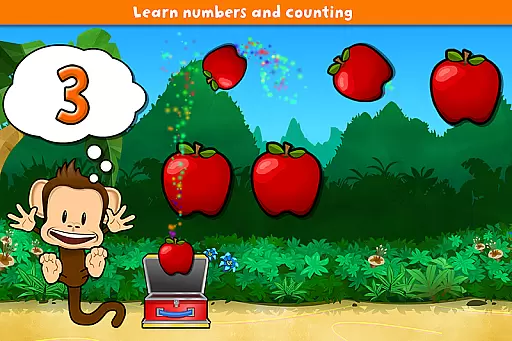
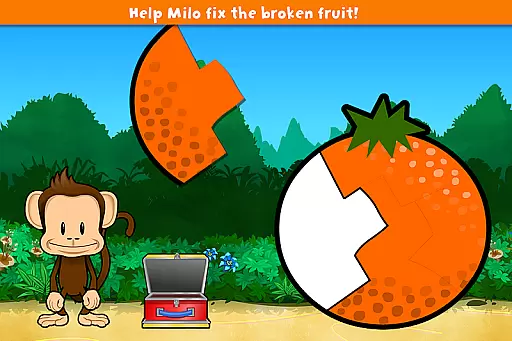
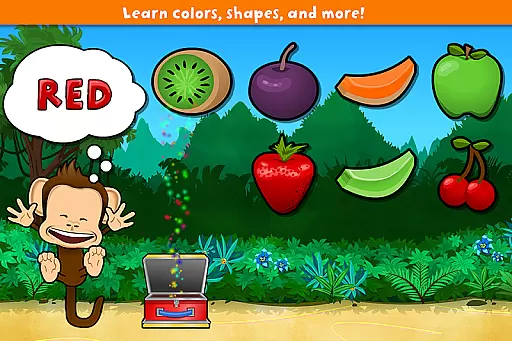
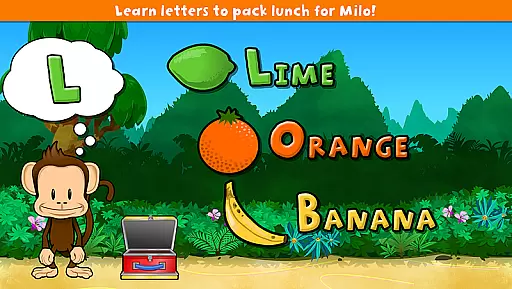
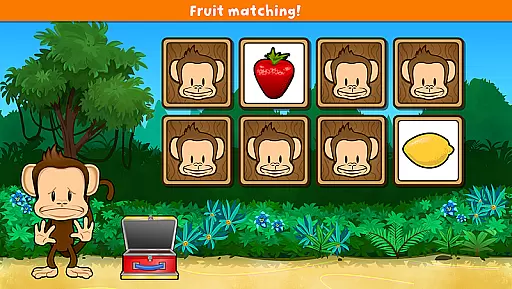
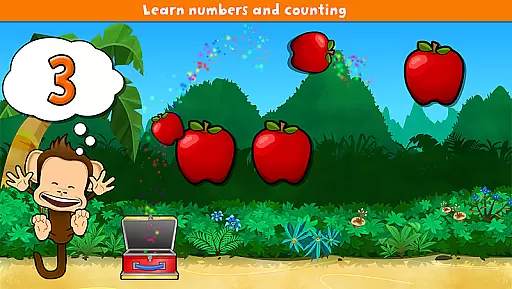
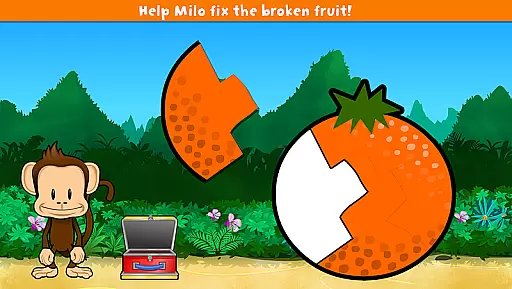
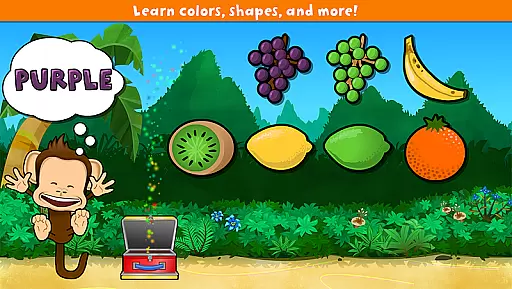
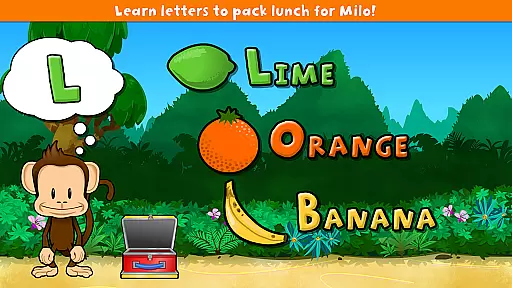
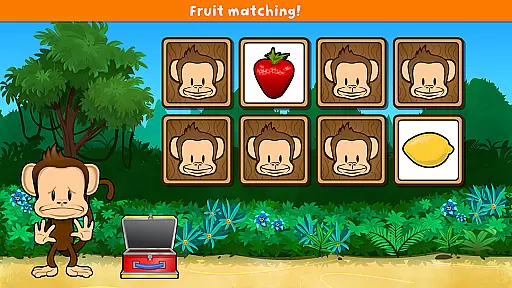
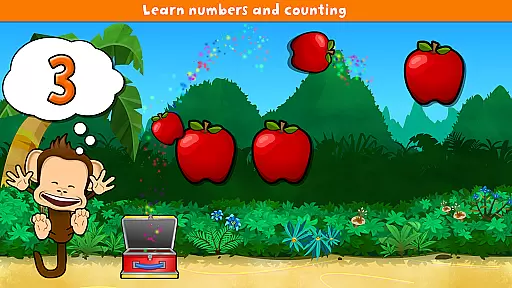
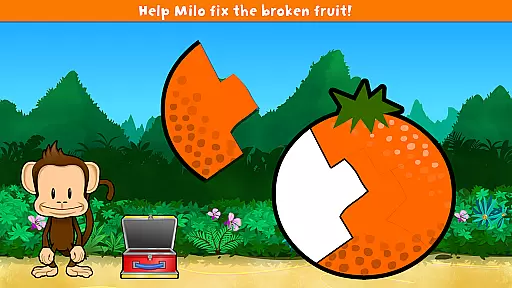
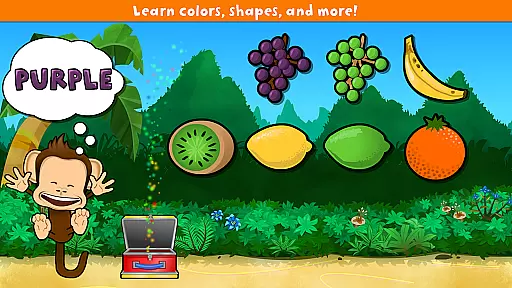
Monkey Preschool Lunchbox is an educational app designed specifically for preschoolers aged 2 to 5. This interactive learning tool offers a suite of 7 engaging games that teach fundamental concepts such as colors, letters, counting, and more. Available in 8 languages including English, French, and Spanish, the app provides a multilingual learning environment that broadens children's horizons.
The app features a delightful animated monkey guide who accompanies children through various activities. With dozens of sound effects and voice recordings, it creates an immersive learning experience. The simple navigation and unlimited play design ensure that young learners can enjoy educational content without frustration. Monkey Preschool Lunchbox represents a safe and enjoyable way for kids to develop essential skills.
Monkey Preschool Lunchbox stands out with its diverse range of educational games. Each of the 7 games focuses on different learning areas such as color recognition, letter identification, and basic counting skills. The inclusion of an animated monkey character adds an element of fun and companionship throughout the learning journey.
The app's audio elements are particularly noteworthy, featuring professional recordings of colors, letters, and fruit names in multiple languages. The unique sticker reward system motivates children by offering animated stickers after every other game they complete successfully. The thoughtful design eliminates complex menus, making it perfectly suitable for its target age group. The unlimited play feature ensures continuous learning without interruptions.
What sets Monkey Preschool Lunchbox apart is its commitment to child-friendly design. The app maintains a completely safe environment without advertisements, social media links, or in-app purchases. This focus on pure educational content makes it an excellent choice for parents seeking a secure digital learning space for their young children.
Monkey Preschool Lunchbox delivers educational content that is both accurate and authoritative, making it a reliable learning tool for young children. The app teaches fundamental concepts such as colors, letters, counting, differences, and matching through seven distinct games, each designed to engage preschoolers in an interactive and enjoyable way.
The inclusion of multiple languages including English, French, German, Portuguese, Spanish, Korean, Chinese, and Japanese ensures that the content is accessible and relevant to a diverse audience. This multilingual approach not only broadens the app's reach but also introduces children to linguistic diversity from an early age.
With dozens of sounds and voice recordings of colors, letters, fruit names, and more, Monkey Preschool Lunchbox provides an auditory learning experience that complements visual and interactive elements. These recordings are clear and precise, ensuring that children receive correct information which is crucial during their formative years.
Furthermore, the app's design avoids any potentially confusing features like complex menus or navigation systems, focusing solely on delivering straightforward educational content. This simplicity helps maintain the integrity of the learning process by eliminating distractions and allowing children to concentrate fully on the lessons at hand.
While Monkey Preschool Lunchbox does not offer traditional personalized learning paths based on individual progress tracking, it creates a unique experience for each child through its varied gameplay and reward system. Each game within the app focuses on different educational aspects such as colors, letters, and counting, allowing children to naturally gravitate towards areas they find most engaging or challenging.
The app's structure encourages exploration and repeated play without imposing strict progression rules. This approach enables children to learn at their own pace and according to their interests, effectively creating a self-directed learning path. The absence of confusing menus or navigation further supports this free-form educational journey.
Animated stickers serve as rewards after every other game won, providing positive reinforcement and motivation for continued engagement. These virtual rewards help build confidence and encourage children to explore additional games within the app, effectively guiding them through various educational topics.
Moreover, the app's unlimited play feature allows seamless transitions between games, maintaining children's interest and momentum. This continuous play model supports sustained learning sessions while still permitting natural breaks when needed, mimicking the flexibility found in effective personalized learning systems.
Engaging educational content
Multilingual support
Child-friendly interface
Professional audio recordings
Secure learning environment
Limited to preschool level
No advanced progress tracking
Basic graphics quality
Fixed game sequence
Offline only experience

AI Language tutor: Speak fluently with Lucy’s personalized coaching
 4.70
4.70
Nighty Night Circus - Bedtime story for kids
4.10
Deal Craps (Practice Craps Payouts)
3.80
Welcome to the Speak Navajo Language Application - Volume 1
4.50
Quiz App to help case managers studying for CCMC Certification, 200+ Questions
3.40
Master note reading with StaffWars….
4.00
Make your own game and world. Draw and animate characters
3.70
Reading for kids has never been easier. Learn phonics, letter tracing & more!
4.70
Adventures await with Spider-Man and other Marvel characters!
4.10
Hebrew Vocab
4.90
Age-Related Child Developmental Milestones
4.80
Childcare Management App: Daily sheets, sign in-out, billing and learning tools
4.70
Stack the States makes learning about the 50 states fun!
4.70
Turn scrolling hours into improving your knowledge, communication, intelligence
4.50
The Only Official DVSA Theory Test Kit App
4.50
Astronomy app ? Discover the universe scope, explore solar system model in 3D.
4.20
Learn to make peaceful contact with extraterrestrial civilizations
4.10
An aviator’s preparation, study and test tool for FAA Knowledge Exams.
3.90
Visit Daniel's house & make believe. Play doctor, make music, & feed fish.
3.20


User Reviews