
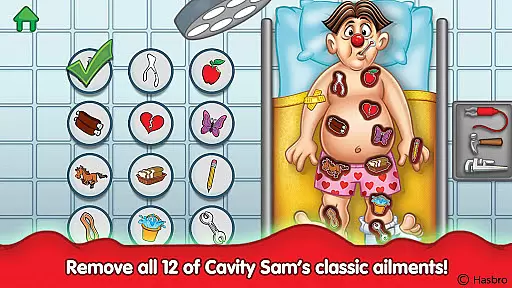
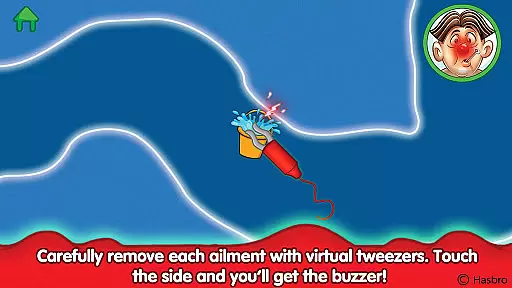
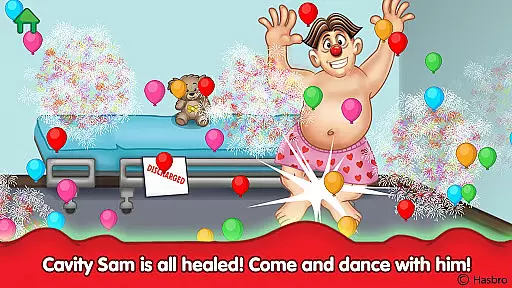
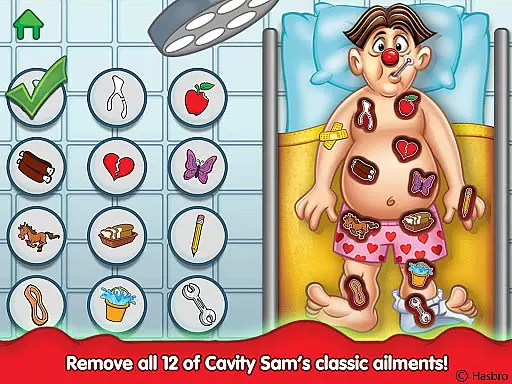
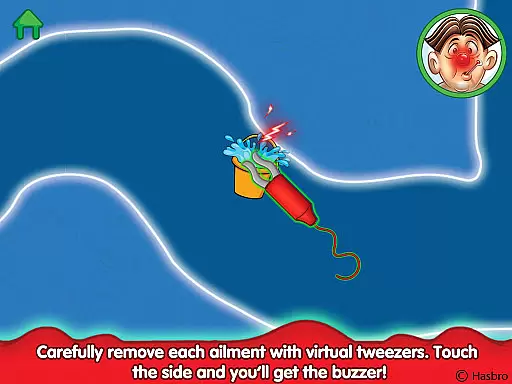
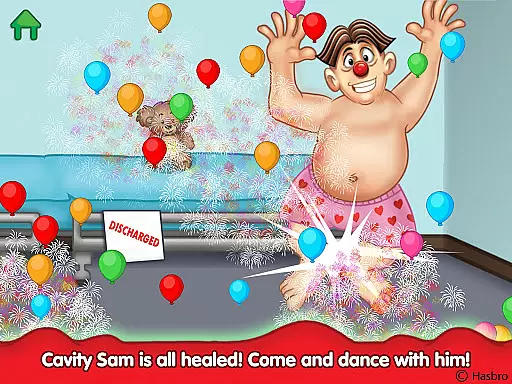
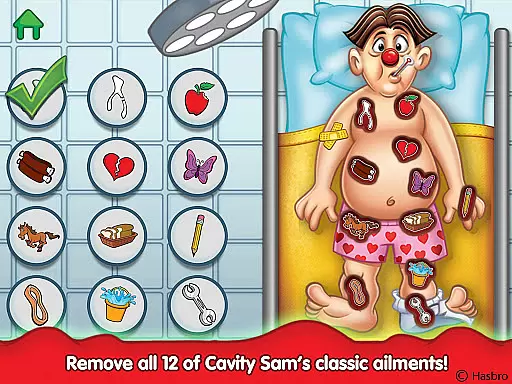
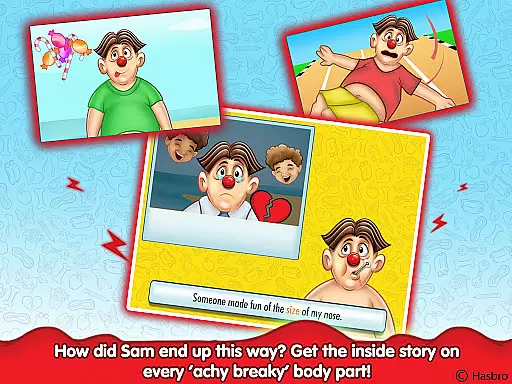
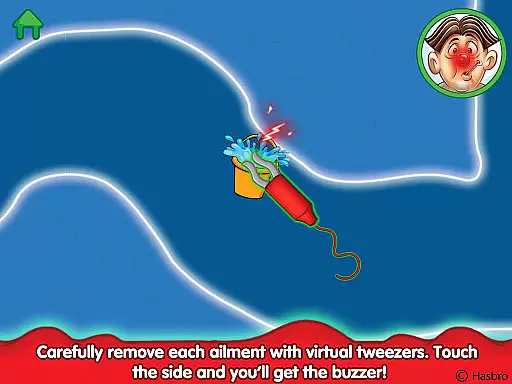
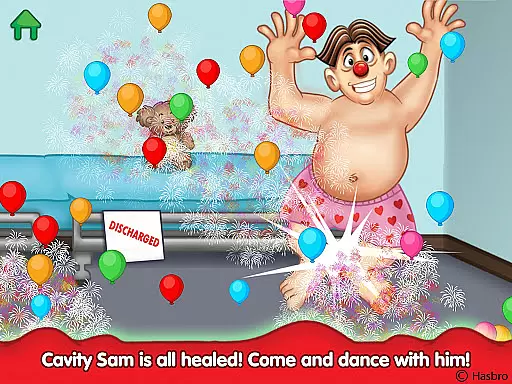
Operation is an engaging educational app that brings Hasbro's classic board game to life. Designed for children, the app tests hand-eye coordination and fine motor skills through interactive surgical challenges. Kids use virtual tweezers to carefully remove twelve classic ailments from Cavity Sam, experiencing tactile feedback when mistakes are made.
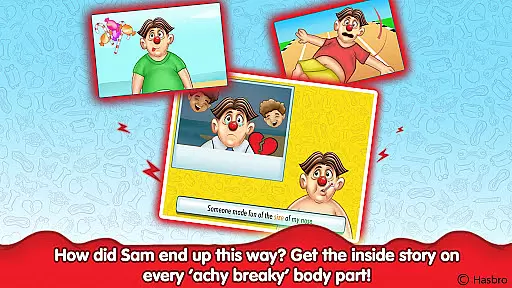
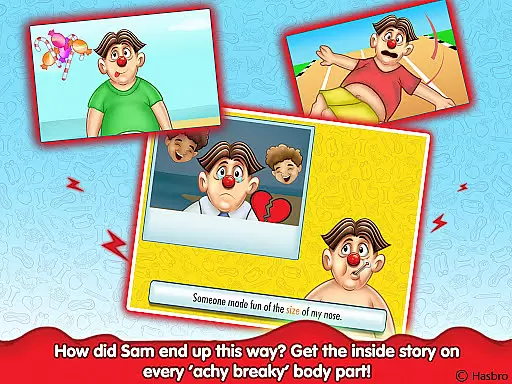
Beyond the core gameplay, Operation delivers an educational experience by introducing entertaining short stories behind each ailment. Through fun rhyming narratives and 'read along' medical files, children learn about different health conditions while practicing their motor skills. The app also includes valuable lessons that promote healthy habits, making it both entertaining and instructive.
This digital adaptation maintains all the tension and excitement of the original game while adding modern interactive elements. With beautiful animations, vibrating feedback, and multiple ways to help Cavity Sam, Operation creates an immersive learning environment that combines classic play with contemporary educational methods.
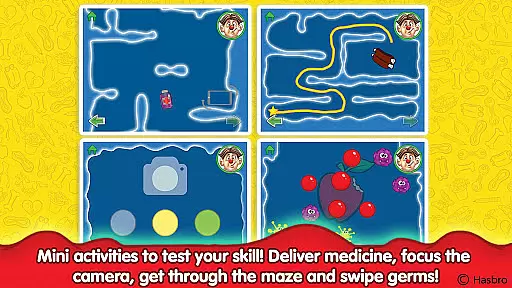
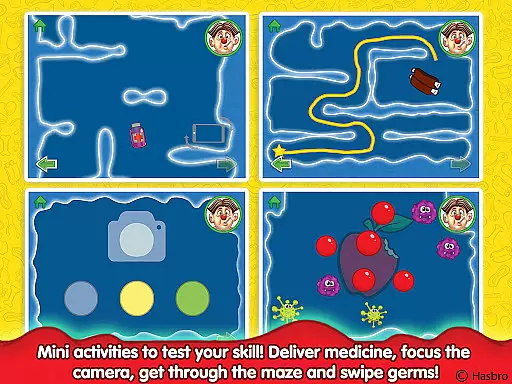
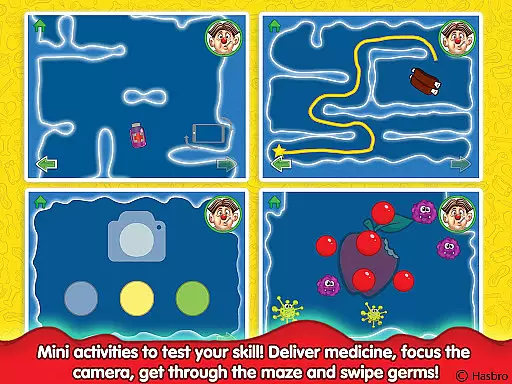
The Operation app offers a comprehensive set of features that enhance the traditional board game experience. It includes all twelve classic ailments such as Charlie Horse and Butterflies in the Stomach, each requiring precise virtual tweezer work. The app incorporates various interactive elements like mazes to navigate Cavity Sam's body and surgical cameras to locate issues.
Additional features include medicine delivery through device tilting, germ elimination via swiping actions, and detailed animations bringing Cavity Sam to life. Each successful operation reveals educational content explaining the condition and its prevention, promoting health awareness among young players.
The app maintains the familiar buzzer mechanism while adding modern touches. Beautiful graphics and responsive feedback create an immersive environment where children can develop their motor skills while learning valuable health lessons. These combined elements make Operation both entertaining and educational.
In the realm of educational apps, content accuracy is paramount, and Operation delivers this with precision. The app meticulously recreates the classic OPERATION board game experience while infusing educational narratives that align with its interactive activities. Each ailment, from 'Charlie Horse' to 'Butterflies in the Stomach,' is presented with a fun rhyming narrative that not only entertains but also educates young users about common health issues.
The app's dedication to authenticity shines through its detailed descriptions and 'read along' medical files. These files provide emerging readers with engaging stories behind Cavity Samu2019s aches and pains, ensuring that every piece of information is both accurate and age-appropriate. By incorporating real-life lessons learned, the app equips children with practical knowledge they can apply to maintain their health.
Furthermore, the integration of a surgical camera feature allows kids to focus on diagnosing and treating ailments accurately. This hands-on approach fosters an understanding of medical procedures in a light-hearted manner, reinforcing the importance of precision and care in real-world applications. Such features ensure that children are not merely playing but learning valuable skills underpinned by authoritative content.
Operation sets itself apart by offering personalized learning paths that cater to individual user needs. Through its twelve entertaining short tales, each associated with a specific ailment, the app provides a unique narrative-driven journey. These tales adapt to the childu2019s interaction, allowing them to explore and learn at their own pace, thus creating a customized educational experience.
The app employs an intuitive maze navigation system where kids must carefully maneuver through Cavity Samu2019s body to identify and treat various conditions. This activity hones fine motor skills and hand-eye coordination, adapting the challenge level based on the useru2019s proficiency. As children improve, they encounter more complex tasks, ensuring continuous skill development tailored to their progress.
Additionally, Operation incorporates diverse gameplay mechanics such as tilting the device to deliver medicines or swiping to eliminate germs. These varied interactions keep the learning process dynamic and engaging, preventing monotony and encouraging repeated play. By blending traditional 'tweezer' play with innovative digital elements, the app crafts a personalized learning path that evolves with the childu2019s growing abilities, making education both effective and enjoyable.
Engaging gameplay
Educational value
Interactive features
Classic nostalgia
Health awareness
Simple graphics
Limited replay
Occasional bugs
Ads present
Premium cost

Grazing Risk Monitoring Service
 4.4
4.4
Learn and joke with the Silly Turkey!
4.1
AI Language tutor: Speak fluently with Lucy’s personalized coaching
4.70
Practice Casino Roulette Payouts for Table Game Dealers and Croupiers
4.40
Pass your FAA written with flying colors - Study Buddy can help.
4.30
Intuitive Transformer Lab - By a Lineman, For Linemen & Apprentices
4.50
Explore the City of the Sun in Augmented Reality
3.70
Enrich the experience of your visit to the Pantheon with our audiotour.
1.60
SkyView®, an augmented reality space app, brings stargazing to everyone!
4.40
Learn Japanese in an immersive educational game set in Japan!
4.90
Discover Your Place in the Universe
4.70
The Only Official DVSA Theory Test Kit App
4.50
An interactive enhancement of the Sesame Street classic.
4.50
Stack the Countries makes learning world geography fun!
4.50
The "Go To" app for Airmen studying for promotion to SSgt and TSgt
4.30
An aviator’s preparation, study and test tool for FAA Knowledge Exams.
3.90
A must-have app for mastering Japanese verb/adjective conjugations.
3.60
Study the questions most likely to be asked during the Oral & Practical Exams.
2.80
A collection of favorite stories from Daniel Tiger's Neighborhood
2.00


User Reviews