
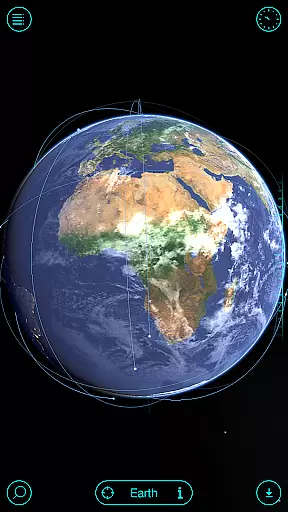
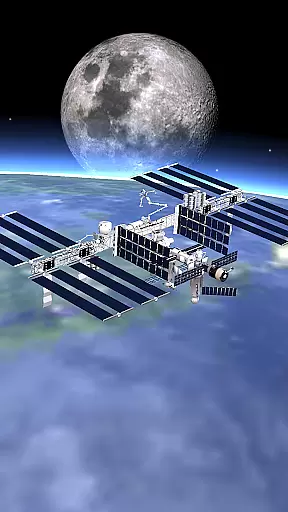
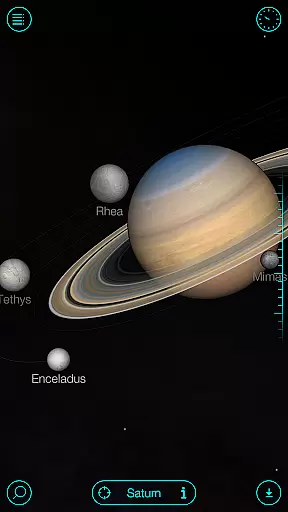
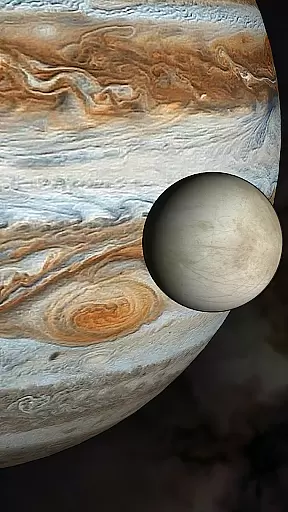
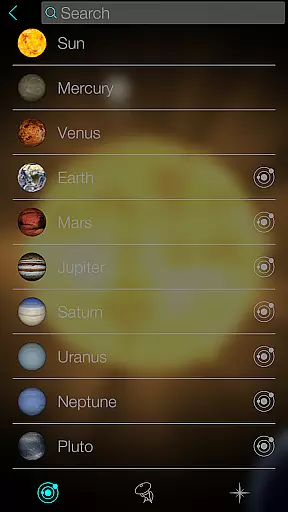
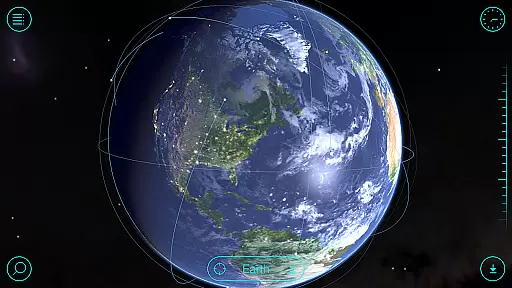
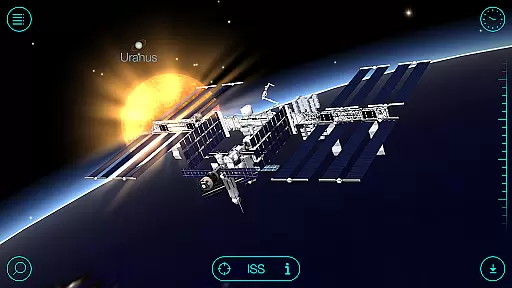
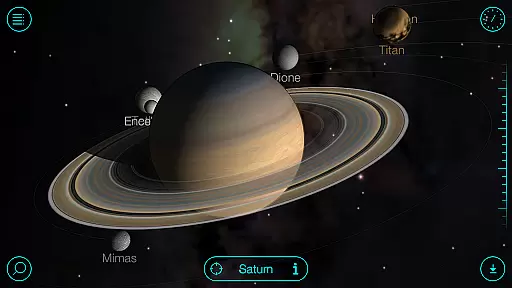
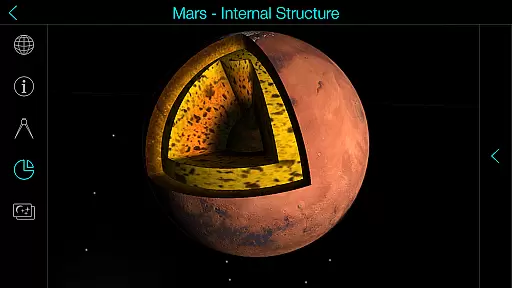
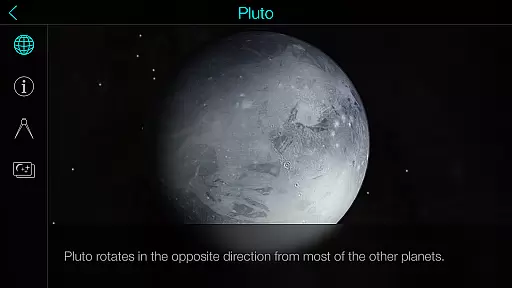
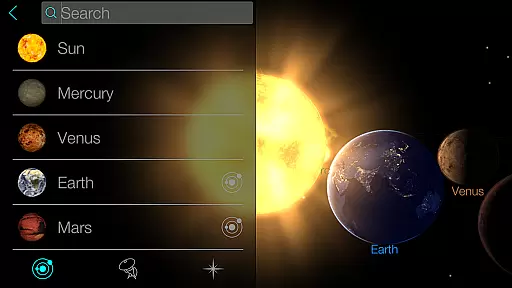
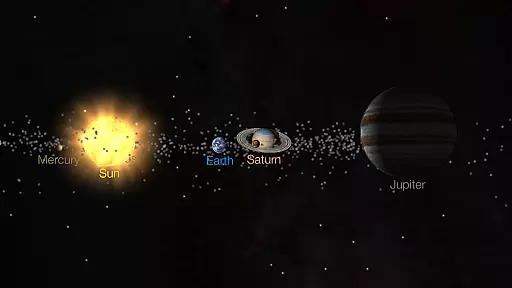
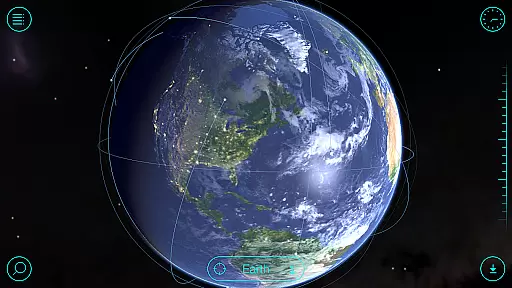
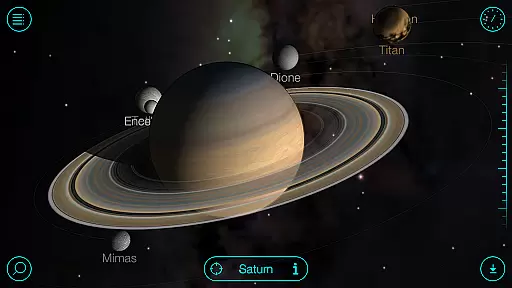
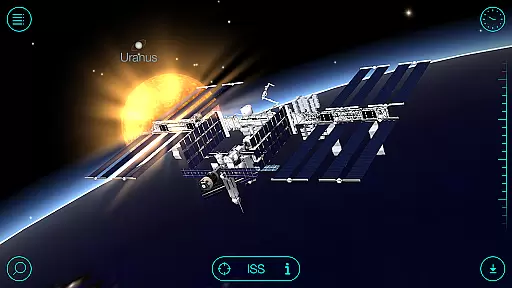
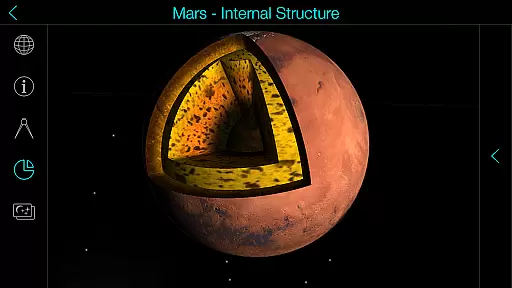
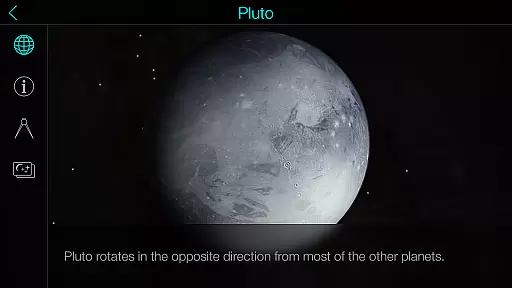
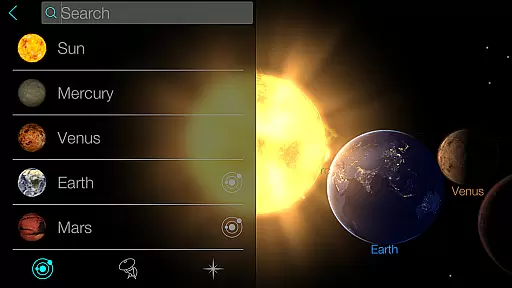
Solar Walk is an educational 3D planetarium app that brings the universe to your fingertips. This interactive tool allows users to explore planets, moons, satellites, comets, and spacecraft in real-time, making it a perfect companion for astronomy enthusiasts. The app provides detailed information about celestial bodies, including their orbits, rotations, and historical data.
One of the standout features of Solar Walk is its ability to let users travel through time to see how the solar system looked at any given point in history or might look in the future. With stunning graphics and accurate models, this app serves as a portable planetarium, offering a rich learning experience for all ages. Whether you're a student, teacher, or just curious about space, Solar Walk offers valuable insights into our solar system.
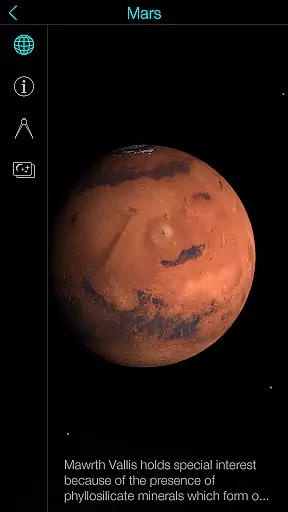
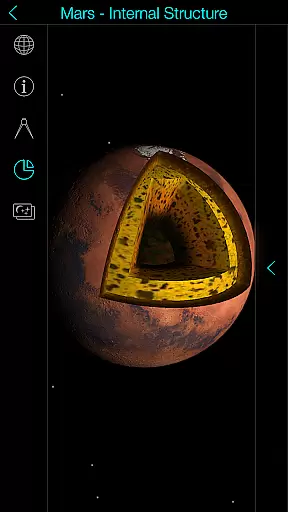
Solar Walk stands out with its comprehensive set of features designed to enhance the user's understanding of the cosmos. The app includes high-quality 3D models of planets and spacecraft, providing an immersive experience. Users can interact with these models, zooming in for closer inspection or rotating them to view from different angles.
The app also offers educational movies that cover various topics such as moon phases, Earth cycles, and tidal phenomena. These videos make complex astronomical concepts easier to grasp. Additionally, Solar Walk supports anaglyph 3D mode, allowing users to enjoy a stereoscopic view of the solar system using special glasses. This feature adds another layer of realism to the virtual exploration experience.
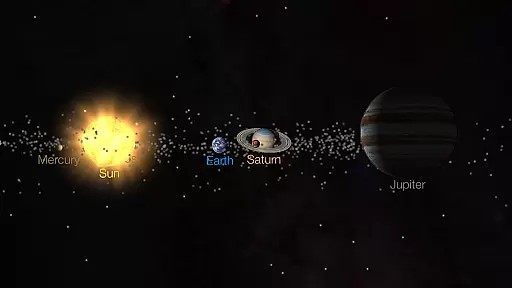
Another notable aspect is the ability to share interesting screenshots and switch between different viewing modes (orrery/true-to-scale). These functionalities ensure that users can customize their learning journey according to their preferences, making Solar Walk not only informative but also highly engaging.
In the realm of educational applications, content accuracy is paramount for effective learning. Solar Walk offers a comprehensive and meticulously researched 3D model of our solar system. This planetarium app provides an interactive platform where users can explore planets, moons, satellites, comets, and spacecraft with confidence in the integrity of the information provided.
The application's dedication to factual correctness ensures that each celestial body is depicted with precise details and movements, reflecting current astronomical data. Users can select any space object and access detailed information and astronomy facts curated from reliable sources. This commitment to authoritative content makes Solar Walk an indispensable tool for both amateur stargazers and serious astronomy students.
Moreover, Solar Walk enhances its accurate portrayal of the universe with high-quality graphics and visual effects. As users navigate through the solar system, they are treated to stunning visuals that make learning about astronomy not only informative but also visually captivating. The app's ability to combine rigorous scientific data with engaging presentation sets it apart as a premier educational resource.
Solar Walk stands out in the Education category by offering personalized learning paths tailored to individual user interests and pace. The app allows learners to choose their own journeys through the vast realms of space, focusing on what fascinates them most, whether it be exploring specific planets or understanding complex astronomical phenomena.
With features like time travel, users can witness the state of the universe at different historical points, providing a customized experience that adapts to various learning styles. Educational movies covering topics such as moon phases, Earth's cycles, and constellations further enrich this tailored approach, allowing users to gain deeper insights into subjects they are curious about.*
Additionally, Solar Walk supports multiple view modes, including orrery and true-to-scale options, enabling users to adjust their exploration style according to personal preference. By facilitating virtual flights between celestial bodies and sharing exciting screenshots with peers, the app fosters an interactive and social dimension to personalized education. These adaptive functionalities ensure that every useru2019s journey through space is unique and aligned with their educational goals.
User-friendly interface
Accurate 3D models
Educational content
Time travel feature
Engaging visuals
Some features require In-App Purchases
Limited offline functionality
Heavy on device resources
Occasional performance lags
Complex for young children

Turn scrolling hours into improving your knowledge, communication, intelligence
 4.50
4.50
Learning the ancient Viking language made simple
4.70
Turns you phone or tablet into TI graphing calculator (ROM required).
4.20
Study the questions most likely to be asked during the Oral & Practical Exams.
2.80
Pickleball guide complete with illustrated Pickleball drills and helpful info
4.3
An interactive enhancement of the Sesame Street classic.
4.50
An aviator’s preparation, study and test tool for FAA Knowledge Exams.
4.00
Learn to make peaceful contact with extraterrestrial civilizations
4.10
A fast and fun way to learn guitar - works with any guitar.
4.60
Explore myths and gods across cultures with in-depth insights and stories.
5.00
Age-Related Child Developmental Milestones
4.80
Practice Casino Roulette Payouts for Table Game Dealers and Croupiers
4.40
THE ESTABLISHED "GO TO" ARMY BOARD PREPARATION APP!
4.30
The "Go To" app for Airmen studying for promotion to SSgt and TSgt
4.30
Nighty Night Circus - Bedtime story for kids
4.10
Break Language Barriers with AI—Learn Language Anytime, Anywhere!
4.00
A must-have app for mastering Japanese verb/adjective conjugations.
3.60
THE MOST COMPREHENSIVE JUMPMASTER STUDY RESOURCE AVAILABLE.
3.40
Grazing Risk Monitoring Service
4.2


User Reviews