
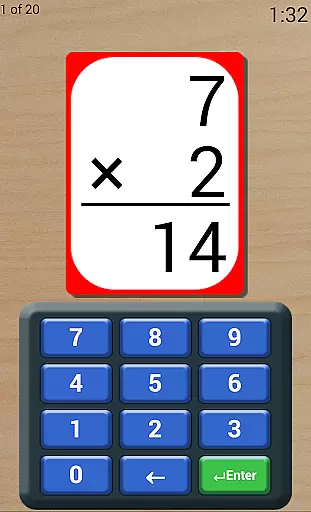
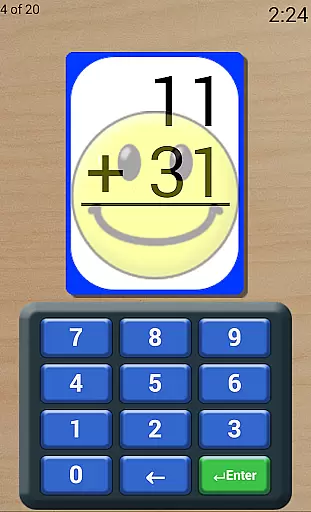
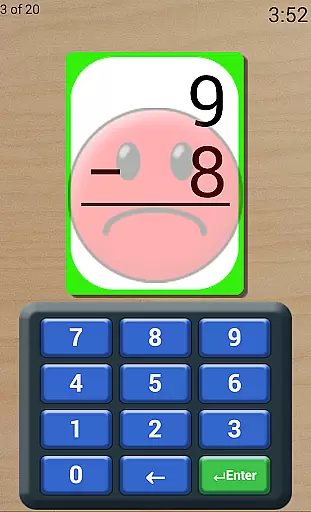
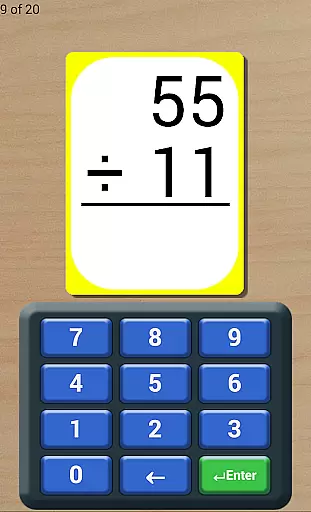
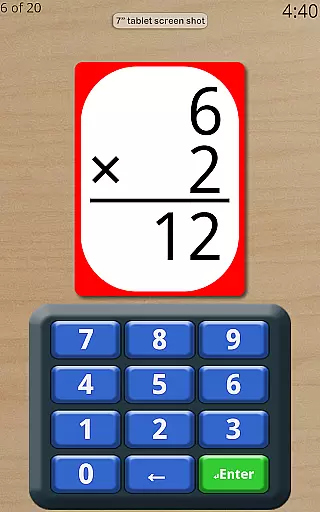
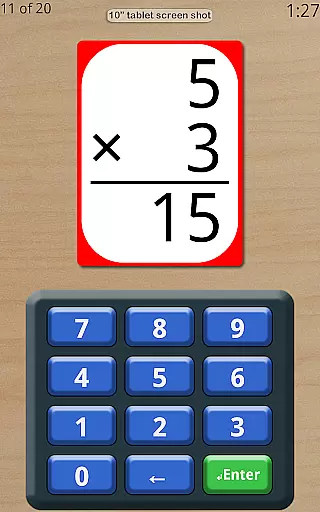
Math Flash Cards is an educational app designed to help children enhance their basic math skills through interactive flashcards. The app focuses on four core operations: addition, subtraction, multiplication, and division. With customizable number ranges and various modes such as adjustable timers and order preferences, it creates a dynamic learning environment suitable for different age groups and skill levels.
One of the key highlights of Math Flash Cards is its ability to simulate test-like conditions with a countdown timer, helping students adapt to exam settings. Additionally, features like repeated missed cards, three try attempts, and friendly voice feedback ensure that learning remains engaging and encouraging. This app is perfect for young learners who want to improve their calculation speed and accuracy while having fun.
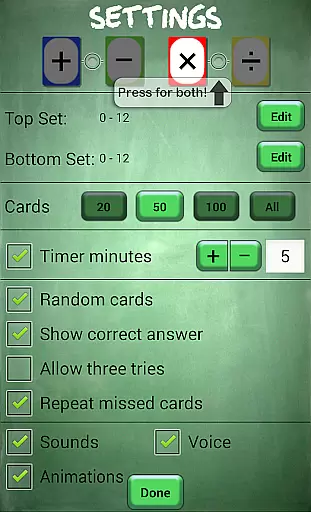
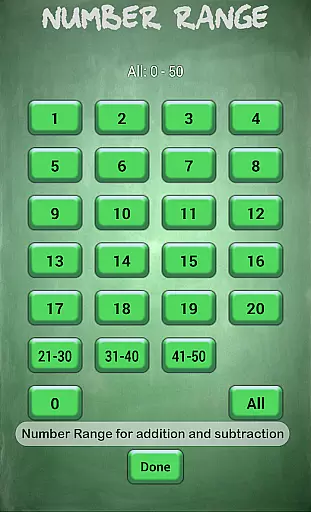
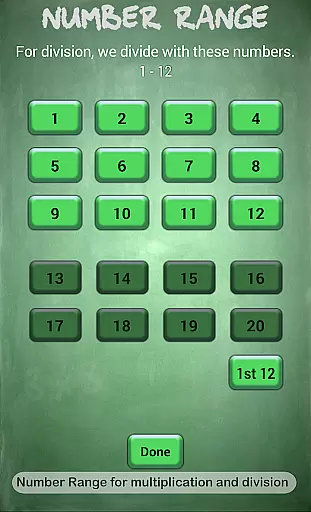
Math Flash Cards offers a comprehensive set of features that cater to personalized learning experiences. Users can edit top and bottom number ranges, with specific limits for different operations—0 to 50 for addition and subtraction, and 0 to 20 for multiplication and division. The option to select two math operations together allows for more complex practice sessions, enhancing the user's problem-solving abilities.
The app also includes several unique functionalities such as an adjustable countdown timer, which helps in practicing under timed conditions. Learners can choose between sequential or random card orders based on their memorization needs. Moreover, options like showing correct answers when wrong, allowing three tries, and reviewing missed cards at the end promote better retention and understanding. These features collectively contribute to a well-rounded educational tool.
Math Flash Cards provides a reliable educational tool for children to practice essential math skills. The app covers fundamental operations including addition, subtraction, multiplication, and division, ensuring that the content aligns with basic arithmetic principles.
With customizable number ranges and the ability to select specific math operations, the app allows tailored practice sessions. For example, users can set ranges from 0 to 50 for addition and subtraction and 0 to 20 for multiplication and division, which ensures age-appropriate and skill-level appropriate exercises.
The inclusion of adjustable countdown timers and options for ordered or random card presentation enhances test-like conditions, promoting better time management and recall abilities. These features help simulate real-life testing environments, making it an authoritative tool for math practice.
One of Math Flash Cards' standout features is its ability to create personalized learning experiences. By allowing users to customize top and bottom number ranges, the app caters to individual learning curves, providing a more effective practice platform.
The option to enable repeated missed cards for review at the end of a session fosters a personalized learning path by focusing on areas that need improvement. Additionally, features like showing the correct answer if wrong and allowing three tries ensure that learners receive immediate feedback, enhancing their understanding.
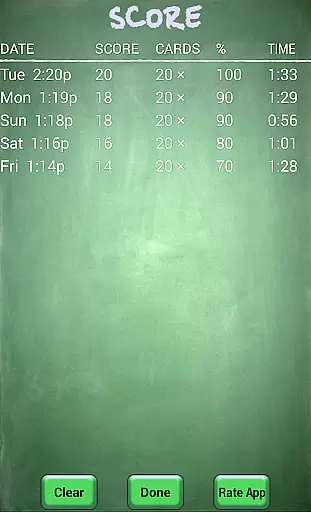
Moreover, the friendly and encouraging voice within the app motivates children, creating a positive learning environment. This supportive feedback, combined with the scores list to track progress, helps tailor ongoing learning strategies based on past performance, ensuring continuous improvement.
User-friendly interface
Customizable difficulty levels
Encouraging feedback system
Comprehensive performance tracking
Engaging learning environment
Limited to basic math operations
No advanced mathematical concepts
Premium version may be costly
Design could be more visually appealing
Occasional voice recognition issues

Test prep for Indiana students
 4.0
4.0
Turns you phone or tablet into TI graphing calculator (ROM required).
4.20
Astronomy Guide to the Night Sky
4.40
Age-Related Child Developmental Milestones
4.80
The Fighter Verses Bible memory system helps you memorize God's Word.
4.50
Prepare for the BCBA / BCaBA exam. Study ABA with the ABA Wizard app.
4.60
Discover Your Place in the Universe
4.70
A realistic sky map to observe stars, planets, satellites and constellations!
4.80
Adventures await with Spider-Man and other Marvel characters!
4.10
Explore myths and gods across cultures with in-depth insights and stories.
5.00
Hebrew Vocab
4.90
Short Lessons for Better Finances, Health, Skills, Jobs & Relationships.
4.80
Engage in learning science and math with the award-winning PhET simulations!
4.70
Learn & Speak New Languages
4.70
Turn scrolling hours into improving your knowledge, communication, intelligence
4.50
The Only Official DVSA Theory Test Kit App
4.50
Nighty Night Circus - Bedtime story for kids
4.10
FAR/AIM, FAR for Flight Crew and FAR for Aviation Maintenance Technicians
3.80
A 2024 digital study guide for the Expert Infantryman and Expert Soldier's Badge
4.2


User Reviews