
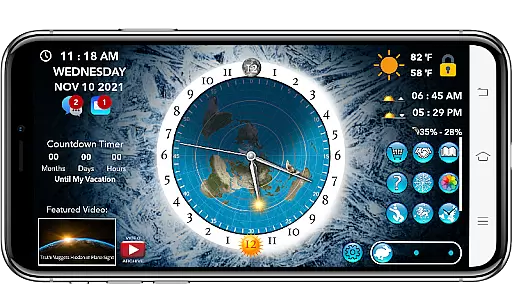
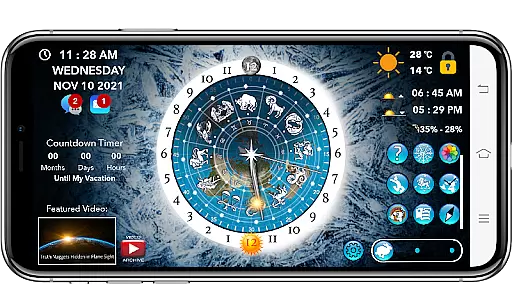
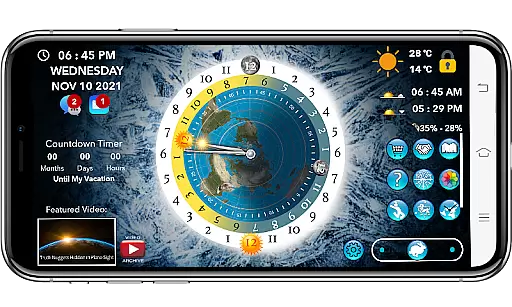
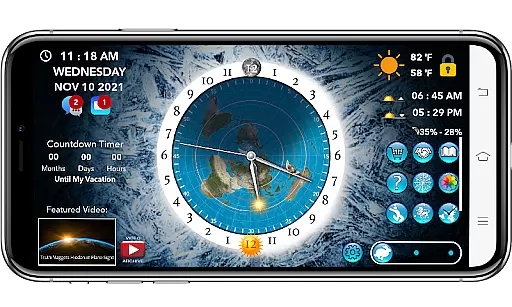
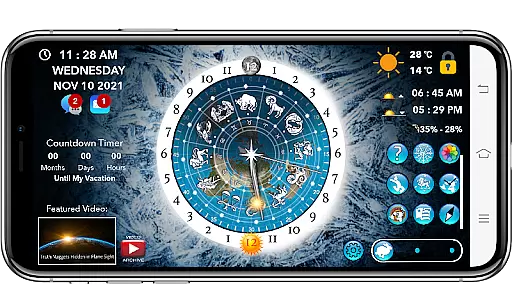
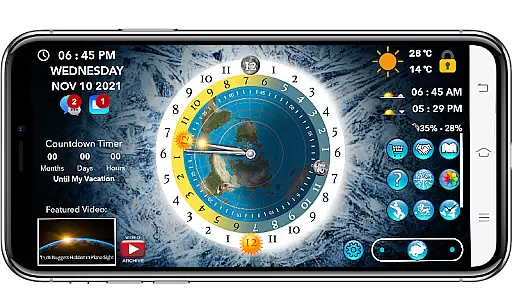
Flat Earth Sun & Moon Clock is an educational app designed for exploring celestial movements and their effects on time, seasons, and weather from a unique perspective. The app allows users to track the sun and moon's positions across the AE map, providing insights into day-night cycles, seasonal changes, and astrological patterns.
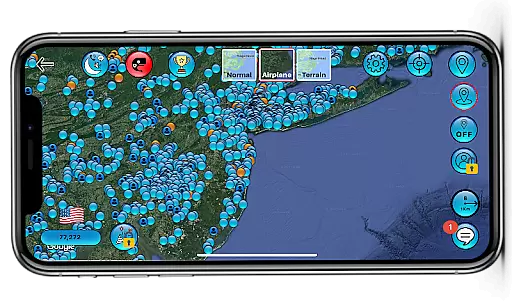
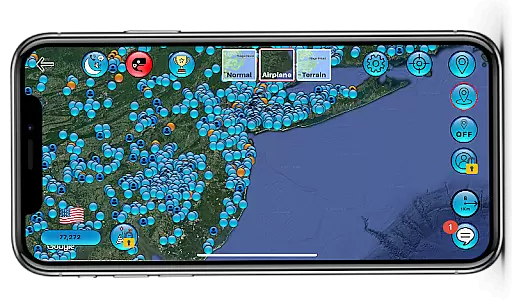
Beyond its core functionality, the app offers social features like Friend Finder, Match Maker, and group discussions, creating a community of like-minded individuals. With additional tools such as a customizable world compass, analog clock, Zodiac Star Wheel, and detailed weather forecasts, it serves as both an educational resource and a social platform for those interested in flat-earth theories and related topics.
This app is ideal for users seeking an alternative approach to understanding astronomy, climate, and global connectivity while engaging with a worldwide community of enthusiasts.
Flat Earth Sun & Moon Clock stands out with its diverse range of innovative features tailored for education and community interaction. One of its key highlights is the ability to visualize celestial mechanics through tools like the AE map, Zodiac Star Wheel, and time-lapse simulations of the sun and moon's movements. These features provide users with a deeper understanding of how planetary rhythms influence daily life.
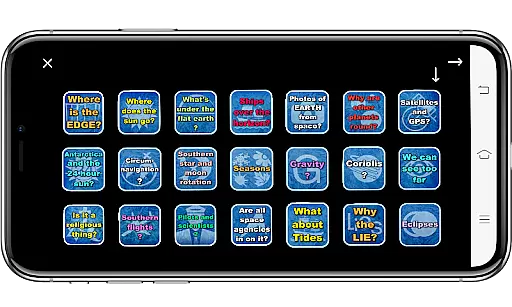
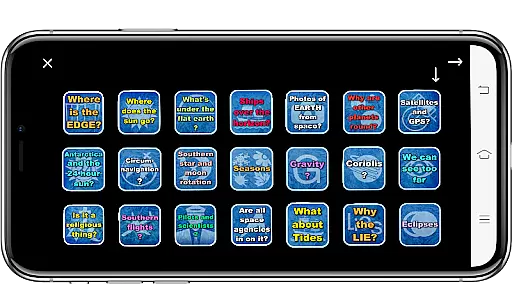
The app also includes practical utilities such as local and world weather tracking, sunrise and sunset times, moon phase percentages, and customizable backgrounds. Users can personalize their experience by selecting from various visual themes or uploading their own images. Additionally, the inclusion of flat-earth proof flashcards, homeschooling resources, and multi-language support makes this app versatile for learners of all ages.
Social connectivity is another major strength, offering messaging, video calls, meetups, and matchmaking services. While some advanced features require a one-time yearly subscription, the app remains ad-free and packed with valuable content for curious minds.
In the realm of educational applications, content accuracy is paramount for providing users with reliable knowledge. The Flat Earth Sun & Moon Clock app endeavors to deliver an alternative perspective on celestial mechanics through its AE map tracking of the sun and moon's positions. This conceptual exploration offers insights into day and night cycles, seasonal changes, and astrological cycles via features like the Zodiac Star Wheel and time-lapse functionalities.
While the app presents a unique model for observing celestial movements, it is important to approach its content critically, especially given the controversial flat earth perspective it adopts. Users are encouraged to cross-reference information with established scientific resources. Nevertheless, the app facilitates curiosity and learning by presenting an unconventional framework for understanding time and sky phenomena.
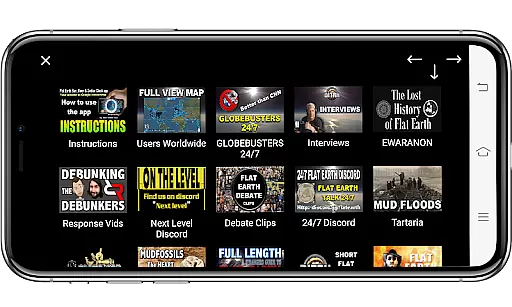
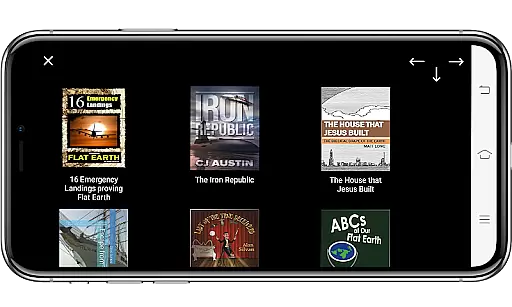
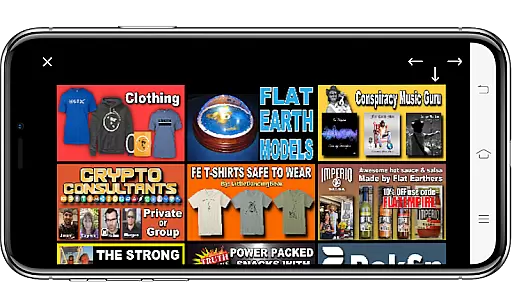
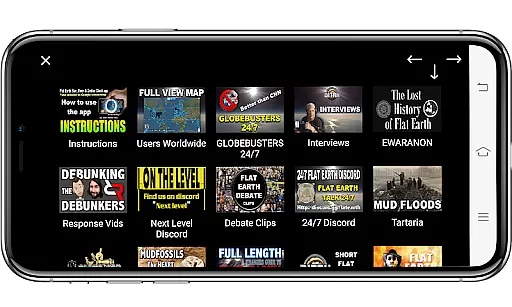
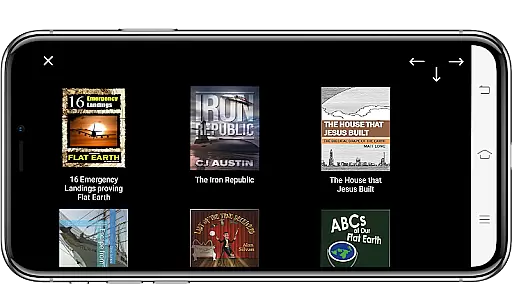
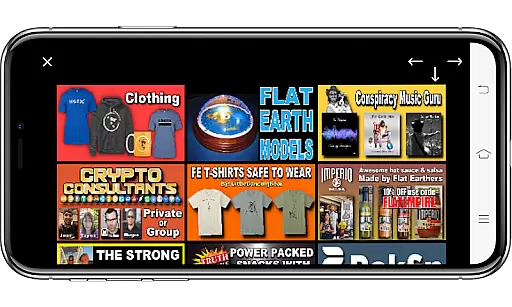
The app further enriches its educational value with daily videos and a library of flat earth-related books, extending its utility to homeschooling families through curated educational links. While these materials may not align with mainstream scientific consensus, they provide a platform for discussion and critical thinking from an alternative worldview.
Personalized learning paths are essential in catering to individual educational needs, and the Flat Earth Sun & Moon Clock app attempts to offer a modicum of personalization within its framework. By allowing users to customize backgrounds and track global times, the app creates a tailored experience that can adapt to various interests and preferences related to the study of time and celestial patterns.
Through features such as Friend Finder and Match Maker, learners can connect with like-minded individuals around the world, fostering a personalized social learning environment. These tools facilitate collaboration and exchange of ideas, which can be invaluable for those interested in exploring or discussing non-traditional theories about Earth and the cosmos.
Moreover, the inclusion of multi-language support and uncensored video searches (with subscription) empowers users to curate their own educational journey. Although the app's perspective is niche, it provides tools that enable users to explore content at their own pace and according to their specific interests, thus creating a self-guided and personalized learning path.
User-friendly interface
Comprehensive educational tools
Active global community
Customizable settings
Innovative social features
Premium features locked behind paywall
Limited appeal outside niche audience
Subscription cost may deter casual users
Occasional technical glitches reported
Steep learning curve for beginners

FAR/AIM, FAR for Flight Crew and FAR for Aviation Maintenance Technicians
 3.80
3.80
Childcare Management App: Daily sheets, sign in-out, billing and learning tools
4.70
Welcome to the Speak Navajo Language Application - Volume 1
4.50
Explore numbers the Starfall way!
4.00
An interactive enhancement of the Sesame Street classic.
4.50
Study for your 608 certification.
4.50
Our most popular app series returns, better than ever!
3.90
An aviator’s preparation, study and test tool for FAA Knowledge Exams.
4.30
Hasbro’s classic CANDY LAND game is now a gorgeous interactive storybook app.
2.30
Experience the sky, planet earth and the solar system like never before
4.90
Hebrew Vocab
4.90
Learn Words Daily in Just Minutes - Boost Your Language Skills Fast!
4.60
Ignite curiosity, spark learning: All babybus videos &games
4.30
The "Go To" app for Airmen studying for promotion to SSgt and TSgt
4.30
Designed for Calculator 84 users
4.20
Explore the City of the Sun in Augmented Reality
3.70
A must-have app for mastering Japanese verb/adjective conjugations.
3.60
Your best partner for learning Japanese words. Based on a best-selling textbook.
2.80
Pickleball guide complete with illustrated Pickleball drills and helpful info
4.1


User Reviews