
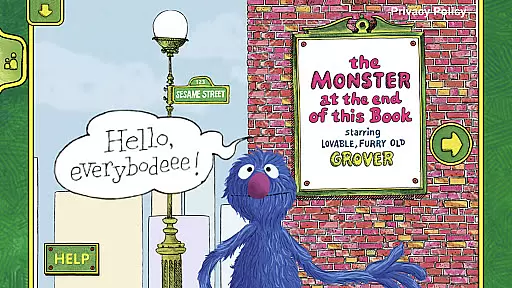
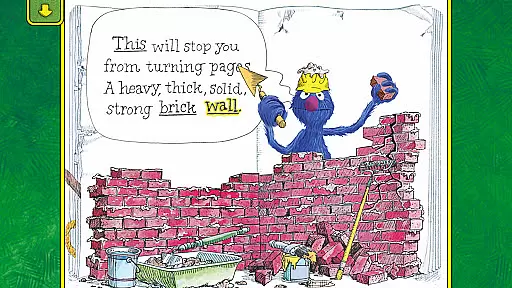
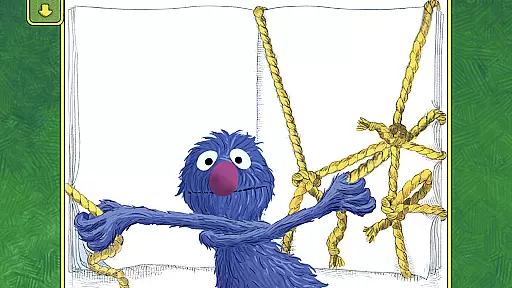
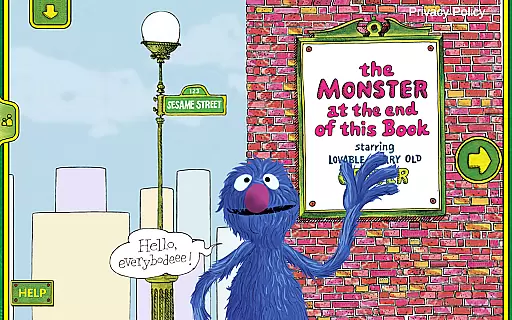
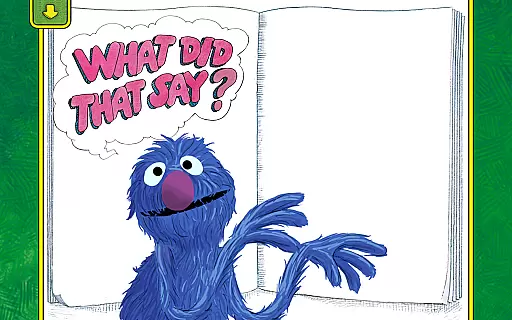
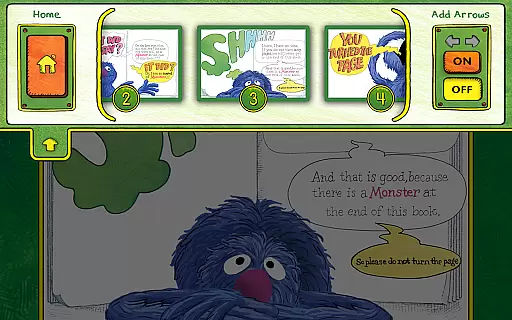
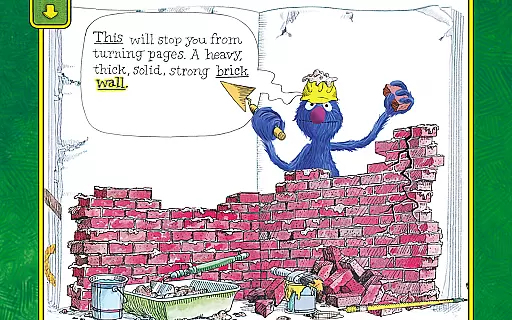
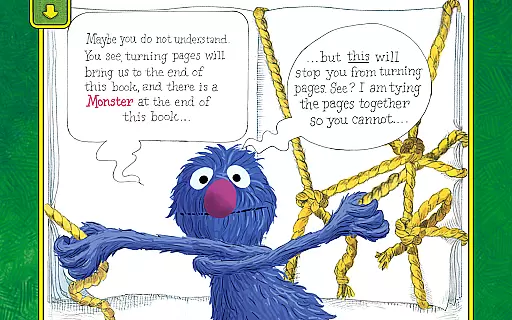
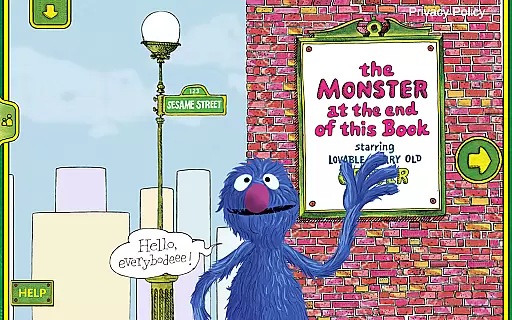
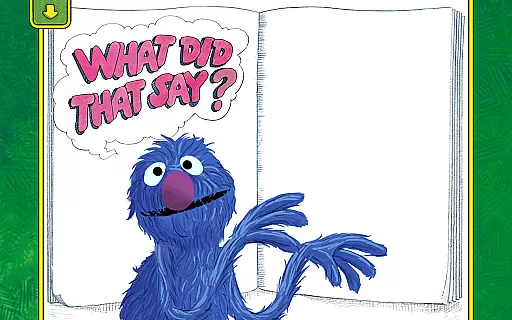
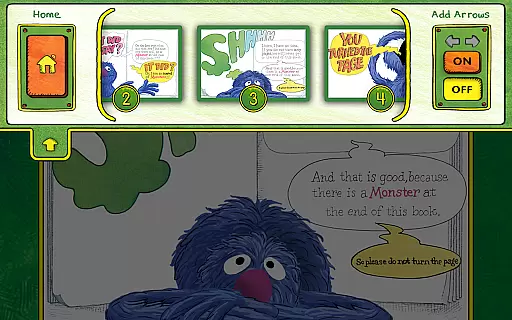
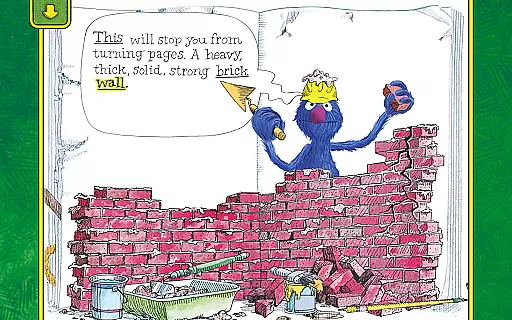
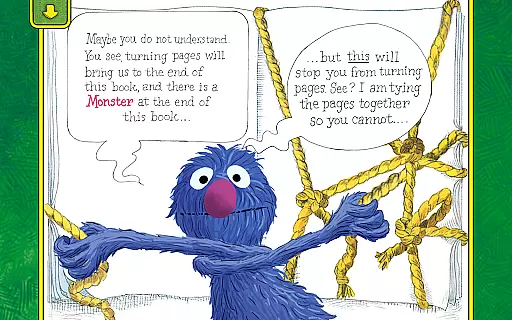
The Monster at the End of This Book is an interactive storybook app that brings a best-selling classic to life through engaging animations and educational features. Designed for young learners, this app combines humor and early reading skills to create an immersive reading experience.
Children can actively participate in the storytelling process through touch-responsive animations and narration by Grover. The app also includes features like word highlighting and parent tips, making it a valuable tool for both entertainment and education. Perfect for families looking to make reading a fun and interactive experience.
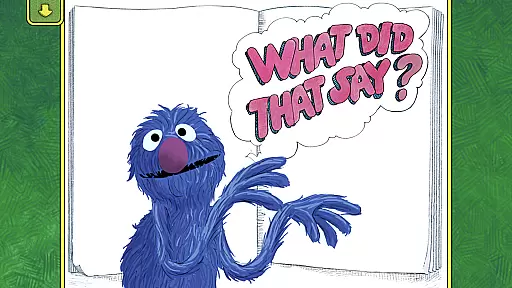
This educational app stands out with its lively interactive animations that respond to a child's touch, creating an engaging reading experience. The narration by Grover adds a personal touch, while empowering activities allow kids to control the story progression.
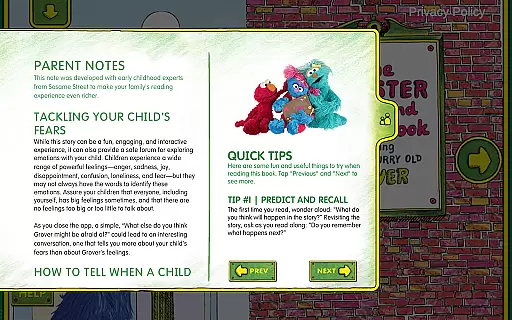
Additional features include word highlighting to develop beginning reader skills and easy-to-follow parent tips to help children manage emotions. The bookplate personalization option lets you add your child's name, making the experience uniquely theirs. These elements combine to create an enchanting reading journey for kids of all ages.
In the realm of educational applications, content accuracy and authority are paramount. The Monster at the End of This Book app excels in these areas by providing a research-based program that is both educational and entertaining. Developed by Sesame Workshop, the app leverages the educational power of media to help children grow smarter, stronger, and kinder.
The interactive storybook app features narration by Grover, a beloved character from Sesame Street, ensuring that the content is delivered in a familiar and trustworthy voice. With word highlighting to help build beginning reader skills, the app supports early literacy development in a way that is engaging for young learners.
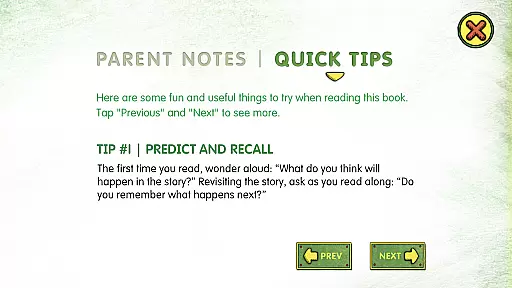
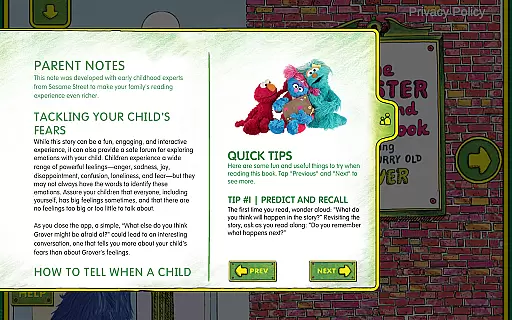
Parents can feel confident in the app's ability to teach important lessons about emotions and early reading skills. The inclusion of easy-to-follow parent tips further enhances the authoritative nature of the content, offering guidance on how to help kids tackle common fears and label emotions.
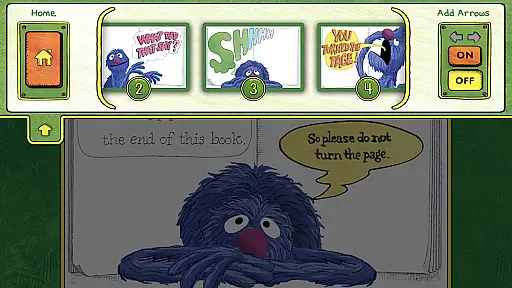
While The Monster at the End of This Book app may not offer traditional personalized learning paths like adaptive quizzes or tailored lesson plans, it does provide interactive elements that cater to individual exploration and growth. Children are empowered to decide how and when to move the story forward, which encourages spatial development and listening skills at their own pace.
The app includes engaging activities and lively, interactive animations that respond to a childu2019s touch, allowing them to explore the story in a way that feels personal and unique to their experience. This level of interactivity ensures that each child's journey through the book is slightly different, based on their choices and interactions.
Additionally, features such as bookplate personalizationu2014where you can add your child's nameu2014enhance the sense of ownership and personal connection to the story. By integrating these elements, the app creates an enchanting reading experience that adapts to the preferences and actions of each young reader.
Interactive animations
Educational content
Engaging narration
Parental guidance tips
Personalized bookplate
Limited to one story
No offline mode
Requires constant internet
Premium price tag
Not multilingual

Learn math, step-by-step
 4.30
4.30
One of the most engaging and innovative ABC apps on the market.
4.30
Turns you phone or tablet into TI graphing calculator (ROM required).
4.20
Nighty Night Circus - Bedtime story for kids
4.10
Astronomy Guide to the Night Sky
4.40
A must-have app for mastering Japanese verb/adjective conjugations.
3.60
Visit Daniel's house & make believe. Play doctor, make music, & feed fish.
3.20
Snap a dog photo to identify its breed instantly. Fast, accurate and easy to use
3.40
Reading for kids has never been easier. Learn phonics, letter tracing & more!
4.70
Learn Japanese in an immersive educational game set in Japan!
4.90
Memorize anything efficiently with AnkiDroid! Many pre-built decks available.
4.80
Stack the Countries makes learning world geography fun!
4.50
The Fighter Verses Bible memory system helps you memorize God's Word.
4.50
THE ESTABLISHED "GO TO" ARMY BOARD PREPARATION APP!
4.30
Astronomy Guide To Night Sky
4.30
School Communication
4.30
Master note reading with StaffWars….
4.00
MONOPOLY JUNIOR brings Hasbro's classic the board game to life.
3.00
Your best partner for learning Japanese words. Based on a best-selling textbook.
2.80


User Reviews