
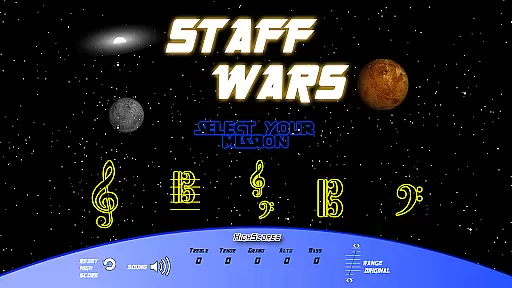
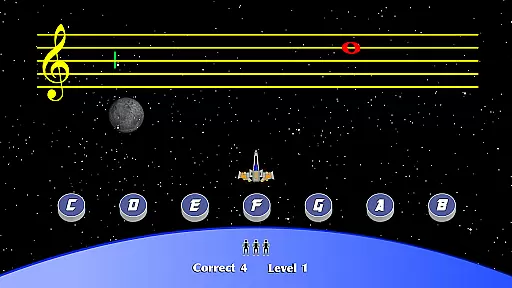
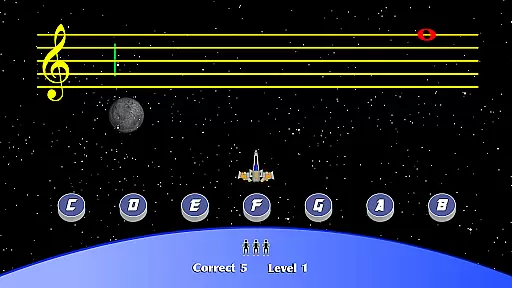
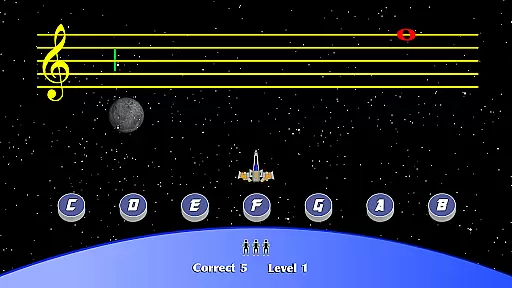
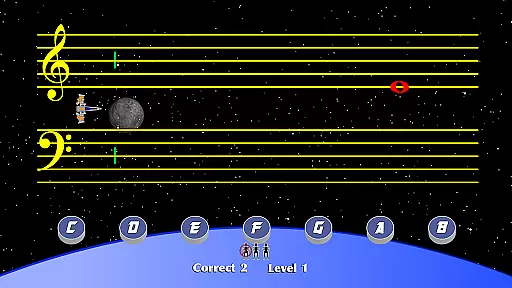
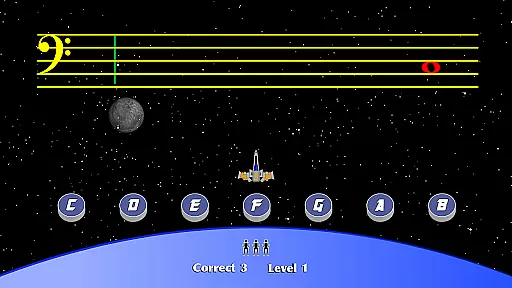
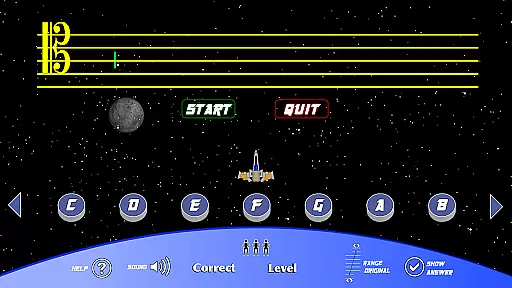
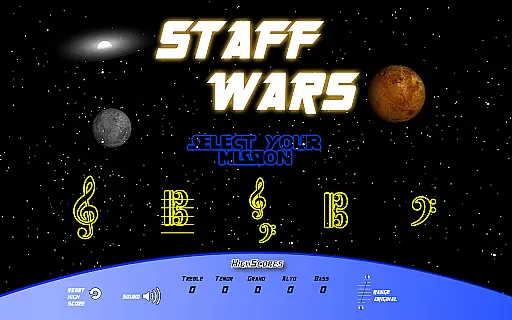
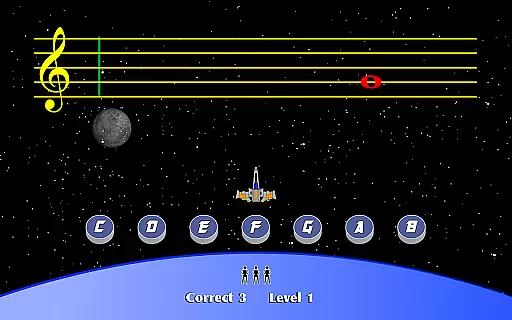
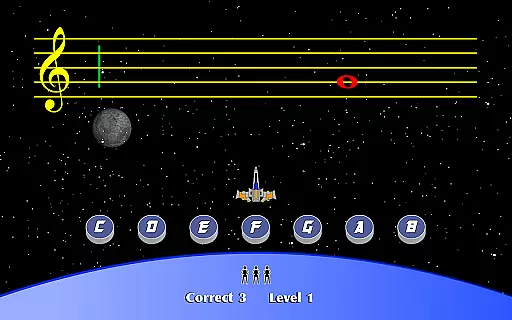
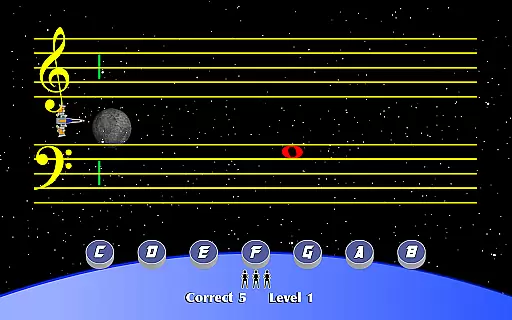
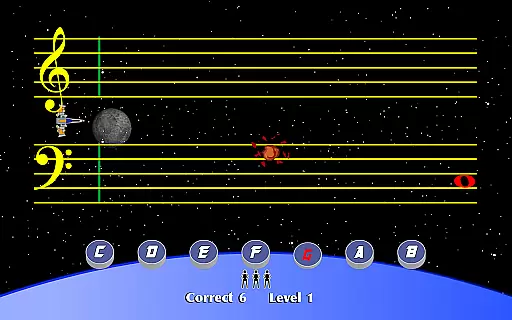
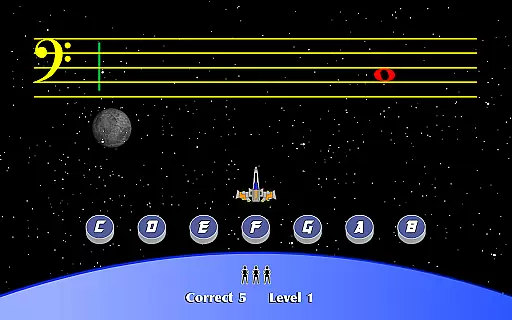
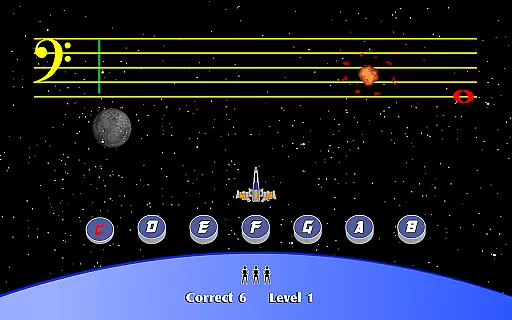
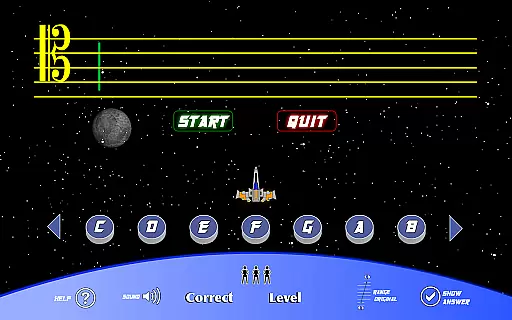
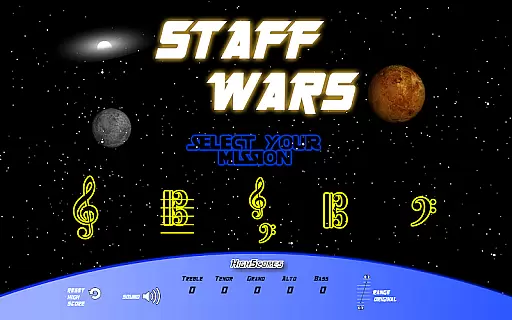
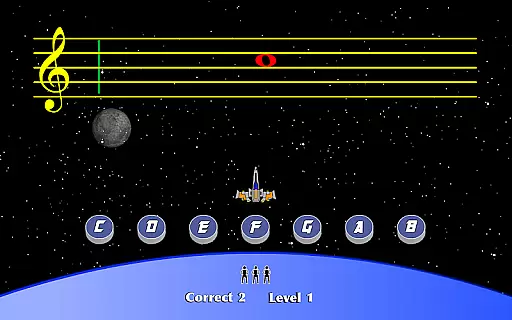
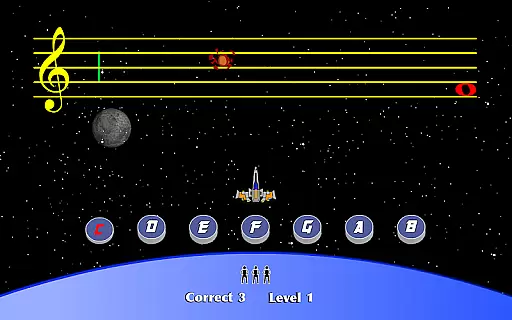
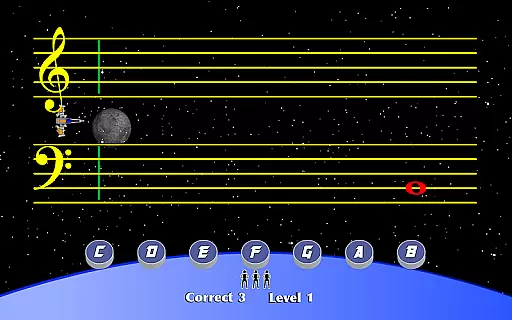
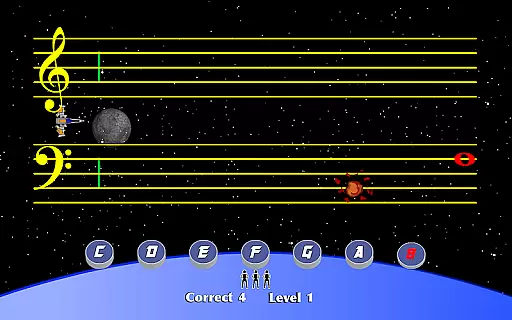
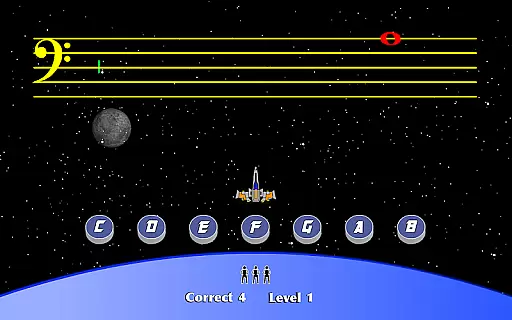
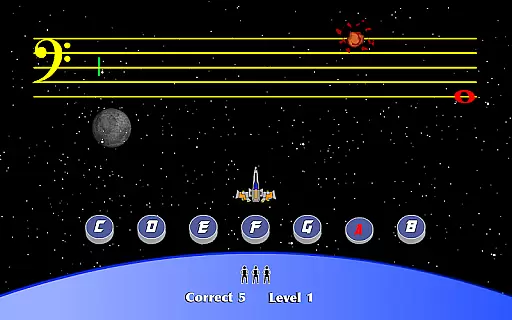
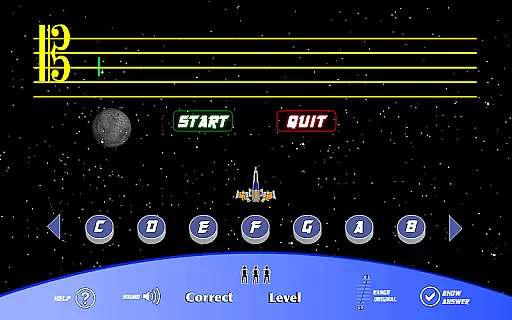
StaffWars is an innovative educational game specifically designed to assist beginning and intermediate musicians in mastering the note names across various staff clefs. The application focuses on treble, alto, bass, tenor, and grand staff clefs, providing a comprehensive learning platform for musicians aiming to improve their skills. With interactive gameplay, StaffWars makes the process of learning music theory engaging and fun, catering to those who seek to deepen their understanding of different musical clefs.
The app stands out by offering a dynamic and interactive approach to music education. Users can practice at their own pace, receive instant feedback, and track their progress over time. Whether you are a student eager to learn the basics or a seasoned musician looking to refine your knowledge, StaffWars provides the tools necessary to achieve mastery in reading music.
StaffWars boasts a variety of features tailored to enhance the learning experience of its users. One of the standout features is its support for multiple clefs including treble, alto, bass, tenor, and grand staff, allowing musicians to practice and perfect their skills across different musical scales. The game employs a user-friendly interface that simplifies navigation and ensures that users can focus on learning without distraction.
Another significant feature is the app's ability to provide instant feedback on performance, which is crucial for effective learning. This immediate response mechanism helps users quickly identify areas for improvement and celebrate their successes. Additionally, StaffWars incorporates a tracking system that monitors user progress, enabling learners to see their growth over time and stay motivated in their musical journey.
StaffWars provides meticulously verified content that ensures musicians can rely on the accuracy of the notes and clefs presented. This is crucial for learners who need precise information to build a strong foundation in music theory.
The app covers treble, alto, bass, tenor, and grand staff clefs, offering users an authoritative resource for mastering these fundamental elements. Each note is accurately placed, reflecting the standards used in professional music education.
By focusing on accuracy, StaffWars aids users in practicing without the worry of misinformation, which is essential for both beginners and intermediate musicians looking to refine their skills.
One of the standout features of StaffWars is its ability to create personalized learning paths tailored to each musician's level and pace. This customization allows users to progress naturally, ensuring they fully grasp each concept before moving on.
The app intelligently adapts to the useru2019s performance, providing more challenging exercises as they improve. This adaptive learning approach helps maintain engagement and motivation, making practice sessions more effective.
With personalized learning paths, StaffWars not only teaches but also empowers musicians to take control of their educational journey, fostering a deeper understanding and appreciation of music theory.
User-friendly interface
Instant performance feedback
Supports multiple clefs
Progress tracking system
Engaging and interactive learning
Limited to specific clefs
No advanced music theory
Basic visual design
In-app purchases available
Occasional bugs reported

An animated storybook app to help ease your child through toilet training.
 3.70
3.70
A 2024 digital study guide for the Expert Infantryman and Expert Soldier's Badge
4.2
Study the questions most likely to be asked during the Oral & Practical Exams.
2.80
Gain new skills in 10 minutes
4.70
Latest TLC Practice Questions! Multiple languages available!
4.50
Welcome to the Speak Navajo Language Application - Volume 1
4.50
Skelly is a fully poseable, anatomically correct reference skeleton for artists.
4.10
The Fighter Verses Bible memory system helps you memorize God's Word.
4.50
Your best partner for learning Japanese words. Based on a best-selling textbook.
2.80
Learn Japanese in an immersive educational game set in Japan!
4.90
Learning the ancient Viking language made simple
4.70
Guitar chord finder, analyzer, smartly visualized theory, progressions, quizzes.
4.70
Learn & Speak New Languages
4.70
Learn to make peaceful contact with extraterrestrial civilizations
4.10
Listen, request and record pronunciations in more than 450 languages. Everywhere
3.90
Our most popular app series returns, better than ever!
3.90
An aviator’s preparation, study and test tool for FAA Knowledge Exams.
3.80
The official CCM Glossary app, including 700+ terms and definitions.
2.90
Grazing Risk Monitoring Service
4.5


User Reviews