
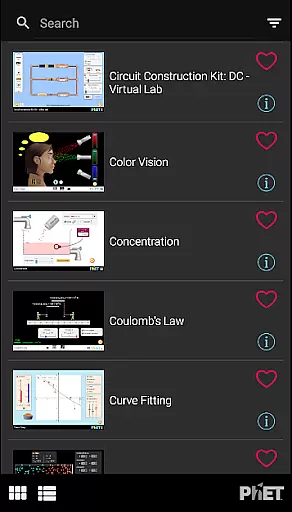
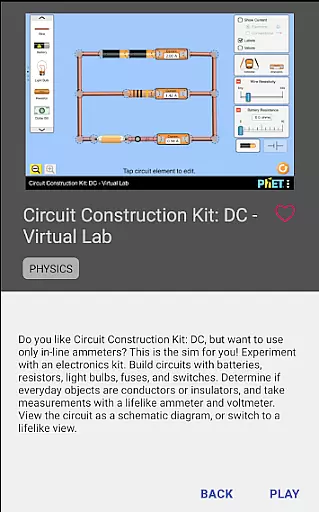
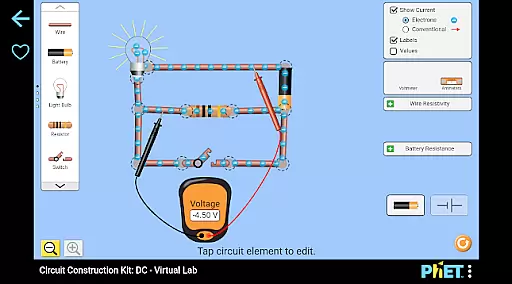
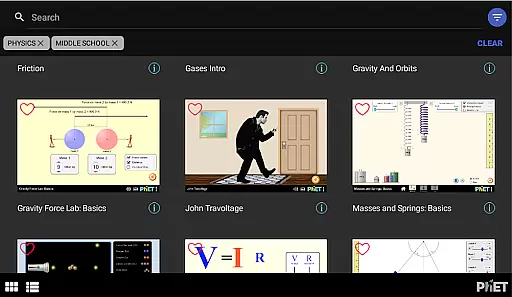
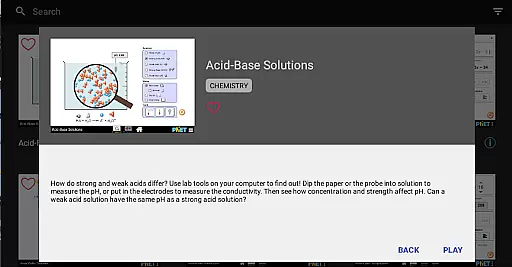
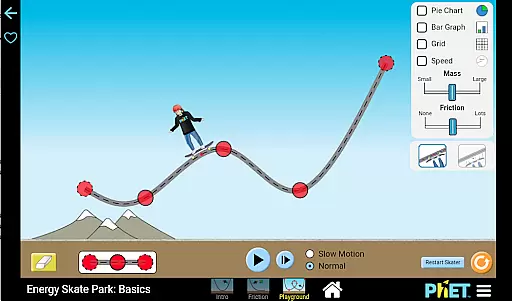
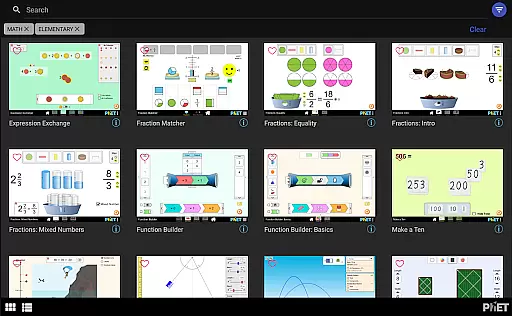
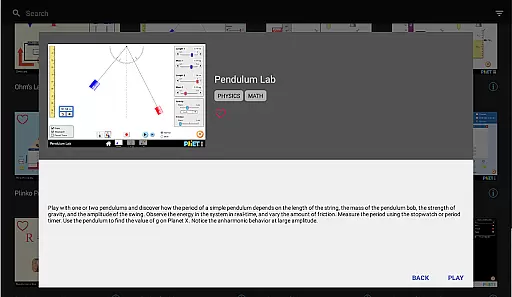
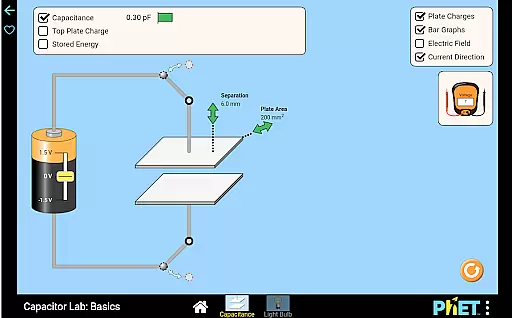
PhET Simulations is an educational app that provides access to over 85 interactive HTML5 simulations, designed for learners of all ages. Developed by experts at the University of Colorado Boulder, this app brings science and math concepts to life through engaging simulations.
The app's core functionality includes offline play, allowing students to learn without an internet connection. It also features multiple language support, automatic updates, easy sorting, and fullscreen mode, making it a versatile tool for both classroom and personal use.
Whether you're a parent looking to engage your child in educational discovery, a teacher needing reliable resources, or a student eager to explore science and math, PhET Simulations offers a comprehensive learning experience that adapts to various educational needs.
PhET Simulations stands out with its diverse range of features tailored for optimal learning experiences. The app allows users to download and access simulations offline, which is particularly beneficial for those with limited internet connectivity.
Another notable feature is the multilingual support, enabling bilingual learners to switch between languages seamlessly. Users can also create custom collections of their favorite simulations, ensuring quick access to preferred learning tools.
With automatic updates, the app ensures users always have the latest simulations. The easy sorting function and fullscreen capability further enhance the user experience, providing an organized and immersive learning environment.
In the realm of educational tools, content accuracy is paramount. PhET Simulations delivers scientifically verified and pedagogically sound interactive simulations developed by experts at the University of Colorado Boulder.
Each simulation covers fundamental concepts in math and science, ensuring that learners from all walks of life receive information aligned with educational standards. The rigorous development process includes research-based design and classroom testing.
Teachers and students can trust that these simulations provide authoritative content that aids in understanding complex topics through hands-on engagement. This commitment to precision makes PhET an invaluable resource for educators worldwide.
PhET Simulations offers a unique opportunity for personalized learning paths tailored to individual needs. With over 85 HTML5 sims available, learners can choose simulations that match their current level of understanding and progress at their own pace.
The app's Favorites feature allows users to curate a custom collection of sims, creating a personalized curriculum that evolves with their learning journey. Automatic updates ensure access to the latest educational tools without additional effort.
This flexibility empowers teachers to differentiate instruction and enables students to take ownership of their learning experience. By engaging with content that resonates with them personally, learners are more likely to remain motivated and achieve better outcomes.
User-friendly interface
Offline accessibility
Multilingual support
Automatic updates
Comprehensive simulation library
Limited accessibility features
No Java or Flash simulations
Some advanced options missing
Occasional update delays
Interface can feel dated

Ignite curiosity, spark learning: All babybus videos &games
 4.30
4.30
An aviator’s preparation, study and test tool for FAA Knowledge Exams.
3.90
Designed for Calculator 84 users
4.20
Deal Craps (Practice Craps Payouts)
3.80
Your best partner for learning Japanese words. Based on a best-selling textbook.
2.90
Master note reading with StaffWars….
4.00
Visit Daniel's house & make believe. Play doctor, make music, & feed fish.
3.20
An aviator’s preparation, study and test tool for FAA Knowledge Exams.
3.80
Stack the States makes learning about the 50 states fun!
4.70
Learn & Speak New Languages
4.70
Latest TLC Practice Questions! Multiple languages available!
4.50
Monkey Preschool Lunchbox: 7 exciting educational games for your preschooler.
4.30
School Communication
4.30
Build math skills in: addition, subtraction, multiplication and division.
4.10
Skelly is a fully poseable, anatomically correct reference skeleton for artists.
4.10
FAR/AIM, FAR for Flight Crew and FAR for Aviation Maintenance Technicians
3.80
Bebefinn and Baby Shark educational, animated videos & games for kids
3.40
Master the NRP with 700+ questions, rationales, and updated NREMT scenarios.
3.00
The official CCM Glossary app, including 700+ terms and definitions.
2.90


User Reviews