
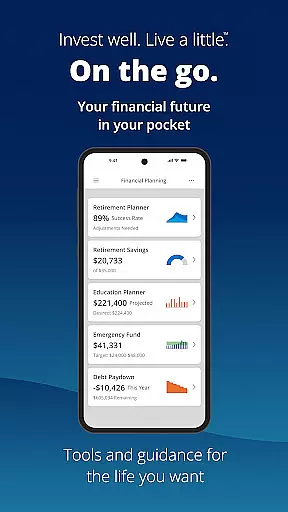
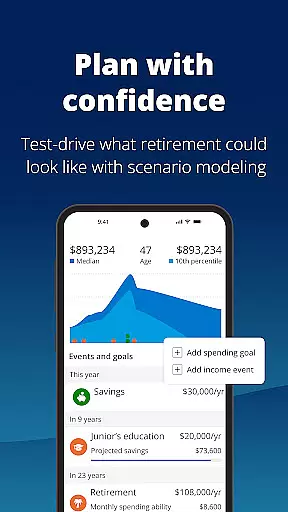
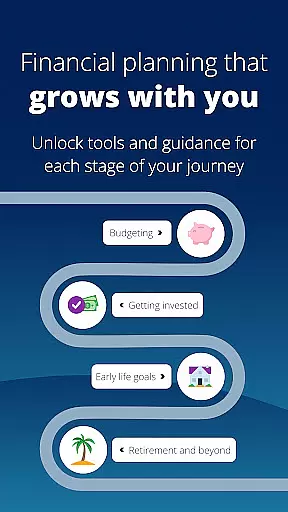
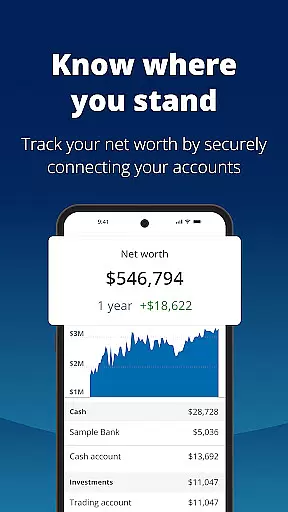
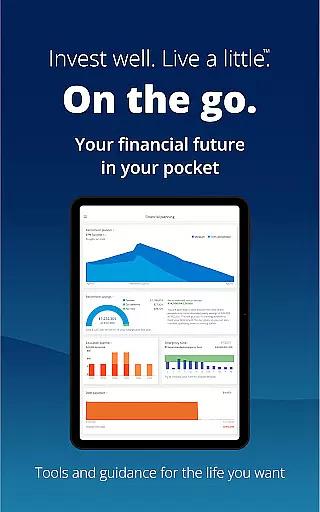
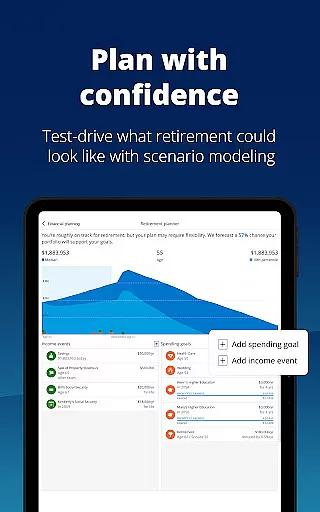


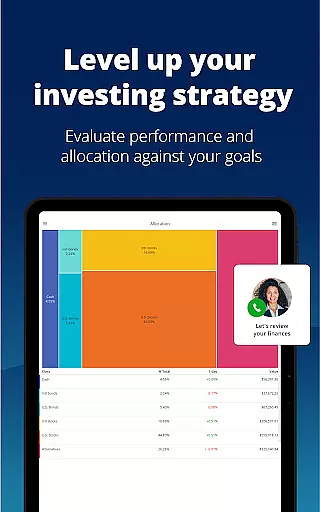
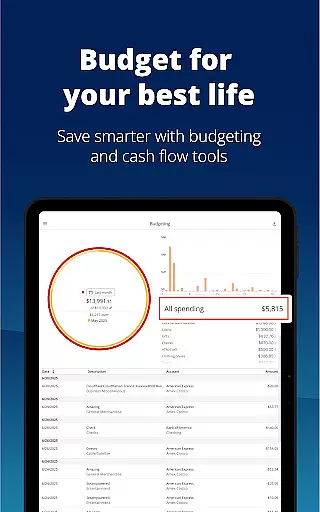

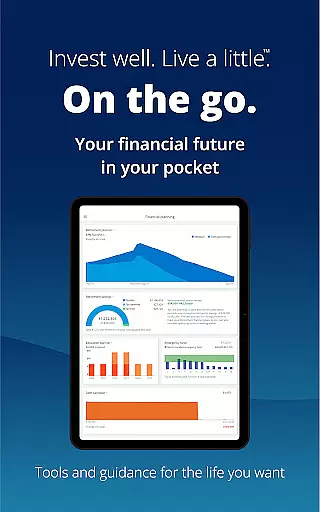
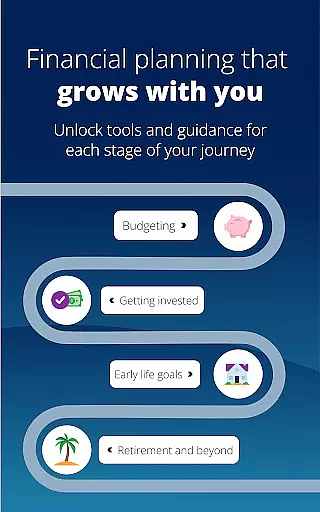
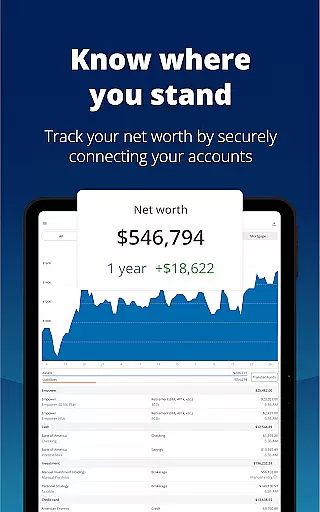
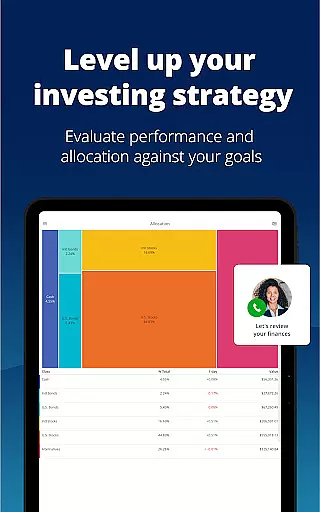
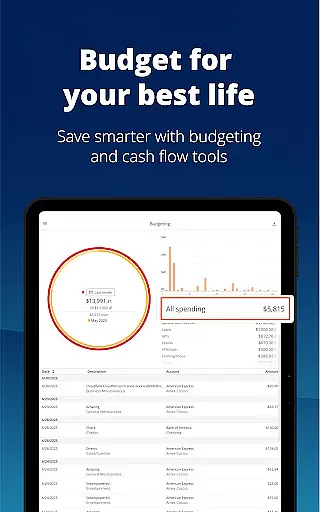
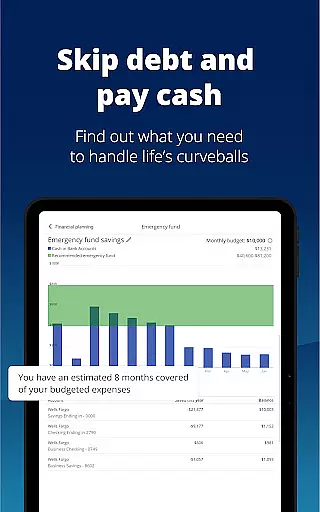

Empower is a comprehensive financial management application designed to simplify and streamline your personal finance tracking. The app consolidates all your financial accounts into one intuitive dashboard, providing a complete overview of your net worth, income, expenses, and investments. With features like retirement planning, budget setting, debt management, and emergency fund building, Empower equips users with industry-leading tools to map out their financial goals and achieve them efficiently.
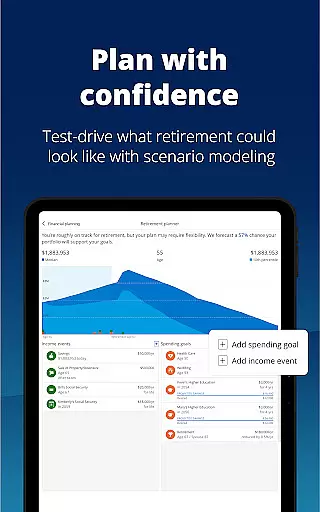
What sets Empower apart is its ability to simulate various financial scenarios, including recessions, and provide professional investment advice tailored to your financial situation. The app also emphasizes security by offering biometric and multi-factor authentication to protect sensitive data. Whether you're looking to track your net worth, adjust investment allocations, or simply gain clarity on your financial standing, Empower offers the resources and insights needed to make informed decisions and take control of your financial future.
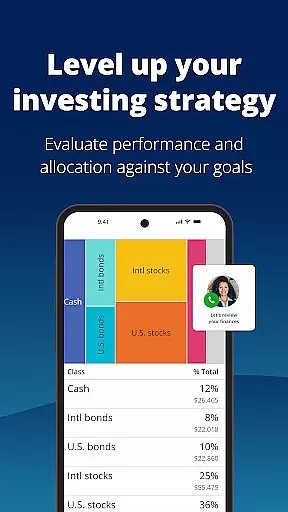
Empower stands out with its robust set of features that cater to both novice and experienced investors. One of its key functionalities is the ability to view all financial accounts in one place, eliminating the need to log in to multiple platforms. This unified view allows users to monitor their assets and liabilities comprehensively. Additionally, the app provides advanced tools such as scenario simulation and allocation imbalance checks, which help users anticipate potential financial challenges and optimize their portfolios accordingly.
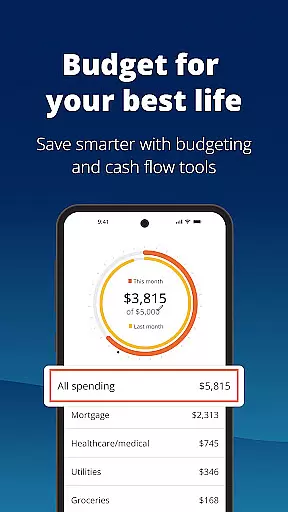
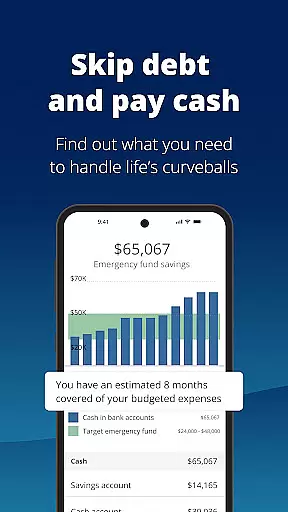
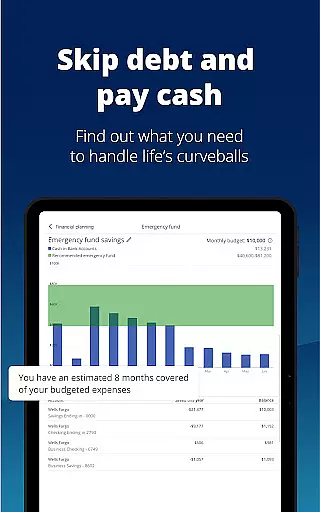
Another notable feature is the integration of professional investment advice directly within the app. Users can access expert guidance to refine their investment strategies and improve financial outcomes. Empower also includes practical tools for everyday financial management, such as budget tracking, debt reduction plans, and emergency fund calculators. These features are designed to save time and reduce the complexity traditionally associated with financial planning. By combining cutting-edge technology with user-friendly interfaces, Empower ensures that managing finances is both efficient and accessible for everyone.
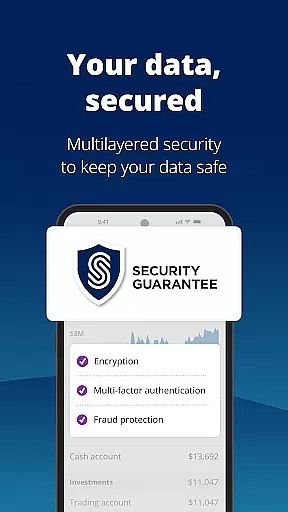
Account and Fund Security is a critical feature for any financial application, ensuring that users' personal and financial data remains protected. Empower takes this responsibility seriously by implementing top-tier security protocols. The app secures user data with biometric and multi-factor authentication, providing an additional layer of protection against unauthorized access.
Empower's commitment to security extends beyond just authentication methods. As part of Empower Financial Services, Inc., the app adheres to strict regulatory standards set forth by FINRA/SIPC, ensuring that securities offered or distributed are done so within a secure framework. This compliance not only protects user investments but also reinforces trust in the platform.
For users, these security measures translate into peace of mind. Knowing that their financial information is safeguarded allows them to focus on planning for retirement, adjusting scenarios, and simulating recessions without concern over potential breaches. With Empower, users can confidently manage their assets, check for allocation imbalances, tackle debt, build emergency funds, and set budgets securely.
The transaction experience in a finance app like Empower encompasses all interactions related to managing income, expenses, and investments. Empower streamlines this process by offering industry-leading tools designed to help users map out their financial dreams and take actionable steps towards achieving them. From planning for retirement to comparing different financial scenarios, the app provides comprehensive functionalities that simplify complex financial tasks.
One significant advantage of using Empower is its ability to consolidate all user accounts into one interface. This aggregation allows users to see their complete financial picture without needing to log in to multiple platforms. By presenting all relevant information in one place, Empower reduces the time spent on sorting through spreadsheets and verifying individual account details, thus enhancing the overall transaction experience.
Moreover, Empower supports informed decision-making by providing professional investment advice alongside detailed insights into income and expenses. Users can adjust their portfolios based on real-time data, simulate economic downturns to prepare for uncertainties, and ensure they maintain balanced allocations. These features collectively contribute to a seamless, efficient, and empowering transaction experience that helps users achieve greater financial clarity and control.
User-friendly interface
Comprehensive account integration
Advanced scenario planning
Professional investment advice
Robust security features
Premium features require subscription
Occasional syncing issues
Limited international support
Higher learning curve for beginners
Some advanced tools need additional fees

Manage your account, make a payment, and redeem your rewards on the go.
 4.50
4.50
Bank better with our new app
3.80
Bill Manager is a simple app to help you keep track of your upcoming bills.
4.2
Early payday cash advance up to $150 a day with a max of $1,000 per pay period
4.70
Car Insurance Made For You.
4.50
Get up to 500, get paid early, earn interest and find work with no hidden fees.
4.40
Check EBT, SNAP, WIC balances, manage food stamps, and save money with benefits
4.80
NFC mobile payment app Use your phone as a contactless bank card
4.00
Powerful Money Manager, Expense & Savings Tracker, Budget Planner - Pro Version
4.70
Currency Converter supports all currencies of the world.
5.00
PayMe helps you claim money from settlements on companies that harmed you.
4.80
Wells Fargo Mobile allows you to access your investment and bank accounts.
4.80
Get 250$ Cash Advance to solve emergencies instantly in loan app called LendMe
4.70
Loan Calculator, Mortgage Calculator, Compound Interest Calculator
4.70
Play for fun, earn for real. Collect rent by owning virtual land & get cashback
4.60
Access State Farm accounts, policies, ID cards and more
4.60
The all-in-one app to save, earn, travel, and put more money in your pocket
4.50
Trade NFL, NBA, Crypto, Tech
4.50
View BSC Transactions for multiple accounts
3.90


User Reviews