
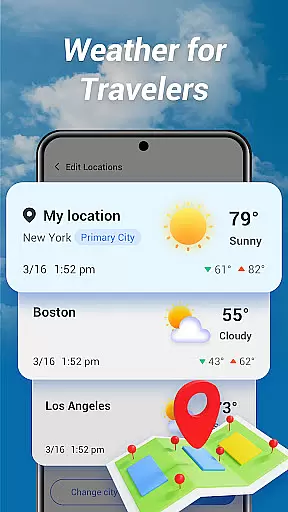
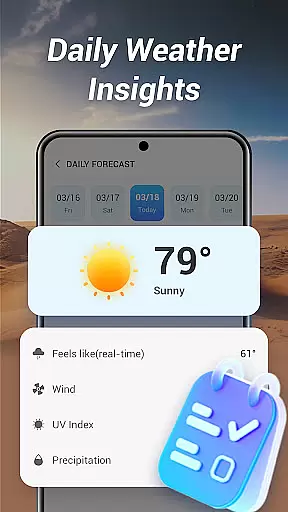
Good Weather is a comprehensive weather application designed to provide users with real-time weather forecasts and live radar maps. The app covers both local and global weather, ensuring you stay prepared no matter where you are. With features like layered live radar and air quality indicators, it offers detailed insights into current weather conditions.
The app stands out with its clean interface and essential tools for travelers and daily planners. Whether you need hourly updates or a daily summary, Good Weather delivers accurate and reliable data to keep you informed and ready for any climate changes.
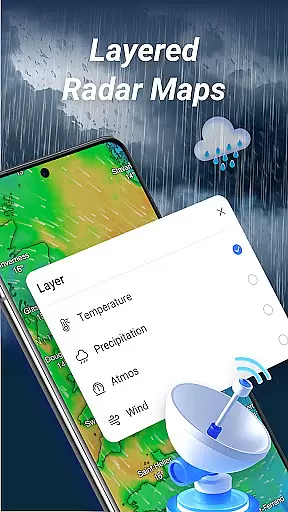
Good Weather boasts an array of features that cater to various user needs. One of the standout functionalities is the layered live radar, which allows users to track rain, wind, and storms with precision. You can switch between different layers such as temperature, humidity, and pressure to gain deeper insights into weather patterns.
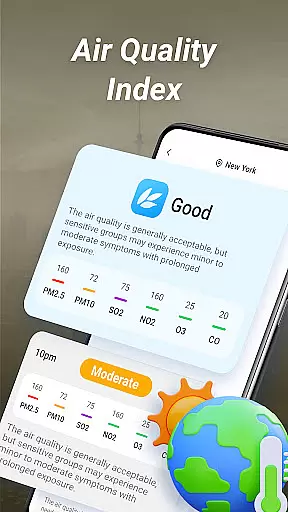
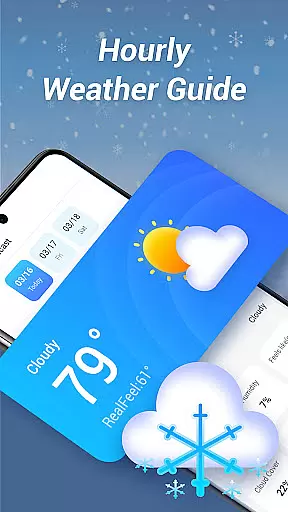
In addition to the radar, the app provides real-time air quality index (AQI) and weather alerts. These features ensure that users are not only aware of immediate weather conditions but also potential health impacts due to air quality. The hourly and daily weather forecasts further enhance planning capabilities by offering detailed breakdowns of temperature, wind speed, humidity, and cloud cover.
Forecast accuracy and data credibility are crucial for any weather application, and Good Weather excels in these areas. The app provides real-time weather forecasts and live climate updates for any location worldwide, ensuring users have access to the most reliable information.
Good Weather employs advanced algorithms and data from reputable meteorological sources to deliver precise hourly and daily forecasts. Whether you need temperature, wind speed, humidity, or cloud cover updates, the app ensures that each piece of data is both timely and accurate.
Users benefit from the app's commitment to clarity and reliability. With features like air quality index (AQI) tracking and weather alerts, Good Weather keeps you informed about environmental conditions that could affect your health and daily plans.
The temporal and spatial forecast range is a key feature of Good Weather, allowing users to plan confidently with extensive weather insights. The app offers detailed forecasts that span various timeframesu2014from hourly updates to comprehensive daily summaries.
Good Weather stands out by providing layered live radar maps that track rain, wind, and storms across different geographic locations. Users can switch between temperature, humidity, and pressure layers, gaining deeper insights into weather patterns both locally and globally.
This functionality empowers travelers and planners by delivering clear, concise weather forecasts tailored to specific needs. Whether monitoring immediate conditions or planning for future events, Good Weather ensures you have the necessary tools to stay prepared and informed.
User-friendly interface
Accurate weather data
Live radar maps
Air quality monitoring
Global coverage
Limited customization options
Occasional data delays
No offline mode
Ads in free version
Subscription fees

Ultimate weather forecast + moon phase for Wear OS 5+ (Pixel, Galaxy, et al.)
 4.70
4.70
Get the ad-free version of the highly rated WeatherBug app for accurate weather!
4.50
Ultimate Lunar Calendar for 2021!
4.80
NOAA radar, weather forecasts, hurricane tracking & customizable alerts.
4.50
Weather forecast & live radar map
4.20
Industry leading whitetail movement predictor & hunting app.
4.60
Local Weather provides accurate and current hourly and daily forecasts.
4.80
Track lightning strikes with our thunderstorms map, radar and lightning alarm.
4.70
Weather watch face for Wear OS 5+
4.40
Weather for Indiana, Kentucky and Ohio
4.90
Weather Forecast, Trending News, Hurricane & Storm Tracker, Alerts & Live Radar.
4.80
Road weather, live radar, wind, snow, and conditions along your driving route.
4.70
Check room temperature with this indoor thermometer. thermostat & hydrometer
4.70
Get accurate rainfall and snowfall totals for pinpoint locations on a map.
4.60
Local forecast, alerts, rain, snow and wind radar, air quality & weather widget
4.60
Analog Weather Watch Face for Wear OS 5+
4.10
Your Personal Weather Assistant
4.00
Know the weather earlier.
3.90
Detailed weather info and moon phase, subtle animation, customizable
4.1


User Reviews