
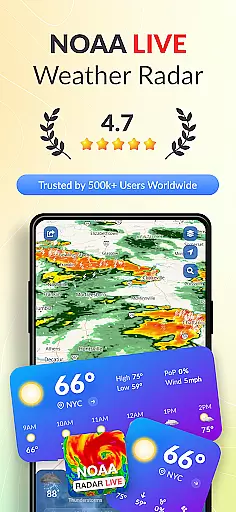
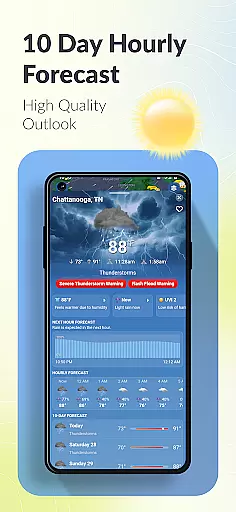
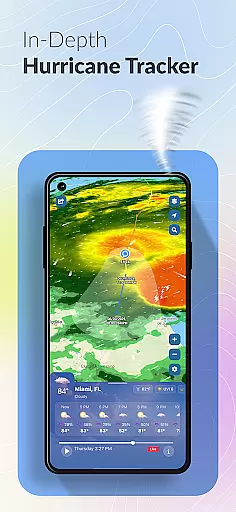

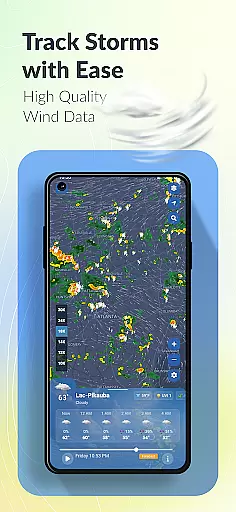
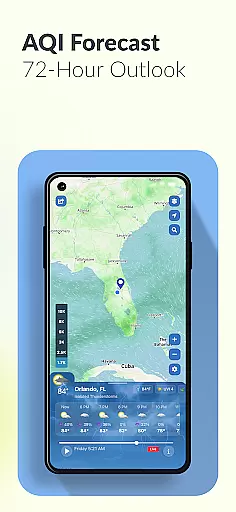
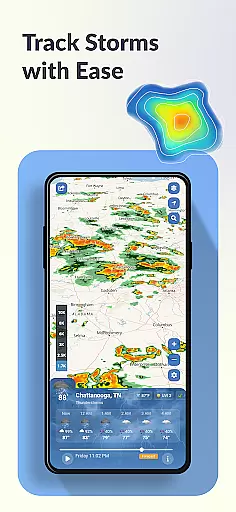
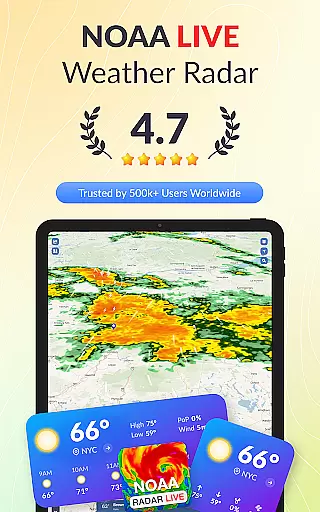
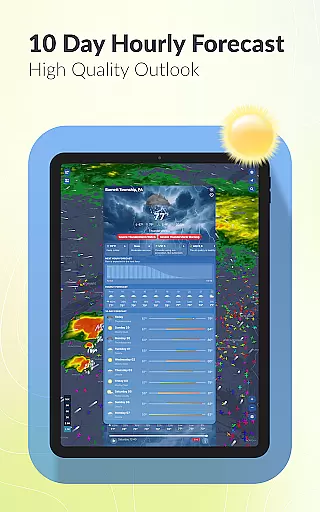
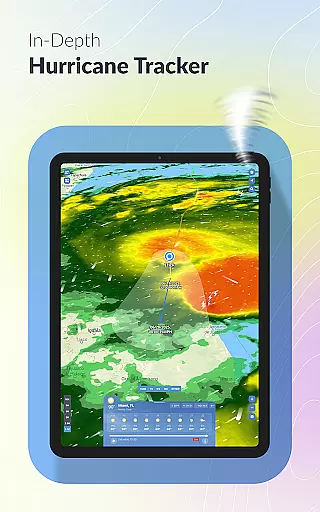
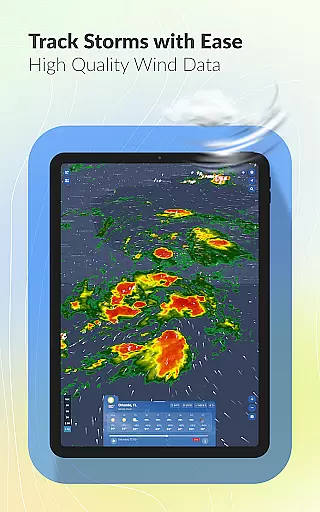
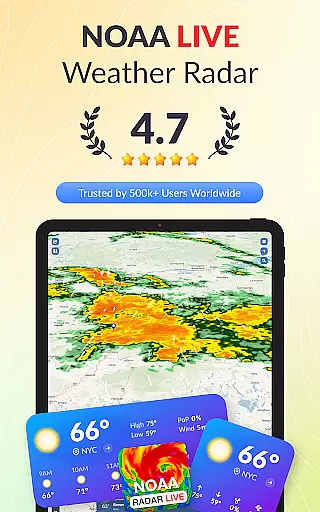
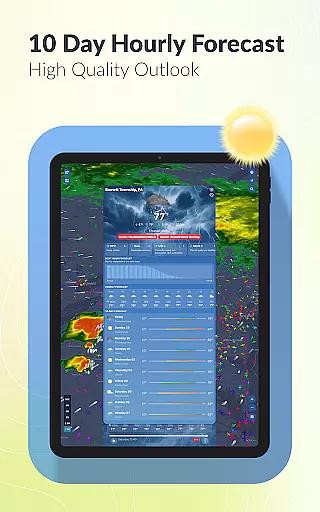
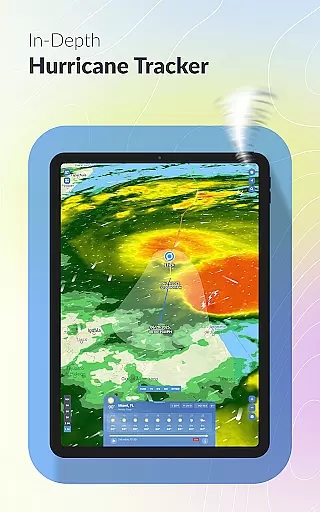
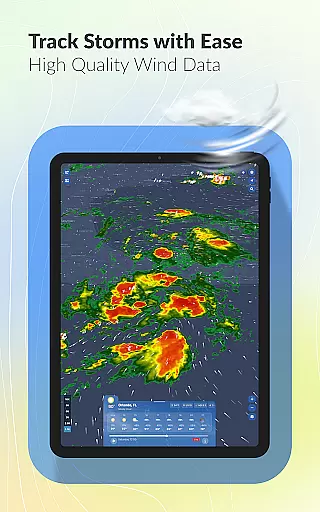
Weather Scope NOAA Live Radar is a comprehensive weather application that provides users with accurate and real-time weather data. Powered by NOAA radar, the app delivers minute-by-minute updates and 10-day forecasts, ensuring you stay informed about changing weather conditions. The app's interactive map allows you to track storms, monitor hurricanes, and view detailed local forecasts.
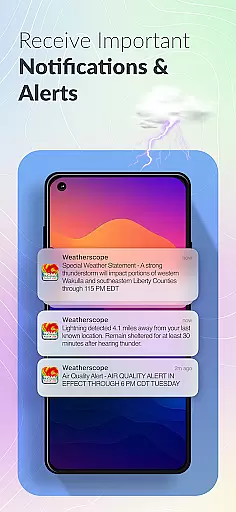
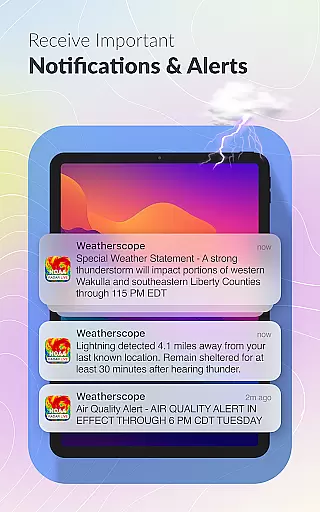
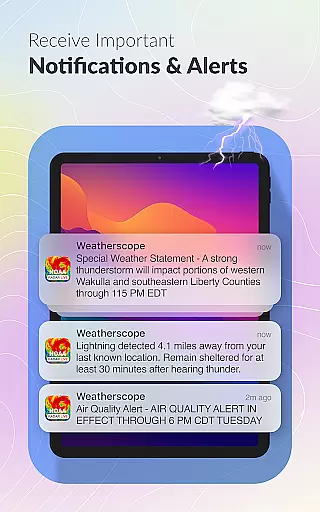
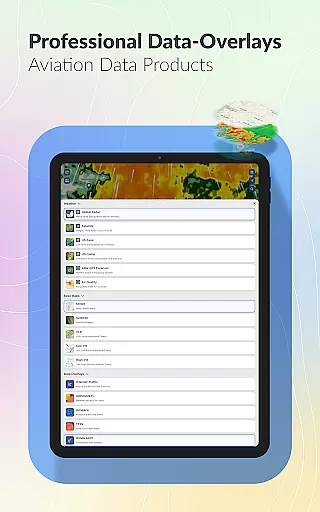
One of the standout features is its customizable alerts system, which lets users choose notification tones that match their personal preferences. Whether you're an aviation enthusiast or simply planning your day, Weather Scope offers specialized tools like aviation weather data and lightning alerts. With patent-pending radar animation and various display themes, this app redefines how you interact with weather information.
This app is particularly useful for those living in areas prone to severe weather, such as Florida. By providing localized forecasts and live updates, Weather Scope ensures you're always prepared, whether you're tracking a hurricane or checking if it will rain tomorrow. Its integration with trusted sources like NOAA makes it a reliable choice for weather monitoring.
Weather Scope stands out with its robust feature set tailored for both casual users and weather enthusiasts. The app integrates real-time NOAA radar data, offering unparalleled accuracy in storm tracking and weather forecasting. Its minute-by-minute updates and 10-day outlook provide users with precise information to plan their activities effectively.
The interactive weather map is another key highlight, allowing users to explore various weather patterns through live radar and storm tracking overlays. For those concerned about safety during severe weather, the app's lightning alerts offer instant notifications when dangerous conditions are detected nearby. Additionally, the customizable radar themes, including Dark Skies and Universal Blue, ensure a personalized user experience.
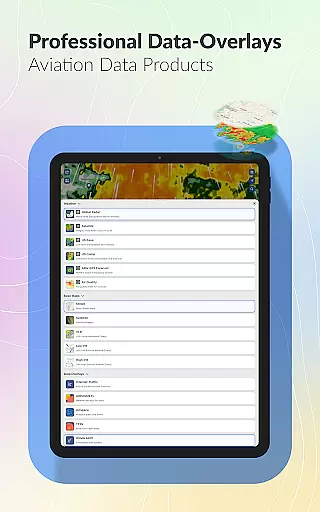
Aviation professionals will appreciate the specialized aviation weather data, complete with real-time air traffic tracking. The app also excels in local weather reporting, delivering detailed insights into temperature, humidity, and wind speed. These features, combined with its smooth patent-pending radar animation, make Weather Scope an innovative and essential tool for staying ahead of the weather.
Forecast accuracy and data credibility are essential for any weather application, and WeatherScope excels in these areas. By leveraging real-time NOAA radar data and integrating forecasts from the National Hurricane Center, WeatherScope ensures that users receive the most reliable weather predictions available. This commitment to accuracy is further reinforced by minute-by-minute updates and 10-day outlooks, which provide comprehensive insights into upcoming weather patterns.
The app's dedication to credible data sources sets it apart. All information is sourced directly from NOAA and published under their open data guidelines, ensuring transparency and reliability. Users can trust the precision of hurricane paths, wind speeds, and storm impacts as they are provided by authoritative entities like the National Hurricane Center. This level of detail empowers users to make informed decisions regarding travel, outdoor activities, or emergency preparedness.
WeatherScope also enhances user experience through customizable alerts tailored to individual preferences. Whether you prefer informative, playful, or techie tones, the app delivers timely notifications that match your style. Lightning alerts and rain forecasts ensure safety during adverse conditions, while aviation weather data caters specifically to pilots and enthusiasts. These features collectively contribute to a robust system where forecast accuracy meets practical usability.
Temporal and spatial forecast range is a critical aspect of WeatherScope's functionality, enabling users to plan effectively across different timeframes and geographic locations. The app provides extensive coverage with its live radar, storm tracking, and NOAA forecast overlays, all accessible via an interactive weather map. This allows users to visualize weather patterns over both short-term and extended periods, facilitating better preparation for various scenarios.
One of WeatherScope's standout features is its ability to offer localized forecasts alongside broader regional views. Users can zoom into specific areas such as Florida or expand their view to monitor nationwide weather trends. The inclusion of aviation weather data adds another layer of depth, particularly useful for those involved in air traffic management. Real-time updates ensure that whether you're tracking immediate thunderstorms or planning flights days ahead, the information remains current and relevant.
Furthermore, WeatherScope supports detailed local weather insights including temperature, humidity, and wind speed. This granular approach helps users manage daily activities more efficiently. With patent-pending radar animation offering smooth transitions between temporal snapshots, users gain a dynamic understanding of evolving weather systems. Such innovations not only enhance usability but also reinforce WeatherScope's position as a leader in delivering precise and actionable weather intelligence.
Real-time NOAA data
Customizable alerts
Interactive weather map
Lightning alerts
Aviation weather support
Location permissions required
Premium features locked
Occasional data delays
Complex interface
Limited free version

Hurricane Tracker, Rain Map
 4.80
4.80
Dynamic weather watch face with glass effect, bold time & 7 complications.
4.4
The reliable and trusted global air quality, wildfire, pollen, PM2.5 forecast
4.70
View weather widget and map. Wind direction and speed. Tides times and waves
4.70
No ads, No data collected. Beautiful and powerfully customizable weather app
4.90
3D Animation Weather Icon
4.00
Accurate Local Weather Forecast, let you easily understand the nearby weather!
4.20
Your Reliable Weather Companion
4.10
Local forecast, alerts, rain, snow and wind radar, air quality & weather widget
4.60
Weather radar, hyperlocal tracker and weather maps: follow your weather station
4.80
The moon phases app for tracking the lunar calendar, blue moon and full moon.
4.80
Weather radar, satellite, wind, waves, ocean and hurricane forecasts.
4.70
Get accurate rainfall and snowfall totals for pinpoint locations on a map.
4.60
Weather watch face for Wear OS 5+
4.40
Accurate weather forecast and beautiful weather & clock widgets
4.20
Your Personal Weather Assistant
4.00
A powerful tool for ultimate weather awareness
3.50
Magnetic Compass meets smart tech: Get directions and weather alerts seamlessly
3.30
Most precise & accurate compass app give true North South East West directions.
3.00


User Reviews