
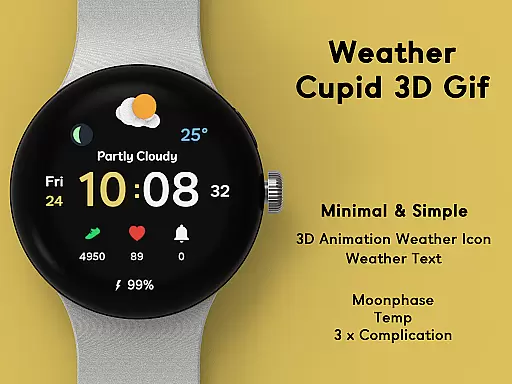
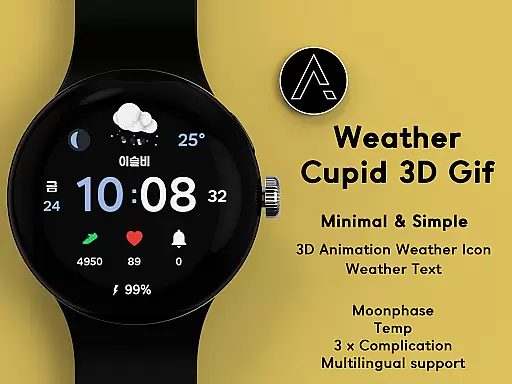
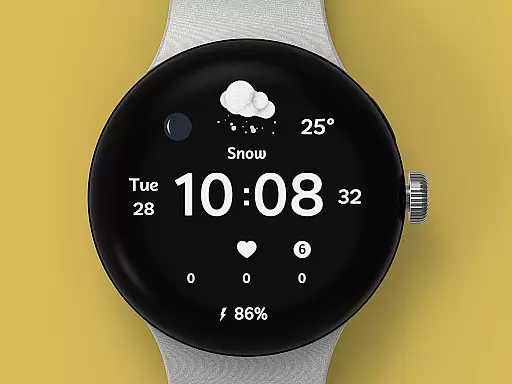
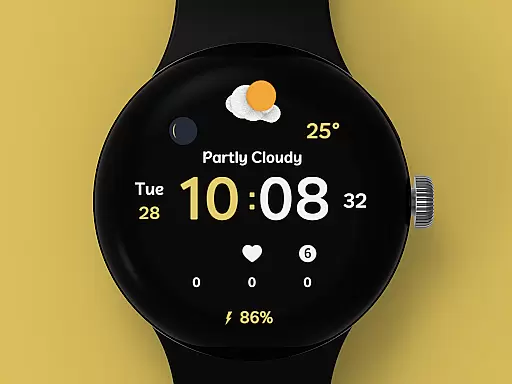
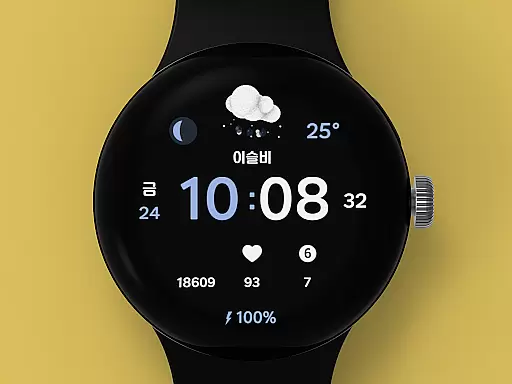
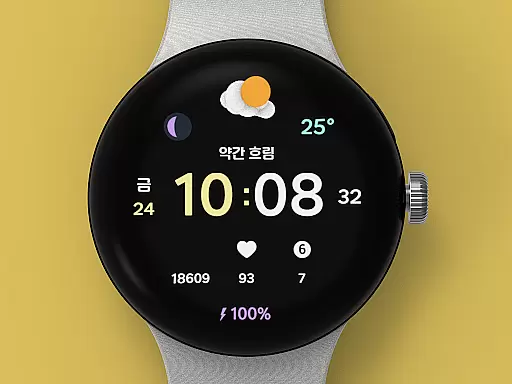
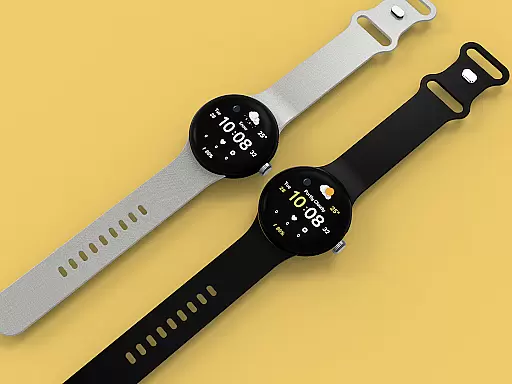
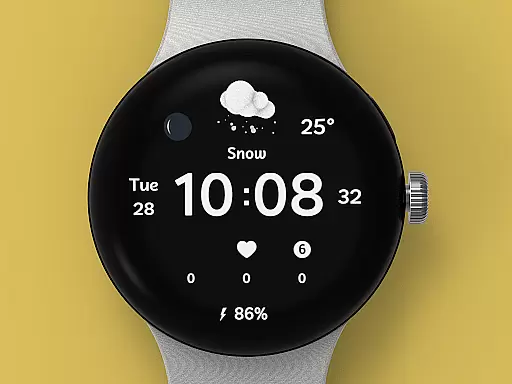
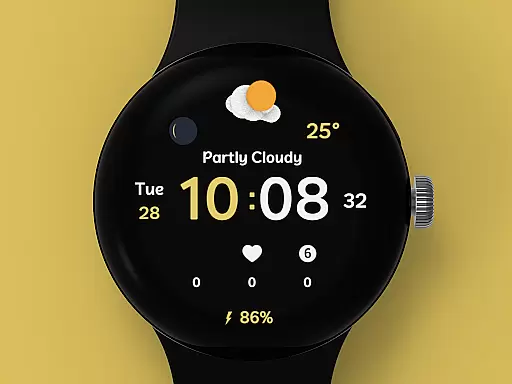
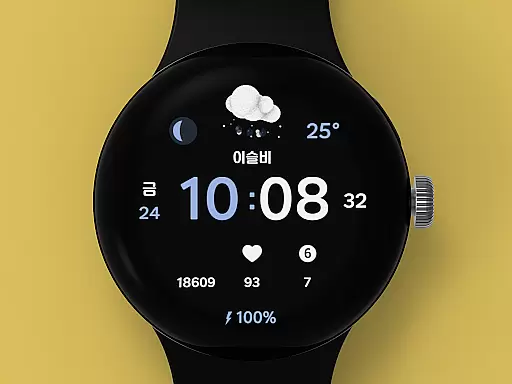
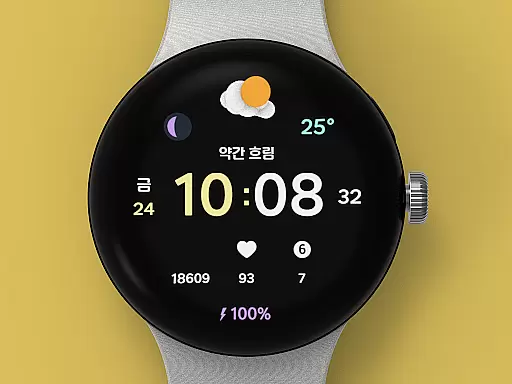
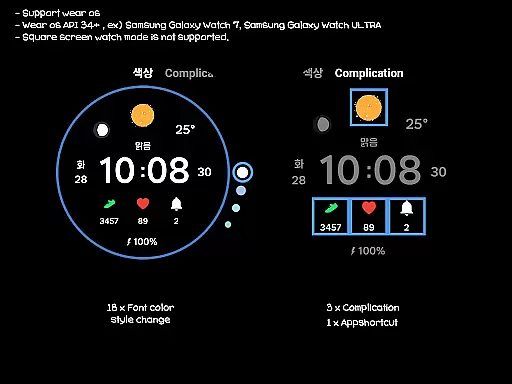
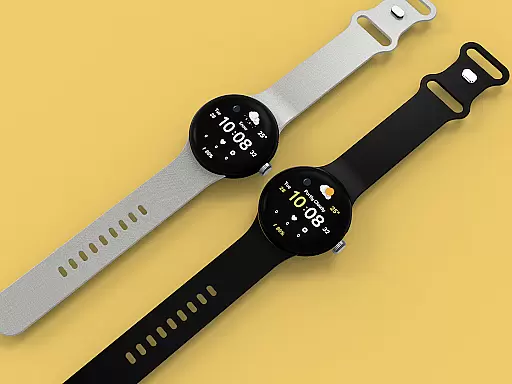
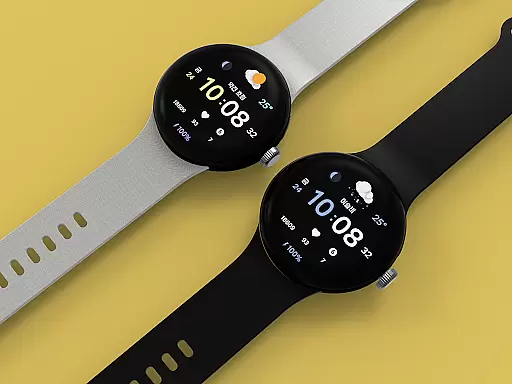
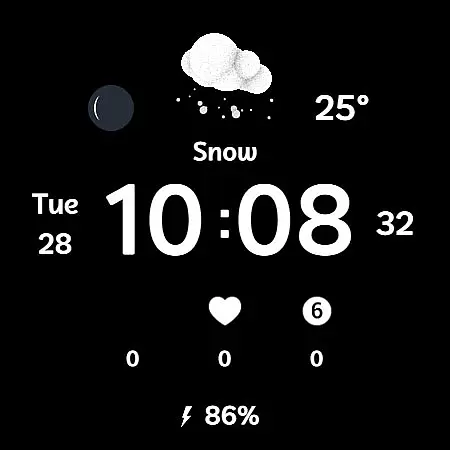
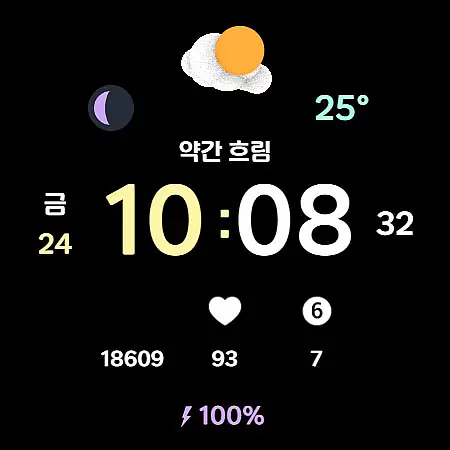
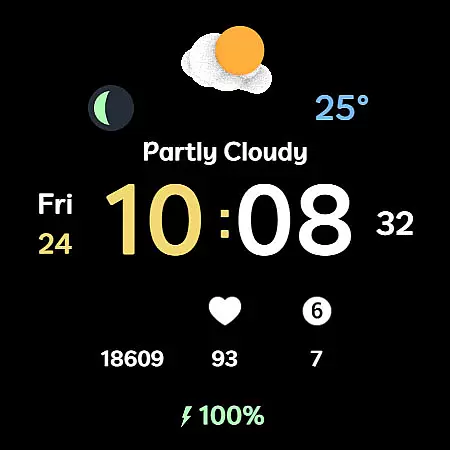
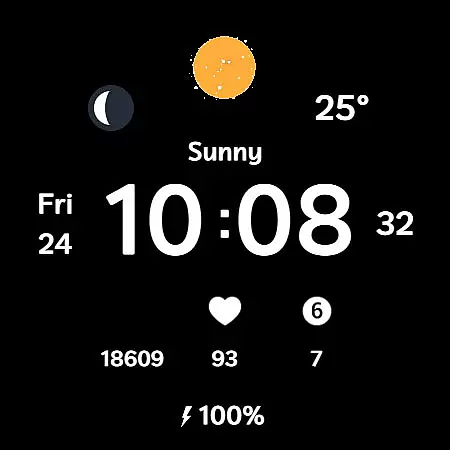
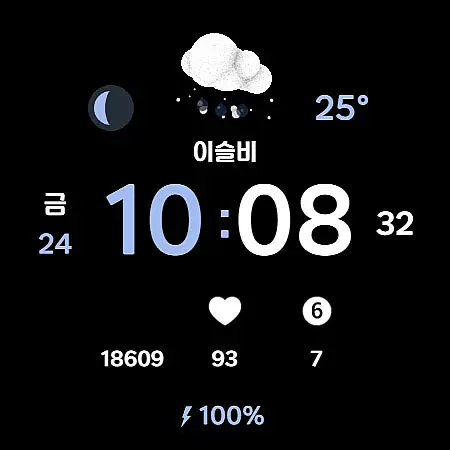
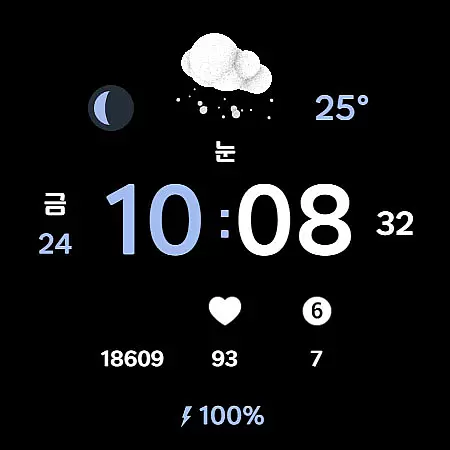
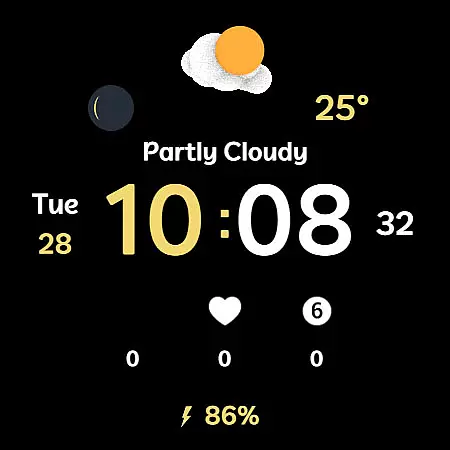
Weather Cupid 3D Gif is a dynamic weather watch face designed specifically for Wear OS devices. This application combines functionality with aesthetics, offering users an animated representation of weather conditions through 3D icons. The design is minimalistic yet intuitive, allowing users to easily access essential information such as temperature, moon phase, and battery percentage.
The watch face supports both Celsius and Fahrenheit temperature scales and provides multilingual options, making it accessible to a global audience. With automatic weather updates every 30 minutes and manual update capabilities, users can stay informed about current weather conditions. Additionally, the customization options include 18 font color styles and multiple complications, enabling personalization according to individual preferences.
This application is particularly useful for individuals who value both style and practicality in their wearable technology. By displaying lively weather animations alongside digital timekeeping, Weather Cupid 3D Gif enhances the user experience on smartwatches, providing both aesthetic appeal and functional utility.
Weather Cupid 3D Gif stands out with its unique combination of features tailored for Wear OS users. The application's hallmark is its 3D animated weather icons that vividly illustrate current weather conditions. These animations are not only visually appealing but also serve a practical purpose by providing at-a-glance weather information.
Functionality extends beyond weather display, incorporating essential elements such as 12/24-hour digital time format, battery percentage indicator, and moon phase tracking. The application automatically updates weather data every 30 minutes, ensuring users have access to current information. For immediate updates, users can manually trigger updates through the app's interface.
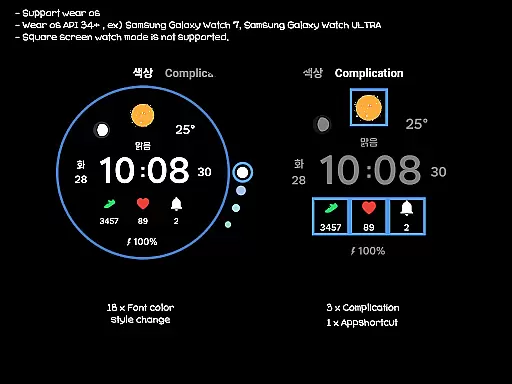
Customization is another key feature, with 18 different font color styles available to match personal preferences. The application also supports three complications and one app shortcut, allowing users to tailor their watch face to their specific needs. While square screen modes aren't supported, these features collectively create a versatile and personalized experience for Wear OS users seeking both style and substance in their smartwatch display.
Weather Cupid 3D Gif provides accurate weather forecasts through an API provided by Samsung. This ensures that users receive reliable and precise weather information directly on their Wear OS devices. The temperature data, moon phase, and other details are updated approximately every 30 minutes, offering timely insights.
The application supports both Celsius and Fahrenheit scales, catering to a global audience. By integrating multilingual support, it ensures that users from different regions can access weather updates in their preferred language. This localization feature enhances the overall accuracy and relevance of the displayed information.
While the app strives for precision, it is important to note that discrepancies might occur compared to other companies' weather services. However, the primary focus remains on delivering trustworthy data that aligns with real-time conditions, empowering users to make informed decisions based on the forecast provided.
With Weather Cupid 3D Gif, users can easily check weather information with temporal and spatial precision. The app offers detailed updates about current temperature, moon phase, and battery percentage, ensuring that users have a comprehensive understanding of their environment at any given moment.
The animated 3D weather icons provide a visually engaging way to interpret forecast data. These dynamic graphics change according to the actual weather conditions, offering an intuitive glimpse into future weather patterns. Such features enable users to anticipate weather changes and plan accordingly.
In cases where weather information is temporarily unavailable after restarting the watch, users can reset the display by reapplying the watch face. This troubleshooting step ensures consistent access to vital forecast details, maintaining the app's role as a dependable weather companion for daily activities.
User-friendly interface
Real-time weather updates
Customizable design options
Multilingual support
Automatic data synchronization
Limited to Wear OS
No square screen support
Weather data source restricted
Initial setup required
Battery consumption concerns

Ultimate weather forecast + moon phase for Wear OS 5+ (Pixel, Galaxy, et al.)
 4.70
4.70
Retro TV-style digital watch face with weather, heart rate, steps & events!
4.3
Get instant weather & temperature predictions right on your Wear OS smartwatch!
4.0
The most accurate weather app, hourly and daily weather, severe weather alerts
4.50
NOAA radar, weather forecasts, hurricane tracking & customizable alerts.
4.50
Weather - Local weather forecast, weather daily & hourly, weather radar
4.80
Most precise & accurate compass app give true North South East West directions.
3.00
Your Trusted Weather Companion
4.40
Powerful US and worldwide earthquake feed with earthquake alerts and maps.
4.60
Accurate weather forecast, daily weather changes are easy to grasp
4.90
Weather radar map, storm tracker, local forecast, live rain alerts & daily news.
4.60
Prepare for severe weather with notifications, future radar, and live alerts.
4.60
Accurate Thermometer: indoor & outdoor temperature, humidity, pressure, and wind
4.50
Accurate Weather App: various widgets, real-time storm radar, hurricane tracker.
4.50
Room Temperature Thermometer meter shows indoor, outdoor temperature, humidity.
4.40
Analog Weather Watch Face for Wear OS 5+
4.10
Stay Ahead Of Changing Weather Conditions
4.00
Moon phase calendar with live wallpaper, lunar widget, & 3D simulation.
3.60
Magnetic Compass meets smart tech: Get directions and weather alerts seamlessly
3.30


User Reviews