
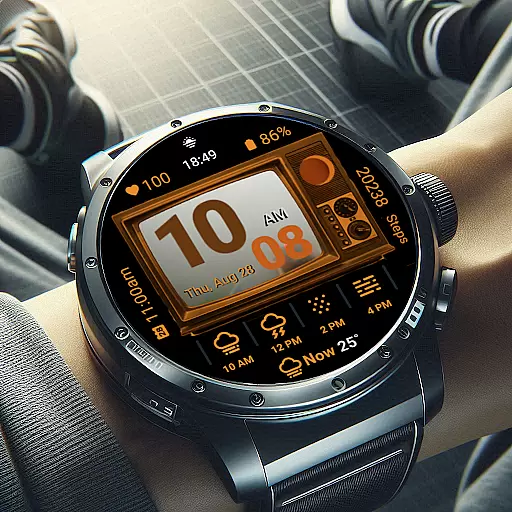
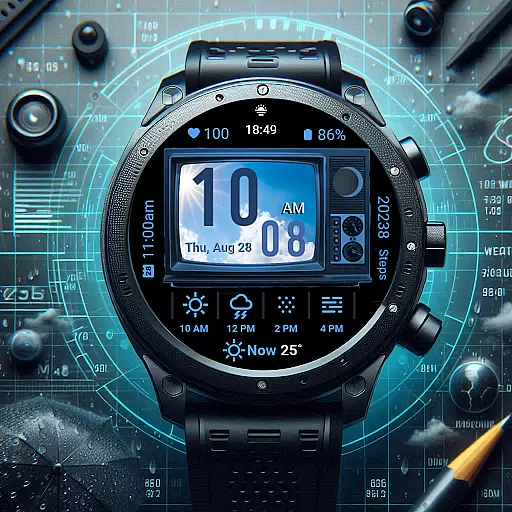
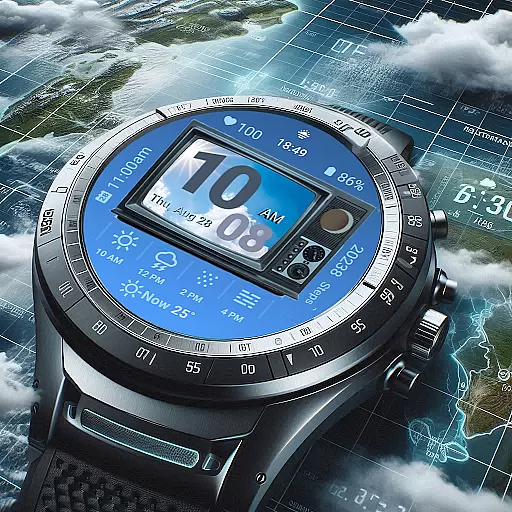
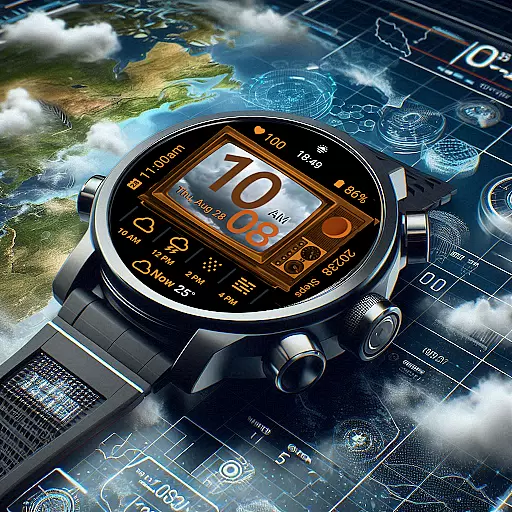
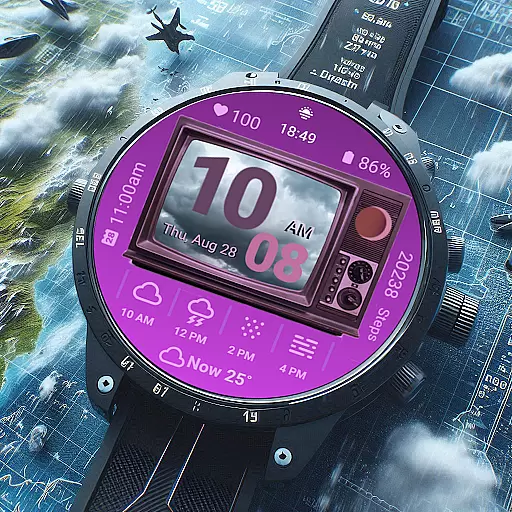
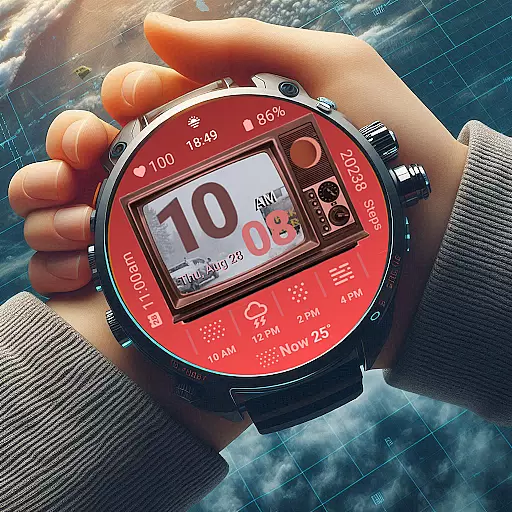
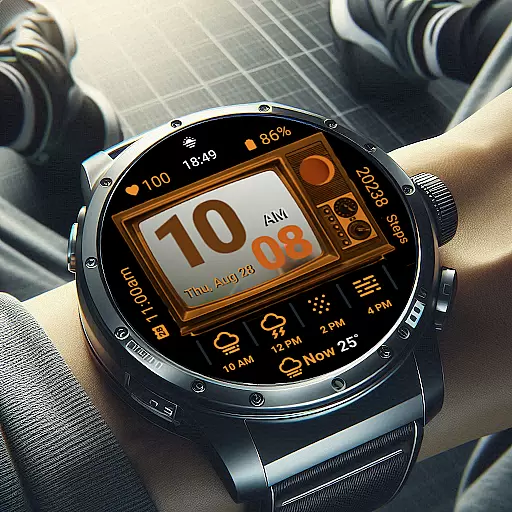
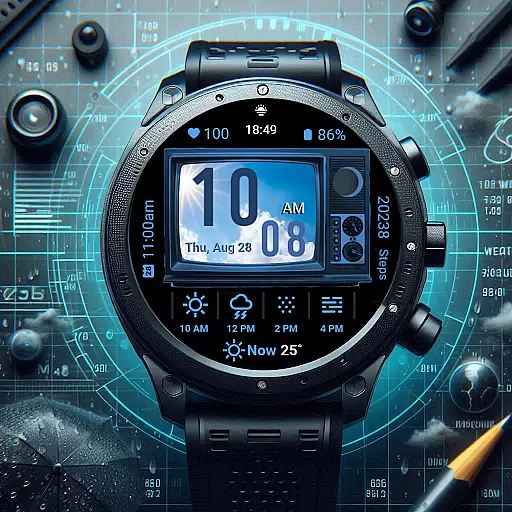
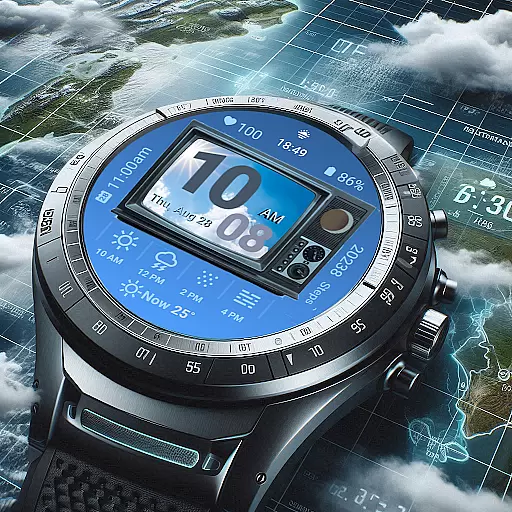
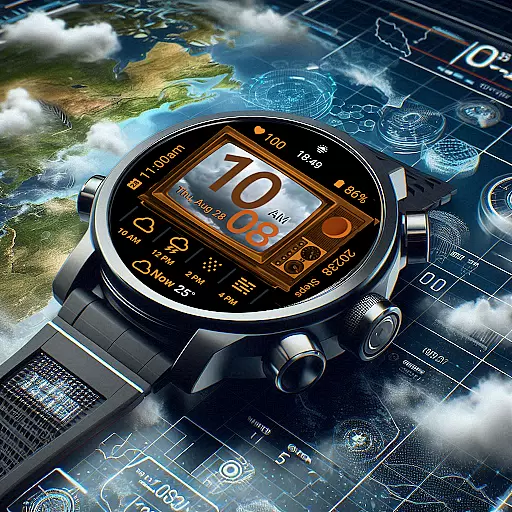
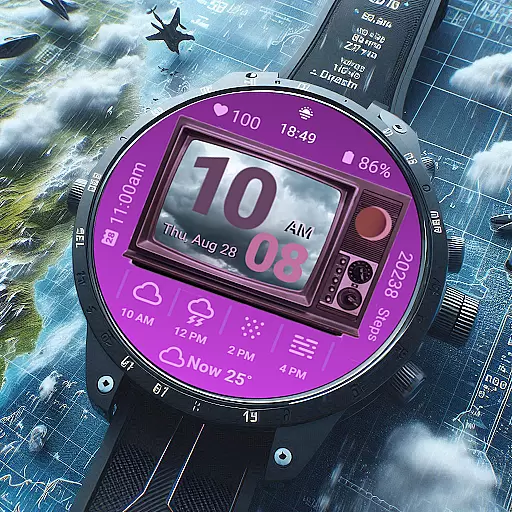
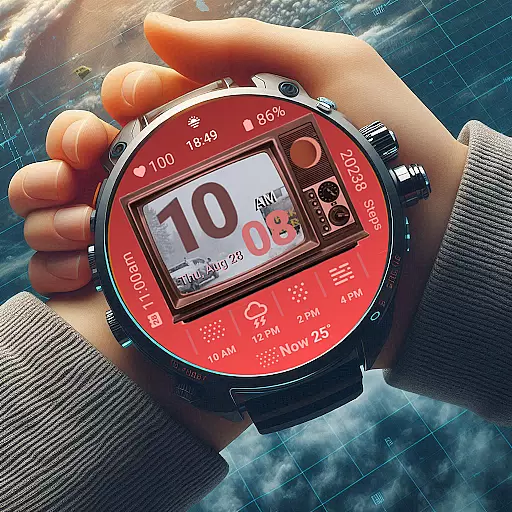
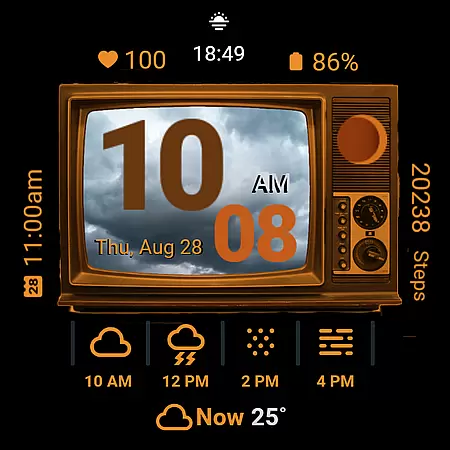
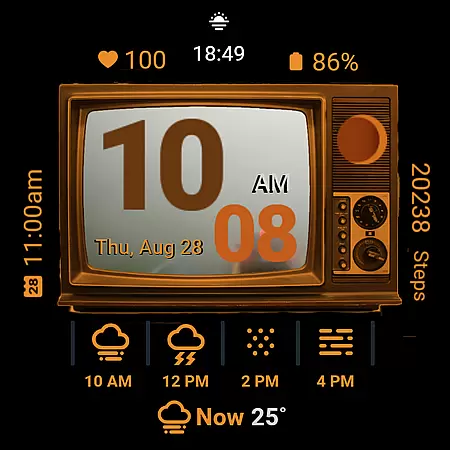
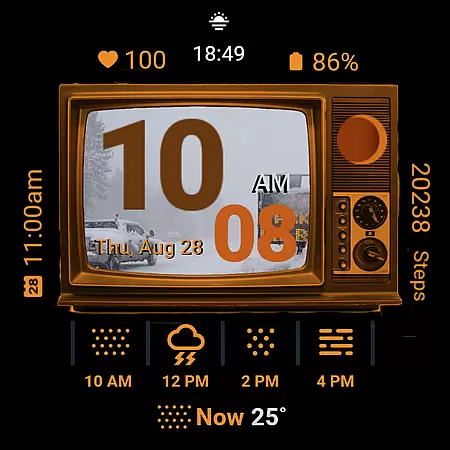
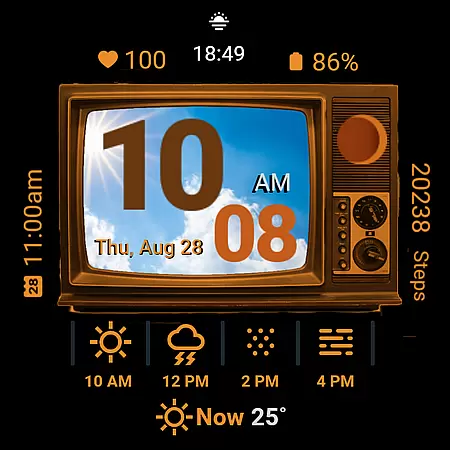
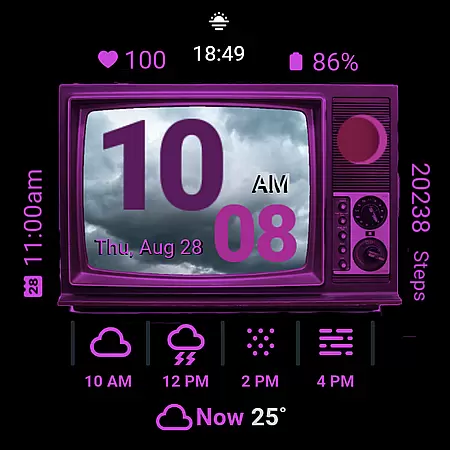
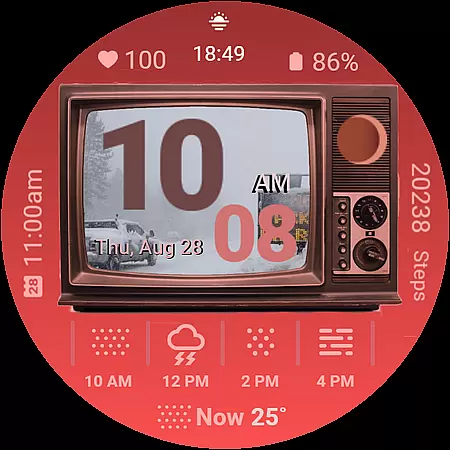
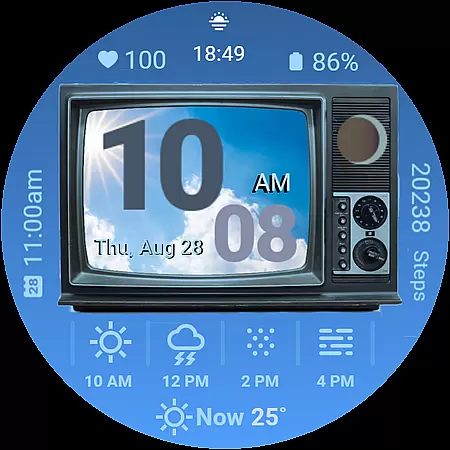
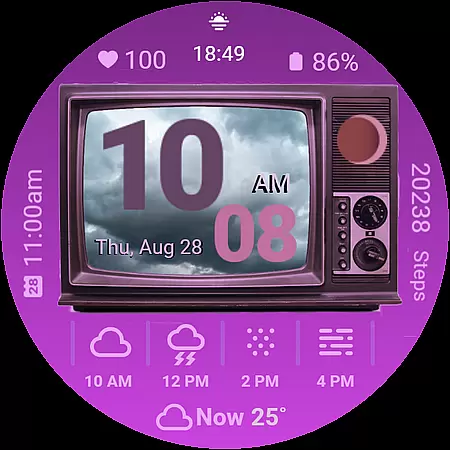
Retro Weather TV Watch Face brings a unique blend of nostalgia and modern functionality to your Wear OS smartwatch. Designed with a vintage TV aesthetic, this digital watch face displays real-time weather updates alongside essential daily metrics like time, date, and health statistics.
Key features include a retro-style display that shows the current weather conditions through representative images on the 'TV screen,' heart rate monitoring, step counting, and battery status indicators. The ambient mode ensures minimal battery consumption while keeping you informed even when the watch is idle.
Perfect for those who appreciate classic design but don't want to compromise on modern conveniences, Retro Weather TV Watch Face is ideal for everyday use, offering both style and practicality in one sleek package.
This Wear OS watch face stands out with its distinctive retro TV display, reminiscent of classic television sets. It supports both 12-hour and 24-hour digital time formats, adapting seamlessly to user preferences.
In addition to showing the time, it provides comprehensive weather details including temperature and moon phases, ensuring you're always prepared for the day ahead. The inclusion of next event reminders, step counters, and heart rate monitors makes it an all-in-one solution for managing your schedule and health.
Customization options allow users to adjust colors and access settings or the calendar directly from the watch face. With ambient mode support, Retro Weather TV Watch Face remains functional yet unobtrusive, preserving battery life without sacrificing utility.
Forecast accuracy and data credibility are essential for any weather application, ensuring users receive reliable and actionable information. Retro Weather TV Watch Face excels in this area by providing real-time updates on weather conditions, temperature, and even moon phases directly on your Wear OS device.
The watch face pulls data from credible sources, maintaining precision in its weather forecasts. By integrating features like the current weather image display on the retro TV screen, it offers users an immediate visual cue of the weather outside, enhancing both functionality and aesthetic appeal.
For users, this means they can trust the weather information displayed on their smartwatch to make informed decisions about their day. Whether planning your outfit or scheduling outdoor activities, Retro Weather TV Watch Face ensures you have accurate and timely data at a glance.
Temporal and spatial forecast range refers to the watch's ability to provide weather predictions across different times and locations. Retro Weather TV Watch Face stands out by offering comprehensive weather details that include not just the current conditions but also future forecasts and events.
This Wear OS watch face is designed to keep users informed with next event reminders and calendar shortcut buttons, tapping into both temporal and spatial elements. Users can access detailed weather information alongside their daily schedules, ensuring they are prepared for whatever the day might bring.
By combining classic aesthetics with modern technology, Retro Weather TV Watch Face delivers an experience where style meets utility. This makes it an invaluable tool for those who value both form and function in managing their time and environmental awareness effectively.
Unique retro design
Real-time weather updates
Health tracking features
Customizable display options
Ambient mode support
Limited to Wear OS
May drain battery faster
No advanced analytics
Simple customization
Requires Google account

Moon phase calendar with live wallpaper, lunar widget, & 3D simulation.
 3.60
3.60
Live Weather Forecast app with acu weather radar, weather alert & weather widget
4.80
Instant weather updates, easy to check anytime on your home screen.
3.50
Road weather, live radar, wind, snow, and conditions along your driving route.
4.70
Storm Radar, Alerts & Live Weather Forecasts Right on Your Home Screen
3.70
The moon phases app for tracking the lunar calendar, blue moon and full moon.
4.80
Weather Forecast, Trending News, Hurricane & Storm Tracker, Alerts & Live Radar.
4.80
Your ultimate app for real-time weather information!
4.70
Hyperlocal Forecasts, Live Radar, Severe Weather alerts & Homescreen Widgets
4.30
Weather for Indiana, Kentucky and Ohio
4.90
No ads, No data collected. Beautiful and powerfully customizable weather app
4.90
Ultimate weather forecast + moon phase for Wear OS 5+ (Pixel, Galaxy, et al.)
4.70
Hourly and daily weather forecast, current condition, temperature, UV and more!
4.70
Live Alabama weather from James Spann—forecasts, radar, alerts, Spanncams.
4.70
Powerful US and worldwide earthquake feed with earthquake alerts and maps.
4.70
Weather radar map, storm tracker, local forecast, live rain alerts & daily news.
4.60
Download now and give your smartwatch a fresh, premium look!
4.20
3D Animation Weather Icon
4.00
A powerful weather forecast to get real-time weather information
3.60


User Reviews