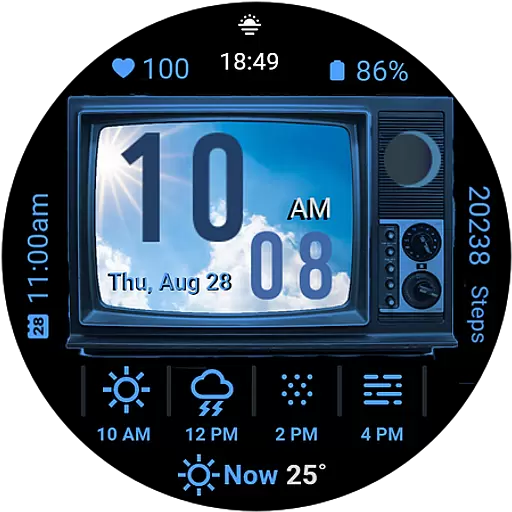
Ultimate weather forecast + moon phase for Wear OS 5+ (Pixel, Galaxy, et al.)
 4.70
4.70
My Aurora Forecast is the app for Northern Lights and Aurora Borealis alerts.
4.60
Most precise & accurate compass app give true North South East West directions.
3.00
Weather forecast & live radar map
4.20
Local Weather provides accurate and current hourly and daily forecasts.
4.80
Powerful US and worldwide earthquake feed with earthquake alerts and maps.
4.70
Your Reliable Weather Companion
4.10
Precision Weather, Right at Your Fingertips
4.40
Prepare for severe weather with notifications, future radar, and live alerts.
4.60
My Tide Times Pro is the only tide tables and forecasts application you'll need.
4.80
Hourly and daily weather forecast, current condition, temperature, UV and more!
4.70
Track lightning strikes with our thunderstorms map, radar and lightning alarm.
4.70
Your ultimate app for real-time weather information!
4.70
Local forecast, alerts, rain, snow and wind radar, air quality & weather widget
4.60
14-day & 24-hour Forecast | Real-time Alert | Accurate & Fast
4.40
Live weather radar, widgets & forecasts. Track rain, storms & temperature.
4.20
Analog Weather Watch Face for Wear OS 5+
4.10
Weather watch face for Wear OS 5+
4.10
3D Animation Weather Icon
4.00


