
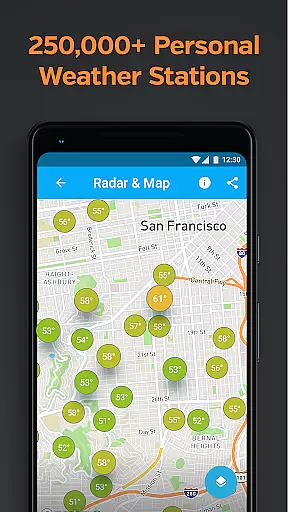
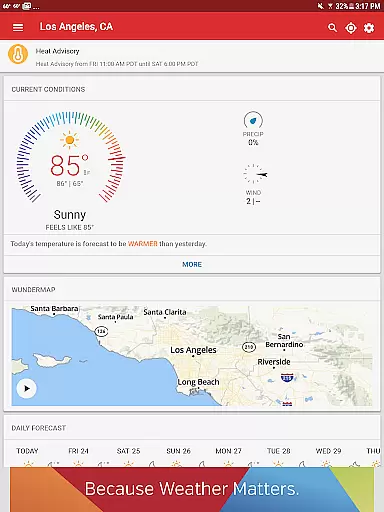
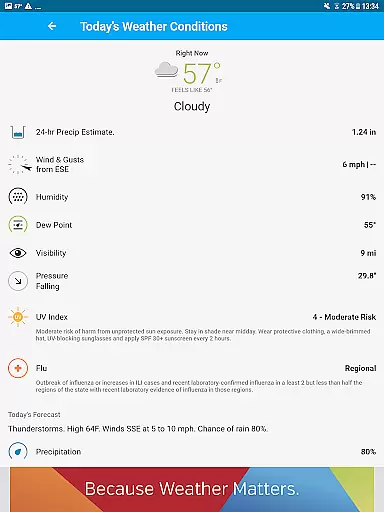
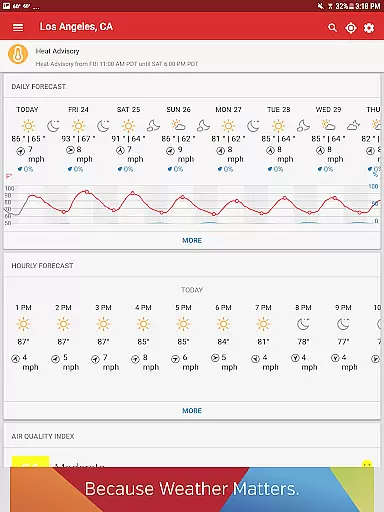
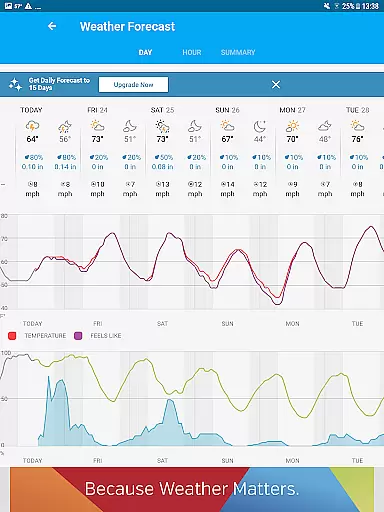
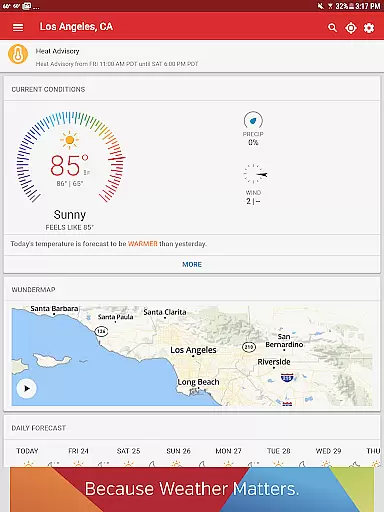
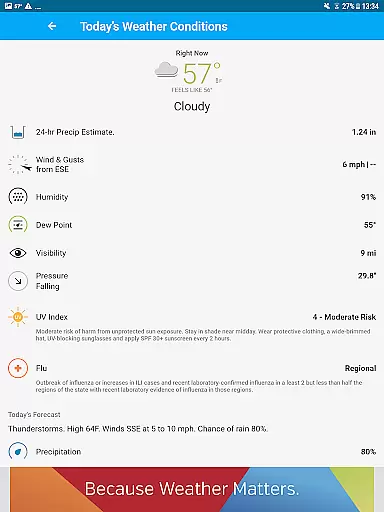
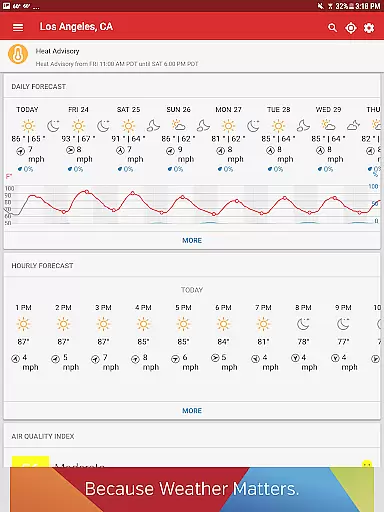
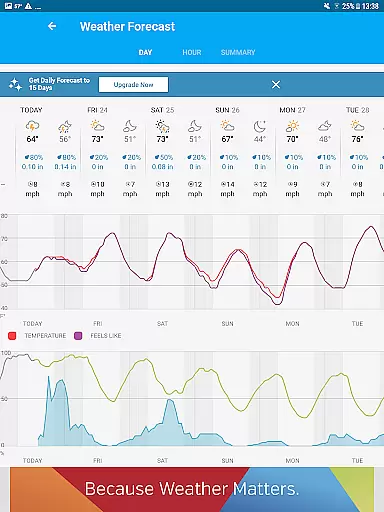
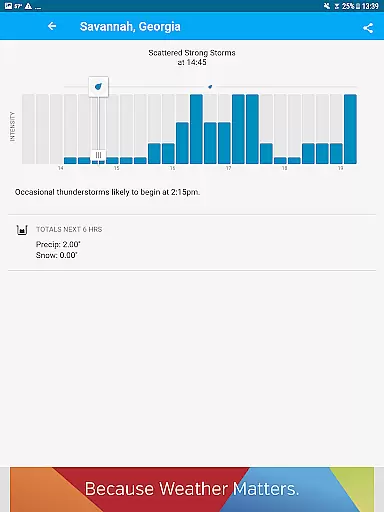
Weather Underground is a leading weather app that provides hyper-local weather data and forecasts at a microclimate level. The app leverages data from over 250,000 personal weather stations to deliver precise current conditions and updates tailored to your exact location. With advanced features like Nexrad radar technology, customizable weather alerts, and detailed storm tracking, it ensures users are always prepared for changing weather patterns.
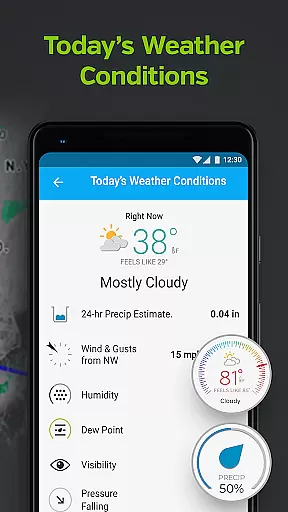
The app's unique selling point is its ability to provide truly localized weather information, going beyond generic forecasts. Users can access detailed data points such as 'Feels Like' temperature, wind speed and direction, rain accumulation, humidity, and air pressure. This makes it an essential tool for anyone who needs accurate weather information for outdoor activities, travel planning, or staying safe during severe weather events.
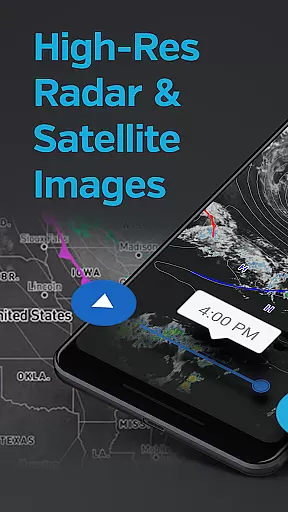
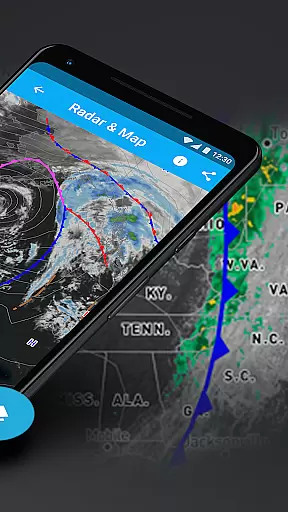
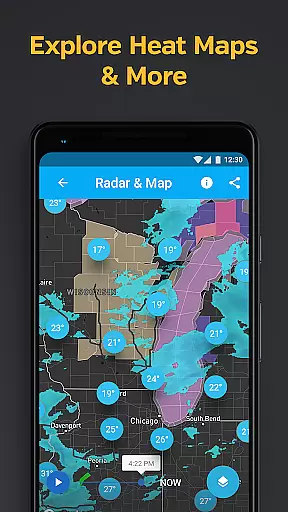
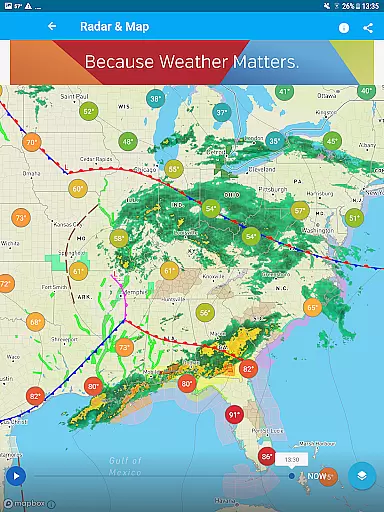
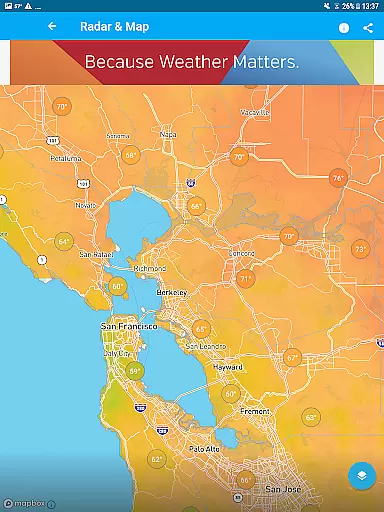
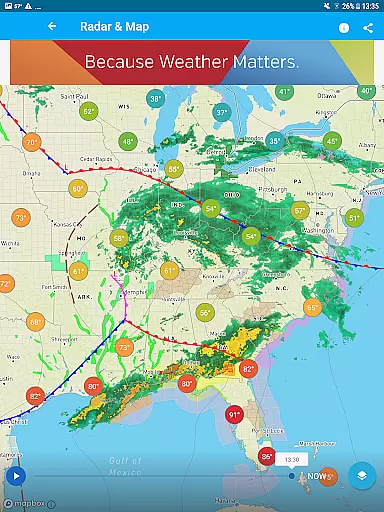
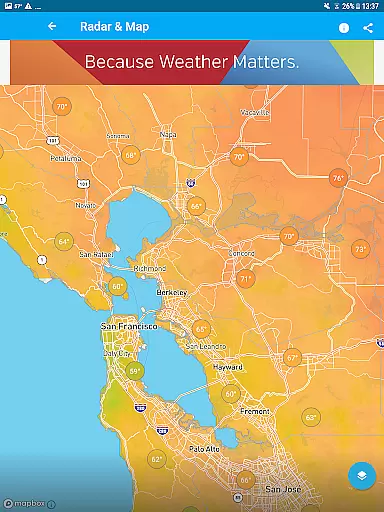
Weather Underground stands out with its comprehensive feature set designed for weather enthusiasts and casual users alike. The app offers interactive weather maps that allow users to visualize different weather overlays, including Nexrad radar, satellite imagery, and temperature heatmaps. These visualizations are powered by high-resolution data from NOAA and the GOES-16 satellite, providing unparalleled accuracy in weather tracking.
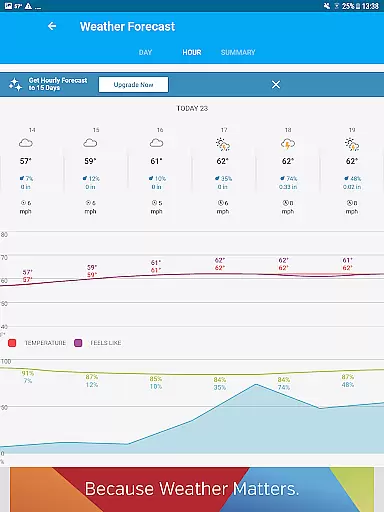
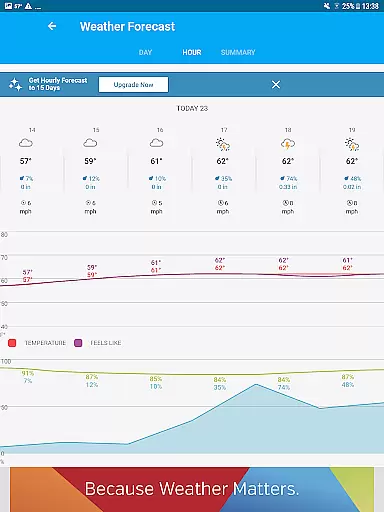
Another key feature is the hyper-local forecasting system. Unlike traditional weather services that rely on airport weather stations, Weather Underground uses data from nearby personal weather stations to generate forecasts. This results in more reliable predictions of rain, pollen levels, and temperature changes specific to your neighborhood. Additionally, premium subscribers can access Smart Forecasts and extended hourly forecasts up to 15 days in advance.
The app also includes specialized tools like air quality index monitoring, UV index tracking, and sunrise/sunset times. Users can customize their experience with light and dark modes, various map types, and different measurement units. These features make Weather Underground a versatile tool for both everyday use and specialized weather monitoring needs.
Weather data & microclimate stands out for its exceptional forecast accuracy and data credibility. The app aggregates information from over 250,000 personal weather stations globally, ensuring that the forecasts are not only hyper-local but also incredibly precise.
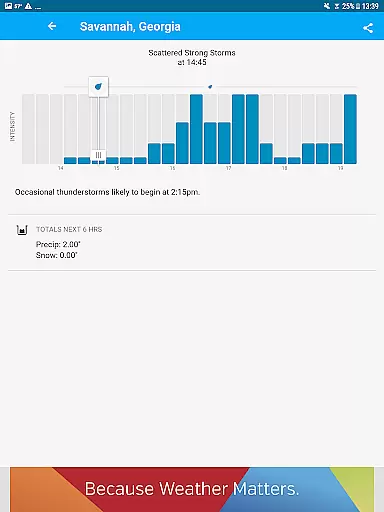
The proprietary forecast model leverages advanced algorithms to analyze this vast network of personal weather stations. This approach allows users to receive real-time updates on current conditions, including temperature, wind speed, and rain accumulation, tailored specifically to their immediate surroundings.
For users, this means they can trust the app to provide reliable guidance for planning their day or week. Whether it's preparing for a sudden downpour or understanding local air quality levels, the credible data ensures they are always prepared.
Ultimately, the combination of extensive data sources and sophisticated modeling positions Weather data & microclimate as an indispensable tool for anyone needing accurate and localized weather information.
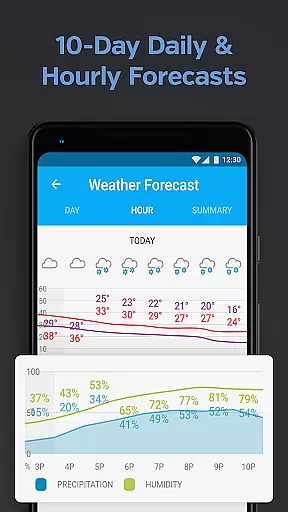
One of the standout features of Weather data & microclimate is its ability to offer extensive temporal and spatial forecast ranges. Users can access detailed hourly and daily forecasts up to 10 days in advance, allowing them to plan with confidence.
The app's Nexrad radar technology and satellite imagery provide comprehensive coverage across different geographical areas. This ensures that no matter where you are, you have access to precise weather maps, Doppler radar imagery, and severe weather alerts specific to your location.
This broad forecast range empowers users by giving them insights into long-term weather patterns while still maintaining precision at the microclimate level. From tracking potential hurricanes to monitoring drought conditions, the app equips users with vital information.
By delivering such detailed and wide-ranging forecasts, Weather data & microclimate becomes an essential companion for both everyday use and strategic planning against extreme weather events.
Hyper-local forecasts
Interactive weather maps
Detailed storm tracking
Customizable alerts
Premium features available
Premium subscription required
Some features are complex
Ads in free version
Occasional data gaps
Interface may overwhelm

A tool that provides real-time and 5-day weather info.
 4.2
4.2
Weather for Indiana, Kentucky and Ohio
4.90
Retro TV-style digital watch face with weather, heart rate, steps & events!
4.0
An unofficial app version of the National Weather Service (Weather.gov)
3.90
My Tide Times Pro is the only tide tables and forecasts application you'll need.
4.80
The reliable and trusted global air quality, wildfire, pollen, PM2.5 forecast
4.70
Accurate, beautiful weather with landscapes depicting weather, sky, season.
4.50
Check room temperature with this indoor thermometer. thermostat & hydrometer
4.70
Local forecast, alerts, rain, snow and wind radar, air quality & weather widget
4.60
Ultimate Lunar Calendar for 2021!
4.80
Live local weather updates: various widgets & radar maps & hourly forecast.
4.70
Nuts Weather, your ideal choice for knowing weather forecast & weather radar
4.70
Ultimate weather forecast + moon phase for Wear OS 5+ (Pixel, Galaxy, et al.)
4.70
Accurate Thermometer: indoor & outdoor temperature, humidity, pressure, and wind
4.50
Hyperlocal Forecasts, Live Radar, Severe Weather alerts & Homescreen Widgets
4.30
Personal Weather Station PRO - Meteo monitor to check your WU info and charts.
4.20
Global weather forecast, powered by layered radar & hourly weather updates
4.10
Storm Radar, Alerts & Live Weather Forecasts Right on Your Home Screen
3.70
Dynamic weather watch face with glass effect, bold time & 7 complications.
4.2


User Reviews