

Behavioral Health Portal
 4.70
4.70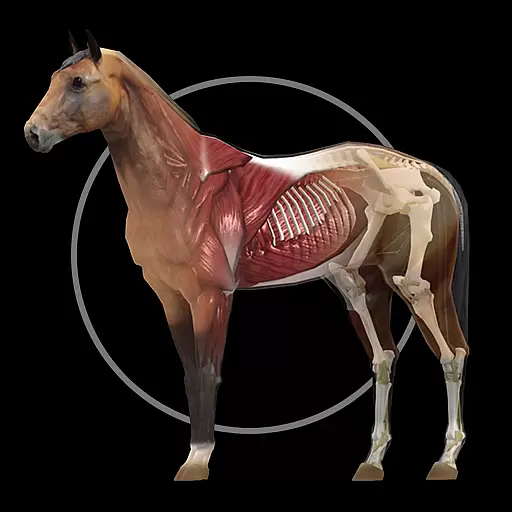
A fantastic 3d reference that includes over 300 structures and a quiz function.
3.00
A comprehensive medical disease app.
5.00
Amplify surrounding sounds, conversations, TV or lectures for louder hearing.
4.70
A rapid reference for prehospital providers caring for pediatric patients.
4.5
Your donation experience just got smoother; Donor Hub is your go-to place.
4.70
Remote, medical-grade heart care at your fingertips
4.70
Internal medicine literature at your fingertips.
4.50
700 questions, 2 full exams, Predictive Scoring—your key to NREMT success!
3.90
Elegant, easy-to-use period tracker for fertility, PMS symptoms, and more
4.90
Pelvic Floor Muscle Exercises
4.80
Take your aphasia therapy to the next level with 4 evidence-based advanced apps
4.70
The MDLIVE app makes connecting with a doctor fast, easy, and convenient.
4.60
ASCCP Management Guidelines- There’s an app for that!
4.60
Secure video appointments
4.50
We’ve made it easy for Oscar members to get care on the go.
4.30
Voice pitch monitor for speech therapy, LSVT, Parkinson's, singing & trans
4.30
Your pocket guide to following The Monash University Low FODMAP diet.
4.20
The world's best selling 3D Human Anatomy app with groundbreaking 3D technology
2.00


