
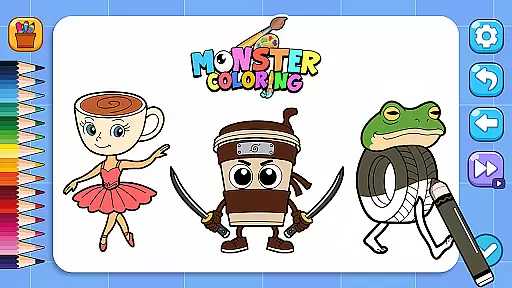
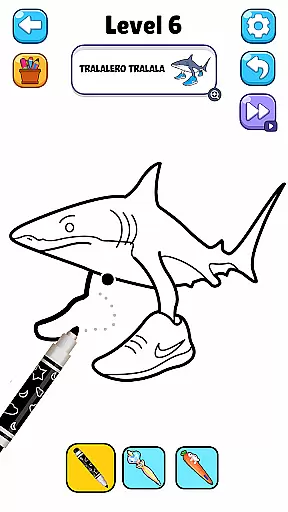
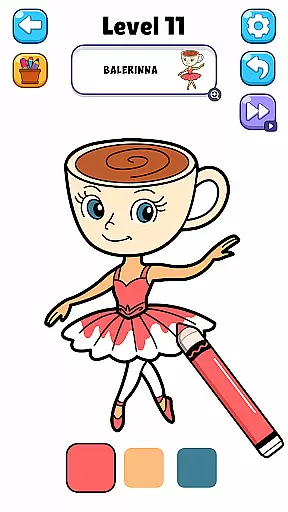



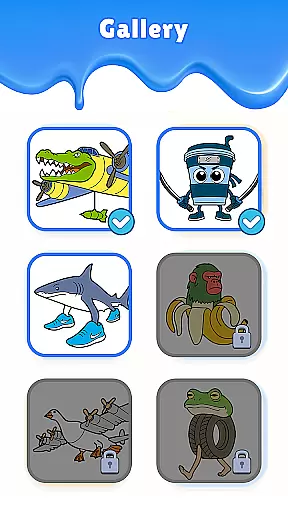
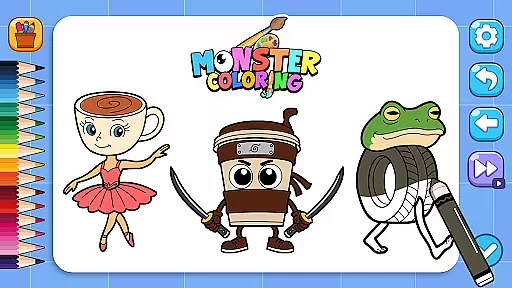



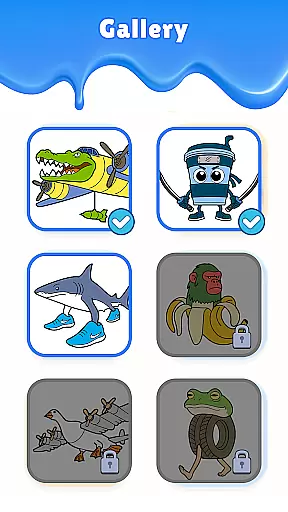
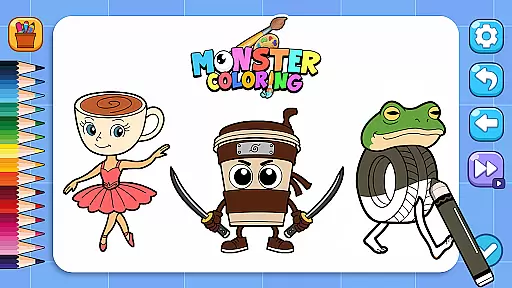
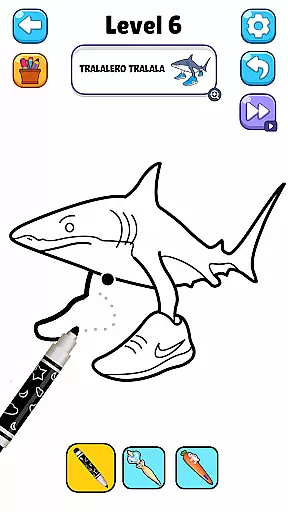
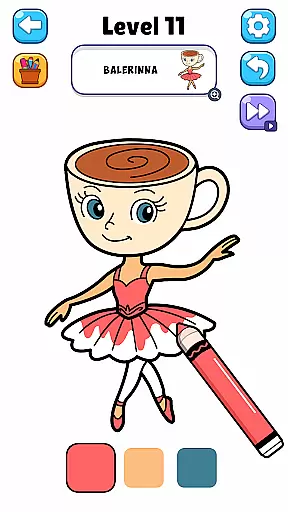



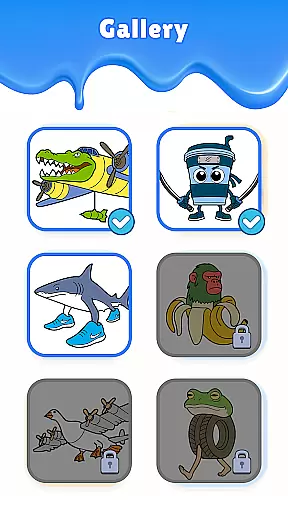
Idol Draw: Coloring Master is a casual game designed for stress-free entertainment and artistic expression. This app offers an immersive ASMR coloring experience, allowing users to explore their creativity through hundreds of beautifully designed characters. With its soothing sound effects and vibrant visuals, the game provides a therapeutic escape while helping players develop their artistic skills.
The app features various idol and monster characters, each crafted with simple lines and vivid colors. Its user-friendly interface ensures a relaxing experience as players trace outlines and apply colors to bring these characters to life. Whether you're looking to unwind after a long day or seeking a creative outlet, Idol Draw: Coloring Master delivers both relaxation and inspiration in one complete package.
One of the standout features of Idol Draw: Coloring Master is its incorporation of ASMR elements that enhance the overall gaming experience. The calming sounds paired with clean visuals create an anti-stress environment perfect for unwinding. Players can lose themselves in this serene world while engaging in the satisfying activity of coloring diverse characters ranging from idols to monsters.
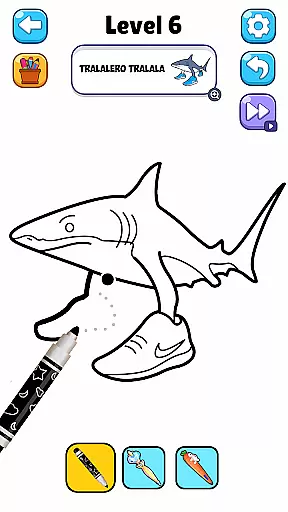
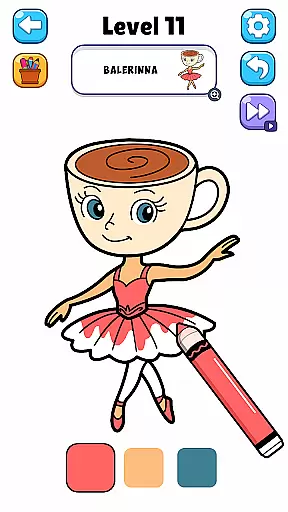
In addition to its unique ASMR experience, the game also boasts simple yet engaging gameplay mechanics. Users can trace character outlines and fill them with colors effortlessly, making it accessible even for beginners. Each completed artwork not only showcases personal creativity but also serves as a visual delight that players can share with others. This combination of ease-of-use, aesthetic appeal, and emotional relief makes Idol Draw: Coloring Master a must-try casual game.
Idol Draw: Coloring Master exemplifies the essence of casual gaming through its straightforward and user-friendly core gameplay. The game strips back complex mechanics to offer players the joy of coloring with simple taps and swipes.
The intuitive design allows users of all ages to easily grasp the mechanics without any learning curve. By focusing on basic actions such as tracing outlines and filling colors, it creates an accessible experience that invites everyone to express their creativity.
This simplistic approach not only makes the game more approachable but also enhances the overall relaxation factor. Players can unwind without the pressure of mastering complicated controls, making each session a stress-free escape into a world of color and imagination.
One of Idol Draw: Coloring Master's key strengths is its adaptable session length, which caters to various play styles and time constraints. Whether you have a few minutes or several hours, the game adjusts seamlessly to your schedule.
The bite-sized coloring tasks allow for short, satisfying bursts of activity, perfect for filling brief moments of free time. This flexibility in session duration supports modern lifestyles where gaming often needs to fit around busy schedules.
Moreover, the ability to save progress instantly means players can pause and resume their artistic journey at will. This feature ensures that every coloring session remains stress-free and enjoyable, regardless of its duration or the player's time availability.
Relaxing ASMR sounds
Vibrant character designs
User-friendly interface
Hundreds of unique images
Perfect for stress relief
Limited advanced tools
Occasional ads
Few customization options
Basic color palette
No multiplayer mode

The SPY Corps needs your help! Spy Fox need’s you!
 4.10
4.10
Just shoot and drop blocks.
4.0
Aim-Shoot-Blast: Perfect Shot
4.4
RPG Adventure in the Caribbean as Pirate or Trader.
4.60
Jurassic beast with one goal tear down everything in sight
4.3
Search for hidden objects scattered around hand-drawn worlds.
4.70
Roll the Dice and Build Your Kingdom - Can You Beat Your Friends?
4.70
Embark on a colourful hand drawn journey of discovery through the ages!
4.40
Merge numbers on the balls and run to aim for 2048!
4.20
Be the Coin Master: attack friends & collect coins in this fun adventure game!
4.80
Repair, Refit, Repaint. Customize your truck today!
4.60
FPse : The best and smoothest PSone Emulator available now!!
4.50
Relax and Explore your own fishing travel
4.50
Join Tom and friends and care for them. Create fun stories and play mini-games.
4.30
Offline Games - Enjoy Endless Fun Anywhere, Anytime!
4.20
A cozy idle farming game, watch tiny guys do tasks around the terrace.
4.20
Heads or tails? Coin Flipper in an idle game about flipping coins!
3.60
Play music with emojis! A colorful and fun piano for all ages.
4.4
Fun drinking & party game with dares, sips, timers, and a live leaderboard!
4.1


User Reviews