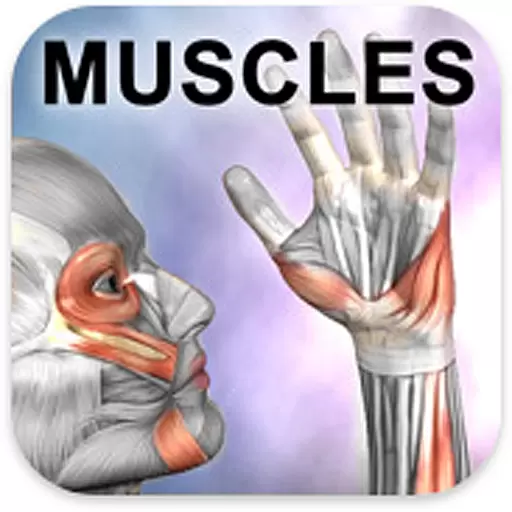
Explore human anatomy with this rich learning experience.
 4.00
4.00
Identify pills, search different drugs, get drug information and much more!
4.50
HealtheLife lets you easily manage your health online.
3.20
One app to unlock your health
4.30
Conveniently receive lab results, schedule lab appointment and pay your bills
3.70
Easy access to benefits and rewards
3.70
Coaches you through labour using hypnobirthing techniques & tracks contractions
4.70
This app is simply 1 book (also large app) and 17 other apps combined into 1
4.70
Manage your health care in one easy place
4.40
Manage your prescriptions and pharmacy care anytime, anywhere.
4.80
Search by insurance, see real-time openings & verified reviews, get care fast.
4.80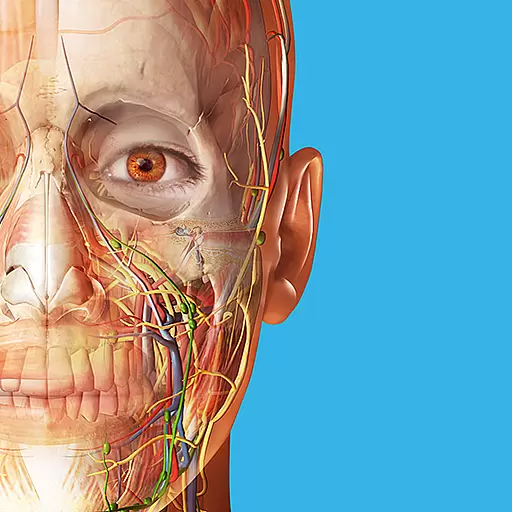
A comprehensive 3D atlas of the human body
4.80
Manage your healthcare through the FollowMyHealth® Universal Health Record.
4.80
Take on apraxia and aphasia with a powerful video-driven speech therapy app.
4.60
Download OctaApp for easy access to your plasma donation info
4.40
Control your hearing aids discreetly with the touch of a finger
4.30
Donating plasma just got easier with the BioLife Plasma Services mobile app.
3.90
Continuous Glucose Monitoring
3.40
A rapid reference for prehospital providers caring for pediatric patients.
4.4


