
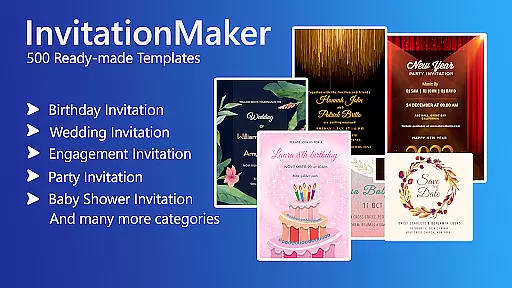

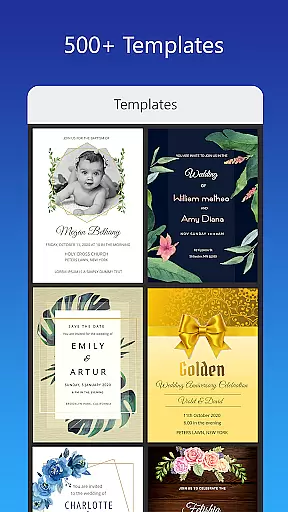
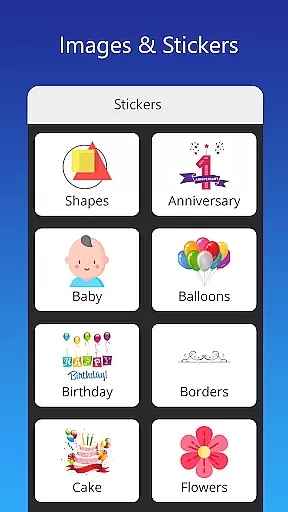

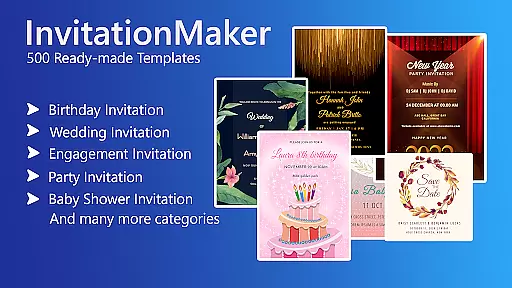

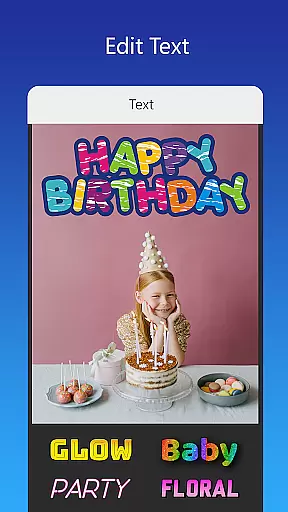
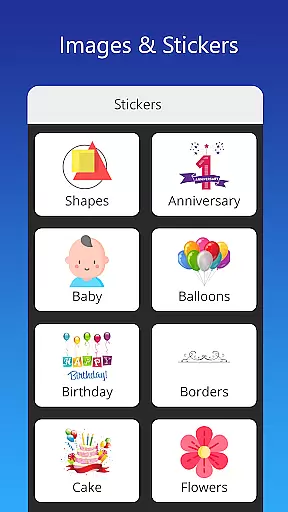
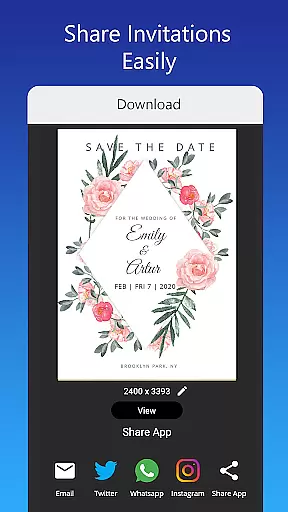

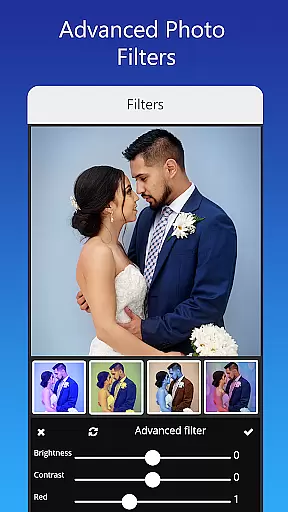
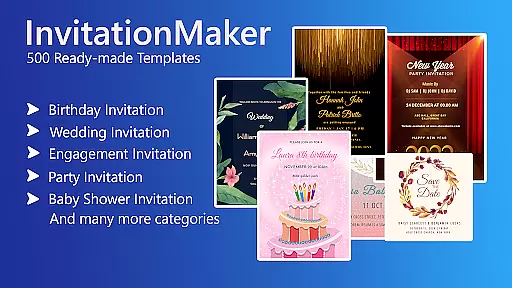

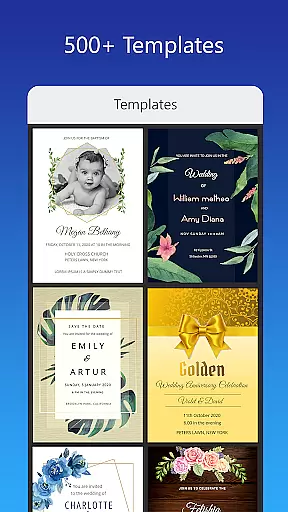
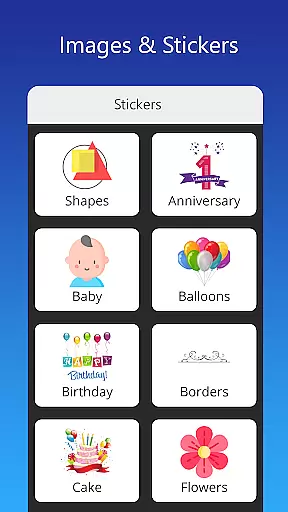
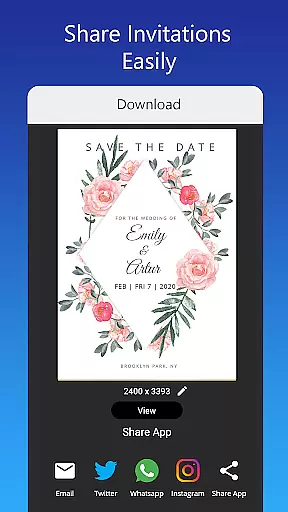

Invitation Card Maker, Design is a versatile app that allows users to create personalized invitation cards for various events such as birthdays, weddings, engagements, anniversaries, and baby showers. With over 200 ready-made templates, users can design invitations in just two minutes. The app offers features like background images, gradient colors, photo frames, and unlimited stickers, enabling users to customize their designs with ease.
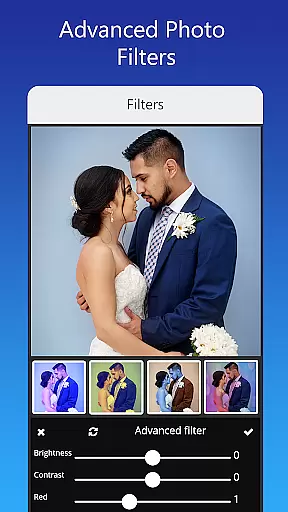
In addition to its extensive template library, the app provides advanced editing tools including brightness, contrast, overlay image, and crop by shape. Users can also resize cards, replace images without altering the design, and add text or quotes with various font styles. Invitation Card Maker supports sharing on social networks, saving projects for future editing, and downloading digital cards or printing them.
This app is ideal for individuals planning events and looking to add a personal touch to their invitations. Whether it's a child's themed birthday party or a culturally specific wedding invite, Invitation Card Maker caters to diverse needs, making event planning more creative and efficient.
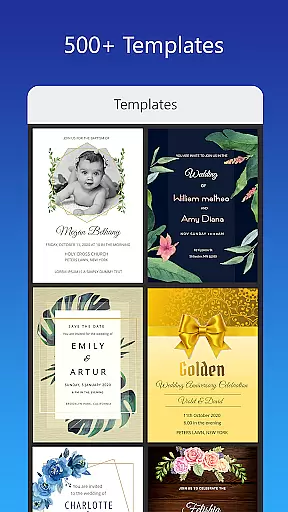
Invitation Card Maker boasts an array of features designed to enhance user experience. One standout feature is the ability to use ready-made templates, which include RSVP and greeting card options. These templates cover a wide range of themes from animation movie characters to classic wedding designs, ensuring there's something for every occasion.
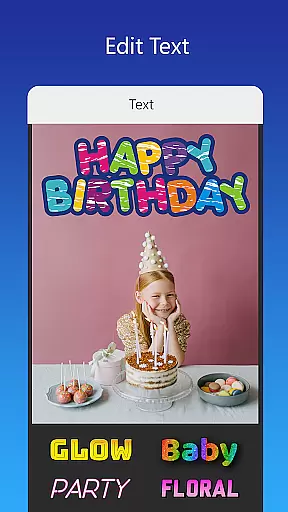
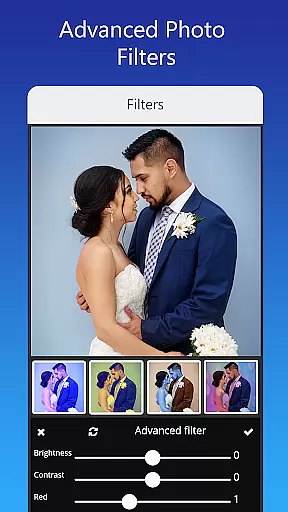
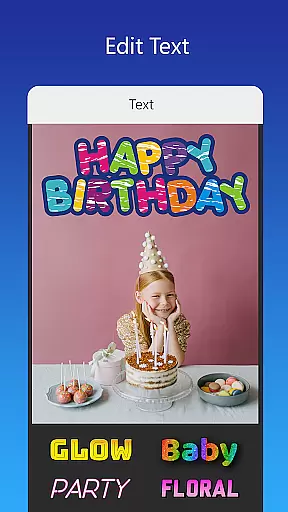
The app also includes powerful customization tools. Users can edit or replace text, names, event locations, and timings. They have access to various font styles and can even upload their own fonts. Additionally, the app offers beautiful photo filters and effects for advanced editing, allowing users to adjust brightness, contrast, and apply overlays. This level of customization ensures each invitation is unique and matches the theme of the event perfectly.
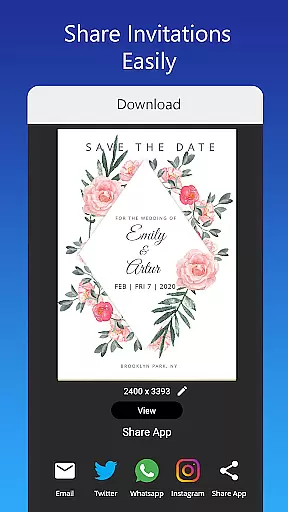
Another notable feature is the seamless integration with social media platforms. Users can share their digital invitations directly on Facebook, Instagram, Snapchat, WhatsApp, and Twitter. The app also allows saving projects for future edits and downloading high-quality digital cards or printing them, providing flexibility and convenience in managing event invitations.
Creating personalized invitations and greeting cards is a crucial aspect of event planning, allowing users to express their creativity while conveying essential details. The Invitation Card Maker app excels in this area by offering over 200 ready-made templates tailored for various events such as birthdays, weddings, and baby showers.
This application provides an extensive range of customization options. Users can edit or replace text, names, event locations, and timings with ease. With the ability to upload personal fonts or download new ones, the app ensures that every element matches the theme of the occasion perfectly.
In addition to textual modifications, the app allows for one-tap image replacement without altering the overall design. This feature maintains the aesthetic integrity of the template while enabling personal touches through photos and stickers.
The value proposition lies in empowering users to craft unique invitations swiftly. By providing comprehensive editing tools and diverse design elements, the app significantly enhances the invitation creation process, making it both efficient and enjoyable.
Effective reminder settings are vital for ensuring timely communication about upcoming events. While primarily focused on designing invitations, the Invitation Card Maker app also facilitates organizational aspects by allowing users to save projects for future editing.
This functionality serves as a practical reminder system. Users can store their customized designs and return to them later, making last-minute adjustments or reusing templates for recurring events. This saves time and maintains consistency across different invitations.
Although not a traditional reminder feature, the app's project-saving capability offers flexibility in managing multiple events simultaneously. Users can organize their saved invitations chronologically or categorically, creating an informal yet effective scheduling system.
By combining design capabilities with basic organizational features, the app provides a comprehensive solution for event planners. This dual functionality enhances user experience, making invitation management more streamlined and reliable.
User-friendly interface
Extensive template library
Advanced customization options
Seamless social media integration
Flexible saving and sharing options
Limited free content
Some features require in-app purchases
Occasional bugs reported
Design limitations for advanced users
Font selection could be broader

Find tickets to upcoming concerts, sports events, festivals, shows, attractions
 4.70
4.70
Create Wedding Invitation and Wedding Anniversary Cards using our app
4.60
No invest, Easy way to earn USDT through crypto cloud mining
3.80
Beautiful invitation cards + easy RSVP tracking for any event. Design Invites.
4.80
Invitation Card Maker, Design & share wedding, birthday & party invites fast
4.40
Fast Scans. Happy Fans. For Every Hometown!
4.60
Meet people over dinner
4.40
Freebie Games for Epic Games, Steam, Amazon, Rockstar etc.
4.40
Find Live Event Ticket Deals to Sports, Concerts, Festivals, & Comedy For Less!
4.80
Fantasy of Lights Event App
5.00
The Ultimate Tournament Hub
4.70
Discover events & experiences in NYC, LA, Chicago, DC, Miami and more!
4.70
Connect with an ecosystem of 5M+ eventgoers and organizers.
4.50
Manage all your events, leads, ticketing, payments and check-ins.
4.30
Buy and sell tickets to sports, concerts, theater, festivals, and comedy events
4.10
The world's largest selection of tickets is now at your fingertips
3.90
Audio guide companion APP for SEE's Michelangelo's Sistine Chapel
3.50
TV Garden - World Live TV : Play & cast your videos seamlessly!
3.20
Digital Income Wallet of the Final Libertadores 2025
4.0


User Reviews