
Hometown Fan is a premier digital ticketing solution designed specifically for fans to effortlessly search, purchase, and manage event tickets for their school or organization. Trusted as a leader in the industry, Hometown Fan caters to K-12 schools, districts, conferences, associations, collegiate spaces, and organizations by offering a fully automated and professional-level ticketing system. With this app, users can handle their entire ticketing experience directly from their mobile device, ensuring convenience and efficiency.
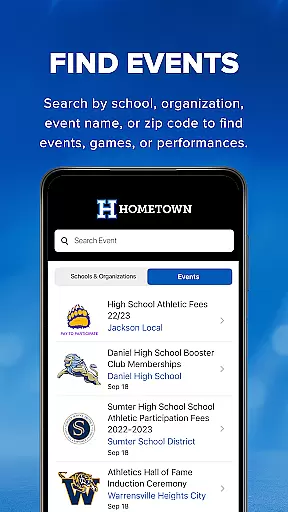
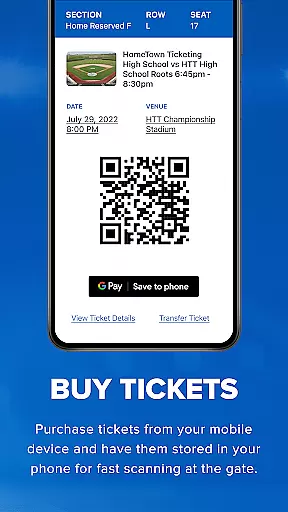
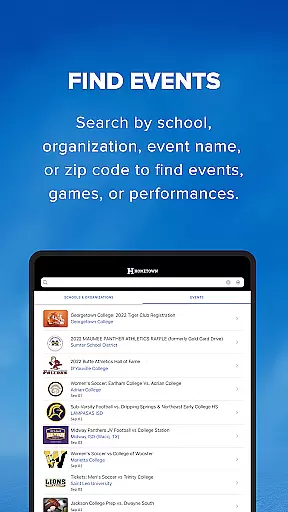
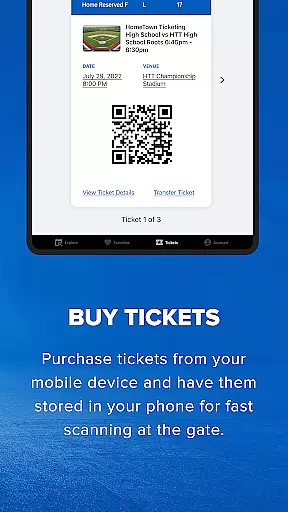
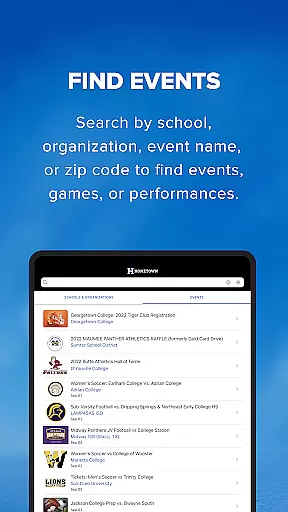
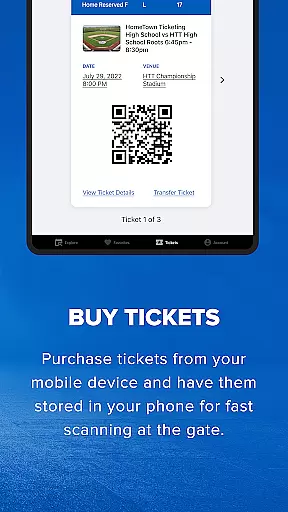
One of the standout features of Hometown Fan is its comprehensive event discovery tool. Users can search for events by school, organization, event name, or zip code, making it easy to find games, performances, or any other events. Once tickets are purchased, they are stored within the app, eliminating the need for physical tickets. Simply present your phone at the gate where the QR code will be scanned for seamless entry.
This app is particularly beneficial for those who frequently attend school-related events or support local organizations. By streamlining the ticket purchasing and management process, Hometown Fan enhances the overall event-going experience, saving time and reducing hassle for users.
Hometown Fan offers a robust set of features that cater to the needs of event-goers. One of the primary functionalities is the ability to find events easily. Whether you're looking for a specific school's game or an event in your local area, the app allows you to search by various criteria such as school, organization, event name, or zip code. This ensures that you never miss out on important events.
Another significant feature is the streamlined ticket purchasing process. Users can buy tickets and passes directly through the app, bypassing long lines and the inconvenience of traditional ticket buying methods. All purchased tickets are stored securely within the app, and each ticket features a unique QR code that serves as your entry pass. This digital approach not only simplifies the process but also contributes to environmental sustainability by reducing paper waste.
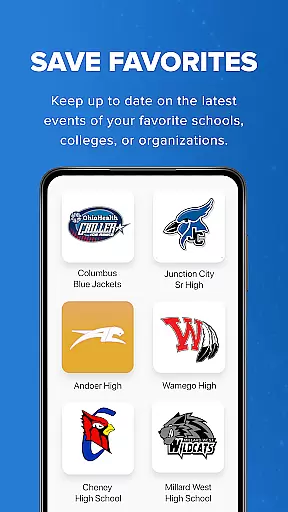
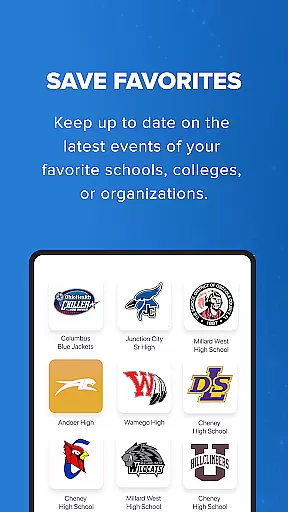
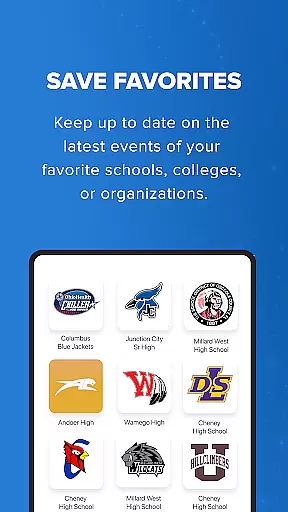
Additionally, Hometown Fan provides a favorites-saving option, allowing users to keep track of their preferred schools, colleges, or organizations. This feature ensures that you stay informed about upcoming events and never miss an opportunity to support your favorite teams or attend key performances. Overall, these features collectively enhance user engagement and satisfaction.
Task creation and detail customization are essential features for event management applications like Hometown Fan. This functionality allows users to not only discover events but also personalize their event experience according to their preferences.
Hometown Fan App enables users to search for events using various filters such as school, organization, event name, or zip code. This level of customization ensures that fans can easily find and engage with the events that matter most to them, streamlining the process of ticket purchasing and event attendance.
The benefit to users is a seamless and tailored event discovery process. Fans can save their favorite schools, colleges, or organizations, ensuring they are always updated on the latest events. This personal touch enhances user engagement and satisfaction, making it more likely for users to return to the app for future event needs.
Ultimately, the ability to create tasks and customize details within the Hometown Fan App adds significant value by simplifying the way fans interact with event information, thus enriching their overall experience while using the application.
Reminder settings in event applications play a crucial role in ensuring users do not miss out on important events. For an app like Hometown Fan, which caters to fans looking to attend school or organizational events, having a reliable reminder system is vital.
Hometown Fan App incorporates reminder functionalities that allow users to set alerts for upcoming events. Whether it's a game, performance, or any other event, users can configure reminders that suit their schedule, ensuring timely notifications that help in planning their attendance.
This feature benefits users by providing them with the convenience of receiving timely updates and alerts. It helps in managing their busy schedules by keeping track of when and where events are happening, thus enhancing their ability to participate in events that are important to them.
In summary, the reminder settings within the Hometown Fan App ensure that users stay informed and engaged with their preferred events, ultimately leading to a more organized and enjoyable event-going experience.
User-friendly interface
Comprehensive event search
Secure digital ticket storage
Convenient mobile access
Environmentally friendly
Limited to certain regions
Occasional app glitches
Requires internet connection
No offline functionality
Premium pricing for some events

The Official App
 4.2
4.2
TV Garden is a video player to play your own TV streams from around the world!
4.2
Get live football here
4.30
Everything you need for the Best Thursday Ever.
4.40
The official app of the Carmel Christkindlmarkt!
4.2
Microsoft Ignite is an event that showcases latest advancements in technology
4.00
Connect with an ecosystem of 5M+ eventgoers and organizers.
4.50
Octrober 2025: We've updated the MyGenMobile App with a new look and feel!
4.40
TodayTix is the easiest way to get tickets to the best shows in your city.
4.90
Create invitation cards for birthdays, weddings, Christmas and more.
4.80
Here you can choose tickets for films, performances, concerts and other events
4.60
Create Wedding Invitation and Wedding Anniversary Cards using our app
4.60
Manage all your events, leads, ticketing, payments and check-ins.
4.30
The official app for Sched events! View your event schedule here.
4.20
Introducing the official Magic: The Gathering app for mobile.
4.20
The world's largest selection of tickets is now at your fingertips
3.90
Watch live football matches and streaming events on our Arabic TV app!
3.50
TV.Garden is a video player to play your own TV streams from around the world!
3.40
It is an Event Planning Application.
4.3


User Reviews