
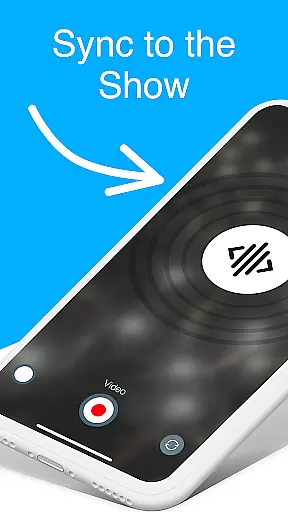
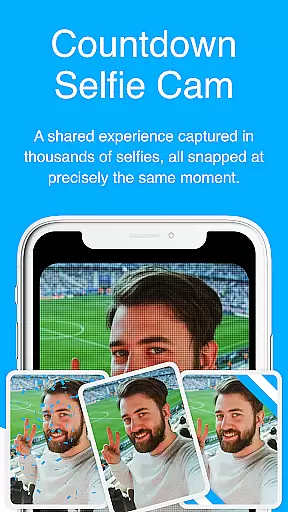
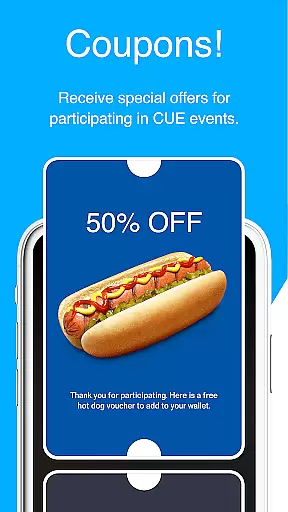
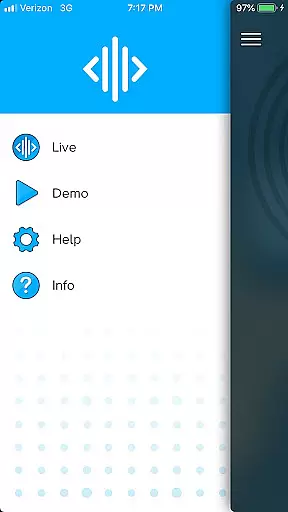
CUE Live is an innovative mobile application designed specifically for enhancing event experiences through the use of inaudible ultrasonic sound waves. This technology enables seamless data transmission and device synchronization at events equipped with CUE technology. Attendees can activate their smartphones to participate actively in the event, transforming them from mere spectators into integral parts of the show.
One of the standout features of CUE Live is its ability to allow users to trigger specific actions on websites, such as changing colors or themes, simply by interacting with the app. Additionally, the UPN and DJ modes offer advanced functionalities that elevate the overall event atmosphere, making it more engaging and interactive for both live and remote participants.
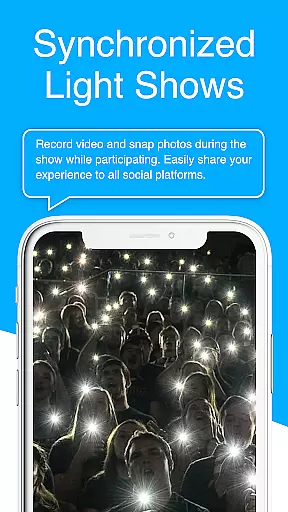
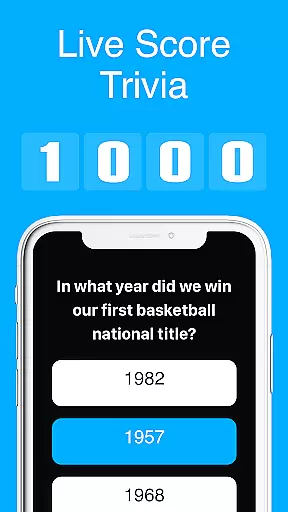
The hallmark of CUE Live lies in its sophisticated use of ultrasonic sound waves for communication. This feature facilitates real-time interaction between the event infrastructure and attendees' devices without any perceivable delay or interference. Users can enjoy synchronized light shows, participate in live polls, or even influence the event's audio-visual elements directly from their phones.
Beyond basic synchronization, CUE Live offers specialized modes like UPN (User Personalization Network) and DJ Mode. These modes empower users to customize their experience further, whether by personalizing content delivery or controlling aspects of the event's ambiance. Such capabilities not only enhance user engagement but also provide event organizers with powerful tools to create memorable experiences.
Task creation and detail customization are essential for creating engaging event experiences. CUE Live excels in this area by allowing users to set up specific tasks that enhance audience interaction.
The app uses ultrasonic sound waves to synchronize devices at events, enabling attendees to activate their phones and participate actively. This feature allows for a high level of customization, letting organizers tailor interactions to match the theme and vibe of the event.
Users can customize details such as visual effects and triggers, making each event unique. For instance, clicking a button on the website can change colors or initiate different looks, adding an interactive layer to live demos.
This flexibility not only enhances user engagement but also empowers event organizers to craft memorable experiences that resonate with both onsite and remote audiences, ensuring everyone feels part of the show.
Reminder settings play a crucial role in keeping participants informed and engaged throughout an event. With CUE Live, reminders are seamlessly integrated into the user experience, ensuring no key moment is missed.
The app leverages its synchronization capabilities to send timely notifications to attendees' devices. Whether it's reminding users to activate their phones for a particular segment or alerting them to upcoming highlights, these reminders keep everyone on track.
CUE Live offers versatile reminder options, including UPN and DJ modes, which elevate the overall event atmosphere. These modes provide additional layers of interaction, encouraging users to engage more deeply with the content.
By providing reliable and timely reminders, CUE Live ensures that all participants remain actively involved, enhancing the collective experience and making every event more dynamic and memorable.
User-friendly interface
Innovative ultrasonic tech
Enhances event participation
Real-time synchronization
Customizable event experience
Limited to CUE-enabled events
Dependent on ultrasonic signals
Requires smartphone access
Potential connectivity issues
Advanced features may overwhelm new users

Audio guide companion APP for SEE's Michelangelo's Sistine Chapel
 3.50
3.50
Watch live football matches and streaming events on our Arabic TV app!
3.50
Create Wedding Invitation and Wedding Anniversary Cards using our app
4.60
TV Garden is a video player to play your own TV streams from around the world!
4.3
Rocket Monkey - Space rocket launch schedule for launch sites around the world
4.20
Wedding planner app with wedding venues, wedding checklist, countdown & budget.
4.60
ETH Mining provides secure way to mine Ethereum & earn ETH in Cloud mining app
3.50
Design Invitations & Cards for Any Occasion
4.80
Octrober 2025: We've updated the MyGenMobile App with a new look and feel!
4.40
Plan your wedding for free on the go: vendors, budget, website and checklists!
4.80
Text message invitations for birthday party, wedding, graduation, baby shower +
4.60
PheedLoop Go! is the mobile event app for events powered by PheedLoop.
4.40
Manage all your events, leads, ticketing, payments and check-ins.
4.30
The calendar app in this 2026 year see all dates.
4.20
Microsoft Build is an annual developer conference hosted by Microsoft
4.20
TV.Garden is a video player to play your own TV streams from around the world!
3.40
TV Garden - World Live TV : Play & cast your videos seamlessly!
3.20
Buy event tickets easily with our user-friendly App. Stay updated on hot events
4.3
Browse events, find transportation, keep up with the latest news from your team
4.4


User Reviews