
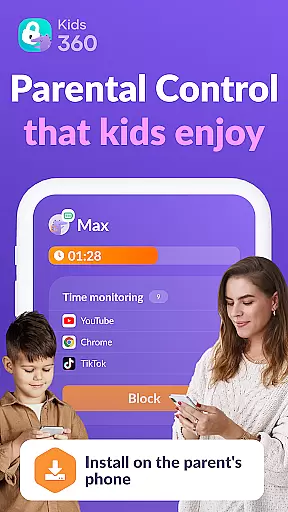

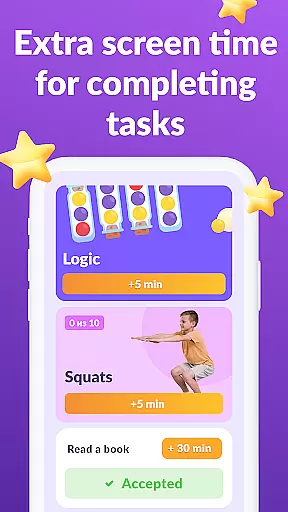

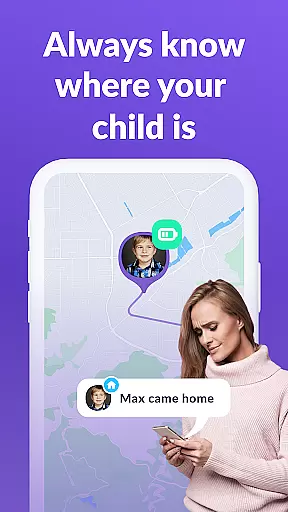
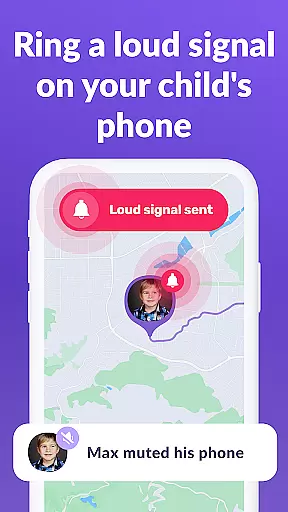
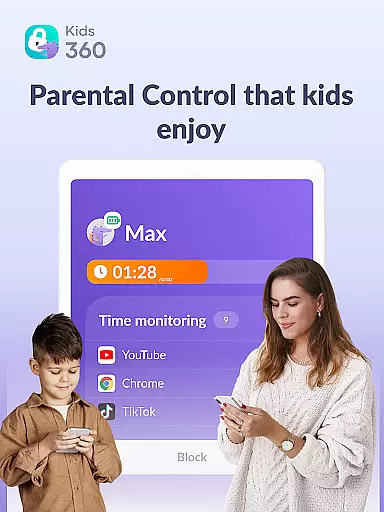

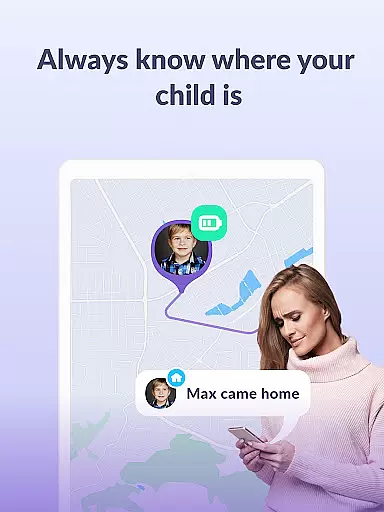

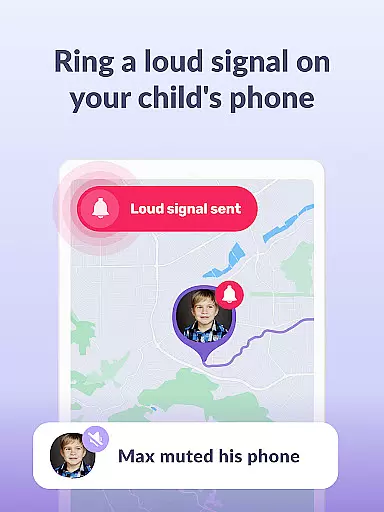
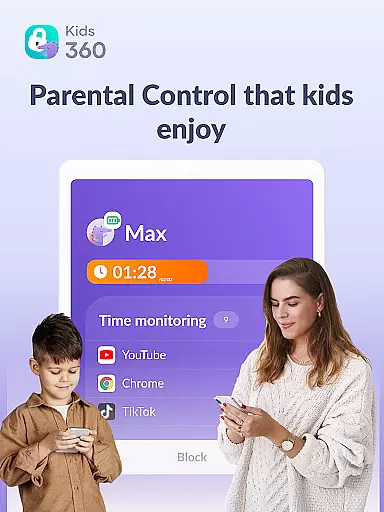

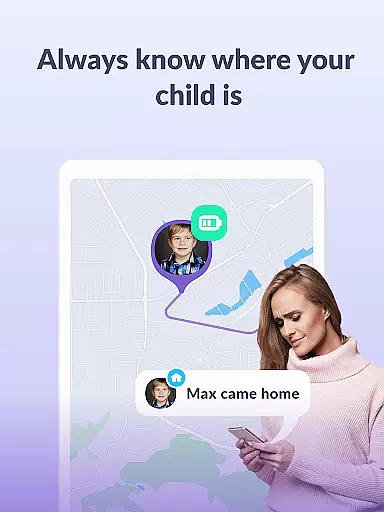

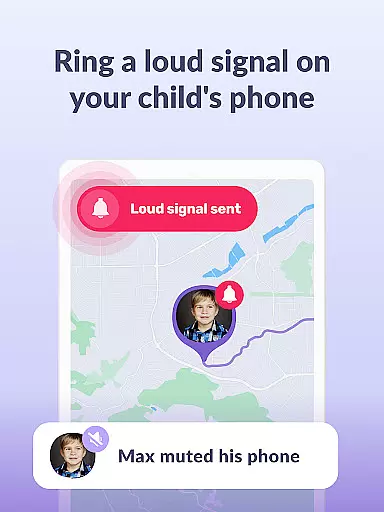
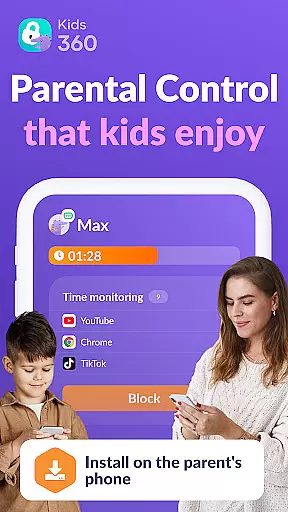



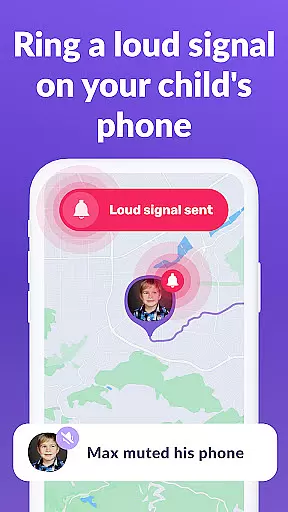
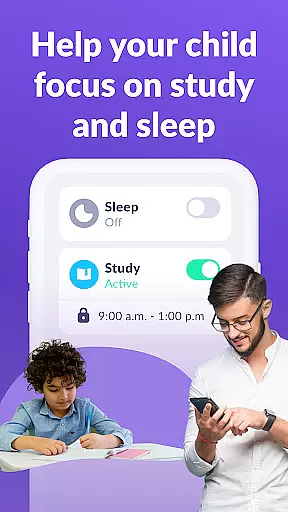
Kids360 is a comprehensive parental control app designed to help parents manage their children's device usage effectively. The app offers essential features like screen time management, app blocking, and GPS tracking, ensuring a safe digital environment for kids. With its child lock functionality and detailed usage statistics, parents can monitor and regulate their children's phone activities.
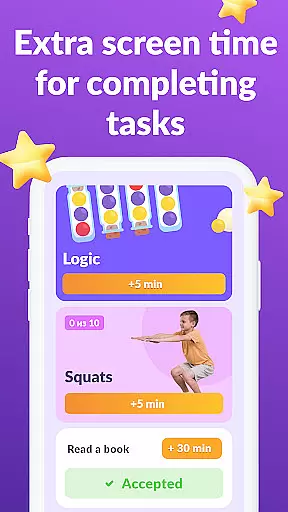
The app works in tandem with Alli360, creating a robust system that tracks app usage, sets time limits, and provides educational games. This dual-app solution enables parents to maintain family safety while promoting productive study and sleep schedules. Kids360 stands out by offering real-time monitoring and customizable settings that adapt to each family's unique needs.
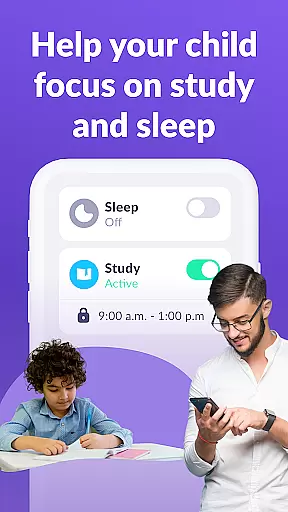
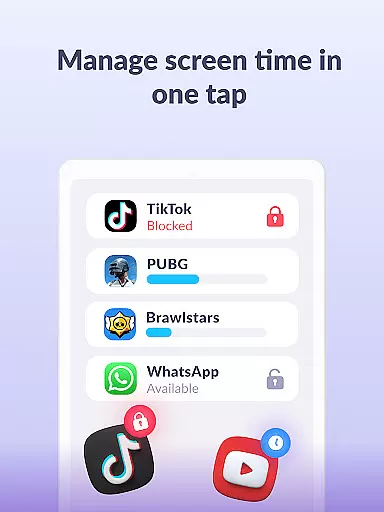
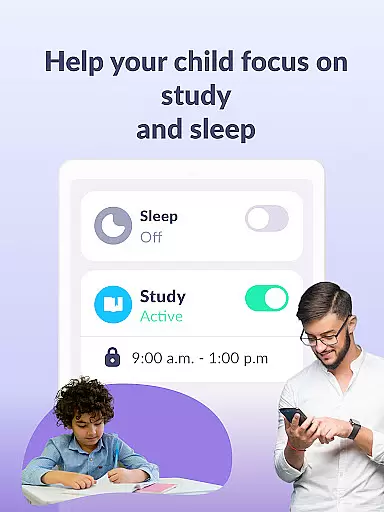
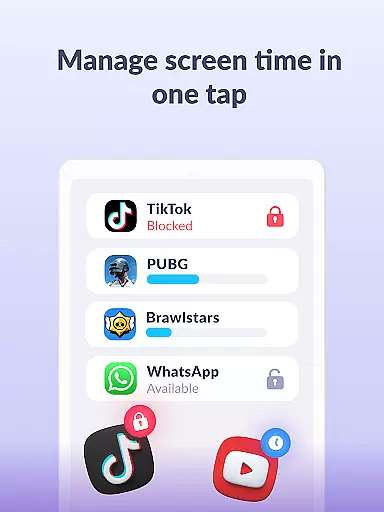
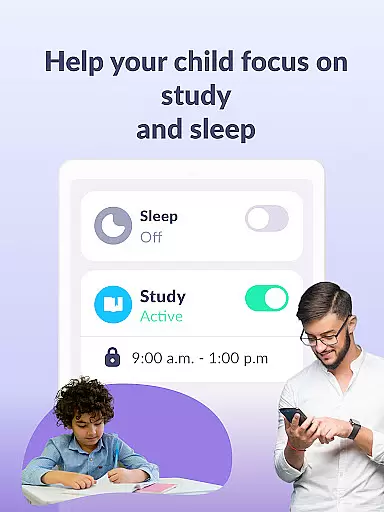
Kids360 distinguishes itself through innovative features that cater specifically to parental control needs. The app usage limiter allows parents to set precise restrictions on distracting apps and social media platforms, functioning as an effective child lock mechanism. Its usage schedule feature helps establish structured routines for school and bedtime, promoting healthier device habits among children.
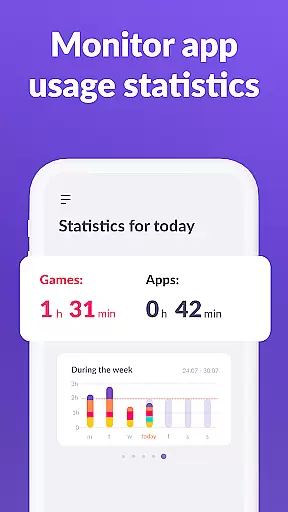
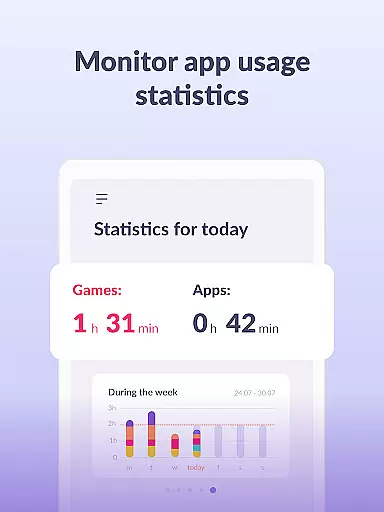
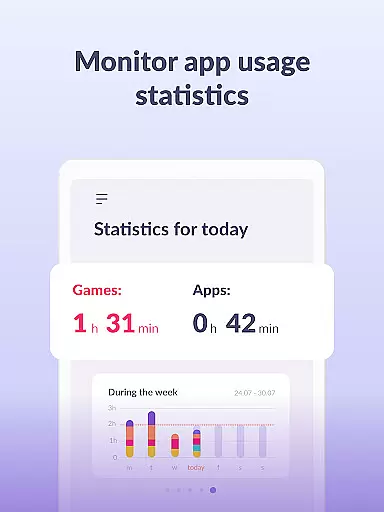
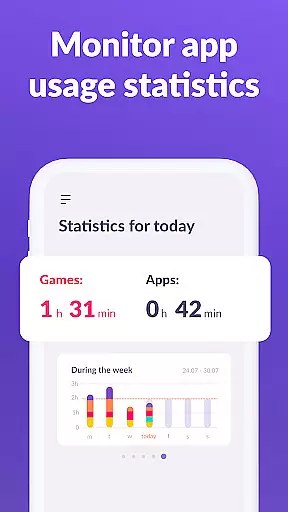
The app's detailed statistics provide valuable insights into children's app usage patterns, helping parents identify potential issues. The stay-in-touch function ensures essential communication apps remain accessible, maintaining vital connections. These features collectively create a secure digital space where children can learn and grow while giving parents peace of mind through transparent monitoring capabilities.
In the realm of parenting applications, content credibility is paramount. Kids360 ensures that all information and features provided are backed by child psychology experts and adhere to strict safety guidelines. This guarantees that parents receive reliable advice and tools for managing their children's digital activities.
The app collaborates with professionals in child development to offer features such as usage schedules and app limiters. These functions are designed not only to manage screen time but also to encourage healthy digital habits among children. Parents can trust that these solutions are crafted with expert input to support their family's well-being.
Furthermore, Kids360 complies with legal standards like GDPR, ensuring personal data protection. By prioritizing consent and transparency, the app fosters a secure environment where parents can confidently monitor and guide their child's online journey. This commitment to privacy reinforces the app's role as a trustworthy partner in digital parenting.
Kids360 excels in providing accurate growth tracking through detailed analytics of children's device usage. The app meticulously records how much time a child spends on various applications, offering insights into their digital behavior patterns. This allows parents to understand which apps captivate their children most and adjust accordingly.
With features like app statistics and screen time monitoring, the app delivers precise data about individual app usage and overall screen exposure. Parents gain visibility into potential distractions, empowering them to make informed decisions about setting appropriate limits and schedules tailored to their childu2019s needs.
Additionally, the stay-in-touch functionality ensures essential communication channels remain accessible while limiting non-educational apps. By combining comprehensive tracking with practical controls, Kids360 equips parents with the tools needed to foster balanced digital consumption habits, promoting healthier development trajectories for their children.
User-friendly interface
Comprehensive monitoring tools
Effective screen time management
Real-time usage tracking
Strong security measures
Requires child's consent for installation
Paid subscription for advanced features
Dependent on Alli360 companion app
Limited free trial period
Device compatibility restrictions

AI Motion Video Maker & Ideas
 4.0
4.0
Block apps, set screen time limits, and customize usage schedules
4.50
All-In-One Pregnancy Tracker, Your Baby's Milestones, Growth Stages & Parenting
4.70
Track Pregnancy, Baby Feeding, Sleep, Diaper Changes, Postpartum Health & More!
4.80
A Coloring for the Whole Family! Discover the Joy of Family Love Through Colors!
3.60
Learn according to the age of your child and consult with other moms.
4.20
3D Baby size, Fruit comparisons, Smart Checklist, Trending Names & Training.
4.90
It is a screen time management tool for games and mobile applications
4.50
Babysitting video camera - Turn your two phones or tablets into a single nanny.
4.40
FamilyAlbum helps you share, save, and remember your child's special moments.
4.80
SENSORYSOOTHE and SENSORSAFE: Making car seats smarter and families safer.
4.70
GPS tracker app: Simple GPS phone tracker for fast family location tracking
4.60
Keep track of your stored breastmilk
4.40
GeoLog - Real-Time Location Tracker
4.40
Find unique + popular baby names for your little peanut.
4.30
Cherish every beat - capture your baby's heart sounds with our app
4.30
FamilyMode helps you manage your family’s digital lives—at home or on the go.
4.30
Save money on diapers. Get the Pampers Rewards app.
3.90
Discover fun videos, kids songs, bedtime stories and games
3.60


User Reviews