
Healthy eating timer app to track meal pace, improve habits, and eat slowly.
 4.3
4.3
Turn your watch into a key fob for your Tesla
2.90
Good magnifier app to see tiny things bigger and more clearly!
4.80
Spirit Communicator is a real paranormal ghost hunting app with many fun modes.
3.90
Smart & Healthy Living
4.60
Discounts, savings, and rewards
4.20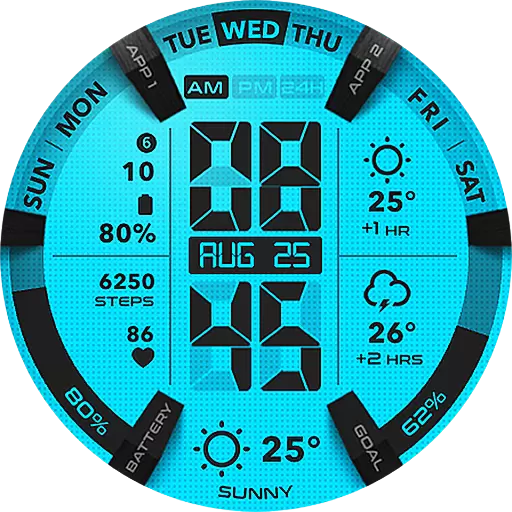
Retro animated weather with hourly forecast Watch Face for Wear OS
4.60
Vehicle ownership simplified. Get the myChevrolet® app today.
4.60
Your store’s deals, where you are.
4.80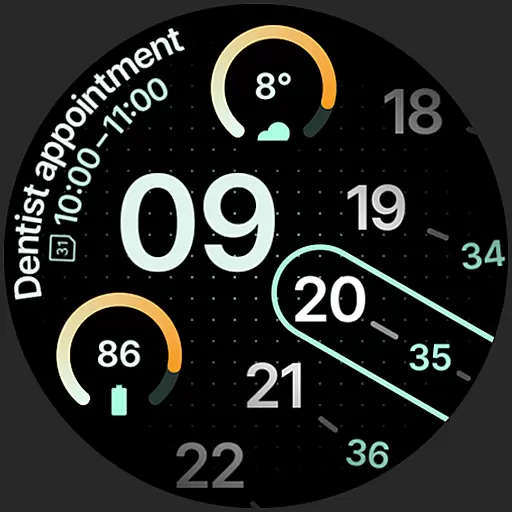
A unique and customizable watch face which rotates its layout every minute.
4.80
Tap to the beat with interactive videos — warm up your reflexes & have fun
4.70
A smart Siddur with halachic times
4.60
Get your life organized with My Agenda!
4.30
Share opinions, get paid cash
4.30
Your home in your hand
3.80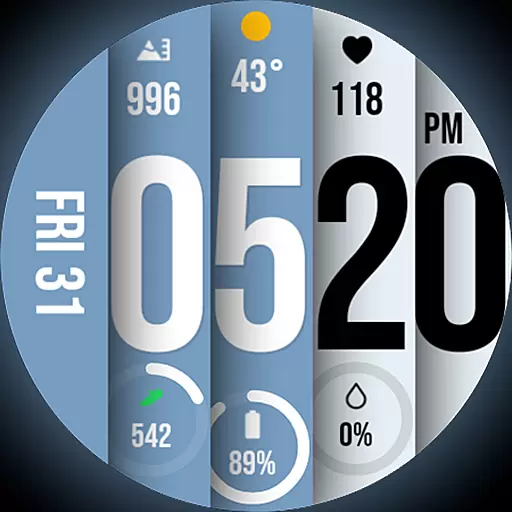
Unique BIG BOLD TIME with amazing colors and customisations.
3.70
Paranormal EVP, Ghost Box, Spirit box, ITC, Haunted, Spirit communication device
3.70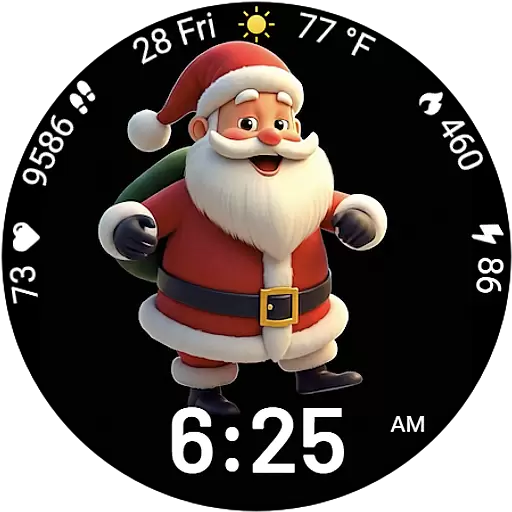
Designed to delight, impress and energize your festive spirit every single day
4.0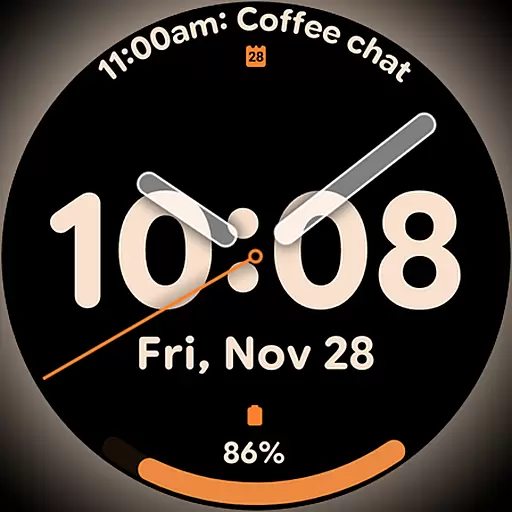
Big bold hybrid watch face with 30 colors, 5 fonts & 5 complications.
4.2


