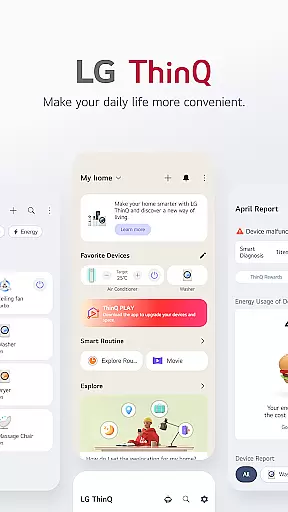
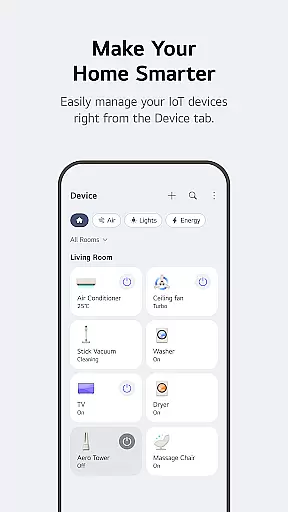
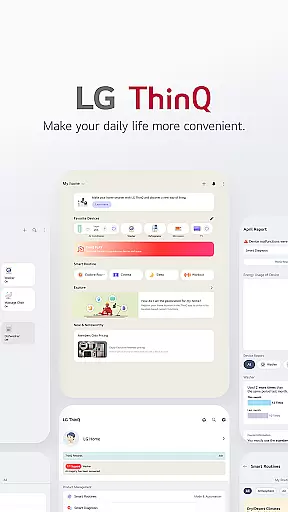
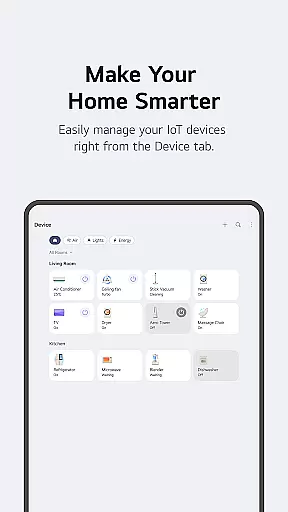
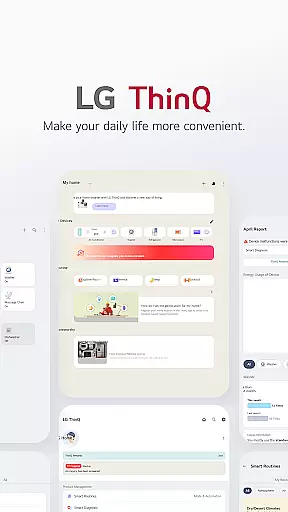
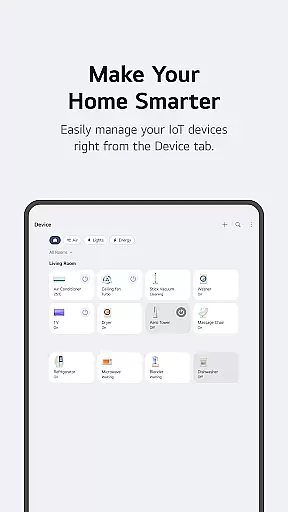
LG ThinQ is a comprehensive smart home solution that connects and controls IoT-enabled LG home appliances. The app serves as a central hub for managing your smart devices, offering features like remote control, personalized recommendations, and energy monitoring. Through its intuitive interface, users can access detailed product information, receive smart care notifications, and even upgrade appliance functionalities.
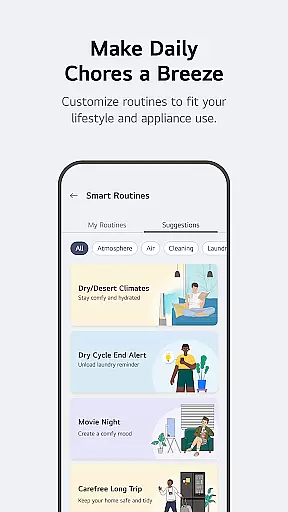
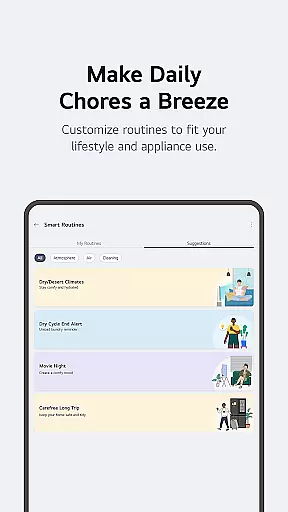
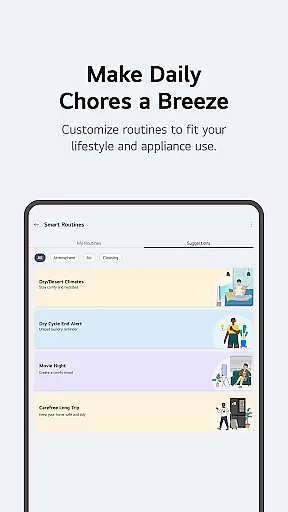
The application's standout feature is its ability to create automated routines tailored to users' lifestyles. Whether it's scheduling appliances to operate during off-peak hours or setting up vacation mode to conserve energy, LG ThinQ optimizes home management. Additionally, the built-in AI assistant provides real-time support and troubleshooting, making device management both convenient and efficient.
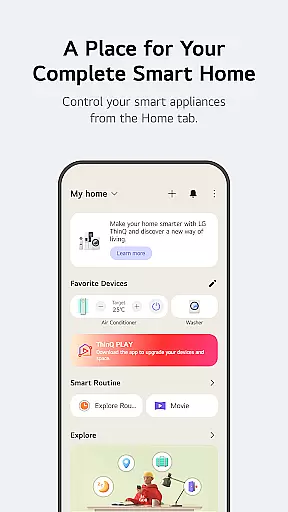
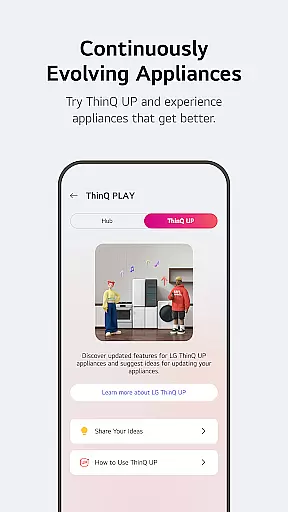
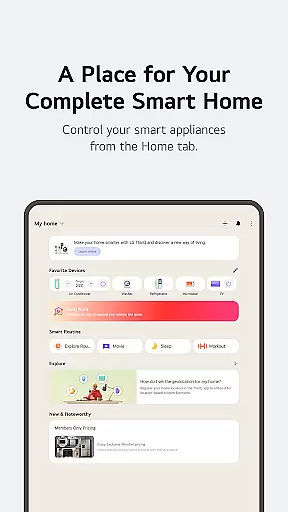
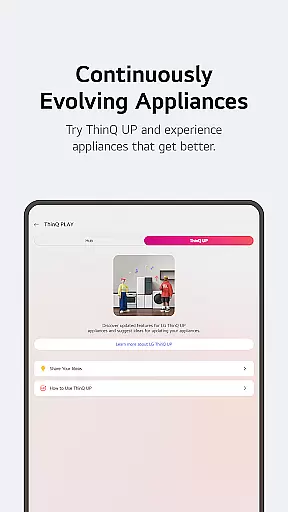
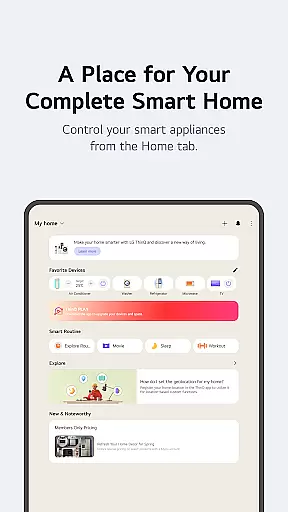
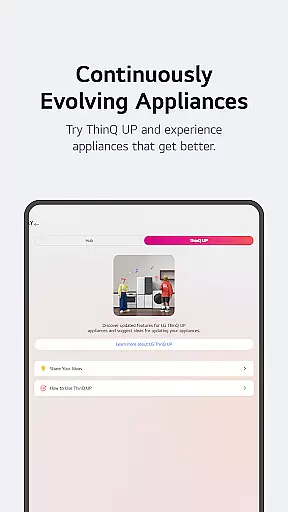
LG ThinQ distinguishes itself through its robust integration capabilities and AI-powered functionalities. The Home tab offers centralized control of all connected appliances, while the ThinQ Play section enables users to download additional apps and features for their AI Home Hub. One of the most valuable features is the Smart Routines functionality, which allows users to automate complex home scenarios.
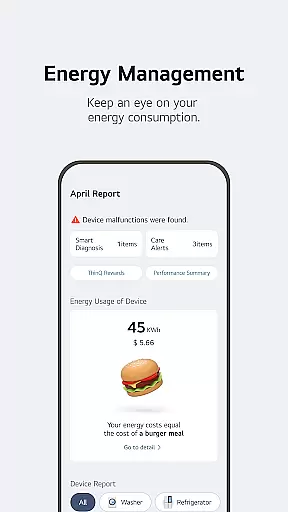
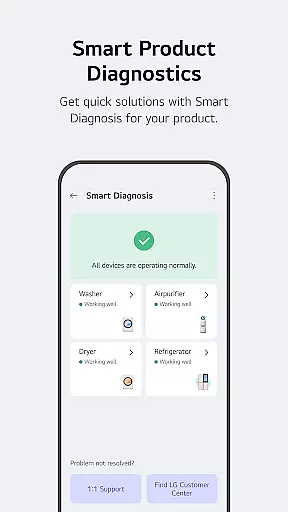
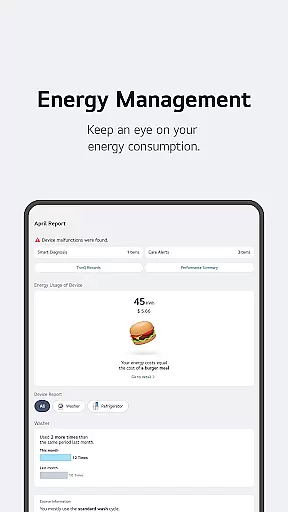
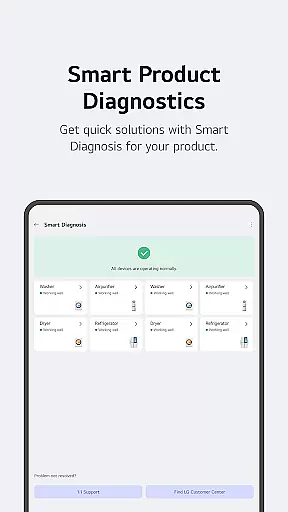
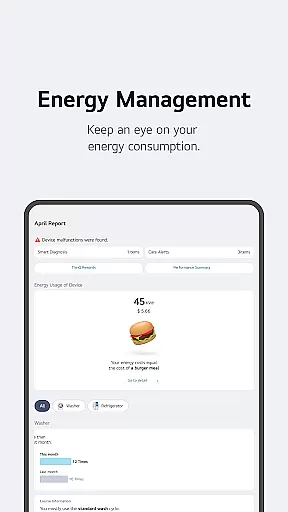
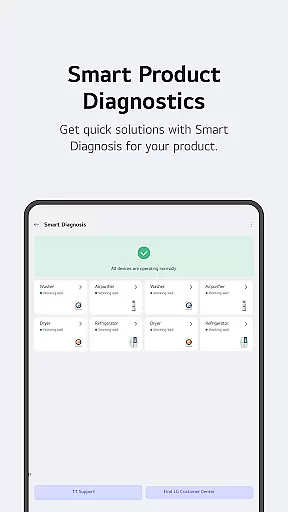
The app's Energy Monitoring tool provides detailed insights into power consumption, enabling users to compare their usage with neighborhood averages and set energy-saving goals. Another notable feature is the Smart Diagnosis system, which helps identify and resolve technical issues remotely. These capabilities, combined with the app's user-friendly interface and comprehensive device support, make LG ThinQ a powerful tool for modern smart home management.
LG ThinQ offers comprehensive coverage of lifestyle categories, making it an all-in-one solution for smart home management. The app integrates various aspects of daily life into a single platform, allowing users to control IoT home appliances, monitor energy consumption, and manage product care services seamlessly.
The Home tab provides centralized control over smart appliances, offering personalized recommendations based on usage patterns. Through the ThinQ Play feature, users can enhance their living spaces by downloading apps specifically designed for LG products, creating a more customized smart home experience that adapts to individual preferences and lifestyles.
Smart routines enable automation of household tasks, such as turning on lights and air purifiers at specific times or conserving energy while away. Additionally, the app's energy monitoring tools allow users to compare their power usage with neighbors' and set saving goals. These features collectively contribute to a more efficient, convenient, and sustainable lifestyle.
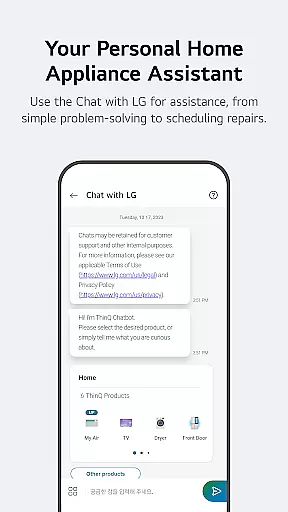
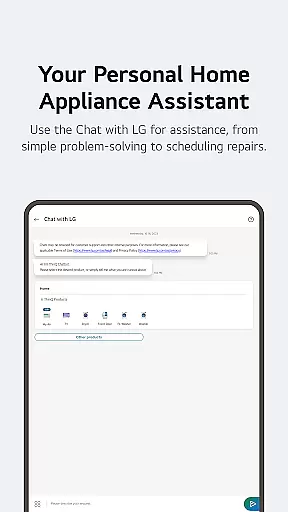
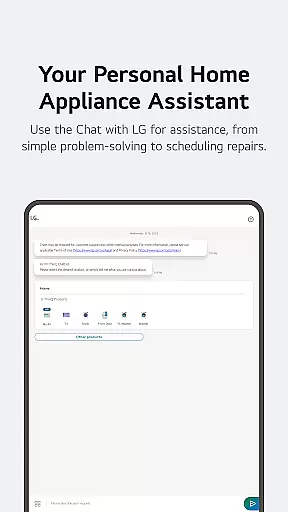
Furthermore, the app serves as a hub for product support, from troubleshooting to professional service requests. Users can access AI-powered assistance through 'Chat with LG,' which delivers tailored responses based on their products' conditions. This extensive coverage of lifestyle needs makes LG ThinQ an invaluable tool for modern homeowners seeking to optimize their living environments.
LG ThinQ ensures content authenticity and expert credibility through its robust verification processes and partnerships with certified professionals. The app provides accurate information about connected IoT home appliances, verified by LG's technical experts and backed by official manufacturer data.
When users access product support features, they receive guidance from genuine sources. The Smart Diagnosis function checks product status using official diagnostic protocols, while service visits are conducted by professional engineers trained by LG. This guarantees that all troubleshooting advice and maintenance recommendations come from reliable, authoritative sources.
The 'Chat with LG' feature further reinforces content credibility by delivering AI-generated responses based on each product's specific situation and condition. These responses are crafted using official product documentation and real-time status updates, ensuring users receive accurate and relevant information tailored to their devices.
Additionally, the app maintains transparency about regional variations in services and features, acknowledging differences based on product models and geographic locations. This commitment to providing verified, expert-backed information establishes LG ThinQ as a trustworthy source for managing smart home appliances and maintaining optimal household operations.
User-friendly interface
Comprehensive device support
Advanced automation options
Energy monitoring tools
AI-powered assistance
Limited third-party integration
Region-specific features
Requires stable internet
Premium feature costs
Device compatibility issues

Digital watch face design. Modern looking, hi-res & battery friendly.
 4.00
4.00
Cute Adorable Animals now on your wrist with our Wear OS watch face!
4.40
Daily lessons from A Course in Miracles with scheduled reminders
4.80
Stay connected with your loved ones & vehicles | Share live GPS location updates
4.60
Take Hobby Lobby with you wherever you go!
3.40
Smart home security protection
3.20
Colorful minimal digital watch face for Wear OS
4.60
PARAVOX 4 is a professional ITC paranormal research application.
4.50
AAA Mobile provides on-the-go access to the services you know and trust.
4.60
Get roadside help, discounts, travel tools & more — AAA is with you everywhere.
4.80
Play. Earn. Repeat. Get rewarded for playing mobile games. Welcome to Mobius!
4.80
My Diary - Daily Journal with lock: Diary journal app and secret diary with lock
4.80
Tap to the beat with interactive videos — warm up your reflexes & have fun
4.70
Smart & Healthy Living
4.60
Make money, get paid cash rewards & gift cards for every survey. Earn today!
4.60
Premium floor cleaning robots
4.50
Redecor your home with Home AI interior design, room planner and home designer.
4.50
The Miracle Box includes methods used by Steve Huff of Huff Paranormal.
3.20
Celebrate the holidays with Advent Calendar: daily surprises and festive fun!
4.0


User Reviews