
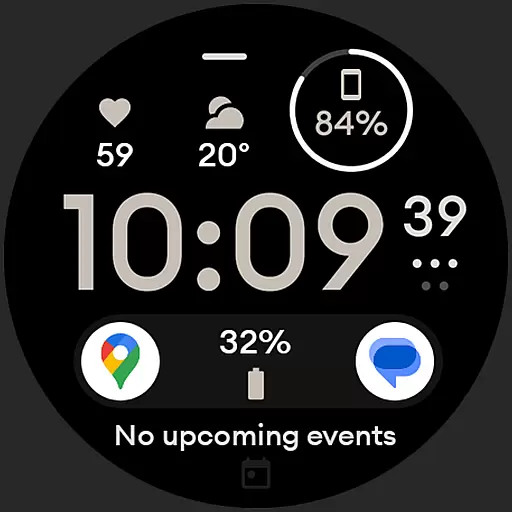
Digital watch face design. Modern looking, hi-res & battery friendly.
 4.00
4.00
Premium floor cleaning robots
4.50
Spiritus Ghost Box is an Audio and Visual ITC tool for paranormal research.
4.00
Good magnifier app to see tiny things bigger and more clearly!
4.80
Discounts, savings, and rewards
4.20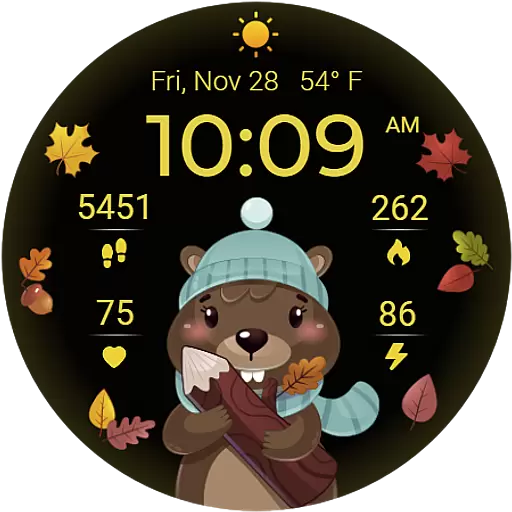
The cutest Autumn watchface featuring the adorable Mr. Squirrel
4.0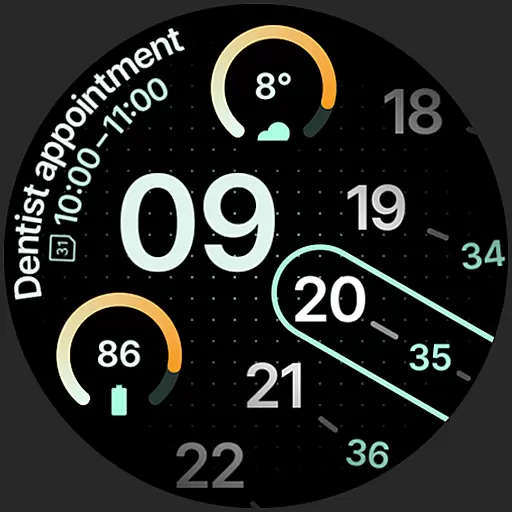
A unique and customizable watch face which rotates its layout every minute.
4.80
Subwoofer school’s in session! You’ve now enrolled into KICKER U.
3.80
Just play, earn rewards, fetch gift cards, and turn gaming into real payouts!
4.80
A smart Siddur with halachic times
4.60
PARAVOX 4 is a professional ITC paranormal research application.
4.50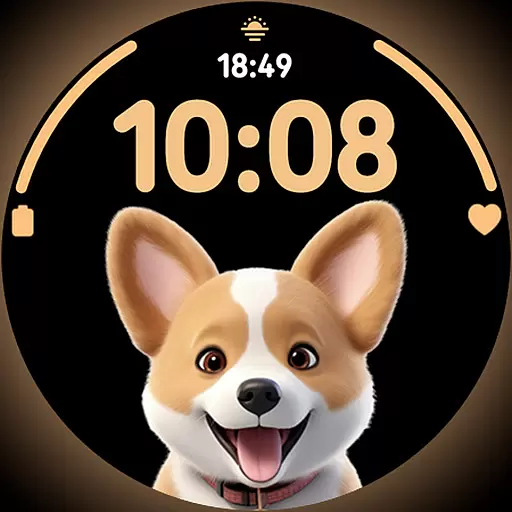
Cute Adorable Animals now on your wrist with our Wear OS watch face!
4.40
Play fun games, complete quick surveys, and earn money. It's fun and easy!
4.40
Paranormal EVP, Ghost Box, Spirit box, ITC, Haunted, Spirit communication device
3.70
Design and brew great homebrewing beer, mead, cider and wine recipes on the go!
3.60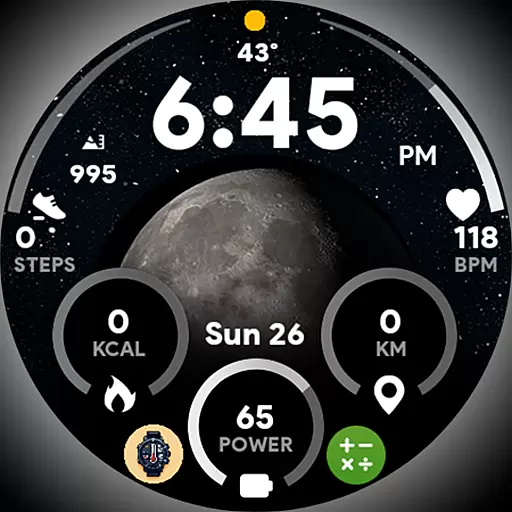
Unique informative Dial with Live Moon Phase at a glance!
3.60
An Eerie Musical Trigger Toy for Spirits to Play with!
3.50
Discover how to help puppies stay calm around noise with this helpful app.
4.1
A daily quote for success
4.5


