
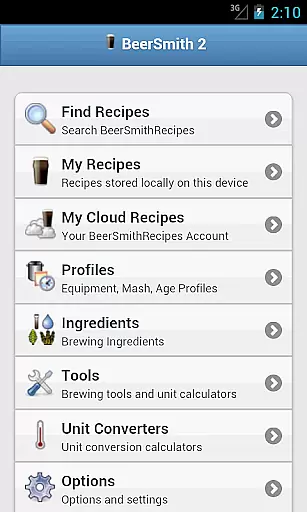
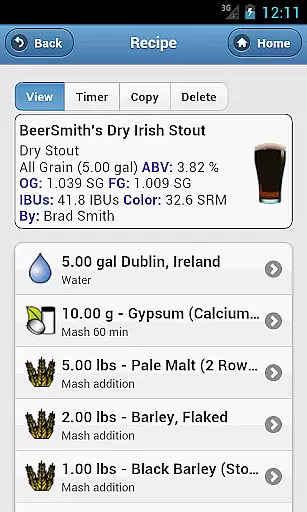
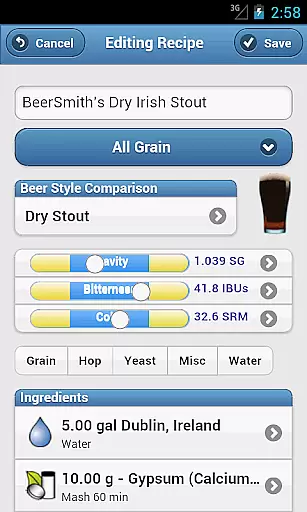
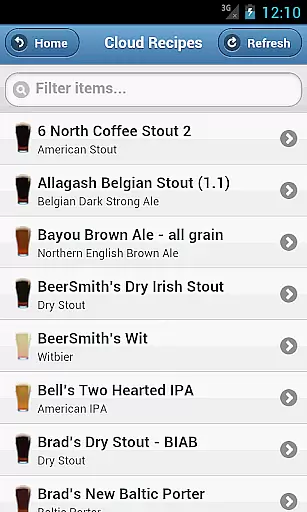
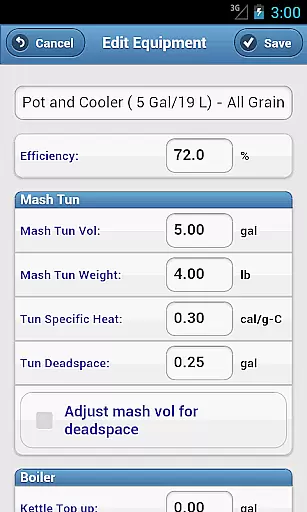
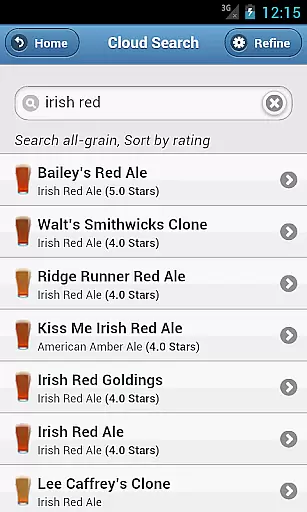
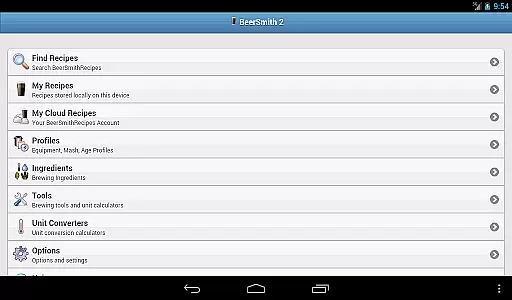
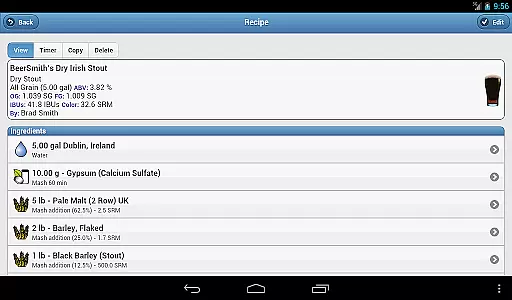
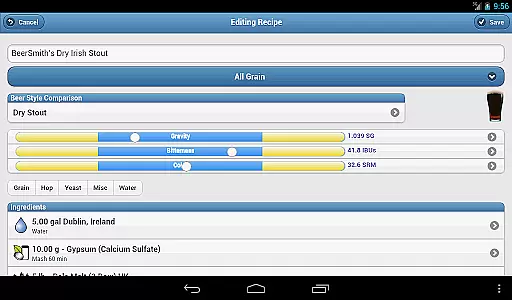
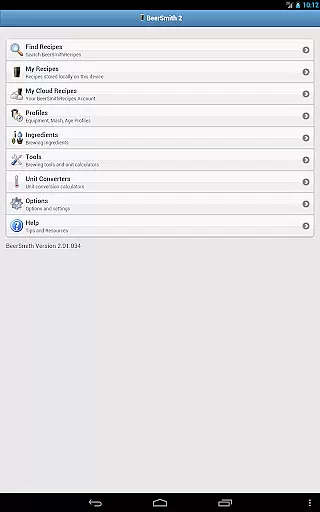
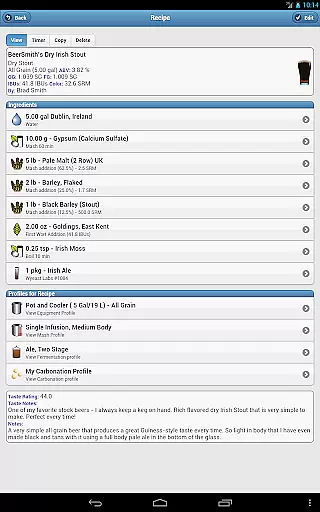
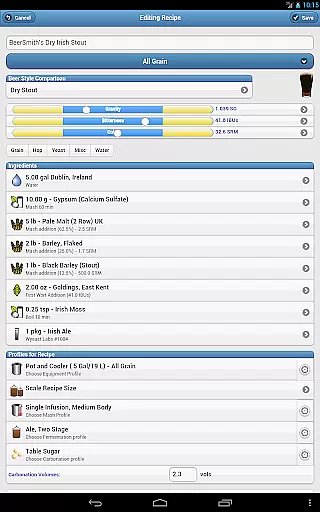
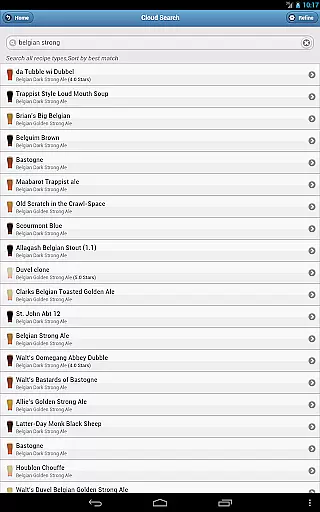
BeerSmith 3 Mobile Homebrewing is a comprehensive brewing application designed for homebrew enthusiasts who want to create and manage beer, mead, wine, and cider recipes on the go. The app offers an extensive suite of tools including recipe design, ingredient databases, and water adjustment features. Its seamless cloud integration allows users to save recipes on their desktop and access them on mobile devices, ensuring flexibility and convenience in recipe management.
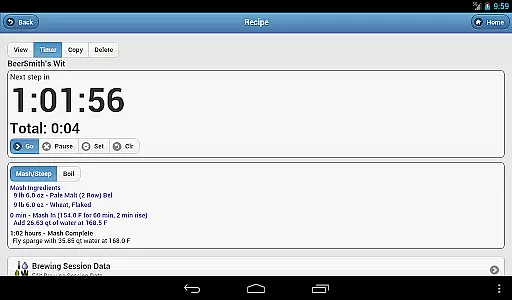
In addition to its robust recipe-building capabilities, BeerSmith Mobile provides practical brewing tools such as a brew day timer with step-by-step instructions, seven specialized calculators, and five unit converters. These features are invaluable for brewers looking to perfect their craft by accurately measuring and adjusting brewing parameters. Whether you're a novice or an experienced brewer, this app equips you with everything needed to produce high-quality brews from any location.
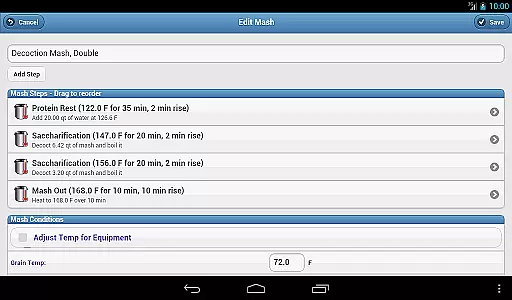
BeerSmith 3 Mobile Homebrewing stands out with its wide array of features tailored for both casual and professional brewers. One of its key highlights is the support for various types of beverage recipes including beer, mead, wine, and cider. This versatility ensures that users can experiment with different brewing styles and ingredients. Additionally, the app includes advanced functionalities like water adjustment, mash pH estimation, and the ability to fully edit recipe and brew session data.
The app also boasts an integrated brew day timer that guides users through each brewing phase with notifications and alarms, ensuring precision and timing accuracy. With access to thousands of recipes via BeerSmithRecipes.com and full integration with the desktop version of BeerSmith, users can easily search, view, and store recipes either locally or in their cloud account. Furthermore, the inclusion of a full beer style guide and multiple calculators and converters makes this app an indispensable tool for anyone serious about homebrewing.
BeerSmith 3 Mobile Homebrewing offers extensive coverage of the homebrewing lifestyle category, making it an essential tool for both amateur and professional brewers. The app supports not only beer recipes but also extends to mead, wine, and cider, broadening its appeal across various brewing interests.
The application provides a comprehensive suite of features that cater to every step of the brewing process. From recipe creation and editing to water adjustments and mash pH estimations, users have all the tools needed to craft their best brews directly from their mobile devices.
With integrated access to thousands of recipes via BeerSmithRecipes.com and a full beer style guide included in the app, users can explore a wide variety of brewing styles and techniques. This vast repository ensures that brewers of all levels can find inspiration and guidance tailored to their specific needs.
Additionally, the app's calculators and unit converters offer practical assistance with brewing measurements and adjustments, enhancing precision and convenience. These features collectively ensure that BeerSmith 3 Mobile Homebrewing is a one-stop solution for anyone passionate about the art and science of brewing.
Authenticity and credibility are at the core of BeerSmith 3 Mobile Homebrewing, ensuring users receive accurate and reliable information for their brewing endeavors. The app is tightly integrated with the desktop version of BeerSmith and its cloud service, providing a seamless experience where data integrity is maintained across platforms.
Featuring updated ingredient databases and add-ons, the app guarantees that users work with the most current and credible sources of brewing ingredients. This commitment to accuracy extends to the ability to fully edit recipes and brew session data, allowing for precise control over every aspect of the brewing process.
Brewers can trust the app's built-in calculators and unit converters, which have been designed to assist with critical brewing calculations. Whether estimating alcohol content or adjusting mash temperatures, these tools reflect expert knowledge and industry standards.
Furthermore, the inclusion of a full beer style guide within the app underscores its dedication to authoritative content. By combining expert-driven features with user-friendly functionality, BeerSmith 3 Mobile Homebrewing establishes itself as a trustworthy companion for brewers seeking both creativity and precision in their craft.
User-friendly interface
Comprehensive recipe tools
Cloud integration
Extensive calculators
Versatile beverage support
Subscription required
Complex for beginners
Limited free features
Occasional bugs
High cost

Unique BIG BOLD TIME with amazing colors and customisations.
 3.70
3.70
Duo Watch Face (animated)
4.1
Easily manage your child's playtime, spending messaging and more.
3.50
Bring the warm colors of fall directly to your wrist with Autumn Leaves!
4.4
Discover the "To Be a Christian" App: Your Guide to Deepening Faith!
5.00
See wait times and check into a hair salon ahead of time with Online Check-In.
4.80
Communicate with your vehicles and Powerwalls anytime, anywhere
3.60
Falling Fruit is a massive collaborative map of food in our cities.
3.20
Colorful minimal digital watch face for Wear OS
4.60
Pay your rent, submit work orders and much more with the RentCafe Resident App.
4.70
A smart Siddur with halachic times
4.60
Unique "Isometric" style digital watch face for Wear OS
4.50
PARAVOX 4 is a professional ITC paranormal research application.
4.50
Smart controls for your Ember Smart Mugs
4.10
Going above and beyond known spirit communication
3.60
Designed to delight, impress and energize your festive spirit every single day
4.3
A watch face with transparency and fluid visuals inspired by liquid glass design
4.0
A uniquely designed isometric digital watch face made for Wear OS
4.0
The cutest Autumn watchface featuring the adorable Mr. Squirrel
4.4


User Reviews