Healthy eating timer app to track meal pace, improve habits, and eat slowly.
 4.3
4.3
Countdown to Christmas 2025 with festive games & activities in a virtual village
4.80
The all-new Cync app. The simple, connected app for Cync and C by GE.
4.50
BILT interactive 3D instructions help you get the job done right
3.50
This is a simple and highly functional alarm clock "Smart Alarm" paid version.
4.20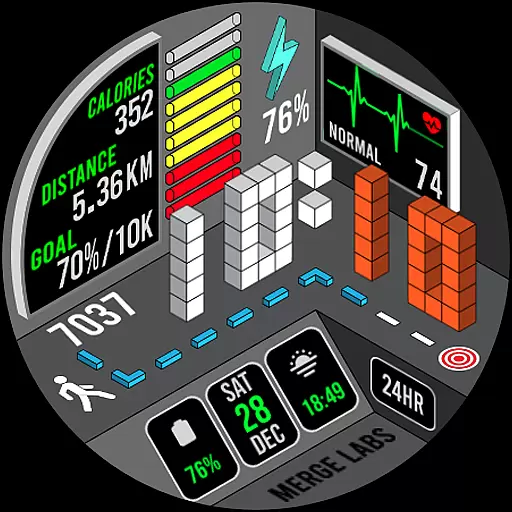
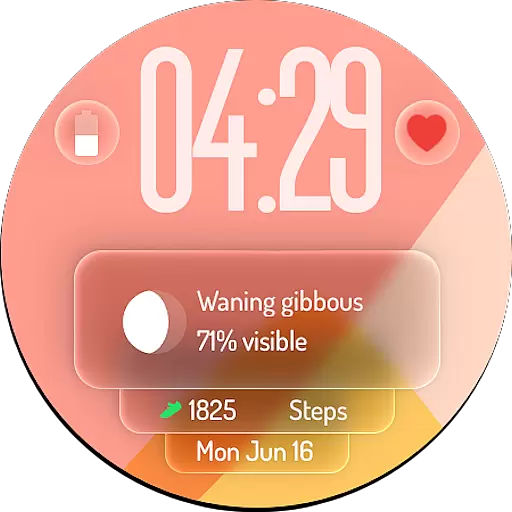
A uniquely designed isometric digital watch face made for Wear OS
4.0
Smart home security protection
3.20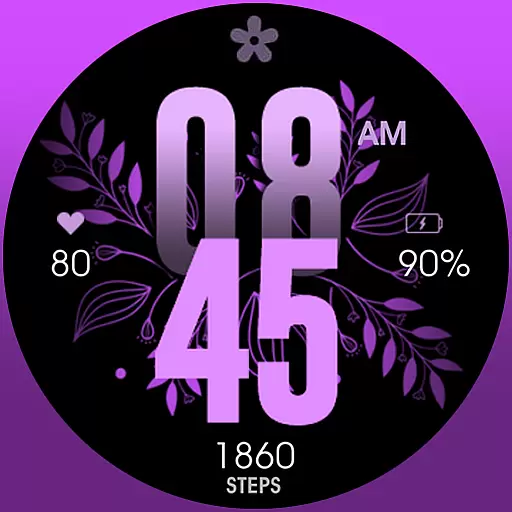
Colorful selection floral watch face with gyro for Wear OS
4.60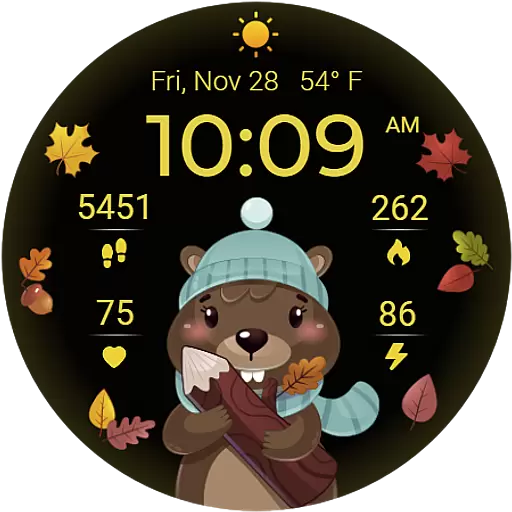
The cutest Autumn watchface featuring the adorable Mr. Squirrel
4.0
Stay connected with your loved ones & vehicles | Share live GPS location updates
4.60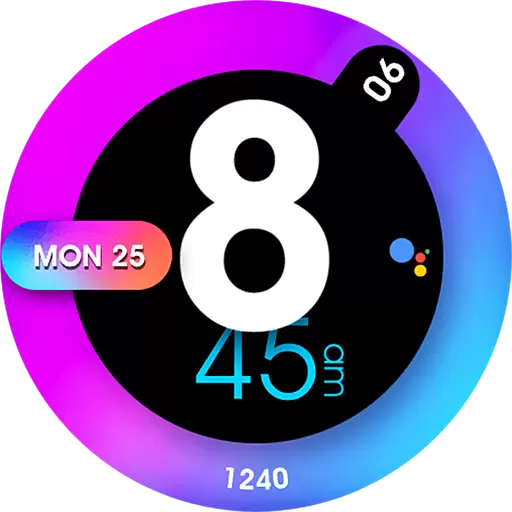
Colorful minimal digital watch face for Wear OS
4.60
The Work of Byron Katie— the mobile app for inner peace.
4.40
Cute Adorable Animals now on your wrist with our Wear OS watch face!
4.40
Chat, meet genuine singles in your area. Real connections start with being real.
4.30
Get your life organized with My Agenda!
4.30
Paranormal Spirit Bell Trigger Device
4.30
Unique BIG BOLD TIME with amazing colors and customisations.
3.70
Communicate with your vehicles and Powerwalls anytime, anywhere
3.60
Creativity and savings for kids, beginners and experts in arts and crafts
3.50


