Healthy eating timer app to track meal pace, improve habits, and eat slowly.
 4.1
4.1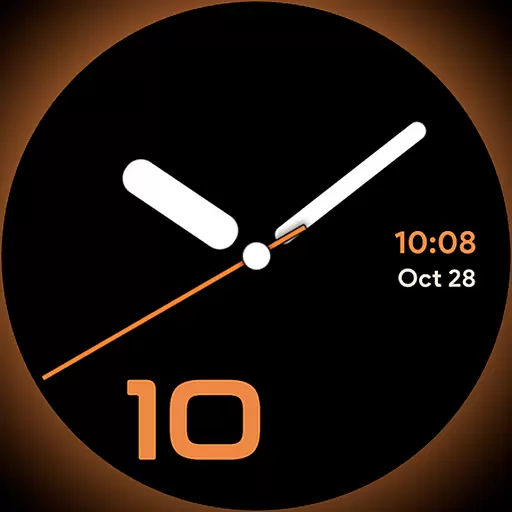
Unique Dark Analog style for Wear OS watches.
4.3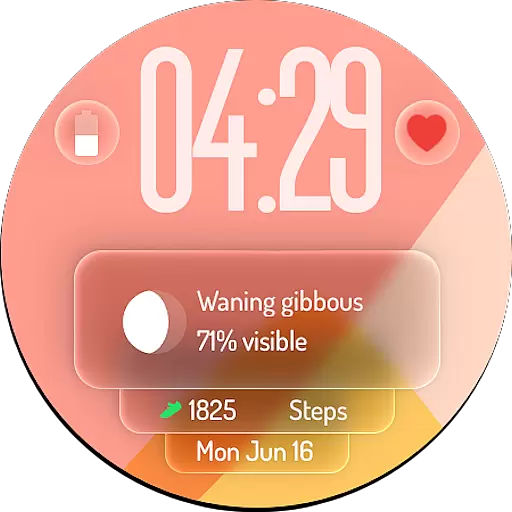
A watch face with transparency and fluid visuals inspired by liquid glass design
4.5
Spiritus Ghost Box is an Audio and Visual ITC tool for paranormal research.
4.00
SmartHQ: Your Connected Home Command Center
4.10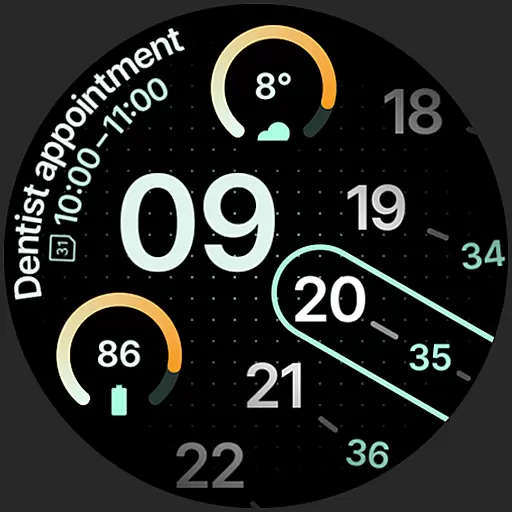
A unique and customizable watch face which rotates its layout every minute.
4.80
The App can control Roborock vacuum cleaners from anywhere with rich features.
4.60
Share opinions, get paid cash
4.30
Redecor your home with Home AI interior design, room planner and home designer.
4.50
Play. Earn. Repeat. Get rewarded for playing mobile games. Welcome to Mobius!
4.80
Pay your rent, submit work orders and much more with the RentCafe Resident App.
4.70
Vehicle ownership simplified. Get the myChevrolet® app today.
4.60
Play fun games, complete quick surveys, and earn money. It's fun and easy!
4.40
Paranormal Spirit Bell Trigger Device
4.30
What is my face shape? Find out your face shape from picture, see fitting frames
3.90
View over 160,000 line dance stepsheets from the CopperKnob website.
3.30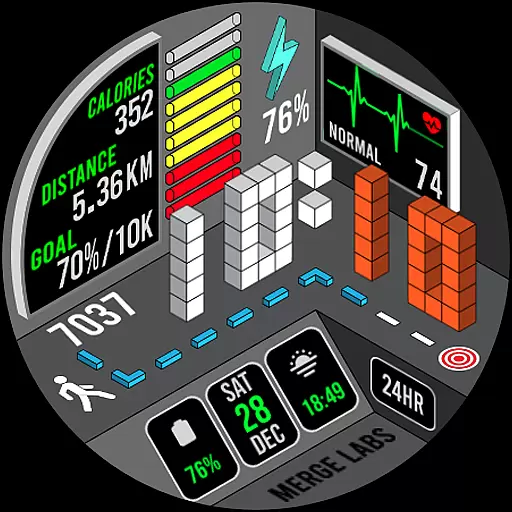
A uniquely designed isometric digital watch face made for Wear OS
4.5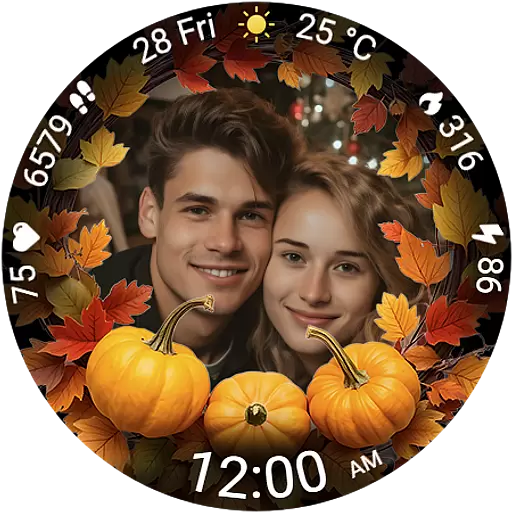
Wear your favorite memories, loved ones, pets or travel photos on your watch
4.5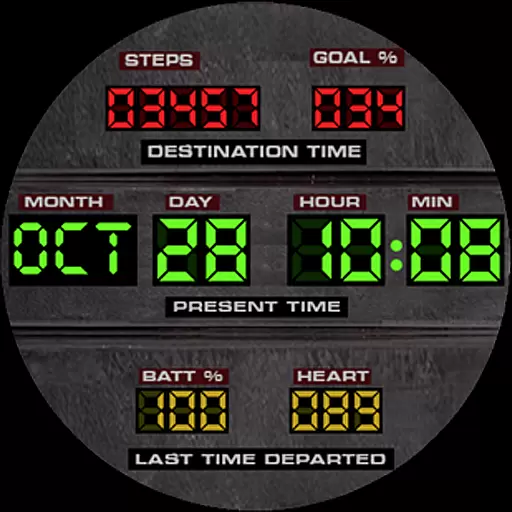
Futuristic watchface inspired by Back to the Future: sleek, retro, timeless
4.4


