
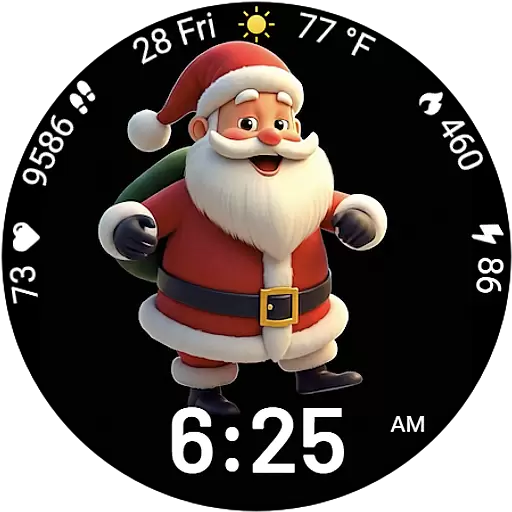
Designed to delight, impress and energize your festive spirit every single day
 4.4
4.4
The all-new Cync app. The simple, connected app for Cync and C by GE.
4.50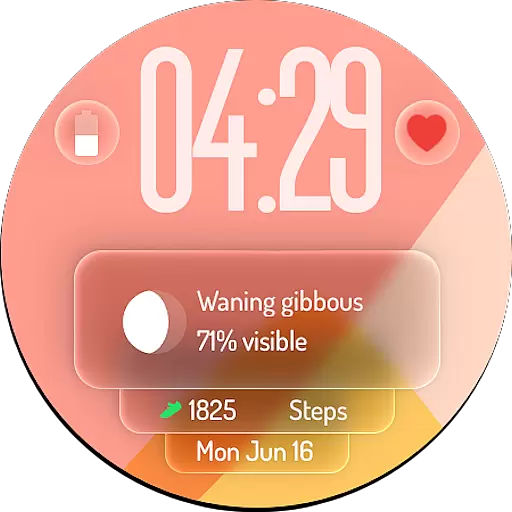
A watch face with transparency and fluid visuals inspired by liquid glass design
4.1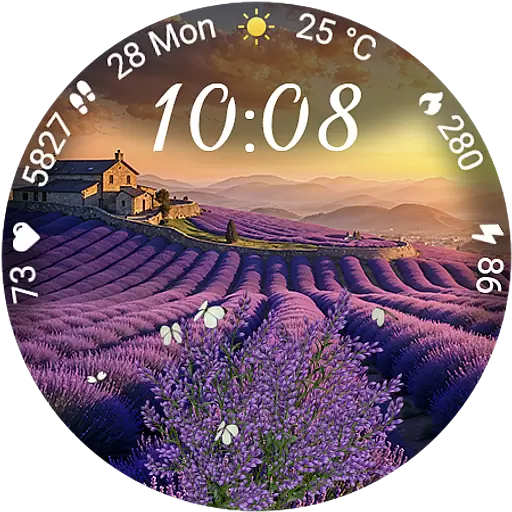
Immerse yourself in the serenity of lavender fields and white butterflies
4.0
Discounts, savings, and rewards
4.20
The Miracle Box includes methods used by Steve Huff of Huff Paranormal.
3.20
PARAVOX 4 is a professional ITC paranormal research application.
4.50
The App can control Roborock vacuum cleaners from anywhere with rich features.
4.60
No more juggling multiple apps, now you can control everything in one place!
4.60
Kasa Smart is your portal to your TP-LINK Smart Home.
4.70
A smart Siddur with halachic times
4.60
Unique "Isometric" style digital watch face for Wear OS
4.50
A smart Siddur with halachic times
4.50
Earn points with every purchase with Moe Rewards.
4.20
Mixing Colors for Menswear
4.20
SmartHQ: Your Connected Home Command Center
4.10
An Eerie Musical Trigger Toy for Spirits to Play with!
3.50
A daily quote for success
4.1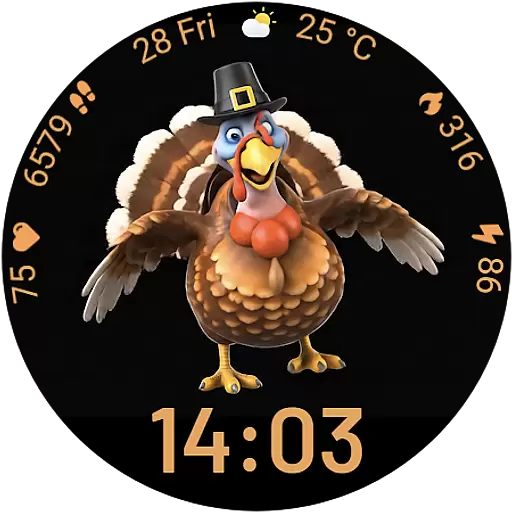
Cute animated Thanksgiving watchface for your WearOS smartwatch
4.1


