

Health Care at Your Fingertips
 4.60
4.60
A fantastic 3d reference that includes over 300 structures and a quiz function.
3.00
A comprehensive medical disease app.
5.00
Modivcare members can book and manage trips.
4.50
Medication reminder, Medicine list, Trackers for BP, glucose, weight, water, etc
4.70
A comprehensive 3D atlas of the human body
4.80
X-Vein: Advanced vein detection for medical practice
3.10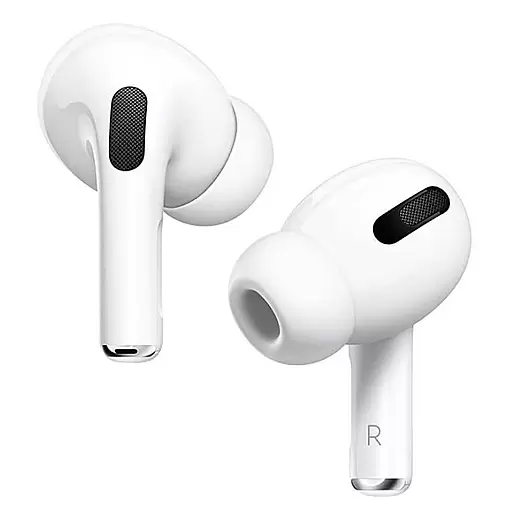
Hear far away sounds, conversations, TV and surrounding sounds more clearly.
4.70
Anthem/Wellpoint and other health insurance plans
4.60
Live vet support by text/video
4.80
Manage your healthcare through the FollowMyHealth® Universal Health Record.
4.80
Remote, medical-grade heart care at your fingertips
4.70
Take your aphasia therapy to the next level with 4 evidence-based advanced apps
4.70
Enjoy 200%+ volume booster with bass booster, equalizer and headphone supported.
4.60
ASCCP Management Guidelines- There’s an app for that!
4.60
Personalized hearing experience and health data tracking
4.50
Molina Members: My Molina. Manage your health anytime, anywhere!
4.30
Your pocket guide to following The Monash University Low FODMAP diet.
4.20
A rapid reference for prehospital providers caring for pediatric patients.
4.1


