Weather related custom complications for Wear OS. UV, Hi-Lo, AQI and more!
 4.40
4.40
Moon phase calendar with live wallpaper, lunar widget, & 3D simulation.
3.60
Room Temperature Thermometer meter shows indoor, outdoor temperature, humidity.
4.40
NOAA radar, weather forecasts, hurricane tracking & customizable alerts.
4.50
Instant weather updates, easy to check anytime on your home screen.
3.50
Weather forecast & live radar map
4.20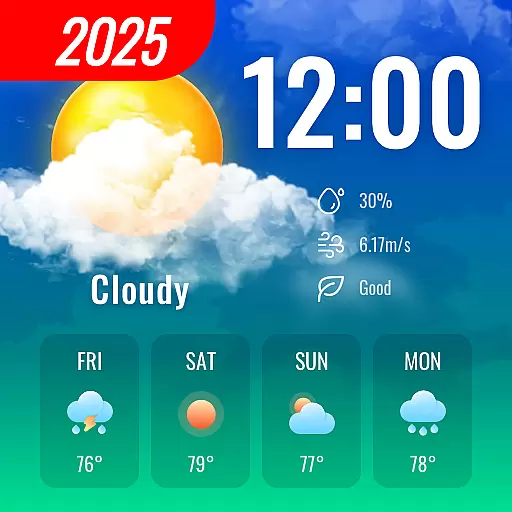
72-hour weather & daily forecasts with extreme weather alerts
4.60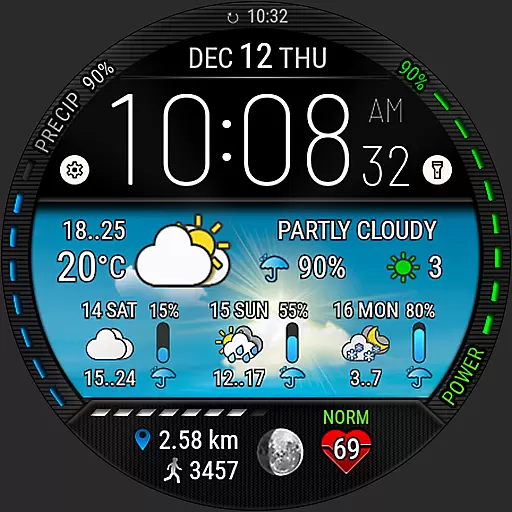
Weather watch face for Wear OS 5
4.40
Local forecast, alerts, rain, snow and wind radar, air quality & weather widget
4.60
The moon phases app for tracking the lunar calendar, blue moon and full moon.
4.80
Powerful US and worldwide earthquake feed with earthquake alerts and maps.
4.70
Get accurate rainfall and snowfall totals for pinpoint locations on a map.
4.60
Powerful US and worldwide earthquake feed with earthquake alerts and maps.
4.60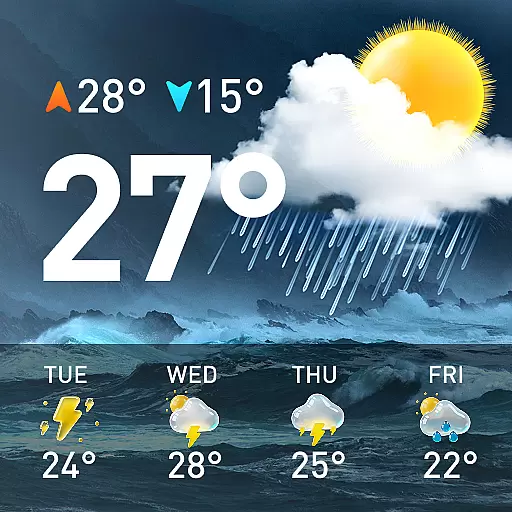
Accurate Weather App: various widgets, real-time storm radar, hurricane tracker.
4.50
Live weather radar, widgets & forecasts. Track rain, storms & temperature.
4.20
Stay Ahead Of Changing Weather Conditions
4.00
Storm Radar, Alerts & Live Weather Forecasts Right on Your Home Screen
3.70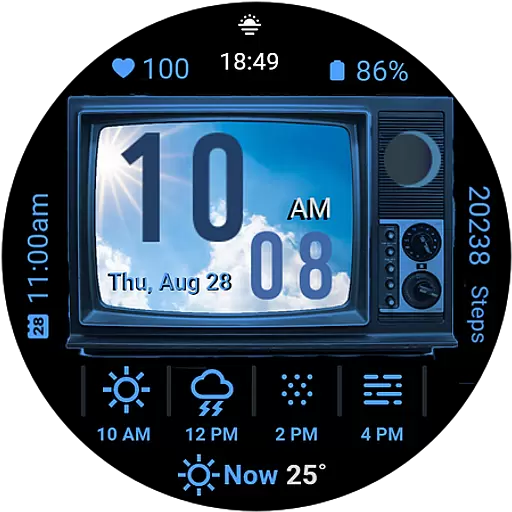
Retro TV-style digital watch face with weather, heart rate, steps & events!
4.1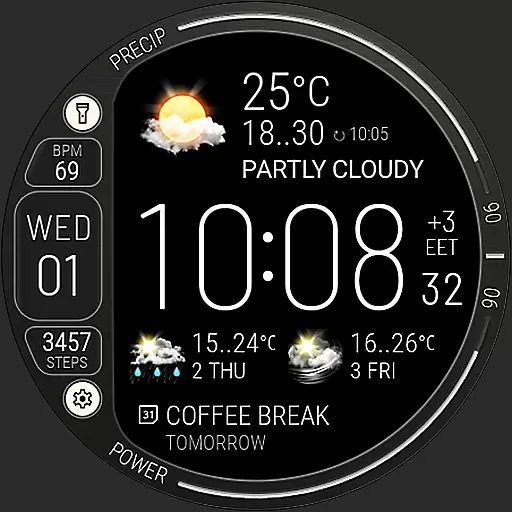
Digital Weather Watch Face for Wear OS 5+
4.0


