
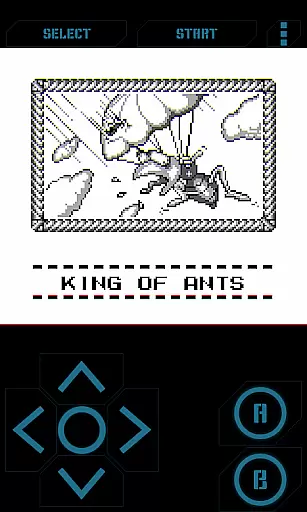
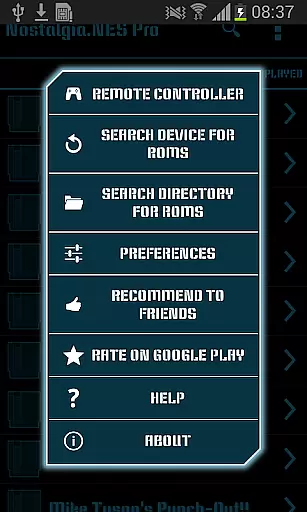
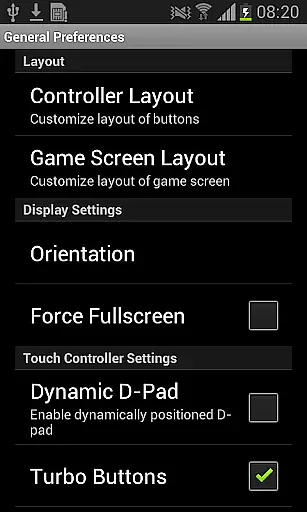
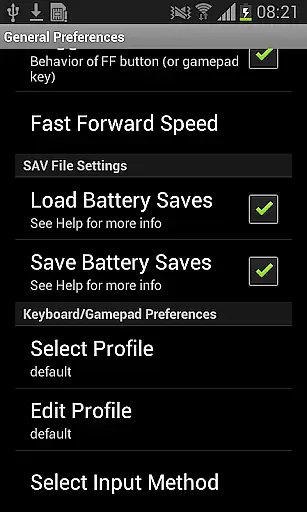
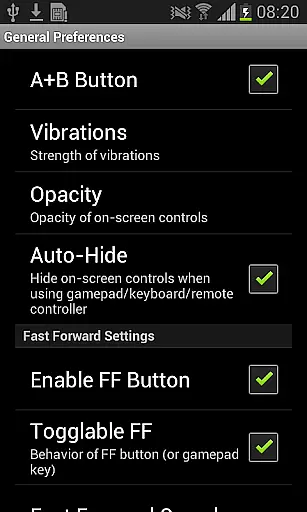
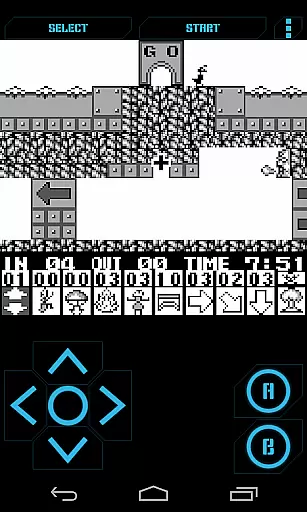
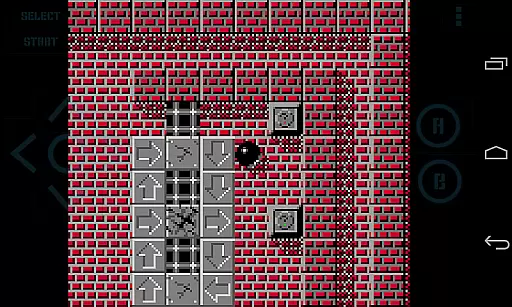
Nostalgia.GBC Pro is a premium Game Boy Color emulator that brings classic gaming to modern devices. This ad-free version offers an enhanced emulation experience based on the latest gambatte revision, ensuring accurate performance and compatibility with GB and GBC ROMs.
The emulator features advanced functionality including save state management, rewinding capabilities, and customizable controls. Users can enjoy their favorite retro games with modern conveniences like turbo buttons, hardware-accelerated graphics, and Bluetooth gamepad support. Its intuitive interface and comprehensive feature set make it ideal for both casual gamers and retro enthusiasts.
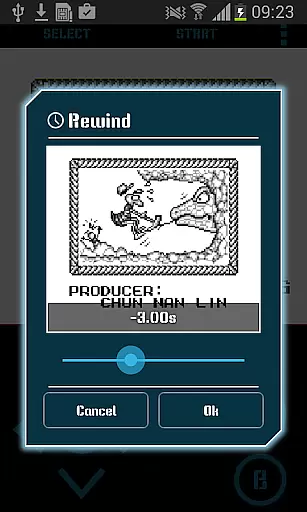
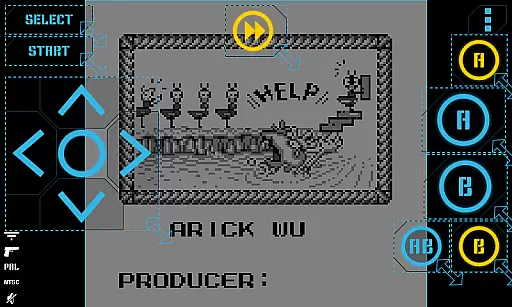
This emulator stands out with its highly customizable virtual controller system. Players can adjust button sizes, positions, and opacity levels to create a personalized gaming experience. The unique rewinding feature allows users to reverse gameplay by several seconds, providing unprecedented control over challenging sections.
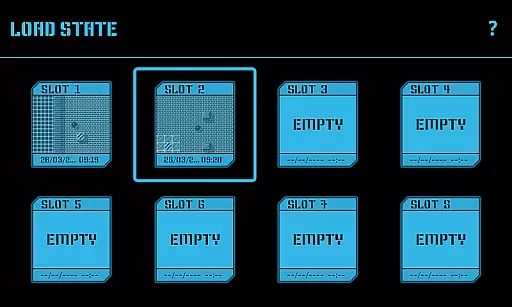
Advanced save state functionality includes 8 manual slots with screenshots and an autosave feature. These states can be shared across devices via various methods. Additional professional-grade features include OpenGL ES graphics acceleration, HID Bluetooth gamepad support, and sophisticated cheat code implementation, making it a complete solution for retro gaming enthusiasts.
Arcade authenticity is a crucial aspect of any emulator application, especially for retro gaming enthusiasts. Nostalgia.GBC Pro (GBC Emulator) excels in this area by providing a high-quality Game Boy Color emulation experience based on the latest revision of the renowned gambatte emulator.
The app's modern and user-friendly interface combines with customizable virtual controllers, allowing users to adjust button sizes and positions to their preference. This feature enhances the nostalgic experience by mimicking the original handheld's controls while offering contemporary convenience.
With support for game progress saving and loading, including 8 manual slots with screenshots and an autosave slot, users can easily share save states across devices. This functionality not only adds a layer of nostalgia but also integrates modern technology to enhance gameplay continuity and accessibility.
Control responsiveness is vital for an optimal gaming experience, particularly in arcade-style games where precision and timing are key. Nostalgia.GBC Pro ensures that every action taken by the player is accurately reflected in the game with minimal latency.
The inclusion of turbo buttons and an A+B button combination allows for advanced gameplay techniques, catering to both casual players and hardcore enthusiasts who demand exact control over their gaming sessions.
Hardware acceleration through OpenGL ES further enhances the emulator's performance, ensuring smooth graphics rendering and seamless interaction between the user's inputs and the game's responses. This technological advantage guarantees a tight and responsive control scheme.
User-friendly interface
Highly customizable controls
Advanced save state system
Premium emulation quality
Hardware acceleration support
No included game ROMs
Separate purchase required
Technical setup needed
Limited to GB/GBC
Requires manual updates

GBA Emulator
 4.40
4.40
Join the art challenge: Guess the word and draw fast before the timer runs out!
4.20
A fluid, action-packed arcade space shootout!
4.2
Slice up a juicy storm!
4.20
Absorb, or be absorbed...
4.70
You are a Black Hole, escaping the darkness trying to swallow you!
3.60
Jump and fly your way through danger in this rythm-based action platformer!
4.50
Challenge your friends in this game! Two players on one device!
4.70
Crazy games: Kick your buddies, beat the boss, and turn the office into chaos!
4.40
*Try for free.* Survive alone in a Roguelike Reverse Bullet Hell.
4.80
Punch your way through the Streets of Rage once again!
4.80
Bomb the communists back to 1916!
4.70
R-TYPE game
4.60
Flip the bottle! Do tricks and don't let the bottle fall!
4.50
Hit as hard as you can and make the penguin learn to fly! Arcade jumping game
4.50
Challenge your friends across the world to see who can jump the farthest!
4.50
Running game: dance in a twerk battle and become the twerk hero in our fun race!
4.30
Collect layers in running game & build the biggest slinky toy to beat the giant!
4.30
Monster Run its a game for relax.
4.1


User Reviews