
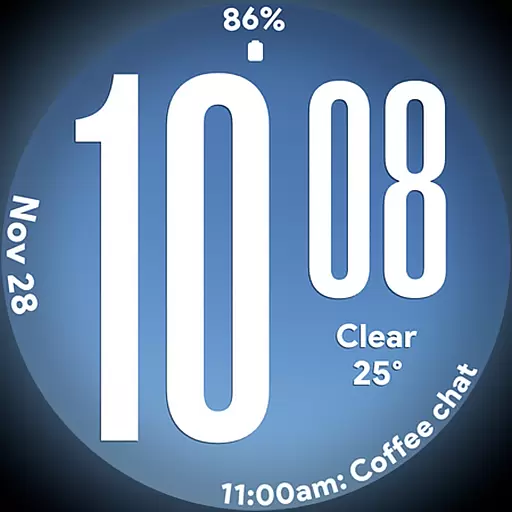
Big bold weather watch face with dynamic backgrounds and 3 complications
 4.2
4.2
Take Hobby Lobby with you wherever you go!
3.40
BILT interactive 3D instructions help you get the job done right
3.50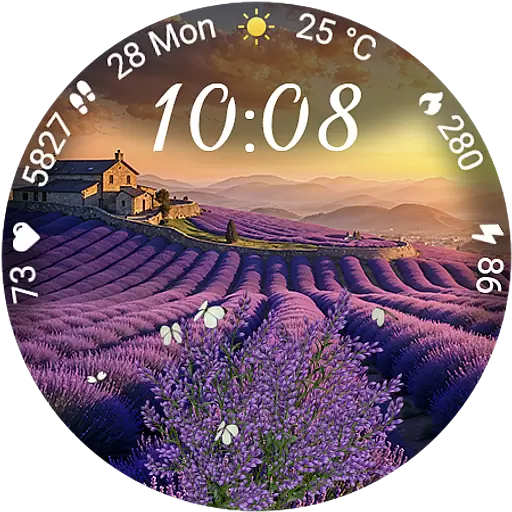
Immerse yourself in the serenity of lavender fields and white butterflies
4.1
Tap to the beat with interactive videos — warm up your reflexes & have fun
4.70
Discounts, savings, and rewards
4.20
Zodiac & Horoscope Launcher: Daily Sign Predictions & Astrology
4.40
Creativity and savings for kids, beginners and experts in arts and crafts
3.50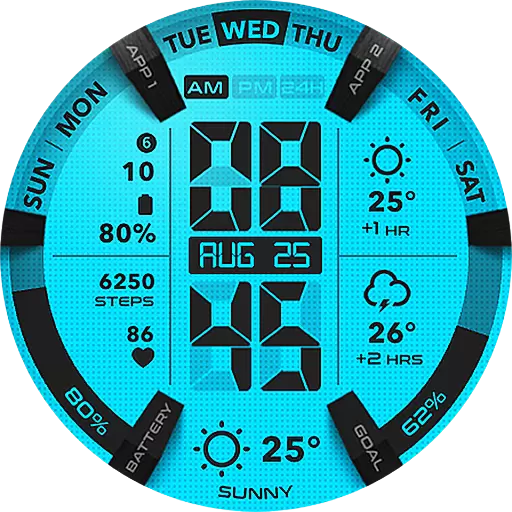
Retro animated weather with hourly forecast Watch Face for Wear OS
4.60
Earn money & gift cards when you take surveys, play games, scan receipts & more.
4.50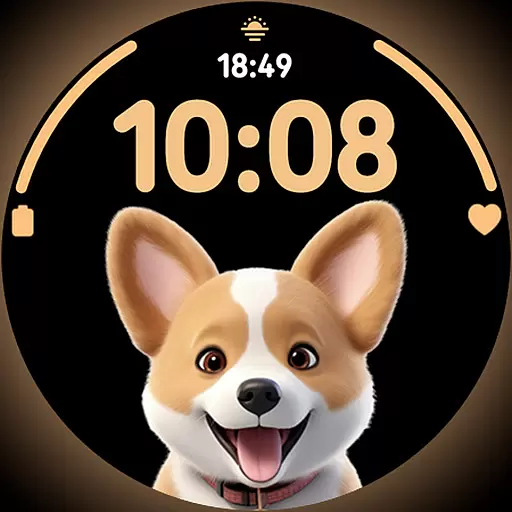
Cute Adorable Animals now on your wrist with our Wear OS watch face!
4.40
Play fun games, complete quick surveys, and earn money. It's fun and easy!
4.40
Chat, meet genuine singles in your area. Real connections start with being real.
4.30
Mixing Colors for Menswear
4.20
Spiritus Ghost Box is an Audio and Visual ITC tool for paranormal research.
4.00
Subwoofer school’s in session! You’ve now enrolled into KICKER U.
3.80
Connect to your Shark ROBOT™ from anywhere using the SharkClean™ App.
3.60
Duo Watch Face (animated)
4.4
A daily quote for success
4.0


