
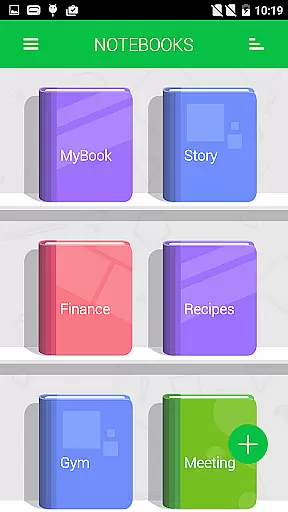
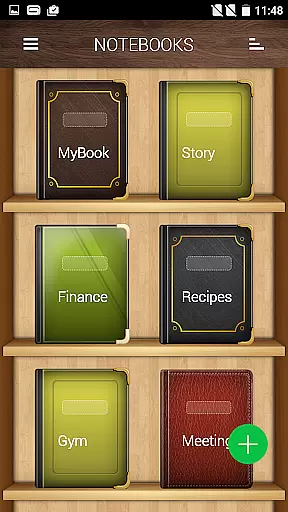
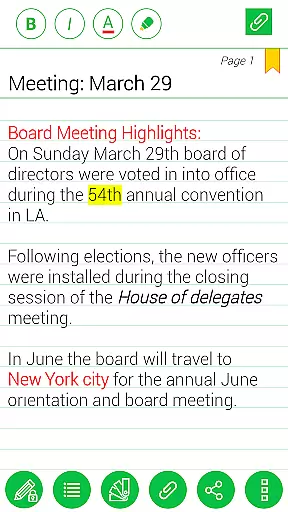
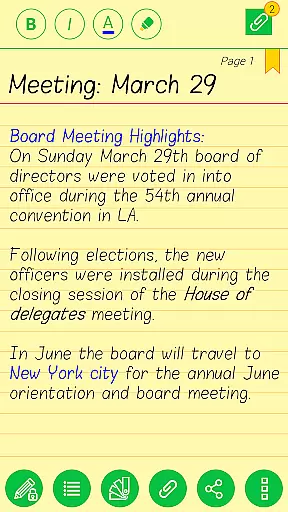

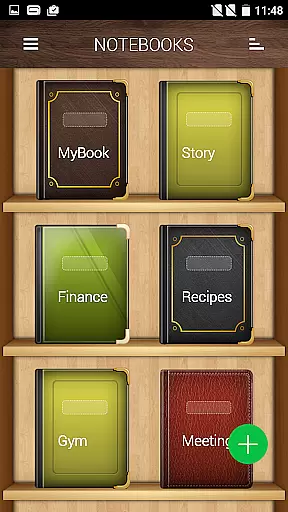
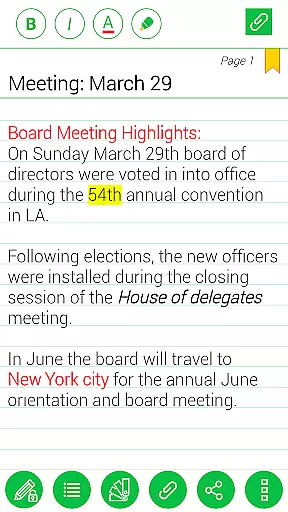

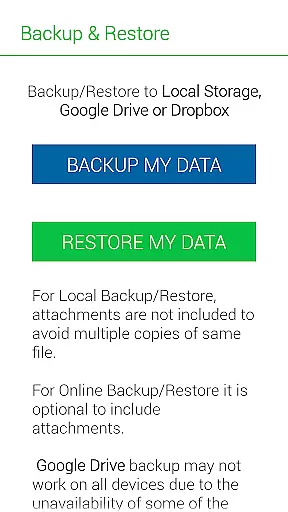
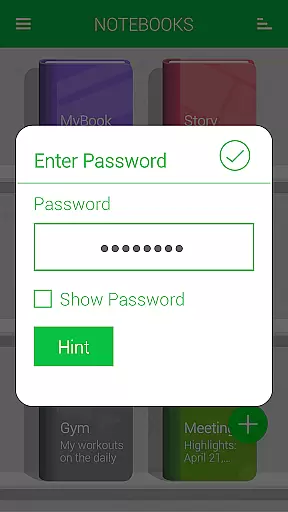
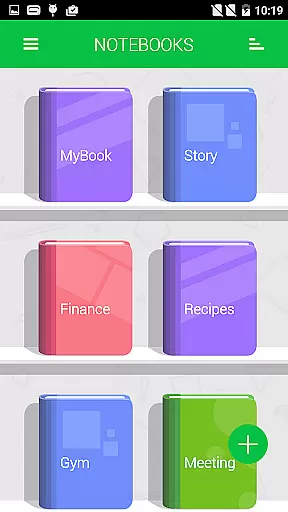
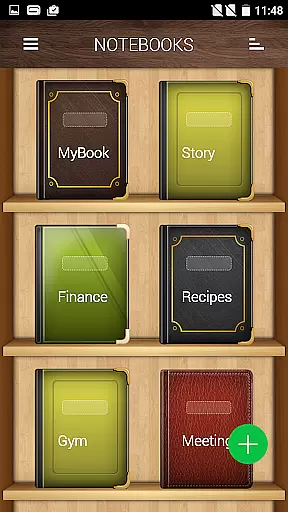

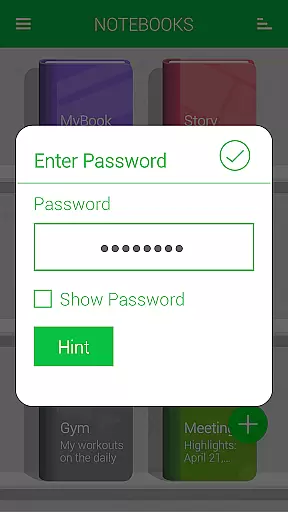
Notebooks Pro is a versatile digital note-taking application designed to cater to all your note-making needs. This app allows users to create multiple notebooks for different subjects, each with customizable covers, titles, and page styles. With features like password protection, fingerprint unlocking, and instant search within notebooks, it ensures both security and ease of use. Users can attach images, create freehand drawings, bookmark pages, and even export entire notebooks or individual pages to PDF format. The app supports backup and restore functionality to Google Drive and Dropbox, making it an ideal choice for students, business professionals, and anyone who uses their mobile devices for note-taking.
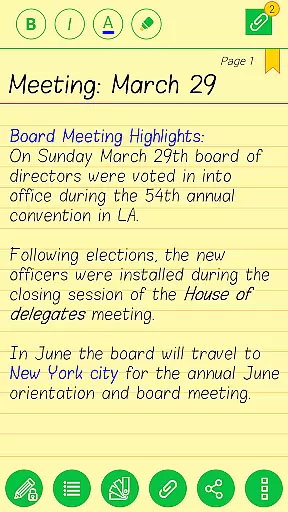
Designed with flexibility in mind, Notebooks Pro offers custom fonts and themes for each notebook, allowing users to personalize their experience. Its user-friendly interface and comprehensive feature set make it the only application you'll ever need for organizing and managing your notes digitally. Whether you're taking quick notes during meetings or detailed entries for personal projects, Notebooks Pro provides a seamless and paperless solution.
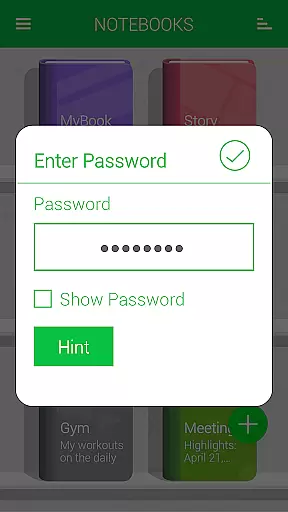
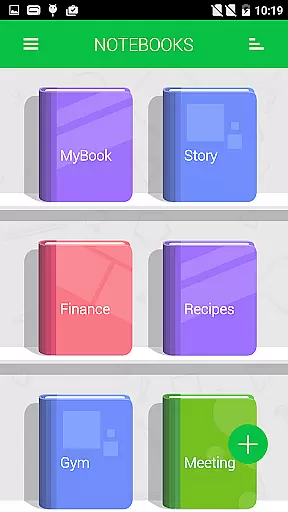
Notebooks Pro stands out with its extensive range of features tailored to enhance the note-taking experience. One of its key strengths is the ability to create multiple notebooks, each fully customizable with unique titles, cover designs, and page styles. This allows users to organize their notes efficiently without mixing up different subjects. Additionally, the app offers password protection and fingerprint unlocking, ensuring that sensitive information remains secure.
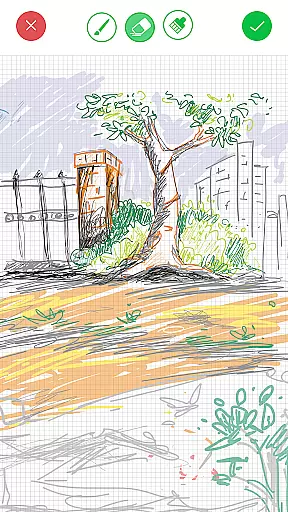
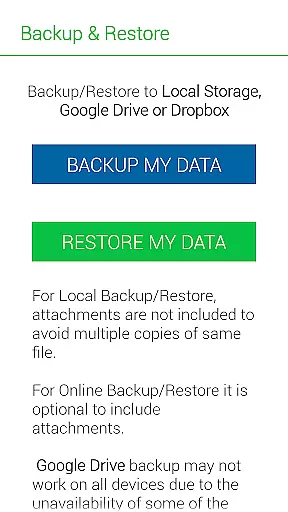
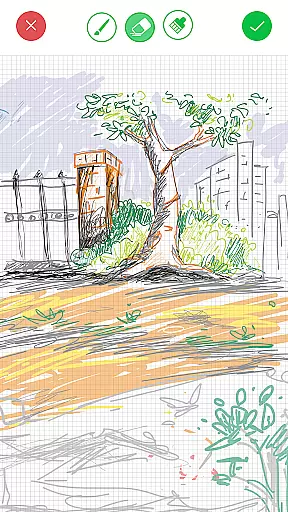
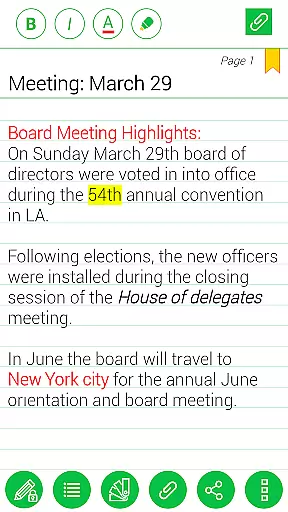
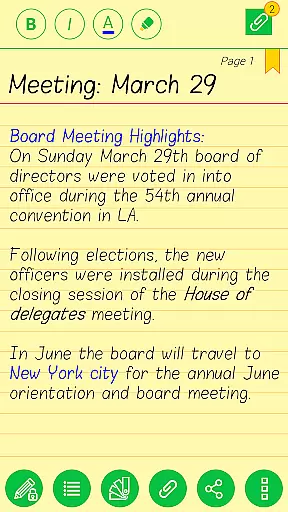
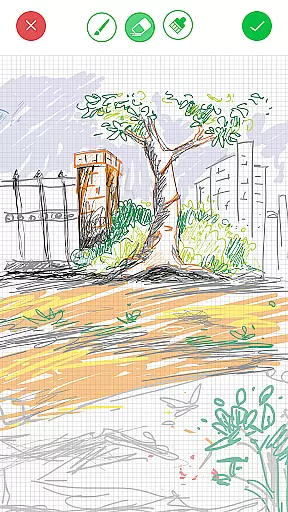
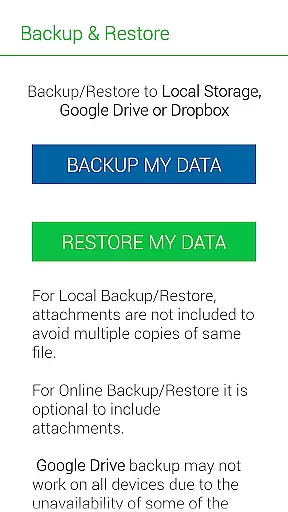
The app also includes practical features such as instant search functionality within each notebook, the ability to attach image files, and options to bookmark important pages. Users can create freehand drawings directly within the app and apply text styles like bold, italics, and colored highlights to emphasize key points. Furthermore, Notebooks Pro supports exporting notebooks or individual pages to PDF format, which is particularly useful for sharing or printing. Backup and restore functionalities to Google Drive and Dropbox ensure that users' data is always safe and accessible across devices.
Notebooks Pro exemplifies comprehensive lifestyle category coverage by addressing various note-taking needs across different walks of life. Whether you are a student managing coursework, a business professional organizing meeting notes, or an individual capturing daily thoughts, this application provides the tools necessary for efficient note management.
The app's ability to create multiple notebooks with customizable covers and titles ensures that users can segregate their notes according to subjects or projects. This feature is crucial for maintaining order and enhancing productivity, as it allows users to focus on specific areas without mixing up information.
Additionally, Notebooks Pro offers unique functionalities such as attaching freehand drawings, setting passwords, and even fingerprint unlocking, which cater to diverse user preferences and security needs. These aspects contribute to a holistic approach in covering lifestyle categories, making the app versatile and adaptable to individual requirements.
In terms of content authenticity and expert credibility, Notebooks Pro assures users of a reliable and trustworthy note-taking experience. The developers have designed the application with features that guarantee data integrity and privacy, such as secure backup options to Google Drive and Dropbox, ensuring that your notes remain safe and accessible only to you.
Furthermore, the app includes detailed functionalities like instant search within each notebook, custom fonts, and themes for every notebook, reflecting a deep understanding of user needs. Such features indicate that the creators possess expert knowledge in crafting solutions tailored to enhance personal and professional documentation processes.
With additional resources like FAQs and clear instructions on usage, Notebooks Pro establishes itself as a credible tool developed with expertise. Users can trust that they are utilizing a well-thought-out application that respects their need for both functionality and security in managing their digital notes.
User-friendly interface
Customizable notebooks
Secure password protection
Freehand drawing support
Backup to cloud services
Limited language support
No collaboration features
Premium version required
Occasional bugs
Heavy on storage

Paranormal EVP, Ghost Box, Spirit box, ITC, Haunted, Spirit communication device
 3.70
3.70
Do you want to communicate with spirits?
3.80
Smart & Healthy Living
4.60
Made To Order Faves
4.70
Creativity and savings for kids, beginners and experts in arts and crafts
3.50
The Miracle Box includes methods used by Steve Huff of Huff Paranormal.
3.20
An Eerie Musical Trigger Toy for Spirits to Play with!
3.50
Share opinions, get paid cash
4.30
DailyGift can help you record your habits and get rewards along the way!
4.60
A unique and customizable watch face which rotates its layout every minute.
4.80
Make money, get paid cash rewards & gift cards for every survey. Earn today!
4.60
Earn money & gift cards when you take surveys, play games, scan receipts & more.
4.50
Redecor your home with Home AI interior design, room planner and home designer.
4.50
Fly your Solo like a boss.
4.10
Smart controls for your Ember Smart Mugs
4.10
Design and brew great homebrewing beer, mead, cider and wine recipes on the go!
3.60
Unique informative Dial with Live Moon Phase at a glance!
3.60
View over 160,000 line dance stepsheets from the CopperKnob website.
3.30
Immerse yourself in the serenity of lavender fields and white butterflies
4.4


User Reviews