
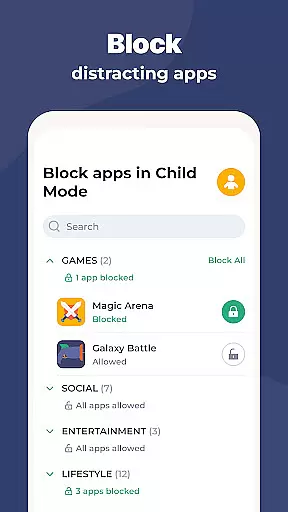
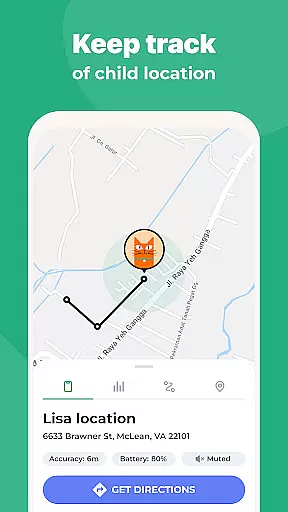
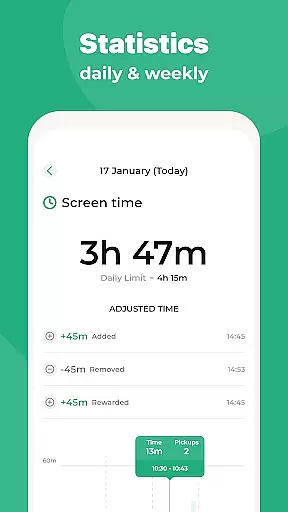
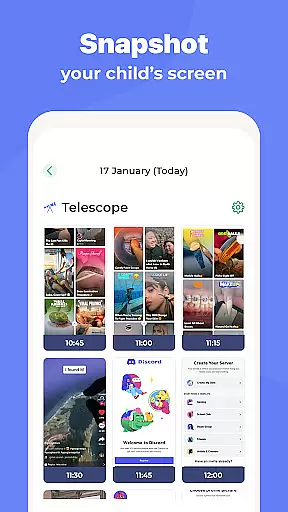
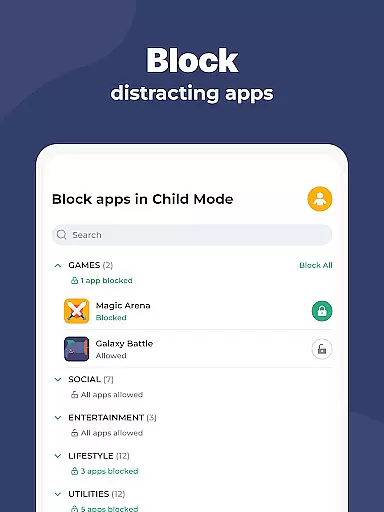
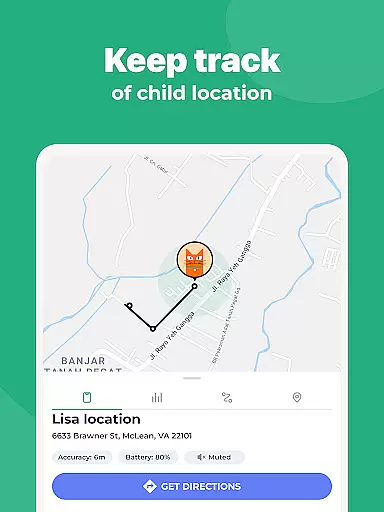
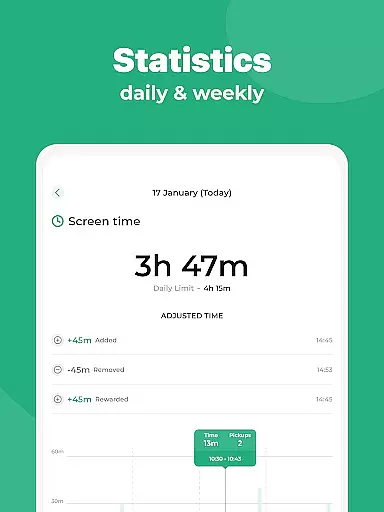
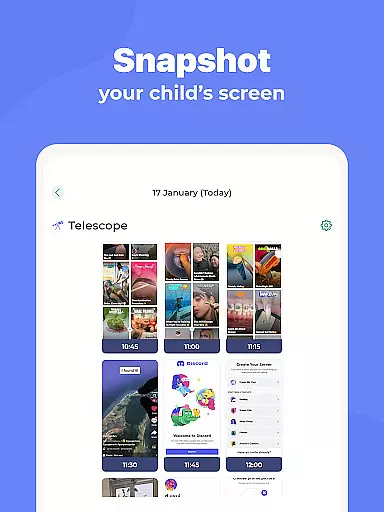
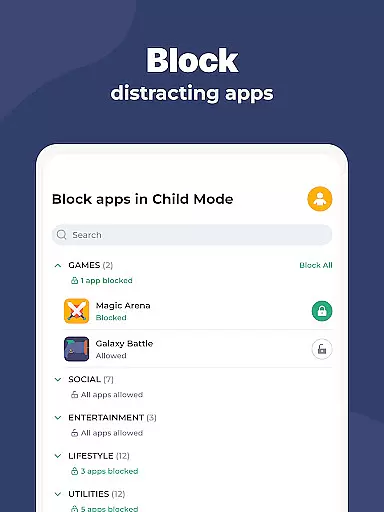
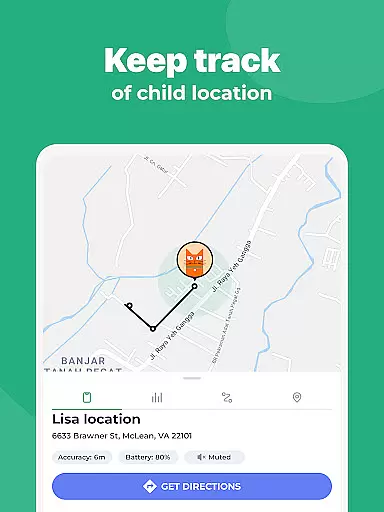
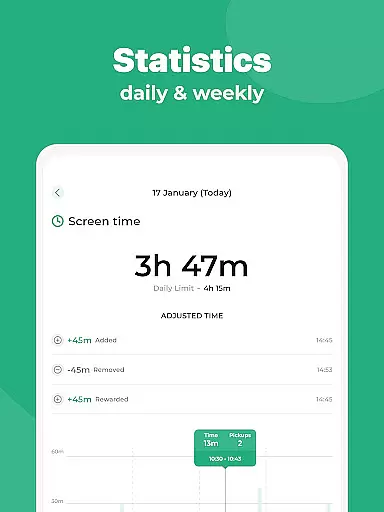
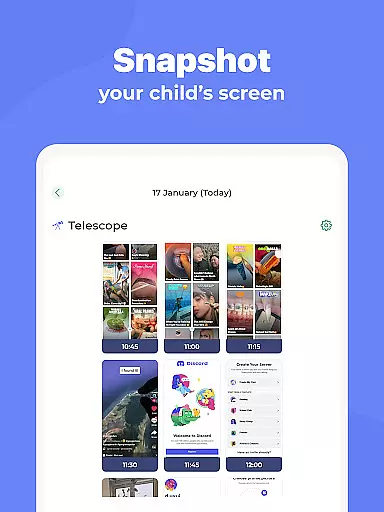
Kidslox Parental Control App is a comprehensive solution for parents seeking to manage their children's digital activities. This secure parental control app allows parents to regulate screen time, track location, block inappropriate apps, and monitor overall device usage. With support for both Android and iOS devices, as well as desktop platforms, Kidslox provides cross-platform protection.
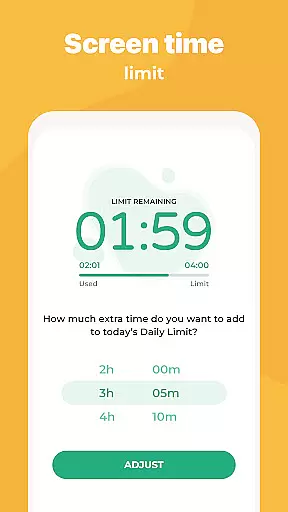
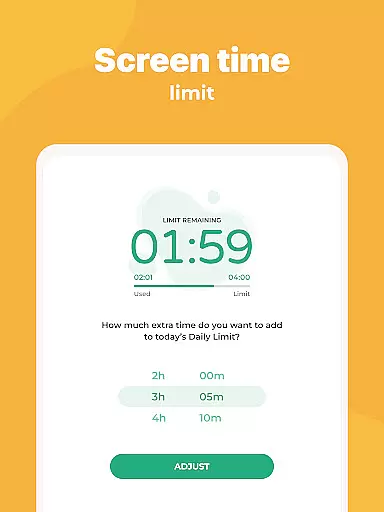
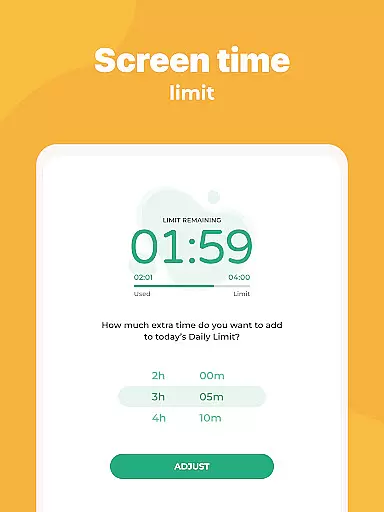
The app offers various features such as instant app blocking, customizable screen time schedules, daily time limits, and activity monitoring. It also includes location tracking through GPS and geo-fencing alerts. Parents can filter adult content, block in-app purchases, and enable safe search options. These robust controls help establish healthy digital habits while ensuring children's online safety.
Parents managing multiple devices will appreciate the ability to control up to 10 devices with a single account. The app's user-friendly interface and helpful support team make it easy to implement these essential safeguards. Whether setting boundaries or rewarding responsible behavior, Kidslox provides practical tools for modern parenting challenges.
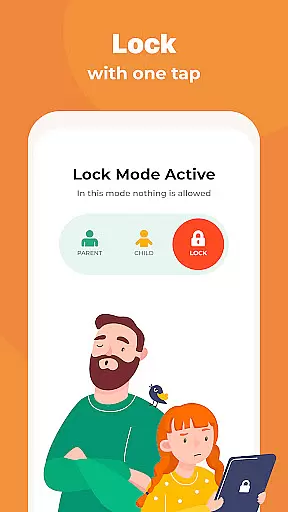
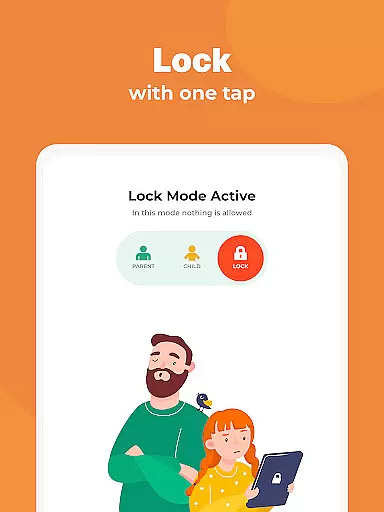
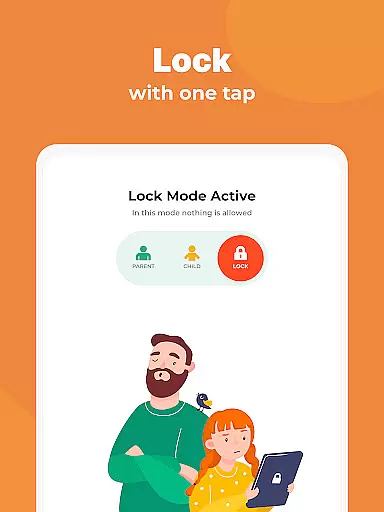
Kidslox stands out with its comprehensive feature set designed to give parents complete control over their children's device usage. The app's instant lock functionality allows remote blocking of apps across both Android and iPhone devices, providing immediate control when needed. Its scheduling system enables parents to establish consistent routines by setting specific times for device usage, including bedtime curfews that automatically disable phone functions.
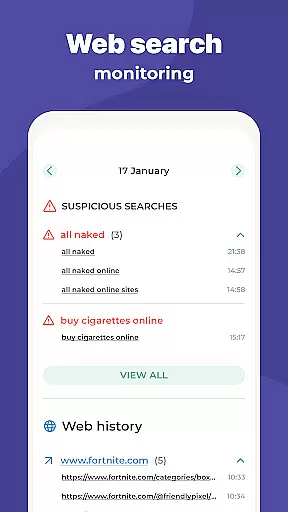
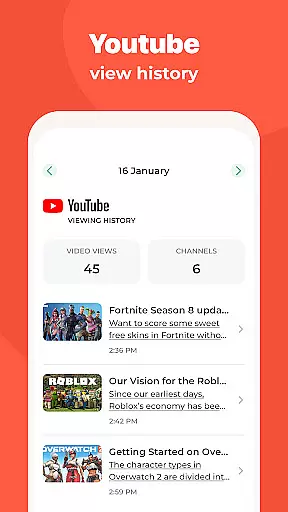
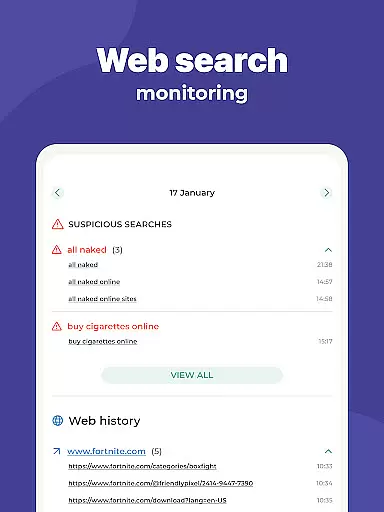
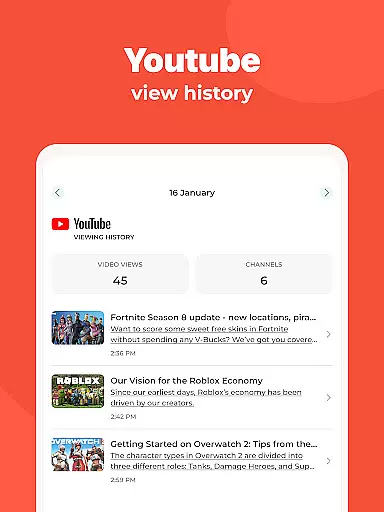
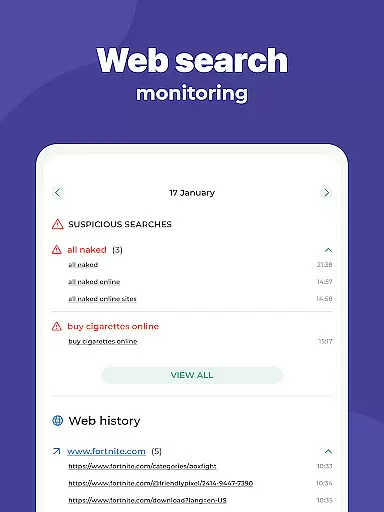
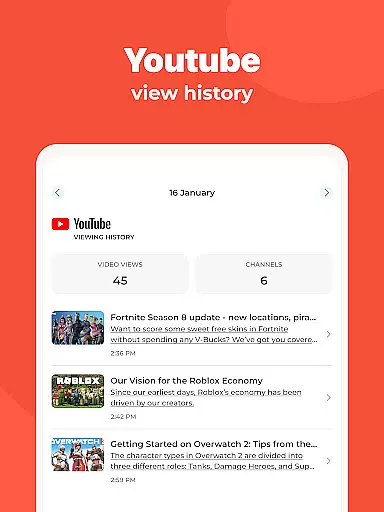
The app's monitoring capabilities are particularly robust, offering detailed insights into children's digital activities. Parents can review app usage patterns, track web browsing history, and analyze overall screen time metrics. The custom modes feature adds another layer of control by allowing selective app blocking based on different times or circumstances, promoting appropriate device usage during study hours versus leisure time.
Additional notable features include precise location tracking with geo-fencing notifications, comprehensive content filtering to block adult materials, and internet access controls. The app's cross-platform compatibility extends to Windows and Mac desktops, with browser-based management options. These features work together to create a flexible, powerful parental control system that adapts to various parenting styles and family needs.
In the realm of parenting apps, content credibility is paramount. Kidslox Parental Control App ensures that all information and guidance provided are vetted by child development experts. This guarantees that parents receive reliable advice on managing their children's digital habits.
The app includes features like screen time schedules and daily time limits, which are designed based on expert recommendations for healthy device usage among children. These features not only help in setting boundaries but also promote a balanced lifestyle.
Parents can trust Kidslox to deliver accurate data regarding their child's app usage and web activities. The parental tracking system offers insights into how children interact with digital content, empowering parents to make informed decisions about their screen time allowances.
By integrating expert-validated strategies, Kidslox supports parents in fostering an environment where digital wellbeing is prioritized. This approach helps families maintain harmony between technology use and real-world interactions.
Accurate growth tracking is essential for understanding a child's development in the digital age. Kidslox excels in providing precise monitoring tools that allow parents to track their child's progress effectively. Through detailed reports, parents gain visibility into their child's digital habits over time.
The app's location tracking feature uses GPS technology to provide reliable data about a child's whereabouts. This function enables parents to set up geo-fenced zones and receive notifications when these boundaries are crossed, ensuring safety while promoting independence.
Kidslox goes beyond basic tracking by offering analytics on app usage and web activity. Parents can see patterns emerge in their child's behavior, helping them identify areas where adjustments might be necessary. Such insights contribute to more effective parenting strategies.
With its comprehensive suite of monitoring tools, Kidslox empowers parents to guide their children's growth responsibly. By delivering accurate and actionable data, the app becomes an invaluable ally in nurturing well-rounded digital citizens.
Comprehensive cross-platform support
Robust content filtering system
Real-time location tracking
Flexible scheduling options
User-friendly interface design
Requires constant internet connection
Some features need Device Administrator rights
Accessibility permission might concern some users
Paid subscription model
VPN usage for content filtering

All-in-one pregnancy app, contraction timer, kick counter & due date calculator
 4.40
4.40
Track Pregnancy, Baby Feeding, Sleep, Diaper Changes, Postpartum Health & More!
4.80
The Baby’s Bounty App is your hub to register for our diaper banks in Nevada
3.70
Track your pregnancy, kick & contraction counter, baby & mom's heartrate monitor
4.60
FamilyMode helps you manage your family’s digital lives—at home or on the go.
4.30
It is a screen time management tool for games and mobile applications
4.50
Save money on diapers. Get the Pampers Rewards app.
3.90
Speech Therapy Exercises For All!
4.40
Screen Time, App and Web Block & Monitoring, Location Tracker
3.60
Introduce real food to baby with First Foods® Database, baby led weaning BLW
4.80
SENSORYSOOTHE and SENSORSAFE: Making car seats smarter and families safer.
4.70
All-In-One Pregnancy Tracker, Your Baby's Milestones, Growth Stages & Parenting
4.70
Family GPS locator app — child location tracker. GPS kids tracker, family safety
4.70
App/Game blocker & GPS tracker
4.50
Find unique + popular baby names for your little peanut.
4.30
Protect kids online safety through GPS tracking,screen time control,app blocking
4.20
Watching baby, helping parents
4.10
SemLog aims to raise awareness among families and their children
3.40
Lullabies, Night Light & Age-based Routines to help your baby fall asleep
4.2


User Reviews