
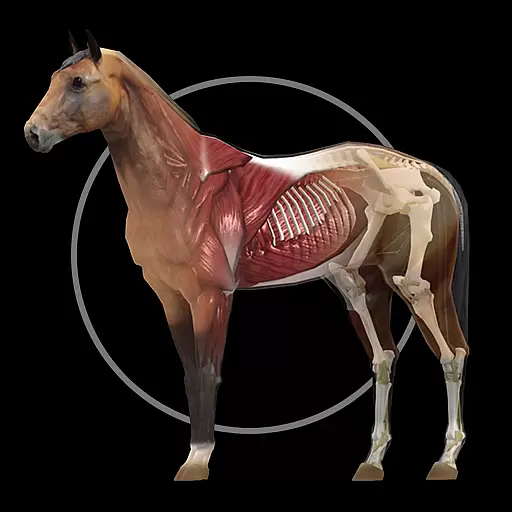
A fantastic 3d reference that includes over 300 structures and a quiz function.
 3.00
3.00
Amplify surrounding sounds, conversations, TV or lectures for louder hearing.
4.70
Molina Members: My Molina. Manage your health anytime, anywhere!
4.30
Care Simplified by MyChart
3.40
Over 1,200 review questions and 5 exams—pass the NREMT with EMT Review Plus!
4.10
CPR Timer for High Performance AHA BLS / ACLS
5.00
PPP provides quick offline access to over 350 field treatment protocols.
4.60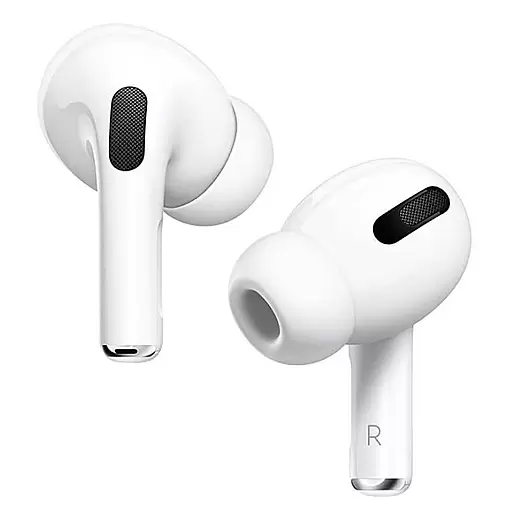
Hear far away sounds, conversations, TV and surrounding sounds more clearly.
4.70
The doctor will see you now
4.70
myVCA is your tailor-made guide to raising a healthy and happy pet.
4.90
Be more confident prescribing homeopathy at home for your family.
4.80
Manage your prescriptions anytime, anywhere with the Publix Pharmacy mobile app.
4.80
Manage your healthcare through the FollowMyHealth® Universal Health Record.
4.80
The MDLIVE app makes connecting with a doctor fast, easy, and convenient.
4.60
We’ve made it easy for Oscar members to get care on the go.
4.30
Patient Health Portal
4.20
Explore human anatomy with this rich learning experience.
4.00
Easy access to benefits and rewards
3.70
MySafeRide simplifies booking and managing rides for health plan members.
3.50


