
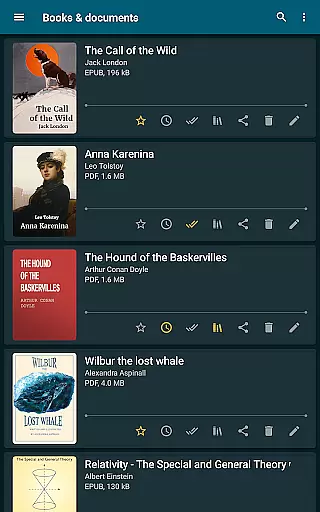
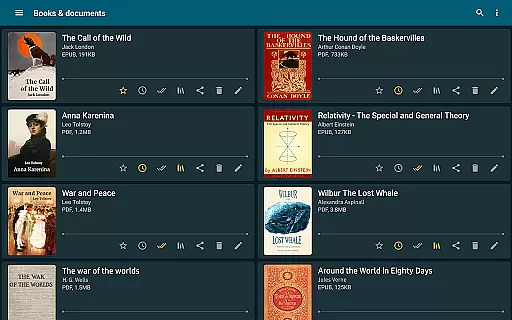
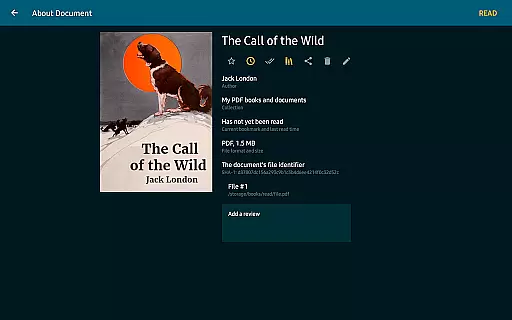
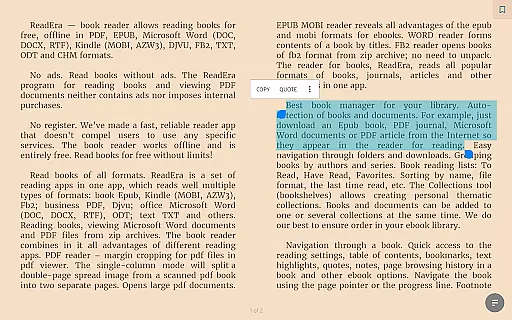
ReadEra is a versatile eBook reader app that supports an extensive range of formats including PDF, EPUB, Microsoft Word, Kindle, DJVU, FB2, TXT, ODT, and CHM. This application allows users to read books offline for free without any advertisements or in-app purchases. It offers advanced features such as automatic book detection, easy navigation through folders, and grouping books by authors and series.
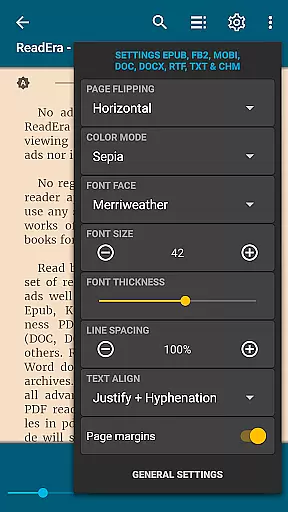
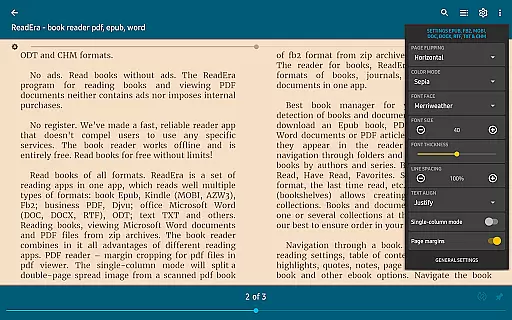
The app provides convenient reading settings with multiple color modes, adjustable font sizes, and customizable page margins. ReadEra also includes a multi-document mode, enabling users to read several books simultaneously. Whether you're accessing a PDF journal or an EPUB novel, ReadEra ensures a seamless reading experience across all supported formats.
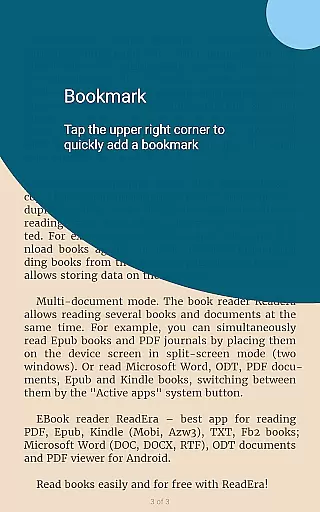
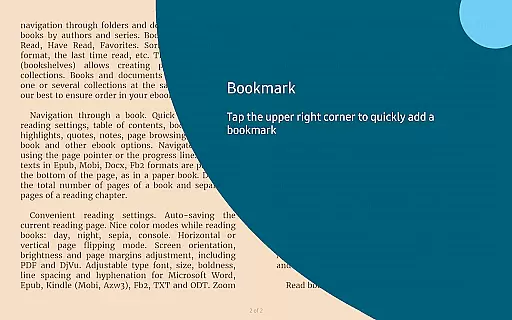
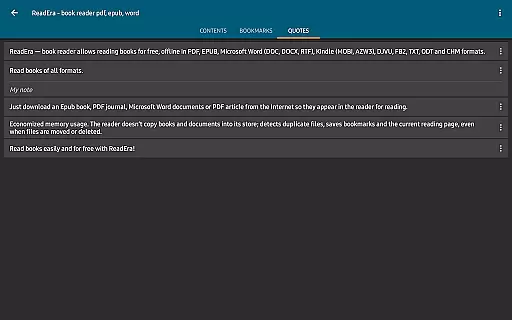
With its comprehensive library management tools, ReadEra helps maintain order in your digital library. The Collections tool allows users to create thematic collections, while the app's memory-efficient design prevents duplication of files and saves bookmarks even when files are moved or deleted. This makes ReadEra an ideal choice for avid readers who require both functionality and ease of use.
ReadEra stands out due to its ability to handle multiple document formats within a single app. It reads PDFs, EPUBs, Microsoft Word documents, and more, offering specialized features for each format. For instance, the PDF reader includes margin cropping and single-column modes for scanned books, while the EPUB and MOBI readers optimize the reading experience specific to those formats.
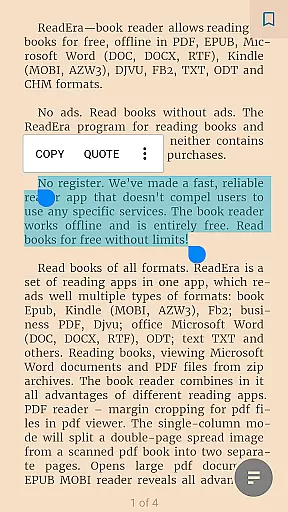
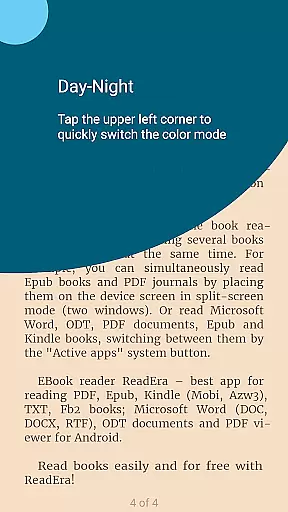
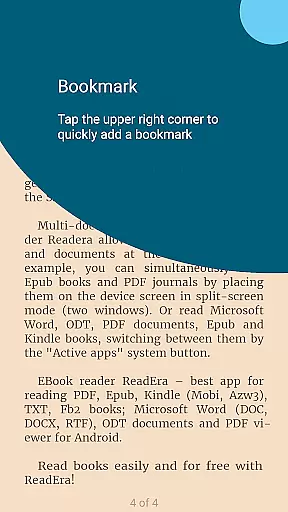
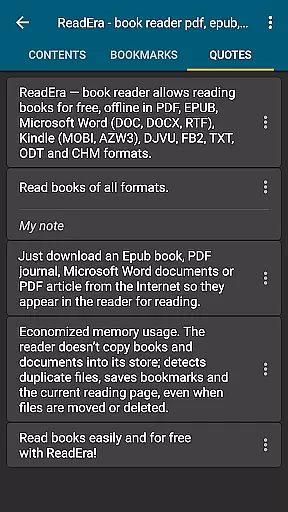
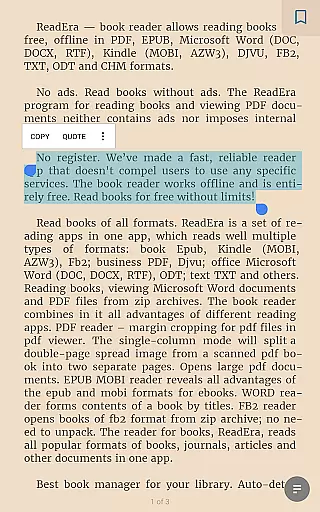
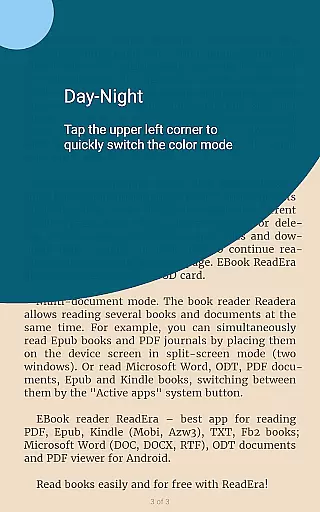
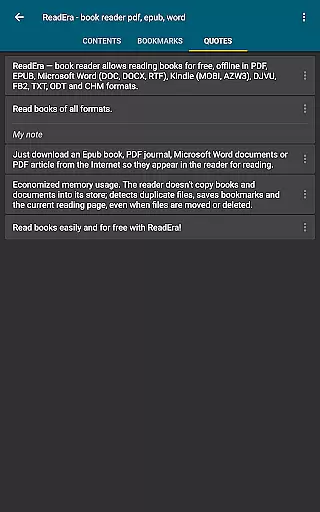
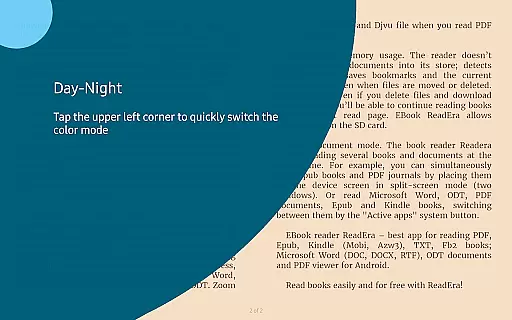
The app excels in navigation and customization. Users can quickly access reading settings, tables of contents, bookmarks, and highlights. Footnotes are displayed at the bottom of pages, mimicking traditional paper books. Customizable reading modes include day, night, sepia, and console views, along with adjustable fonts and spacing options tailored for different file types.
ReadEra also offers practical utilities like auto-saving the current reading page and displaying the total number of pages. Its multi-document mode lets users read several books at once, either in split-screen or by switching between active apps. These robust features ensure that ReadEra caters to diverse reading preferences and maintains high usability standards.
ReadEra offers an extensive e-book library that supports multiple formats including PDF, EPUB, Microsoft Word, Kindle, DJVU, FB2, TXT, ODT, and CHM. This wide-ranging compatibility ensures users can access a vast collection of books and documents without restrictions.
The application guarantees copyright authenticity by allowing users to import their legally acquired files. It does not host or distribute e-books itself, thus respecting intellectual property rights while providing a seamless reading experience.
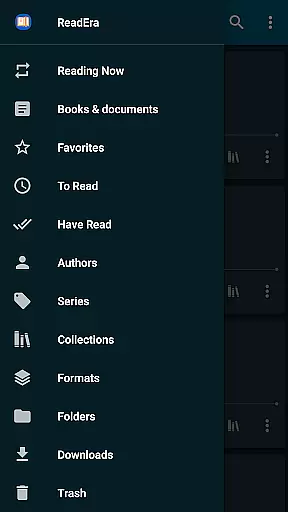
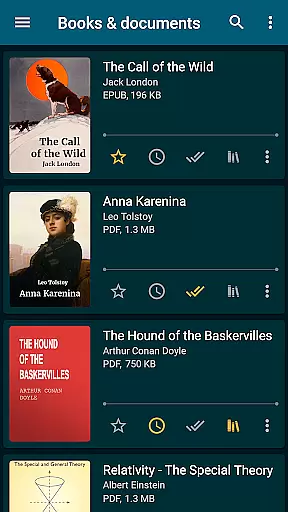
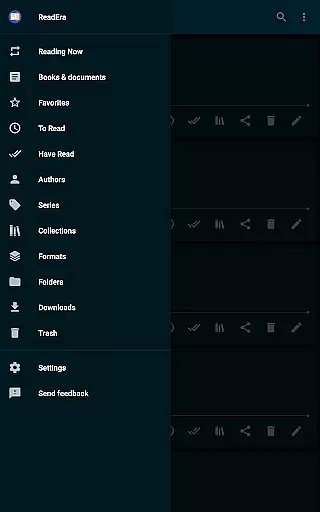
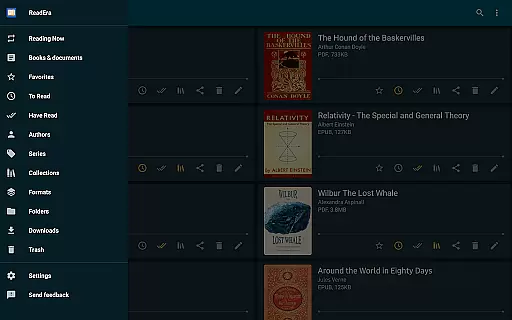
With ReadEra, you can organize your digital library with features like auto-detection of books, grouping by authors and series, and creating personalized collections. This makes managing and navigating your e-books straightforward and efficient.
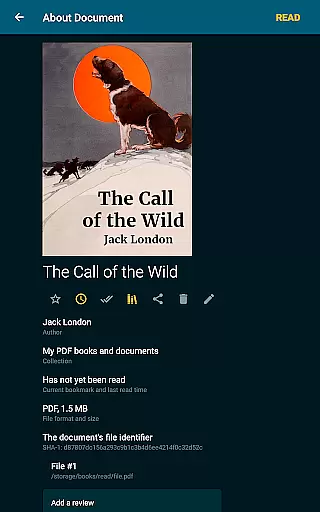
Users benefit from a clutter-free library as the app detects duplicate files and saves bookmarks even when files are moved or deleted. This functionality ensures that your reading material is always organized and readily accessible.
ReadEra stands out for its exceptional format compatibility, accommodating virtually all popular document types such as PDF, EPUB, MOBI, AZW3, DJVU, FB2, DOC, DOCX, RTF, ODT, and TXT. This versatility allows users to view and read various documents seamlessly within a single app.
The app provides specialized readers for different formats, enhancing the reading experience. For instance, the PDF reader includes margin cropping and single-column modes, while the EPUB and MOBI readers highlight the advantages of these eBook formats.
Microsoft Word documents are presented with well-structured contents based on titles, and FB2 files can be opened directly from zip archives without needing to unpack them. These features ensure that users enjoy a smooth and intuitive reading session regardless of the file type.
Additionally, ReadEra's support for adjustable fonts, sizes, boldness, line spacing, and hyphenation across formats like Microsoft Word, EPUB, Kindle, FB2, TXT, and ODT caters to personalized reading preferences, making it a comprehensive tool for diverse reading needs.
User-friendly interface
Multi-format support
Offline reading
No ads or in-app purchases
Advanced library management
Limited cloud integration
No audiobook support
Occasional bugs
Heavy on storage
Complex settings for beginners

"BIG A, little a. What begins with A?"
 4.10
4.10
Bible, Catechism, Study, Saints, Mass Readings, Rosary, Prayer, Bible in a Year
4.80
Read the KJV Bible with Strong’s offline: reading plans, audio Bibles, and more.
4.70
Read the romance stories on the go. Take my breath away, The Spoiled Girl
4.30
Find, discuss, and organize your world of books and shows.
4.60
Bible Study App with Audio Book, Verse of the Day, and Devotionals.
4.80
Provides location information of vehicle Shift Interlock releases.
4.30
A lightweight reader for comics and mangas files (.cbr, .cbz, .cbt, .pdf, ...)
4.80
Liturgy of the Hours and Mass for every day of every year. No Internet needed!
5.00
A KJV Bible with Apocrypha and precept-based study concordance
5.00
Daily thoughts, meditations, and prayers for living a sober life in recovery.
4.90
Offline dictionary for learning Cantonese as a second language
4.90
Personalized Chat with Bible
4.80
My Bible offers a comprehensive app by providing offline access, daily verses.
4.80
Scan. Price. Grade.
4.60
Bible Spiritual Companion
4.40
Pretty Moon information App with Complications and Tile
4.30
Shop over 13 million new and used books at up to 80% off list price
4.20
Fast loot guide for ARC Raiders. Simple tips, stats, maps, and item details.
4.2


User Reviews