
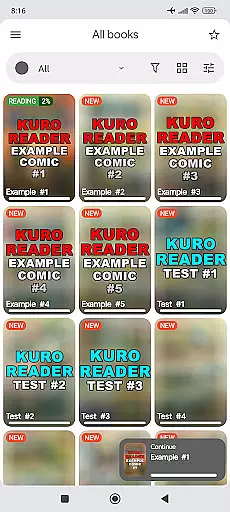
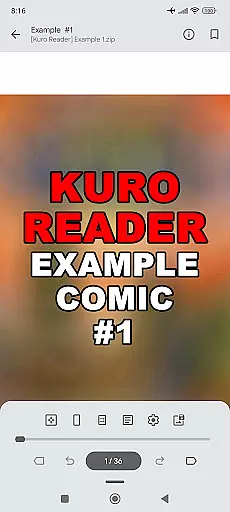
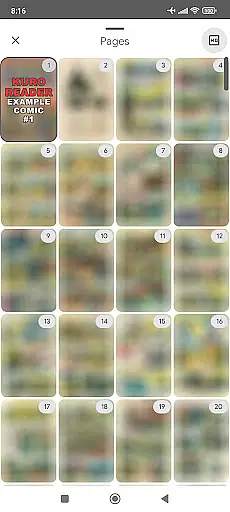
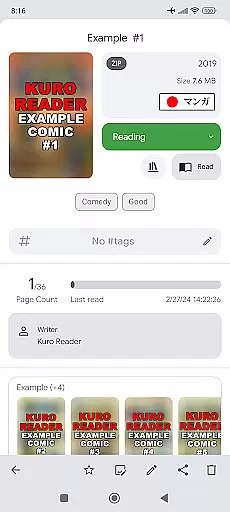
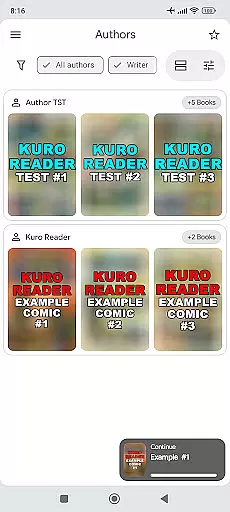
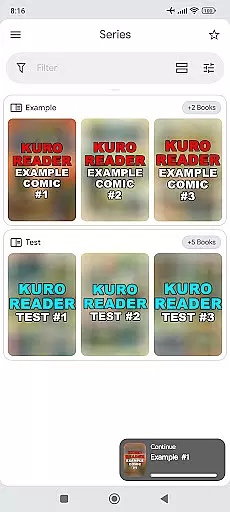
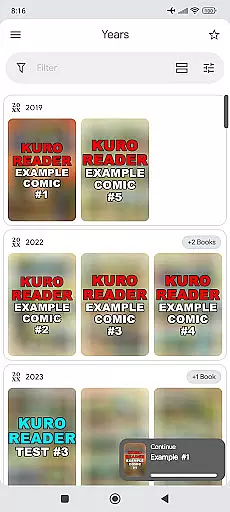
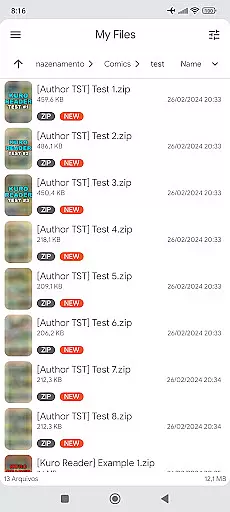
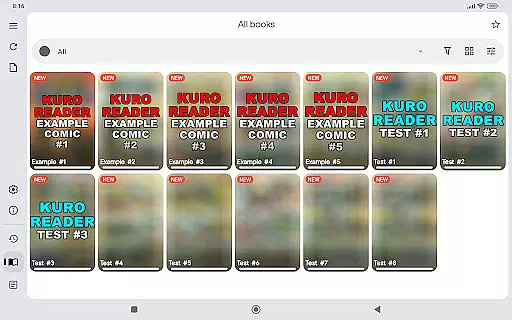
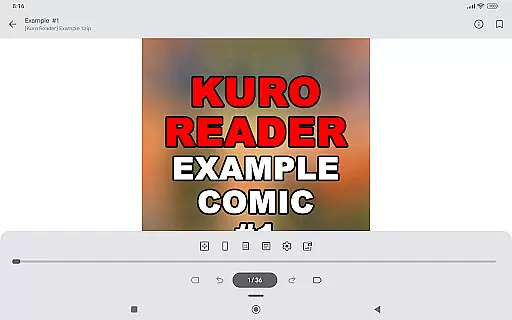
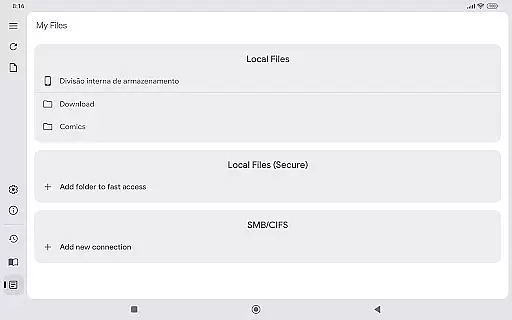
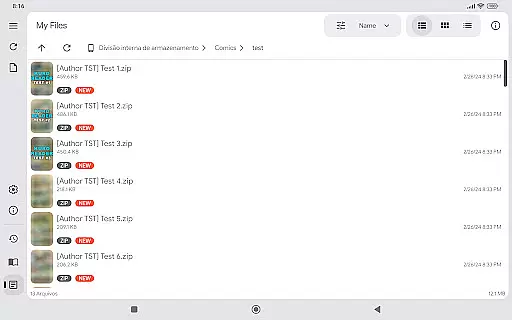
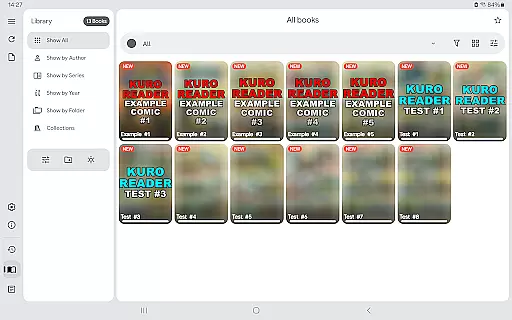
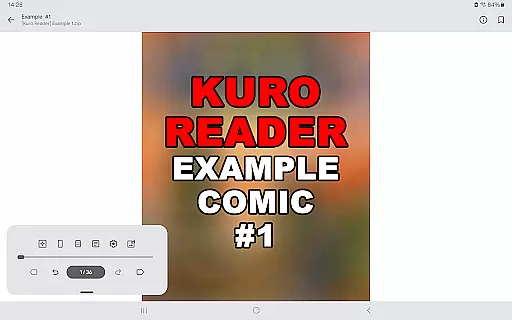
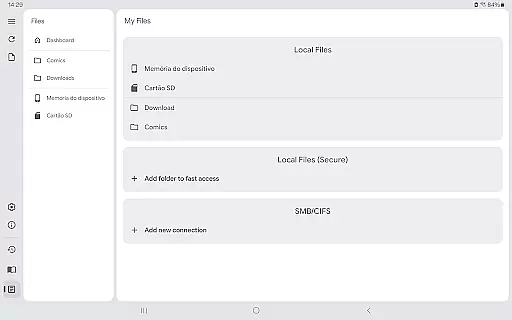
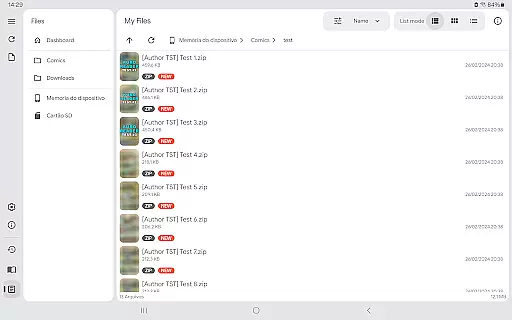
Kuro Reader+ Pro is a premium comic and eBook reader designed for book enthusiasts who value both functionality and customization. This application supports an extensive range of file formats including cbz, cbr, cbt, cb7, zip, rar, tar, 7z, and PDF files, making it versatile for various reading materials. With features like sorted libraries, multiple interface customizations, and extended metadata support, users can organize and tailor their reading experience to their preferences.
One of the standout features of Kuro Reader+ Pro is its specialized reading modes such as Manga mode with right-to-left reading and Webtoon mode with vertical strip reading. These modes cater to specific types of content, enhancing user engagement and comfort. Additionally, the app offers dark themes and extra themes, including AMOLED variants, which are easy on the eyes and perfect for nighttime reading. Users also benefit from advanced functionalities like fingerprint and screenshot lock, ensuring their content remains private and secure.
Whether you're managing a vast library or enjoying your favorite series, Kuro Reader+ Pro provides tools like bookmarks, favorites, and custom collections to streamline your reading process. The app's availability in multiple languages, including English, French, German, and Japanese, ensures a broad user base can enjoy its benefits. By supporting this paid version, users not only gain access to exclusive features but also encourage ongoing development and improvements.
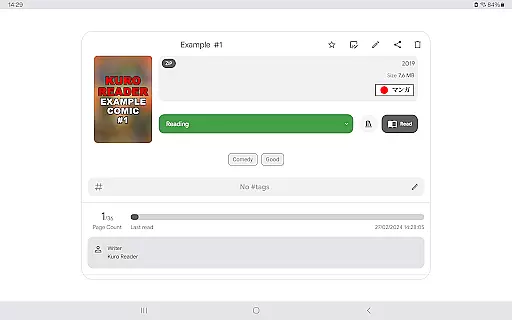
Kuro Reader+ Pro stands out with its comprehensive set of features tailored for avid readers. One of the primary highlights is its wide file support, accommodating formats such as cbz, cbr, cbt, cb7, zip, rar, tar, 7z, and PDF files. This versatility allows users to access a multitude of content types without compatibility issues. Moreover, the app includes extended metadata support through ComicInfo.xml, enabling detailed organization and categorization of your library.
The app offers several specialized reading modes that enhance user experience. Manga mode provides right-to-left reading, ideal for Japanese comics, while Webtoon mode supports vertical strip reading, perfect for modern web-based comics. Custom collections and comic tagging further allow users to manage their content efficiently. Security features like fingerprint and screenshot lock ensure that your reading material remains private, leveraging hardware support available on many devices.
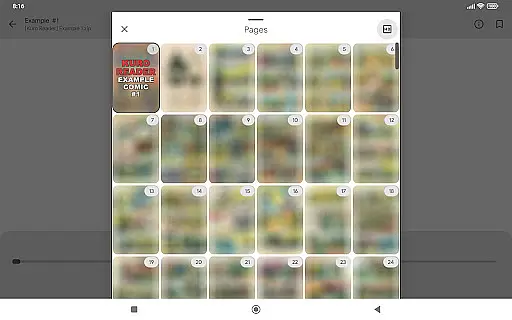
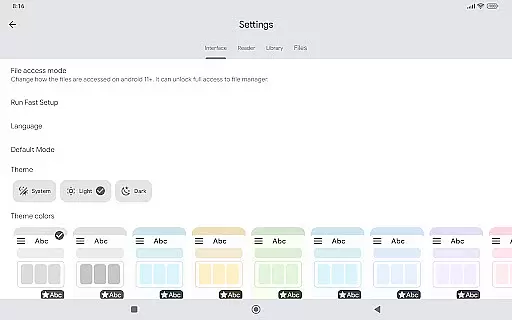
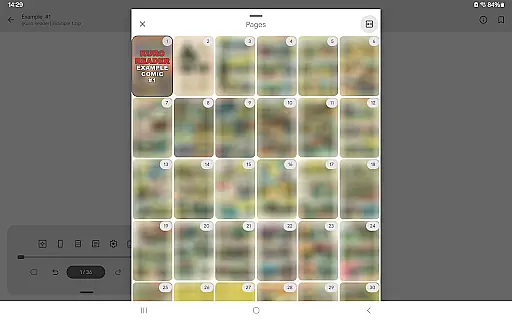
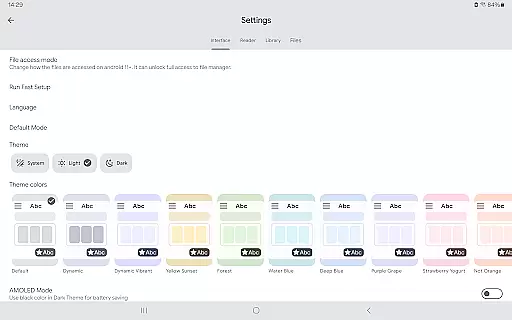
Customization is at the heart of Kuro Reader+ Pro, with multiple interface options and themes, including dark and AMOLED variants. Users can personalize their reading environment to suit their preferences, whether they prioritize aesthetics or eye comfort. Additional features like basic comic metadata editing, saving images from comics to files in one-touch, and previewing all pages add layers of convenience and control. Supporting the app's development by purchasing the Pro version not only unlocks these features but also encourages continuous enhancement and innovation.
Kuro Reader+ Pro offers a comprehensive reading experience for digital comic enthusiasts, ensuring that users can manage and read legally purchased content with ease. Although the app does not include any files itself, its extensive format support covers CBZ, CBR, CBT, CB7, PDF, and standard archive formats like ZIP and RAR, making it versatile for various e-books.
The app respects copyright authenticity by encouraging users to use only legally acquired materials. This approach ensures that authors and publishers are fairly compensated for their work, maintaining the integrity of the content ecosystem while providing readers with high-quality options.
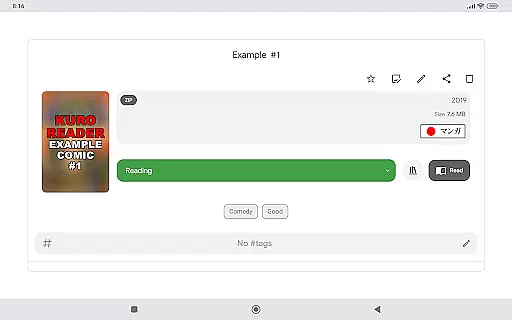
With features such as metadata editing and ComicInfo.xml support, Kuro Reader+ allows users to maintain accurate information about their e-books. This functionality enhances the management of large libraries, giving users precise control over their collections while ensuring proper attribution and organization of copyrighted works.
One of Kuro Reader+ Pro's standout features is its wide-ranging format compatibility, supporting an array of file types including CBZ, CBR, CBT, CB7, PDF, and standard archive formats like ZIP, RAR, TAR, and 7z. This extensive support ensures that no matter the source or type of your digital comics, this app can handle them seamlessly.
In addition to traditional comic formats, Kuro Reader+ also supports Manga mode with right-to-left reading and Webtoon mode with vertical strip reading. These specialized viewing modes cater to different styles and preferences, offering an adaptable reading experience that meets diverse user needs.
Furthermore, advanced functionalities such as fingerprint and screenshot lock enhance security without compromising accessibility. By integrating these features, Kuro Reader+ guarantees that users can enjoy their compatible e-books safely and conveniently, regardless of the device they are using.
User-friendly interface
Wide file format support
Advanced customization options
Enhanced security features
Multilingual support
No included content
Paid version required
Complex for beginners
Limited free features
Requires technical knowledge

Bilingual dictionary with English translations of Modern Standard Arabic words.
 4.30
4.30
Flora of Virginia Project (www.floraofvirginia.org)
5.00
“There was one last piece of cake. My little sister said ‘Me too!’”
4.00
Knots 360 Pro ( 3D ) shows you animated 192 knots in 3D perspective
4.10
Read the KJV Bible with Strong’s offline: reading plans, audio Bibles, and more.
4.70
Unlock unlimited access to bestselling ebooks, novels, stories, and audiobooks
4.60
Watch real short episodes in just minutes— addictive, you won't be able to stop!
4.70
Read the Quran in Arabic alongside its translation, with color coded Tajweed.
4.50
Follow complex state CCW permit laws and lawfully carry firearms in each state.
4.80
Audiobook player with cross-device progress sync, playlists, and widget support.
4.80
Plan of Life that Saint Josemaría recommended
4.80
Bible Study App with Audio Book, Verse of the Day, and Devotionals.
4.80
Read books PDF, EPUB, WORD, KINDLE, MOBI! Your ebook reader among reading apps.
4.80
Contains the 365 daily readings and everything other thing needed for catholics
4.70
Find, discuss, and organize your world of books and shows.
4.60
CleverBook Pro makes the popular guide for the game even better!
4.00
All in one Calibre libraries on your phones and tablets.
3.80
Novels, audiobooks, ebooks & fanfiction. Read anytime, anywhere!
3.40
The Psalms for singing
4.1


User Reviews