
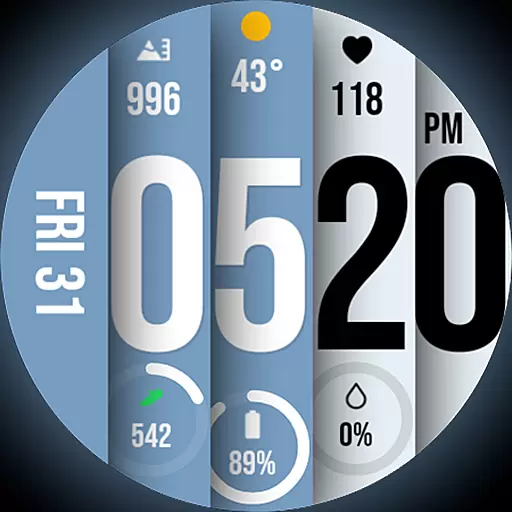
Unique BIG BOLD TIME with amazing colors and customisations.
 3.70
3.70
Countdown to Christmas 2025 with festive games & activities in a virtual village
4.80
The all-new Cync app. The simple, connected app for Cync and C by GE.
4.50
Customize your Wear OS watch with festive Christmas figures and colors!
4.1
Make money, get paid cash rewards & gift cards for every survey. Earn today!
4.60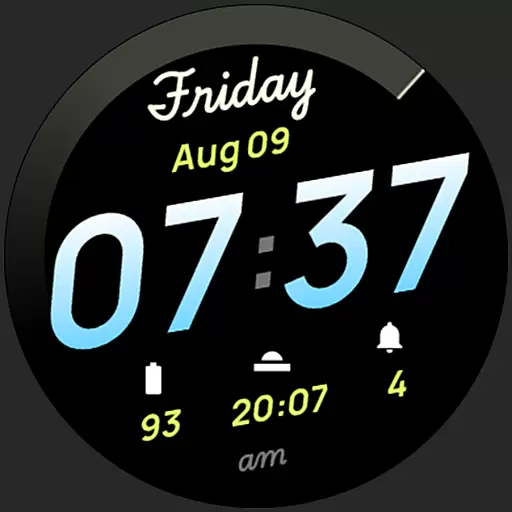
Simple, stylish & fresh watch face. Customize colors, gradients & complications.
4.70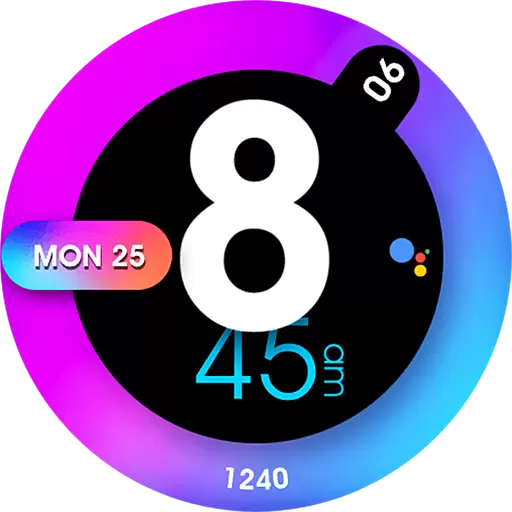
Colorful minimal digital watch face for Wear OS
4.60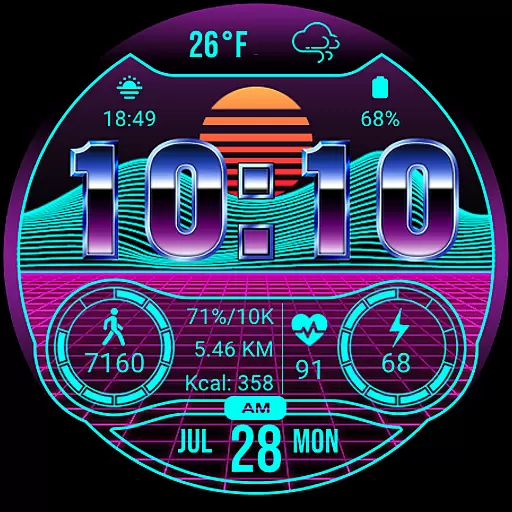
Digital smart watch face made for Wear OS.
4.70
DailyGift can help you record your habits and get rewards along the way!
4.60
See wait times and check into a hair salon ahead of time with Online Check-In.
4.80
PARAVOX 4 is a professional ITC paranormal research application.
4.50
Play fun games, complete quick surveys, and earn money. It's fun and easy!
4.40
Share opinions, get paid cash
4.30
Connect to your Shark ROBOT™ from anywhere using the SharkClean™ App.
3.60
The Miracle Box includes methods used by Steve Huff of Huff Paranormal.
3.20
LineLearner, the quick way to learn lines.
2.90
A daily quote for success
4.5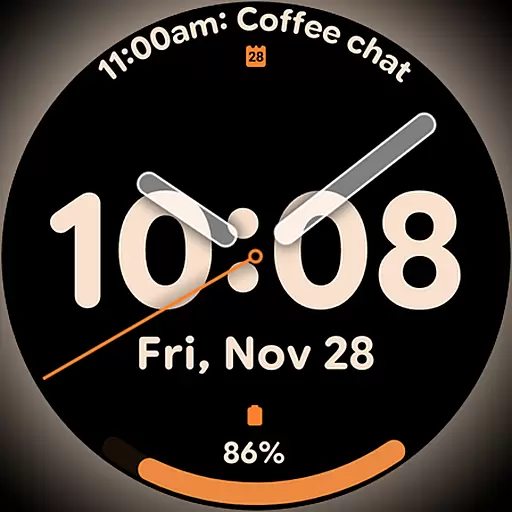
Big bold hybrid watch face with 30 colors, 5 fonts & 5 complications.
4.0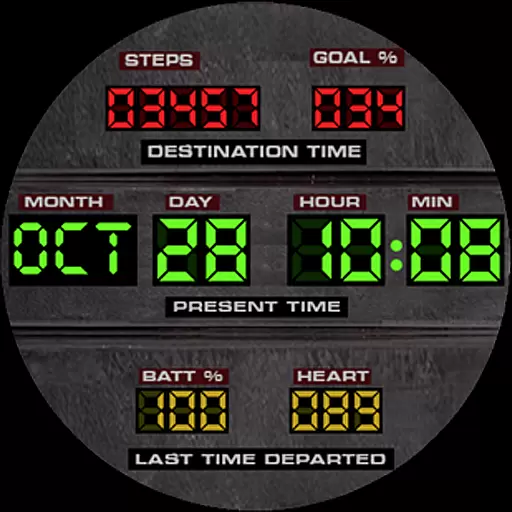
Futuristic watchface inspired by Back to the Future: sleek, retro, timeless
4.5


