

Countdown to Christmas 2025 with festive games & activities in a virtual village
 4.80
4.80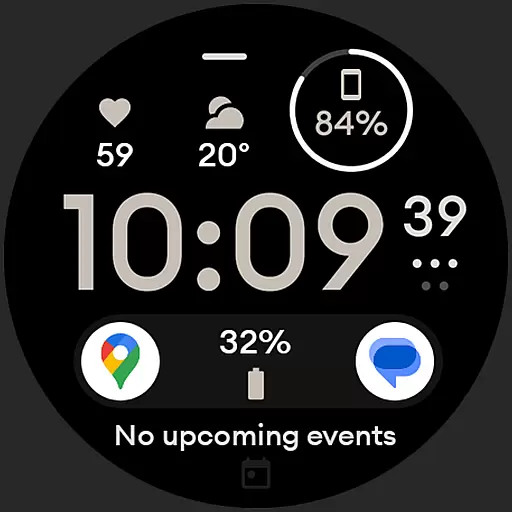
Digital watch face design. Modern looking, hi-res & battery friendly.
4.00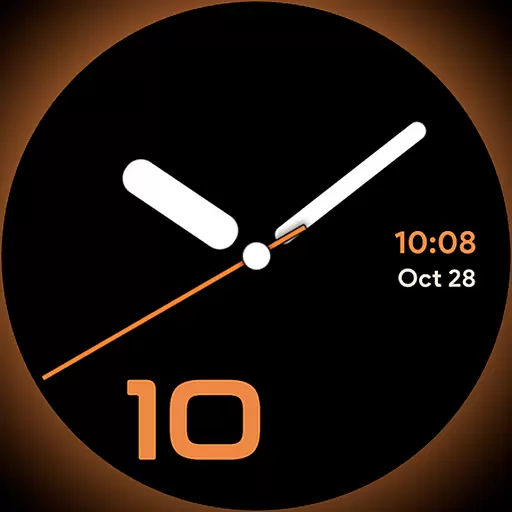
Unique Dark Analog style for Wear OS watches.
4.1
Paranormal EVP, Ghost Box, Spirit box, ITC, Haunted, Spirit communication device
3.70
View over 160,000 line dance stepsheets from the CopperKnob website.
3.30
Good magnifier app to see tiny things bigger and more clearly!
4.80
The Miracle Box includes methods used by Steve Huff of Huff Paranormal.
3.20
Retro animated weather with hourly forecast Watch Face for Wear OS
4.60
Have your Tehillim with you at all times
4.70
Kasa Smart is your portal to your TP-LINK Smart Home.
4.70
Premium floor cleaning robots
4.50
Unique "Isometric" style digital watch face for Wear OS
4.50
Redecor your home with Home AI interior design, room planner and home designer.
4.50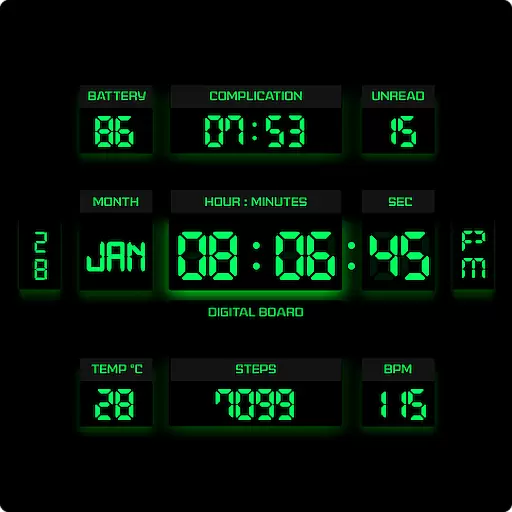
This minimalist yet classic board design brings a futuristic twist to your wrist
4.20
Use your device sensors to detect energy and convert it into spoken words.
4.10
What is my face shape? Find out your face shape from picture, see fitting frames
3.90
Subwoofer school’s in session! You’ve now enrolled into KICKER U.
3.80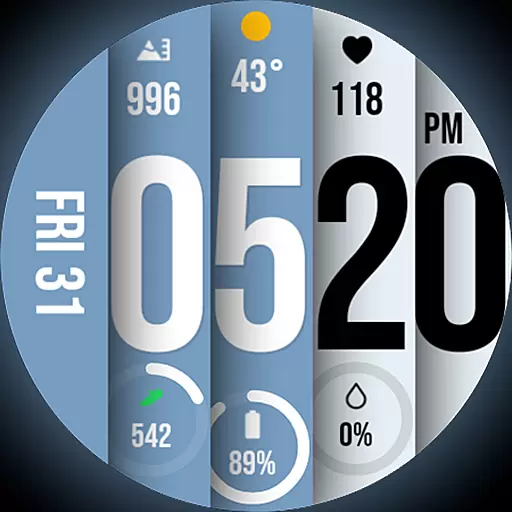
Unique BIG BOLD TIME with amazing colors and customisations.
3.70
Smart home security protection
3.20


