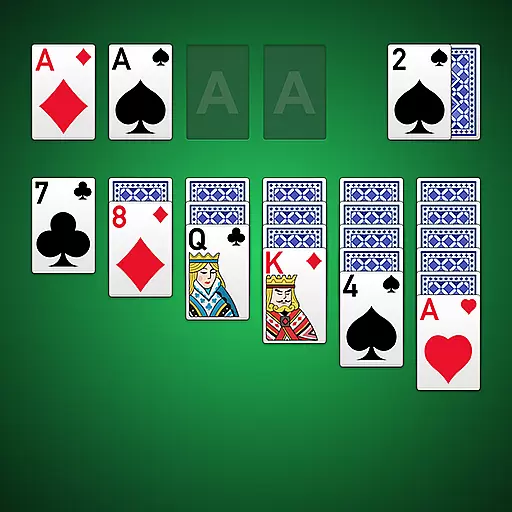
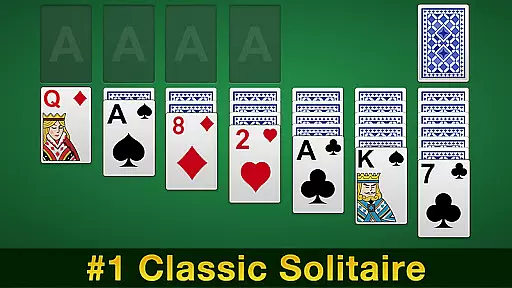
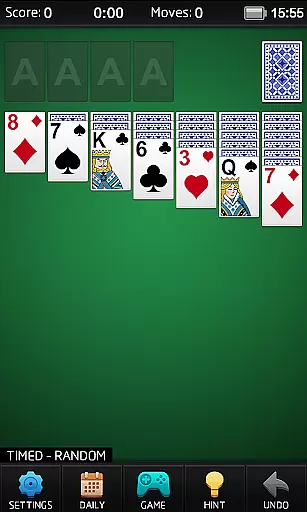
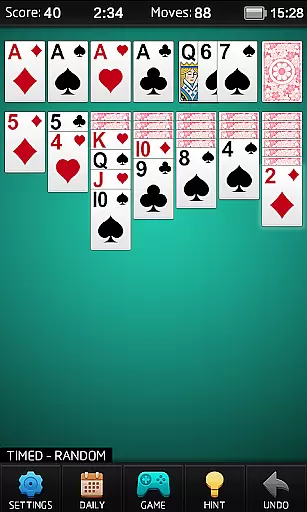
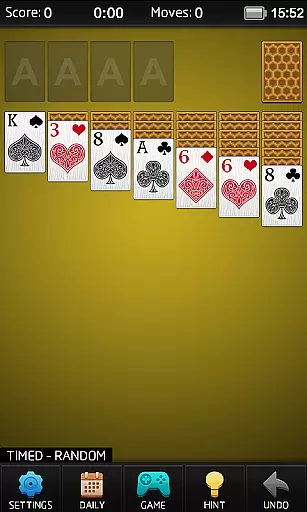
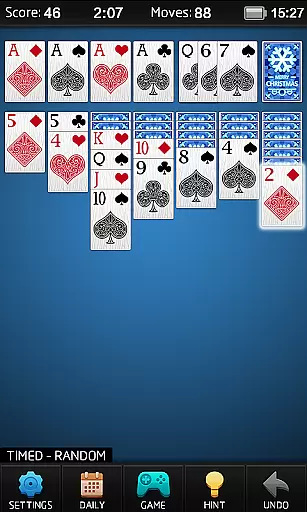
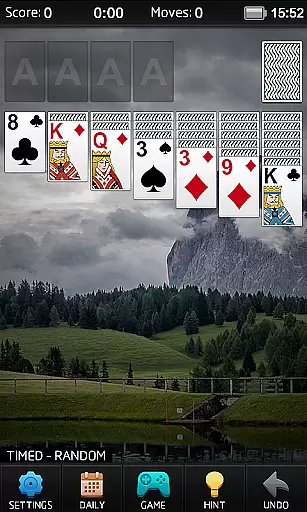
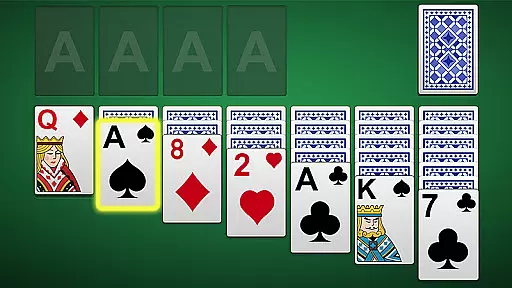
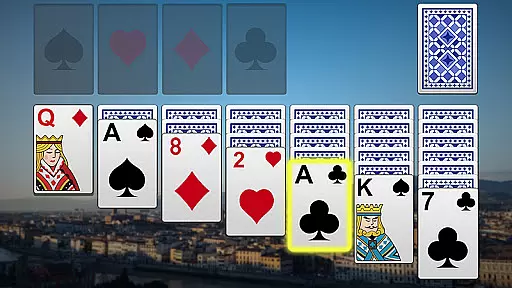
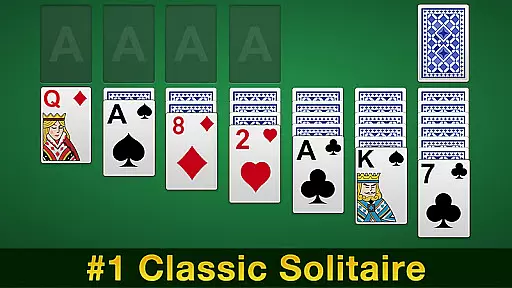
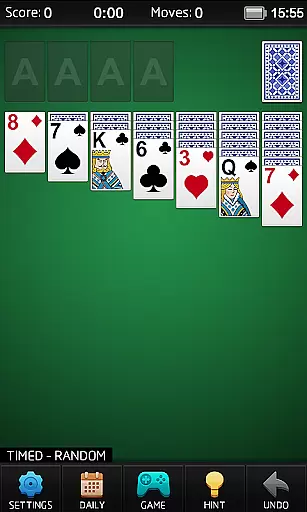
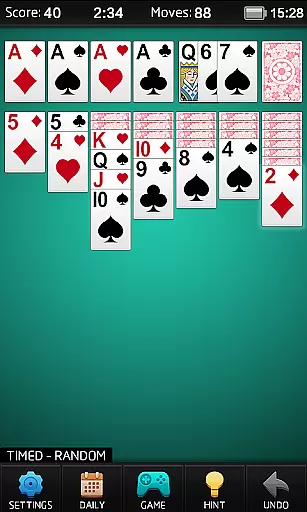
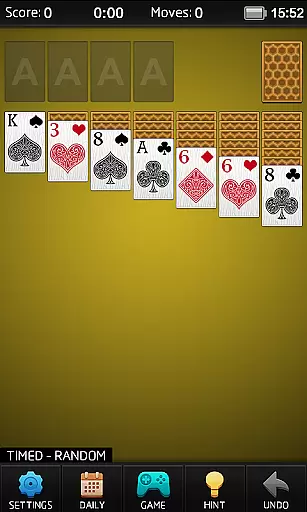
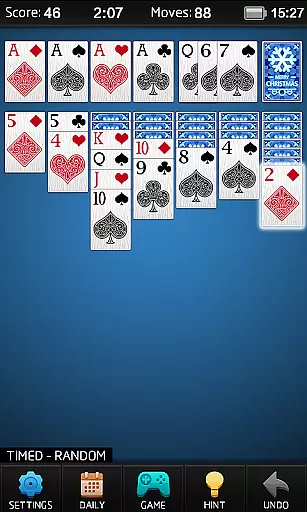
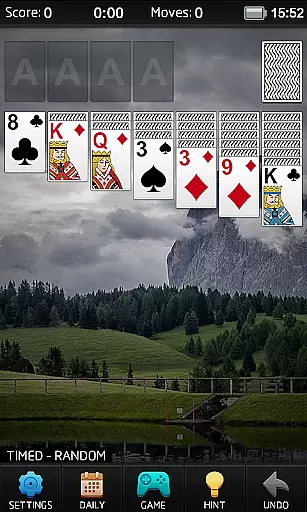
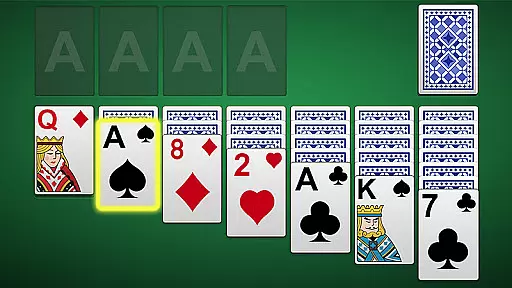
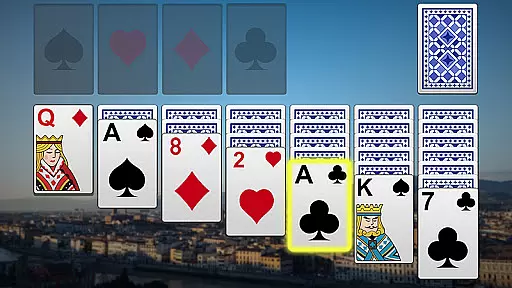
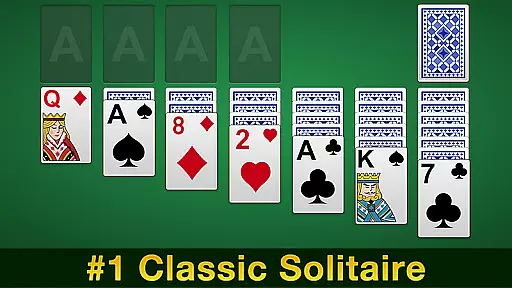
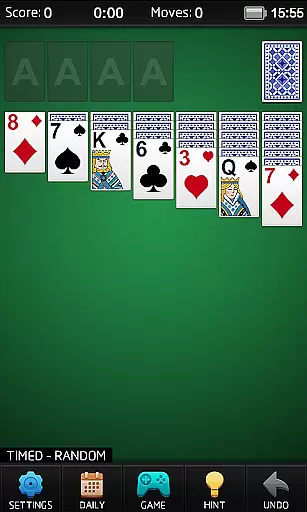
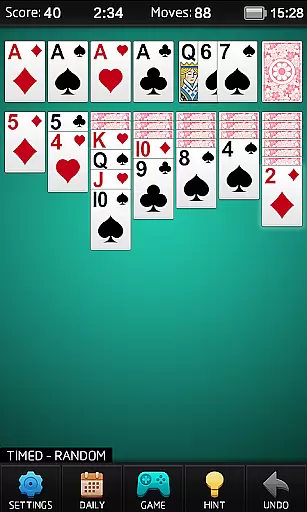
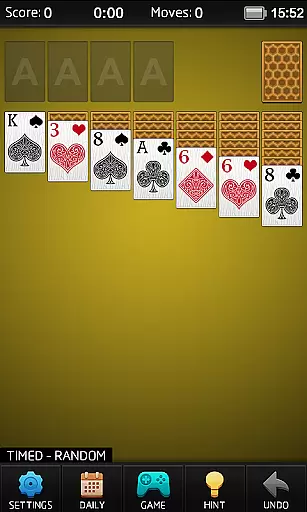
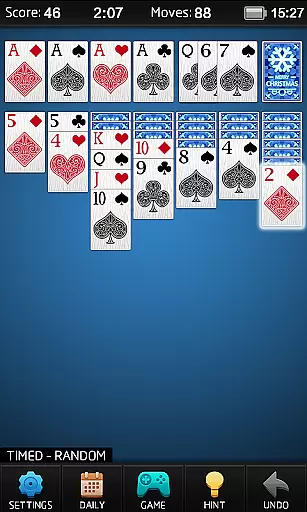
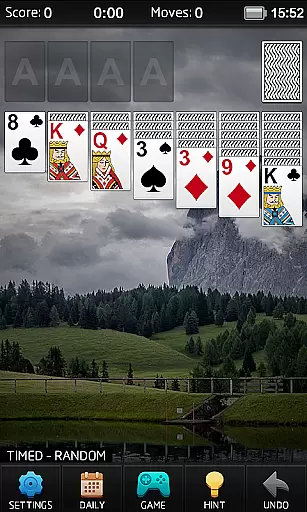
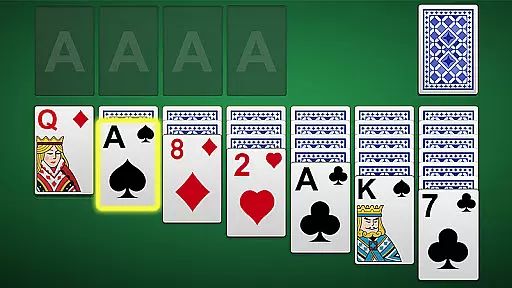
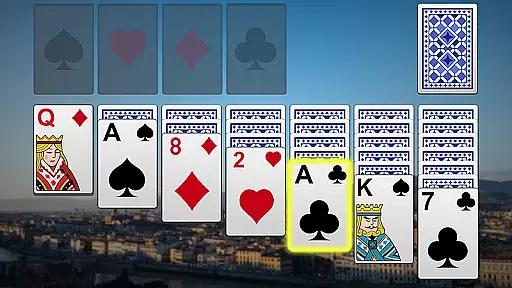
Solitaire is the quintessential single-player card game that has captured the hearts of millions worldwide. This digital version brings you a crisp and clear experience with beautiful graphics and customizable options, making it the perfect choice for both casual and serious players.
The app offers multiple gameplay modes including Draw 1 and Draw 3 cards, timed and untimed modes, and various scoring systems like Vegas scoring. With features such as unlimited free undos, hints, and auto-complete, Solitaire ensures an enjoyable and frustration-free experience on both tablets and phones.
This Solitaire app stands out with its comprehensive feature set designed to enhance your gaming experience. Enjoy customizable card faces, backs, and backgrounds to personalize your game. Intelligent hints and auto hints guide you through challenging moments while maintaining the spirit of traditional solitaire.
Track your progress with high scores and personal statistics, adding a competitive edge to your solitary play. The inclusion of daily challenges and multiple gameplay modes ensures endless entertainment without the need for a network connection, allowing you to indulge in your favorite pastime anytime, anywhere.
In the realm of card games, ensuring true randomness and fairness in shuffle algorithms is paramount. Solitaire implements a certified random number generator (RNG) to guarantee that each game's card order is completely random and unpredictable.
This commitment to RNG fairness ensures that every session provides a unique and equitable experience for players. The game undergoes regular audits and testing by independent agencies to maintain its certification.
Players can trust that their success in Solitaire depends solely on skill and strategy rather than any pre-determined patterns or sequences. This dedication to fair play enhances both casual enjoyment and competitive integrity.
Precise control mechanics are vital for maintaining immersion and preventing frustration in digital card games. Solitaire achieves exceptional control fluidity through optimized touch response algorithms and minimal input latency.
The game's interface responds instantly to player actions, whether they're dragging cards across the tableau or double-tapping to automatically complete sequences. This responsiveness is maintained even during complex moves involving multiple cards.
Advanced processing techniques ensure that animations remain smooth while maintaining interactive speed. Players can execute their strategies without worrying about lag or delayed responses affecting their gameplay experience.
User-friendly interface
Beautiful graphics
Variety of game modes
Customizable options
Unlimited free undos
No multiplayer option
Limited social features
Ads may interrupt
Premium features locked
Occasional bugs

The Fox in the Forest is a beautifully illustrated trick-taking card game.
 4.50
4.50
Decked Builder is the premium deck building app for Magic the Gathering (MTG)
2.90
Relax and unwind with Solitaire: Card Games.
4.70
Relax, strategize, and enjoy endless card fun with vintage solitaire.
4.70
Sit on the Iron Throne
4.60
Train your brain with relaxing classic solitaire game and have endless fun!
4.70
A game of apocalypse and yearning. Experiment. Die. Ascend.
4.60
Deckbuilding Dungeon Crawl
4.30
Play and Master the Fun Classic Card Games with Friends
4.60
Learn the tricks in classic Spades offline. No Wifi, Spades always feels right!
4.90
Addictive Classic Solitaire of 2025! Relax with classic and fun card games now!
4.90
Riichi Mahjong - A fun, strategic variant of the classic multiplayer game!
4.80
Learn how to play BlackJack, when to Hit, Stand, Split, Double or Surrender.
4.60
Enjoy Spider Solitaire: a classic card puzzle with relaxing, strategic gameplay!
4.50
Solitaire Collection Pro: Klondike, Spider, FreeCell, Pyramid, No Wifi Needed!
4.30
Collect and play the original CCG on Arena. Magic is now on your phone!
4.10
Become a hero or a villain as you make choice in the fairy Middle Ages!
3.50
Strategy and luck combine in our favorite partnership card game.
4.0
Sinister solitaire. Four cards, one fate.
4.4


User Reviews