

Spruce is the leading platform for HIPAA-compliant communication and care.
 4.90
4.90
Hearing aid app for Android solves your hearing problems.
4.00
Patient Health Portal
4.20
Remote, medical-grade heart care at your fingertips
4.70
Assess and treat left neglect more effectively in stroke and brain injury rehab.
4.30
Internal medicine literature at your fingertips.
4.50
Take your aphasia therapy to the next level with 4 evidence-based advanced apps
4.70
Donating plasma just got easier with the BioLife Plasma Services mobile app.
3.90
MyChart for Android
4.50
Donating blood and platelets is easier than ever with The American Red Cross.
4.80
Want to make it easier to manage your health? We’re with you, wherever you are.
4.70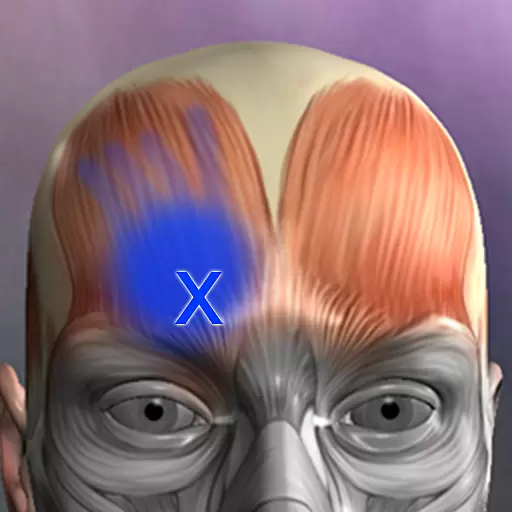
Discover the source of pain with Muscle Trigger Point Anatomy.
4.70
Sync your blood glucose device, log values automatically and tame your diabetes!
4.60
PPP provides quick offline access to over 350 field treatment protocols.
4.60
Secure video appointments
4.50
The Client Portal app empowers you to manage care from one secure place
4.10
Good for You. Great for Life.
4.00
Easy access to benefits and rewards
3.70
ECG modules improve rhythm ID. ACLS is a simulator for cardiac arrest scenarios.
4.0


