

Get roadside help, discounts, travel tools & more — AAA is with you everywhere.
 4.80
4.80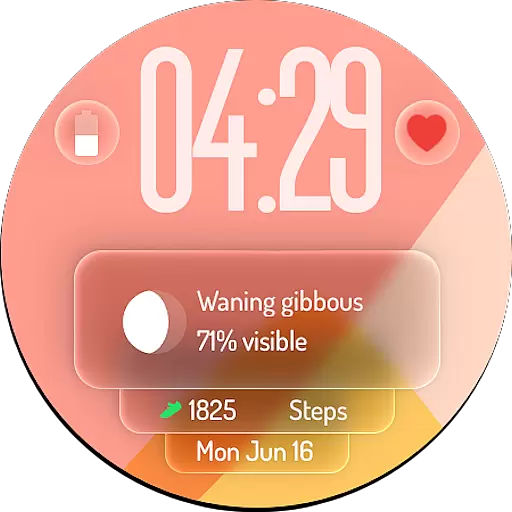
A watch face with transparency and fluid visuals inspired by liquid glass design
4.2
Customize your Wear OS watch with festive Christmas figures and colors!
4.2
Earn money & gift cards when you take surveys, play games, scan receipts & more.
4.50
Made To Order Faves
4.70
Crochet made easy: step-by-step tutorials, beginner patterns & projects
4.60
Have your Tehillim with you at all times
4.70
DailyGift can help you record your habits and get rewards along the way!
4.60
Just play, earn rewards, fetch gift cards, and turn gaming into real payouts!
4.80
Daily lessons from A Course in Miracles with scheduled reminders
4.80
Premium floor cleaning robots
4.50
Zodiac & Horoscope Launcher: Daily Sign Predictions & Astrology
4.40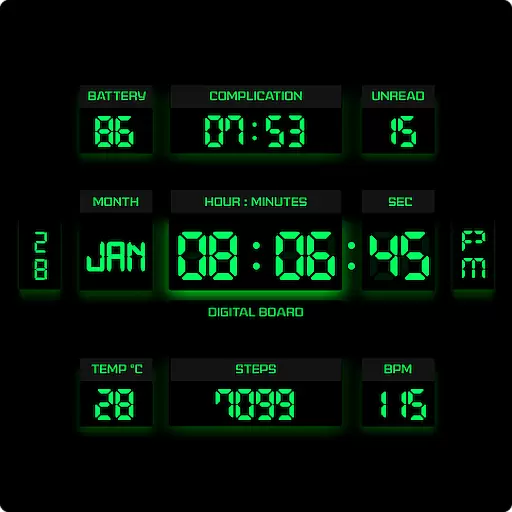
This minimalist yet classic board design brings a futuristic twist to your wrist
4.20
Mixing Colors for Menswear
4.20
Connect to your Shark ROBOT™ from anywhere using the SharkClean™ App.
3.60
Creativity and savings for kids, beginners and experts in arts and crafts
3.50
Turn your watch into a key fob for your Tesla
2.90
Healthy eating timer app to track meal pace, improve habits, and eat slowly.
4.3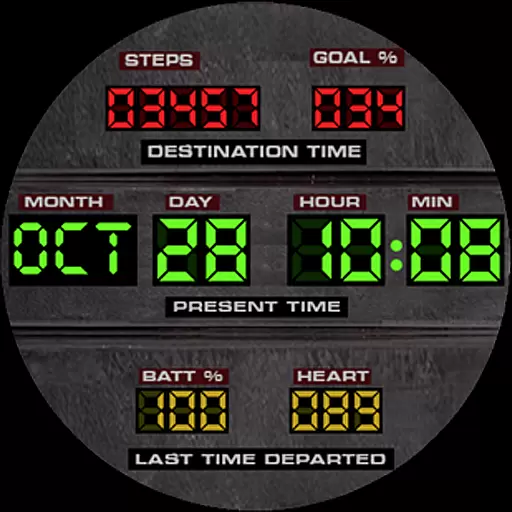
Futuristic watchface inspired by Back to the Future: sleek, retro, timeless
4.1


