
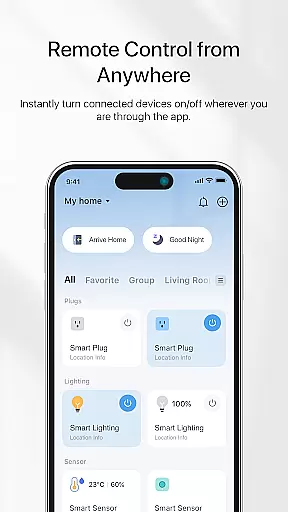
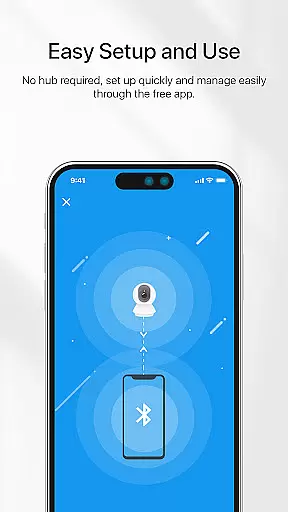
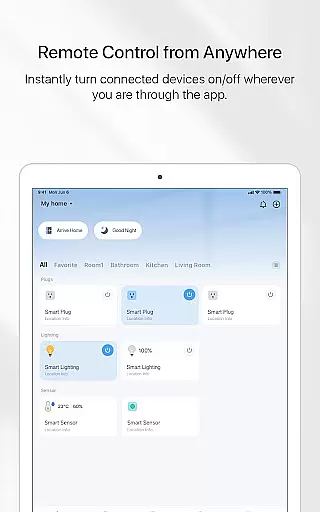
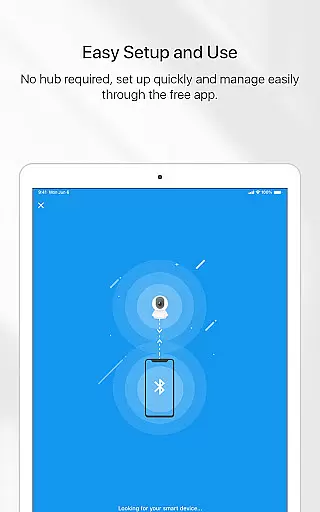
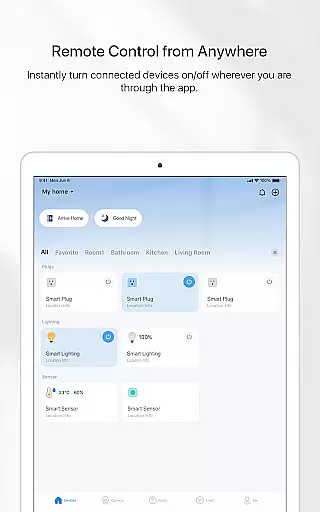
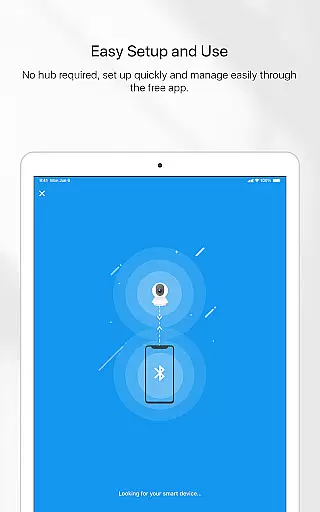

TP-Link Tapo is a comprehensive smart home management app designed to simplify the setup and control of your Tapo smart devices. With this app, users can effortlessly configure their smart devices within minutes and enjoy complete control right from their fingertips. The app allows remote access to smart devices, enabling users to manage their home appliances from anywhere in the world.
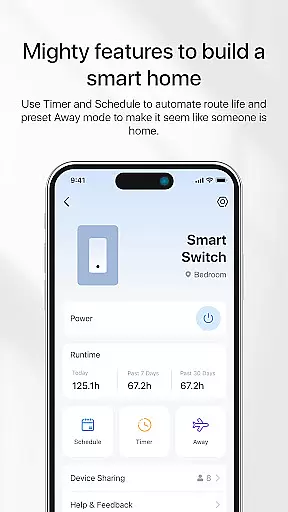
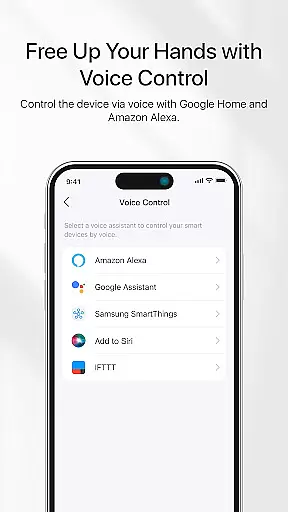
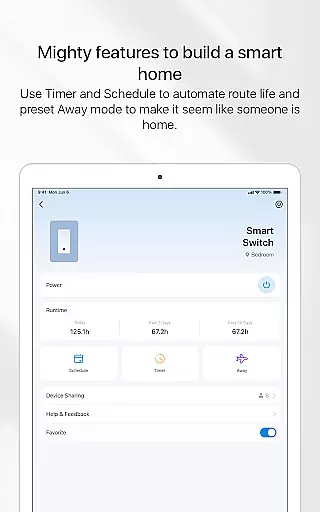
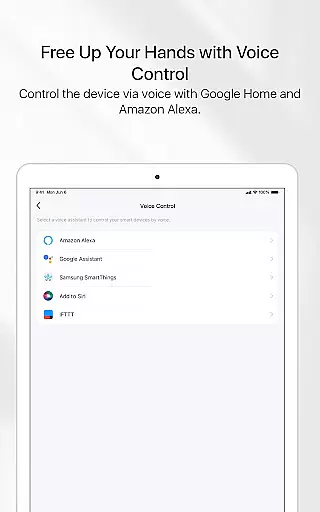
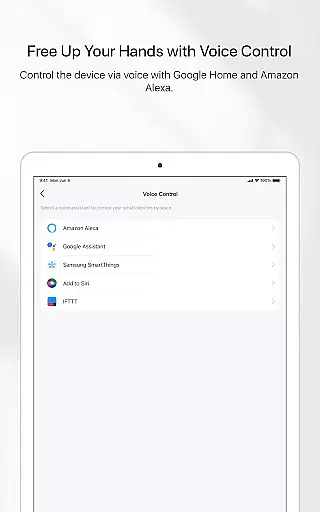
In addition to remote control capabilities, TP-Link Tapo supports voice commands through integration with Google Home and Amazon Echo. This feature enhances user convenience by allowing hands-free operation. Users can also set up various automation features such as Away mode, which simulates occupancy to enhance home security, countdown timers for automatic device activation or deactivation, and scheduling options to automate routines at specific times.
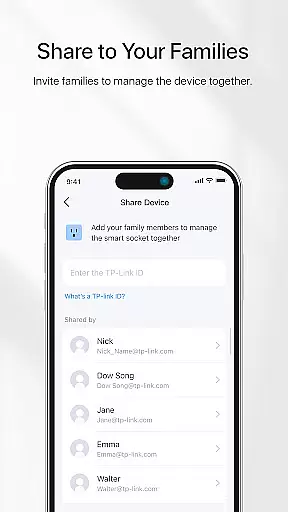
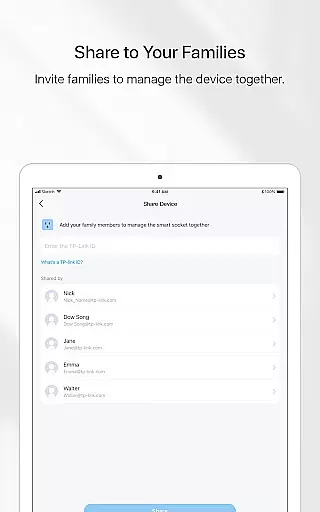
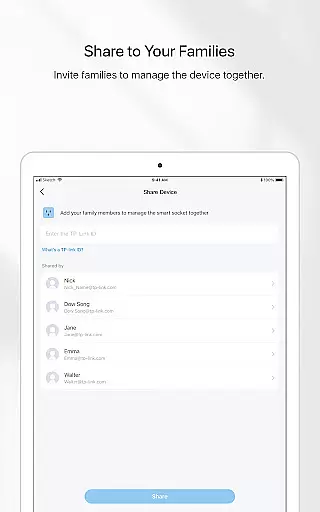
The app's collaborative features allow families to manage smart devices together, making it an ideal solution for households looking to streamline their smart home experience. Whether you want to control lighting, appliances, or other smart devices, TP-Link Tapo provides a reliable and user-friendly platform that puts smart home management at your fingertips.
TP-Link Tapo offers a rich set of features that cater to diverse smart home needs. One of its standout capabilities is the seamless integration with popular voice assistants like Google Home and Amazon Echo. This allows users to control their smart devices using simple voice commands, providing a truly hands-free experience. The app also supports advanced automation features, including Away mode, which helps create the illusion of occupancy by turning lights on and off at random intervals.
Another key feature is the ability to set countdown timers and schedules. Users can program their smart devices to turn on or off automatically at predetermined times, ensuring optimal energy efficiency and convenience. The scheduling functionality is particularly useful for automating daily routines, such as turning on lights in the morning or activating security systems at night.
TP-Link Tapo also emphasizes collaboration, allowing multiple family members to access and manage smart devices simultaneously. This shared control feature makes it easy for households to coordinate smart home operations. Additionally, the app provides a centralized dashboard where users can monitor and adjust all their connected devices, offering a streamlined and intuitive user experience.
TP-Link Tapo app offers comprehensive coverage of smart home functionalities, making it an essential tool for modern lifestyles.
The application provides users with the ability to control a wide range of smart devices from anywhere, ensuring convenience and flexibility in managing their home environment.
With integration capabilities into popular voice assistant ecosystems like Google Home and Amazon Echo, the app extends its utility beyond manual control, offering hands-free operation.
Additional features such as Away mode simulation, countdown timers, scheduling, and family sharing enhance the overall smart living experience.
The TP-Link Tapo app ensures content authenticity by delivering reliable and accurate information about your smart devices directly from the manufacturer.
As a trusted brand in networking and smart home solutions, TP-Link brings expert credibility to the app's functionality, guaranteeing that users receive genuine and dependable data.
All features, including voice control, scheduling, and device management, are designed and verified by experts to ensure seamless operation and user satisfaction.
This level of authenticity and expertise establishes trust between the user and the application, enhancing confidence in managing smart home devices.
User-friendly interface
Voice assistant support
Advanced automation options
Remote device management
Family sharing functionality
Limited third-party integrations
Occasional connectivity issues
No 24/7 customer support
Basic energy monitoring
Premium features require subscription

Design and brew great homebrewing beer, mead, cider and wine recipes on the go!
 3.60
3.60
Big bold weather watch face with dynamic backgrounds and 3 complications
4.3
A watch face with transparency and fluid visuals inspired by liquid glass design
4.5
A uniquely designed isometric digital watch face made for Wear OS
4.3
Paranormal Spirit Bell Trigger Device
4.30
Good magnifier app to see tiny things bigger and more clearly!
4.80
The cutest Autumn watchface featuring the adorable Mr. Squirrel
4.3
Share opinions, get paid cash
4.30
Earn money for every survey and game you play, and get real rewards every time
4.50
Get the news, events and savings that matter to you with AARP Now.
4.80
My Diary - Daily Journal with lock: Diary journal app and secret diary with lock
4.80
A smart Siddur with halachic times
4.60
Chat, meet genuine singles in your area. Real connections start with being real.
4.30
Earn points with every purchase with Moe Rewards.
4.20
Discounts, savings, and rewards
4.20
Unique informative Dial with Live Moon Phase at a glance!
3.60
A daily quote for success
4.1
Wear your favorite memories, loved ones, pets or travel photos on your watch
4.5
Futuristic watchface inspired by Back to the Future: sleek, retro, timeless
4.0


User Reviews