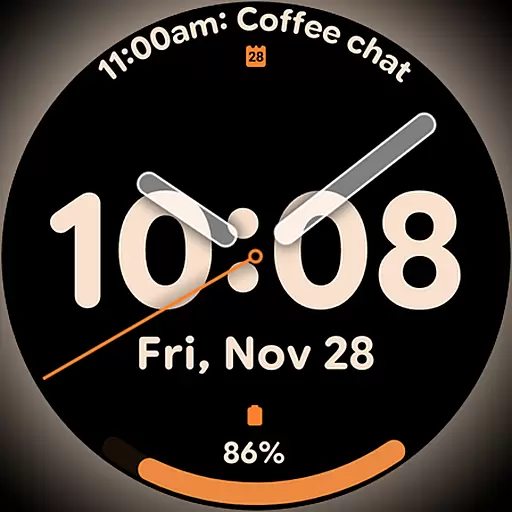
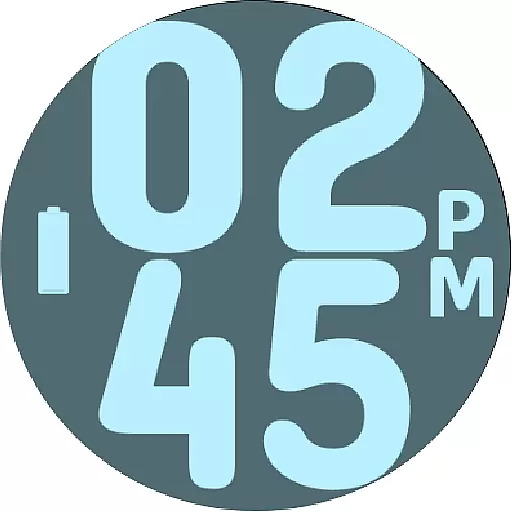
Duo Watch Face (animated)
 4.1
4.1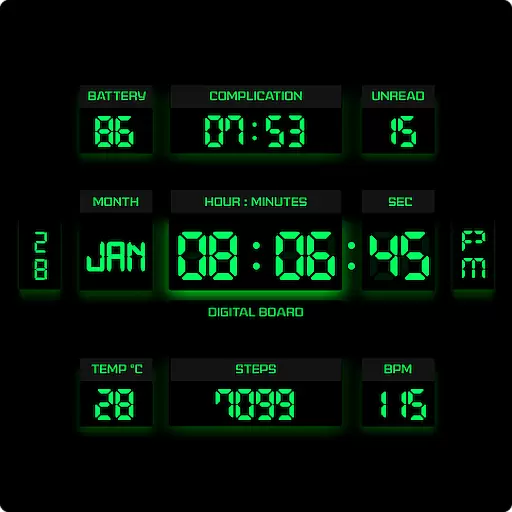
This minimalist yet classic board design brings a futuristic twist to your wrist
4.20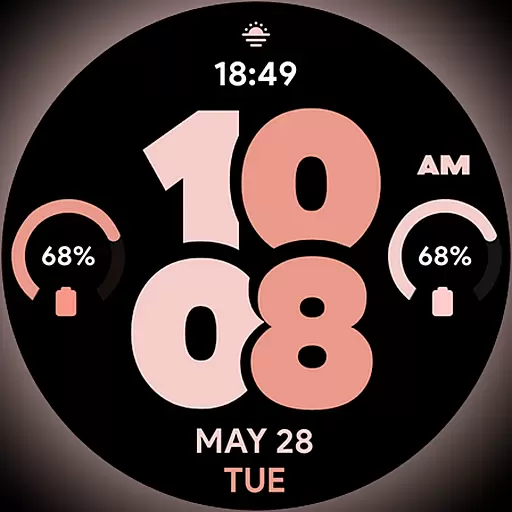
Material You inspired colors with BIG and Bold looks for Wear OS watches.
4.20
Your home in your hand
3.80
Play fun games, complete quick surveys, and earn money. It's fun and easy!
4.40
Falling Fruit is a massive collaborative map of food in our cities.
3.20
The Miracle Box includes methods used by Steve Huff of Huff Paranormal.
3.20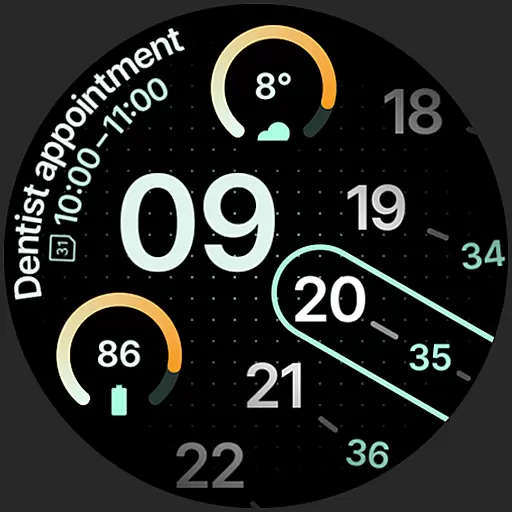
A unique and customizable watch face which rotates its layout every minute.
4.80
Your store’s deals, where you are.
4.80
Smart & Healthy Living
4.60
Vehicle ownership simplified. Get the myChevrolet® app today.
4.60
The all-new Cync app. The simple, connected app for Cync and C by GE.
4.50
Premium floor cleaning robots
4.50
This app is intended to support professional EMDR therapy.
4.50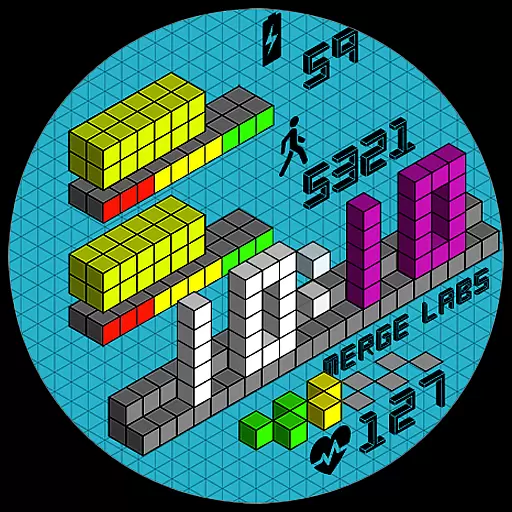
Unique "Isometric" style digital watch face for Wear OS
4.50
Take Hobby Lobby with you wherever you go!
3.40
Smart home security protection
3.20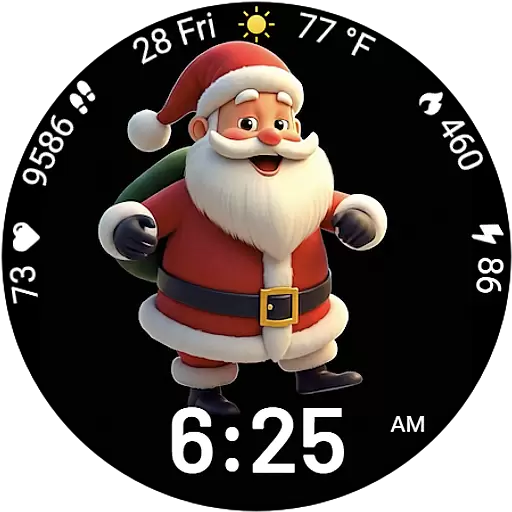
Designed to delight, impress and energize your festive spirit every single day
4.5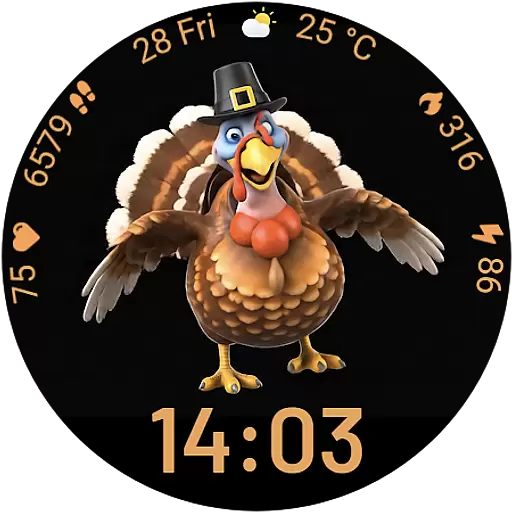
Cute animated Thanksgiving watchface for your WearOS smartwatch
4.2


