
Healthy eating timer app to track meal pace, improve habits, and eat slowly.
 4.1
4.1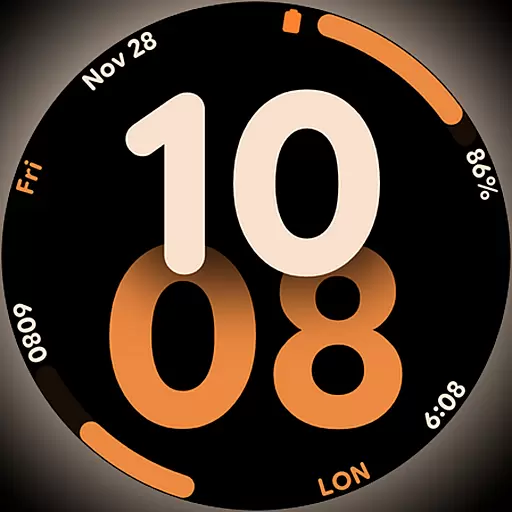
Big bold digital watch face with 30 colors, 6 complications and AOD.
4.2
Countdown to Christmas 2025 with festive games & activities in a virtual village
4.80
What is my face shape? Find out your face shape from picture, see fitting frames
3.90
Premium floor cleaning robots
4.50
Do you want to communicate with spirits?
3.80
The Miracle Box includes methods used by Steve Huff of Huff Paranormal.
3.20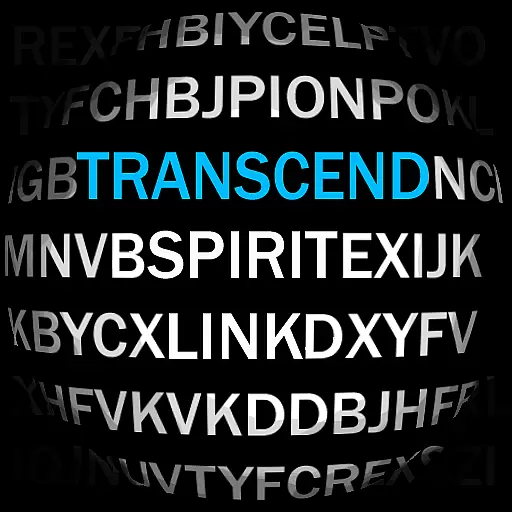
Going above and beyond known spirit communication
3.60
Subwoofer school’s in session! You’ve now enrolled into KICKER U.
3.80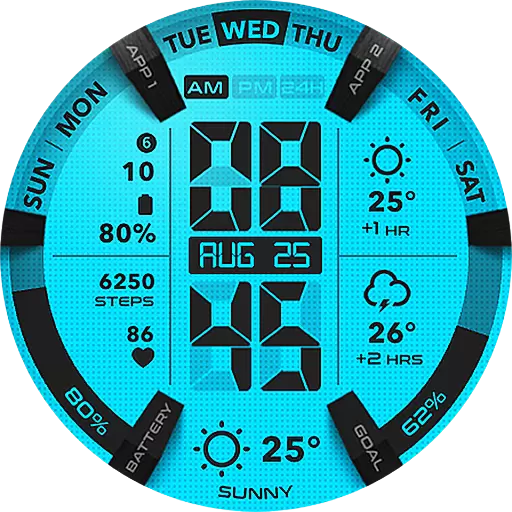
Retro animated weather with hourly forecast Watch Face for Wear OS
4.60
Stay connected with your loved ones & vehicles | Share live GPS location updates
4.60
The Work of Byron Katie— the mobile app for inner peace.
4.40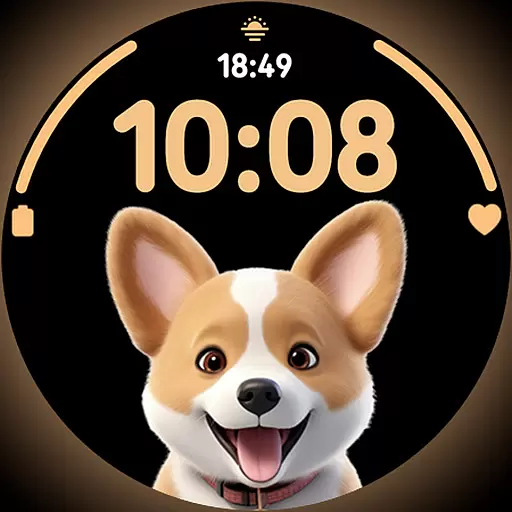
Cute Adorable Animals now on your wrist with our Wear OS watch face!
4.40
Your home in your hand
3.80
Paranormal EVP, Ghost Box, Spirit box, ITC, Haunted, Spirit communication device
3.70
Connect to your Shark ROBOT™ from anywhere using the SharkClean™ App.
3.60
LineLearner, the quick way to learn lines.
2.90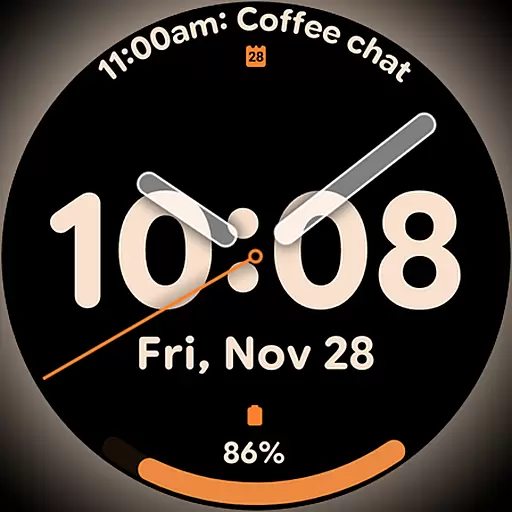
Big bold hybrid watch face with 30 colors, 5 fonts & 5 complications.
4.5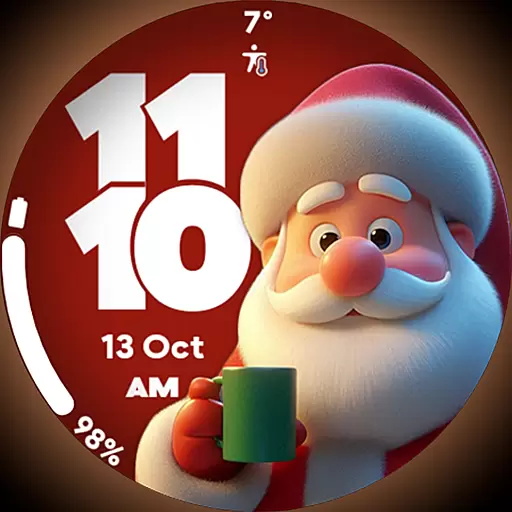
Customize your Wear OS watch with festive Christmas figures and colors!
4.3


