
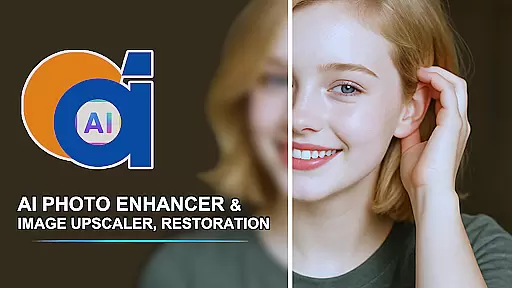
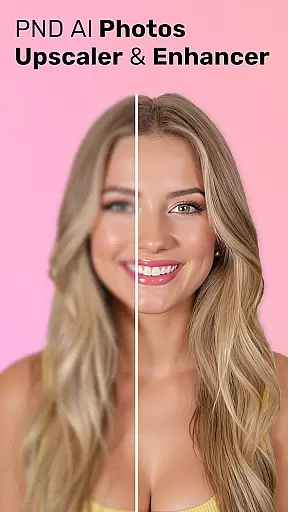
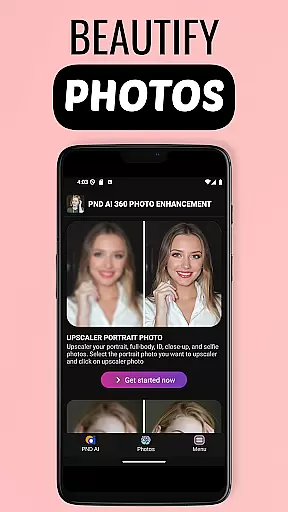
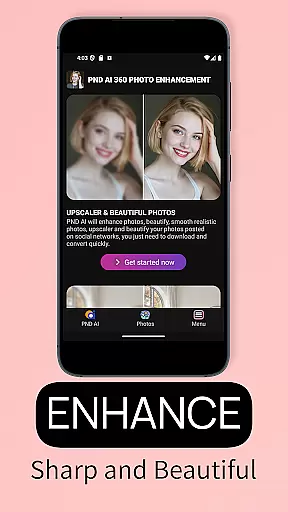
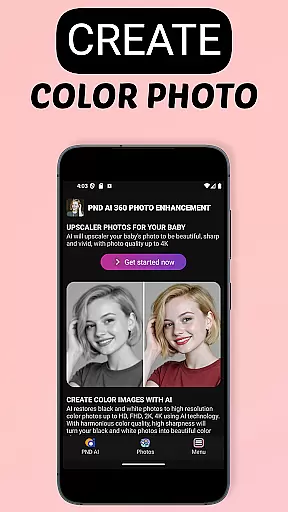
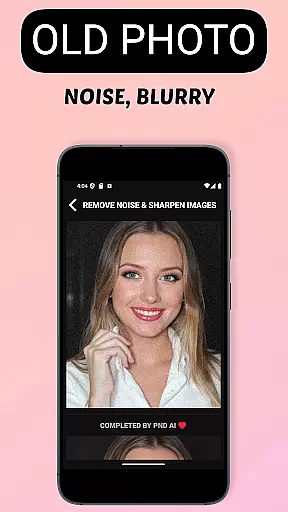
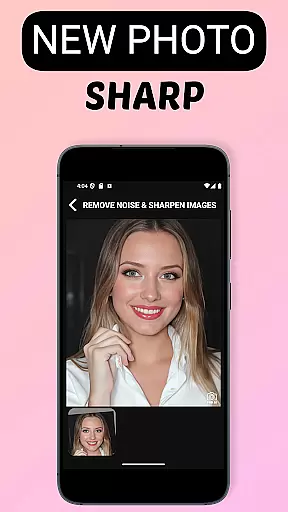
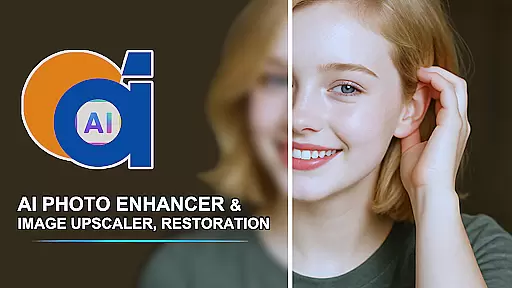
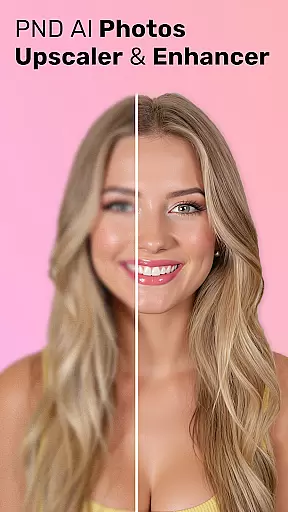
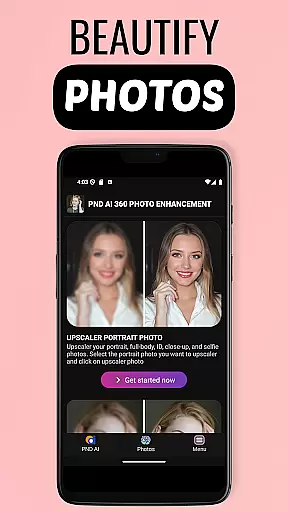
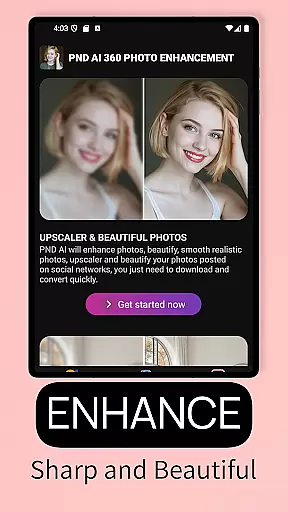
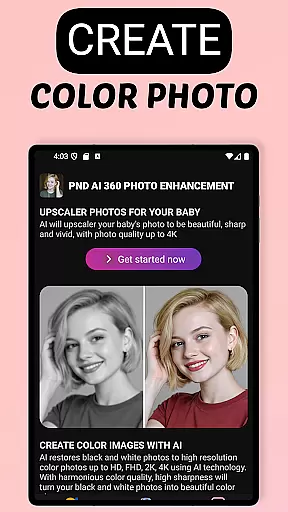
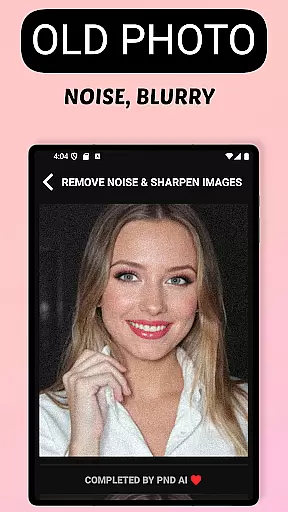
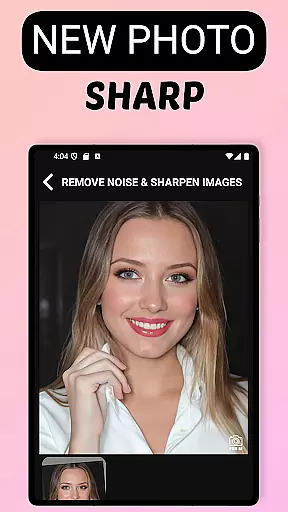
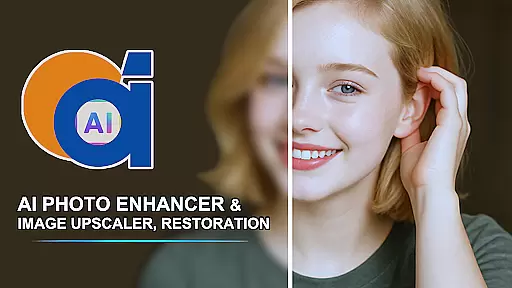
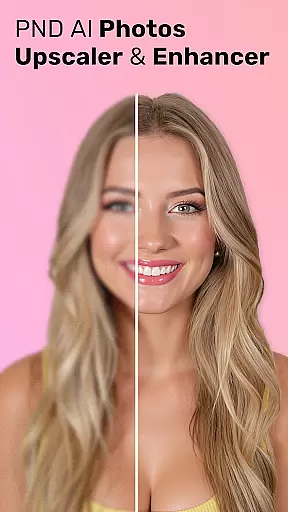
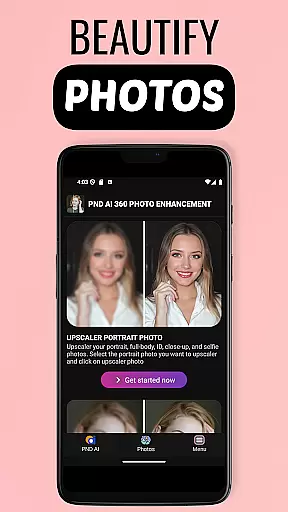
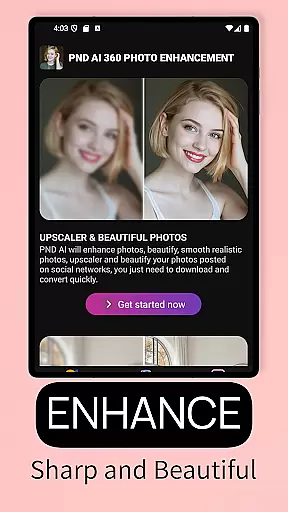
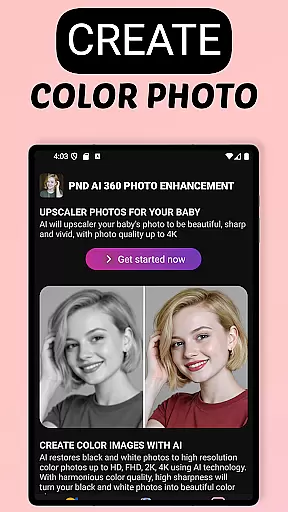
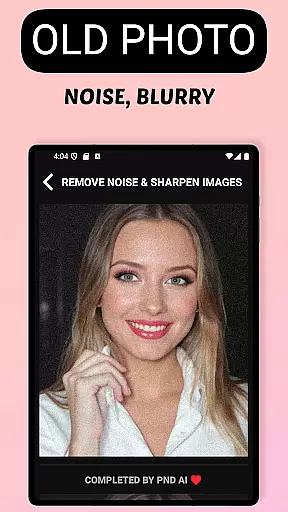
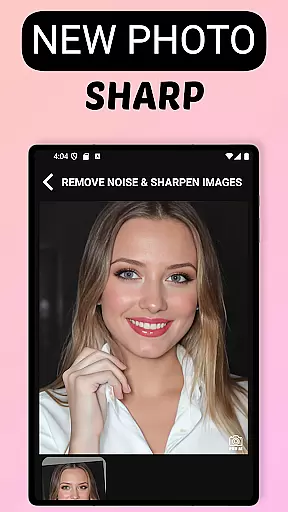
AI Photo Enhancer 360 is a cutting-edge application in the Beauty category, designed to transform your photos with advanced AI technology. The app specializes in photo restoration and enhancement, turning old, blurry, or damaged images into sharp, vivid pictures with remarkable clarity.
This powerful tool utilizes intelligent algorithms to detect and repair imperfections in photos automatically. Whether you're looking to restore cherished memories, enhance image resolution up to 8K, or add realistic colors to black-and-white photographs, this app delivers professional-quality results with minimal effort. Its one-touch processing makes photo enhancement accessible to everyone.
Perfect for both casual users and photography enthusiasts, AI Photo Enhancer 360 brings new life to your digital assets while maintaining their natural appearance. From wedding photos to historical images, the app ensures every picture preserves its authentic details and colors.
AI Photo Enhancer 360 stands out with its comprehensive suite of features tailored for photo improvement. The app's core functionality includes AI-powered sharpening, which intelligently enhances image details without over-processing. It also offers specialized tools for restoring old and damaged photos, effectively unblurring images while preserving their original characteristics.
Beyond restoration, the app provides creative features such as AI-based colorization for black-and-white photos and advanced portrait retouching capabilities. Users can smooth skin, remove blemishes, and adjust lighting conditions to achieve studio-quality results. The innovative AI Gen technology takes creativity further by generating unique profile pictures in various artistic styles.
For professionals seeking high-resolution outputs, the app supports image upscaling up to 8K resolution. This feature enables users to enlarge small or low-quality photos for printing and digital sharing without compromising quality. With robust security measures and automatic deletion policies, the app ensures user privacy while delivering exceptional performance.
AI Photo Enhancer 360 offers an extensive product database that caters to a wide array of photo enhancement needs. The application is designed to address issues with old, blurry, and low-resolution images, providing specialized tools for sharpening, restoration, and colorization. With features like AI black and white photo colorization, image upscaling to resolutions as high as 8K, and skin retouching, the app ensures comprehensive coverage for both restoration and modern photo editing requirements.
The depth of the product database is further highlighted by its ability to detect and process various photo imperfections intelligently. Whether it's damaged areas, underexposure, or blemishes on portraits, the app employs advanced AI technology to restore and enhance photos while maintaining their natural appearance. This meticulous attention to detail guarantees that users can breathe new life into their cherished memories without compromising authenticity.
Moreover, AI Photo Enhancer 360 goes beyond mere restoration by offering creative tools that allow users to generate unique profile pictures in diverse styles ranging from artistic to cartoonish. This versatility makes the app not just a restoration tool but also a platform for unleashing creativity, ensuring that every user finds value in its offerings regardless of their specific photo enhancement needs.
AI Photo Enhancer 360 excels in delivering personalized photo editing experiences through its sophisticated AI algorithms. The app provides tailored solutions for each photo, detecting specific issues such as blurriness, damage, or poor lighting and applying intelligent processing techniques to rectify these problems effectively. By doing so, it ensures that every enhanced photo retains its original essence while achieving professional-grade clarity and vibrancy.
In addition to automatic corrections, the application allows users to customize their editing process further. Features like beautification, light adjustment, and background modification enable users to fine-tune their images according to personal preferences. Advanced AI Gen technology even supports creating bespoke profile photos in various styles, allowing individuals to express their unique identities through customized visuals.
This high degree of personalization extends to practical functionalities such as resolution upscaling, which supports multiple formats up to 8K without losing detail. Such precise personalization empowers users to repurpose old or low-quality photos for modern applications like printing, designing, or sharing on digital platforms, making AI Photo Enhancer 360 an indispensable tool for anyone seeking personalized and professional photo enhancement solutions.
Advanced AI technology
One-touch photo enhancement
Supports 8K resolution
Automatic defect detection
Secure data processing
Requires internet connection
Premium features cost extra
Processing time varies
Limited free usage
Some features complex

Color haircut changer style on
 3.30
3.30
Blushify is a beauty camera for makeup, face editing, and glowing selfies!
4.70
A tool that brings skin care and technology together at your fingertips.
4.50
Selfiechat Filters for amazing photos with Funny face filters
4.60
Transform your sweet selfies with Selfie Beauty Camera Filters And Effects!
4.60
Create, design and dress up your own beautiful characters in cute fashion styles
3.50
AI Stylist, Try On Millions Of Clothes In Any Brand & Style, AI Clothes Changer
4.70
Book beauty salon, hair or health and wellness experiences in an instant
4.90
Snap stunning selfies with AI from the Sweet Beauty Camera editor
4.10
Use your phone as a makeup mirror, shaving mirror. Magnifying mirror with light!
4.80
Get Smart About Your Skin with Fully Personalized Beauty Tech!
4.80
Salon appointment booking and scheduling software for beauty pros and barbers.
4.80
Monthly Perfume Subscription
4.70
Top brand haircare & fragrance
4.60
Professional HD Camera App: Capture Bright HD Selfie & Record Stunning Moments
4.40
Your on-demand aesthetician
4.40
Edit Your Photos and Videos with Beauty Filters & Get Makeup Artist Tutorials
3.60
Your Personal Stylist for Smart Shopping, Beauty & Styling Outfits.
4.2
Your future self face age old or young from camera selfie into beautify videos
4.0


User Reviews