
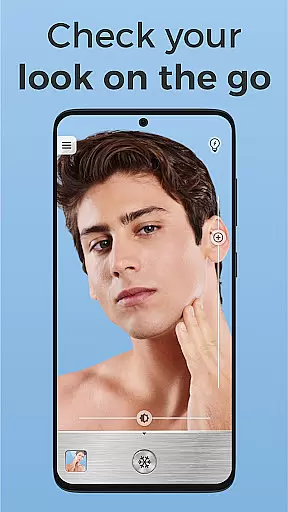
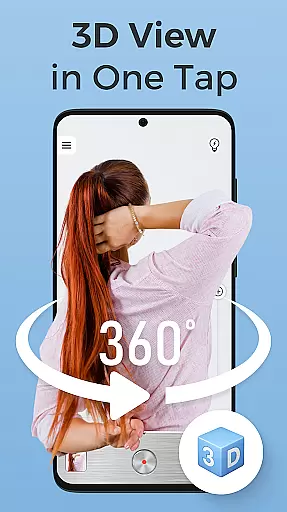
Mirror Plus is a versatile HD mirror app designed to transform your Android device into a high-definition true mirror. This free beauty mirror app not only magnifies your reflection but also illuminates it, making it perfect for precision grooming in any lighting condition. Whether you need a makeup mirror, a zoom mirror for detailed viewing, or a lighted mirror for dim environments, Mirror Plus offers all these features in one package.
With its True Reflection technology, this app allows you to see yourself as others see you, providing an unflipped image that's ideal for makeup application or shaving. The built-in makeup light ensures optimal visibility, while the zoom capabilities let you focus on every detail. Additionally, the app includes fun mirror effects and practical features like image freezing, making it more than just a simple face mirror.
This multi-functional beauty tool is perfect for anyone looking to enhance their grooming routine. From professional makeup artists to individuals who want a reliable mirror on the go, Mirror Plus combines practicality with entertainment, offering a full-screen mirror experience without the need to carry a physical mirror.
Mirror Plus stands out with its comprehensive set of features tailored for beauty and grooming needs. One of its key highlights is the True Reflection function, which provides an unflipped view of your image, allowing you to see yourself exactly as others do. This feature is particularly useful for makeup application and ensuring symmetry in your appearance.
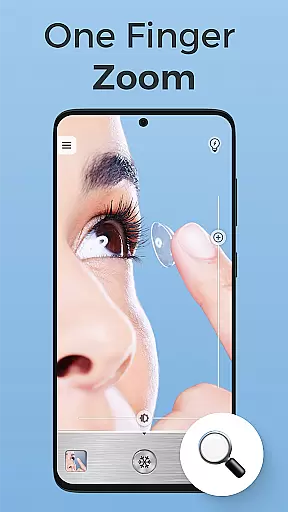
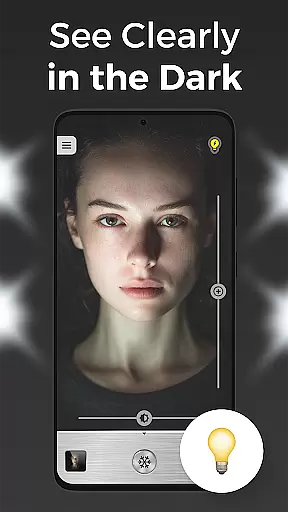
The app also includes a powerful zoom mirror capability, enabling users to magnify specific areas for detailed viewing. Whether you're applying makeup, shaving, or checking for imperfections, the zoom function makes it easier to notice every detail. Additionally, the lighted mirror feature integrates seamlessly with a built-in makeup light, enhancing visibility even in low-light conditions.
Beyond its practical uses, Mirror Plus offers fun mirror effects and imaging features. Users can freeze the mirror image to capture their look after grooming, create before-and-after collages, and enjoy entertaining filters while getting ready. These features combine to make Mirror Plus not just a functional tool but also an engaging beauty companion.
When it comes to beauty applications, having a comprehensive product database is essential for users seeking detailed information about various beauty products. Mirror Plus offers an extensive collection of beauty items, allowing users to explore and understand the ingredients, usage instructions, and benefits of each product.
The app's database is meticulously curated, ensuring that users have access to accurate and up-to-date information. Whether you're looking for specific skincare solutions or makeup recommendations, Mirror Plus provides detailed insights into product formulations and compatibility with different skin types.
By leveraging this in-depth product database, users can make informed decisions about their beauty routines. The availability of such detailed information empowers individuals to choose products that align with their personal preferences and requirements, enhancing their overall grooming experience.
Ultimately, the depth of Mirror Plus's product database serves as a valuable resource for beauty enthusiasts. It not only aids in product discovery but also fosters a deeper understanding of beauty products, enabling users to refine their routines with confidence and precision.
In the realm of beauty apps, personalization is key to delivering a tailored user experience. Mirror Plus excels in providing precise personalization options that cater to individual preferences and needs. By analyzing user data and behavior, the app delivers customized recommendations that enhance the grooming process.
The app employs advanced algorithms to learn user preferences over time, ensuring that each interaction is more personalized than the last. Whether adjusting lighting settings for optimal makeup application or suggesting products based on past selections, Mirror Plus adapts to provide a bespoke experience.
This level of personalization ensures that users receive relevant suggestions and features that truly resonate with their unique beauty routines. As a result, individuals can achieve more satisfactory outcomes, whether they are perfecting their makeup or refining their skincare regimen.
With its focus on personalization precision, Mirror Plus stands out as a sophisticated beauty tool. Users benefit from an intuitive and adaptive interface that evolves with their changing preferences, making daily grooming tasks more efficient and enjoyable.
User-friendly interface
High-definition reflections
Built-in makeup light
Fun mirror effects
Zoom and freeze features
May drain battery faster
Limited customization options
Requires good front camera
No advanced editing tools
Ads in free version

Blushify is a beauty camera for makeup, face editing, and glowing selfies!
 4.70
4.70
A tool that brings skin care and technology together at your fingertips.
4.50
Professional HD Camera App: Capture Bright HD Selfie & Record Stunning Moments
4.40
Enjoy convenience wherever you are with the Tune Up, The Manly Salon app.
3.20
Face Makeup Camera: Photo makeup app and perfect Lipstick app, beauty lip filler
4.70
Beauty camera & Selfie camera for perfect selfie with filter, sticker, makeup
4.70
Beauty/age defining ai coach guides you through the exercises in daily routine.
3.30
Seasonal color palette, my personal color, hair color changer, makeup, wardrobe
4.20
Snap stunning selfies with AI from the Sweet Beauty Camera editor
4.10
Beauty Camera & Selfie Camera snap Beauty selfie with filter, makeup, stickers
4.80
Manage your daily skin care beauty regimen & track your skin's progress.
4.70
Photo enhancer 360, image enhancement, restore old photos, colorize photo ai
4.70
HD Camera, Selfie Camera, Camera filters, is a fully featured 4K camera
4.60
Beauty Camera - Selfie Camera with sweet selfie, makeup, filter, sticker, editor
4.50
Try on different hairstyles and hair colors, glasses and jackets | Cartoon face
4.10
The all new Cosmo Prof app offers exclusive pro products, deals, and training.
4.00
Design your nails, manicure and pedicure with nail paint art and nail idea app
3.90
This barber game allows you to create and design hair styles on diverse people
3.80
Your Personal Stylist for Smart Shopping, Beauty & Styling Outfits.
4.3


User Reviews